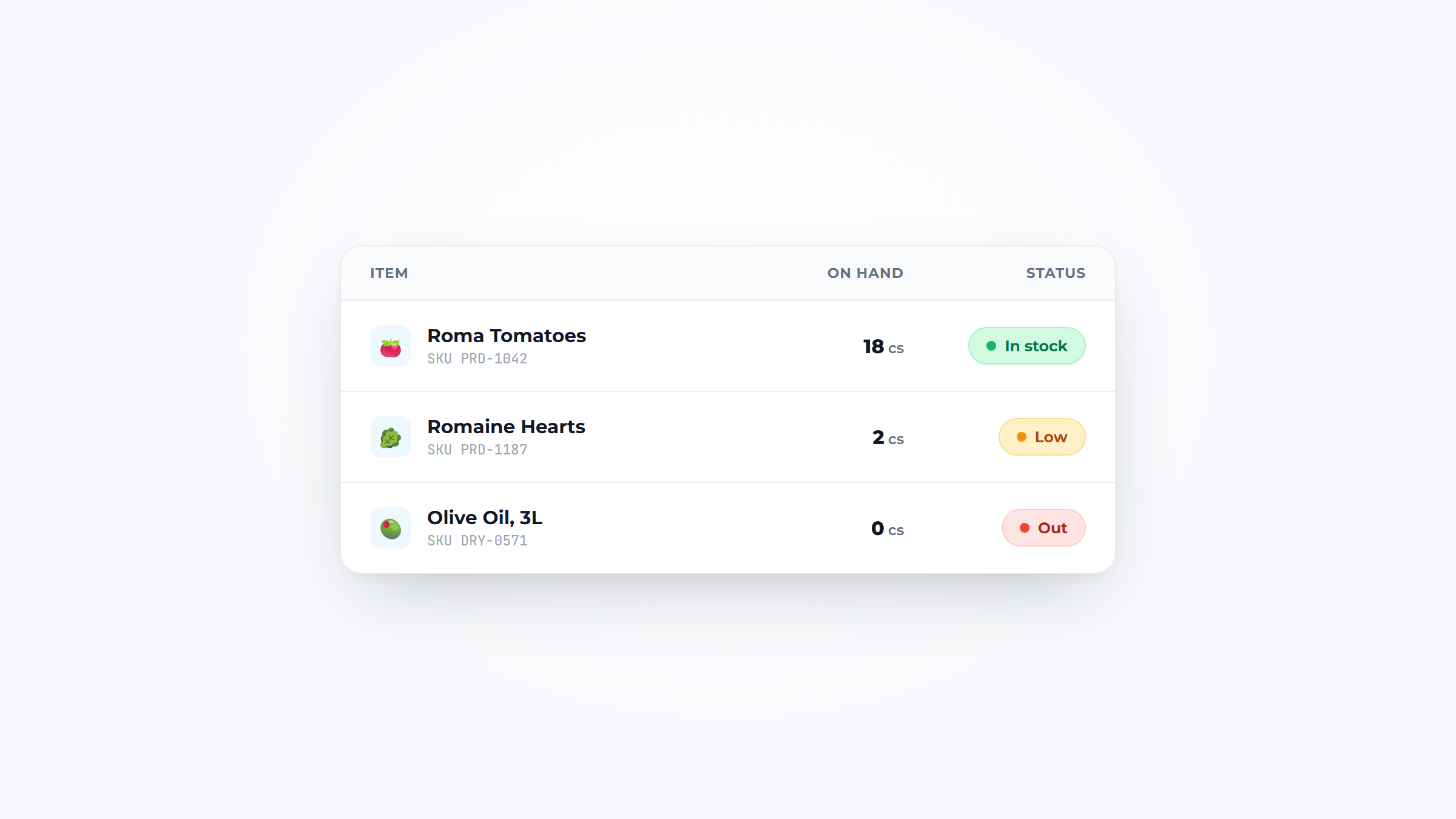
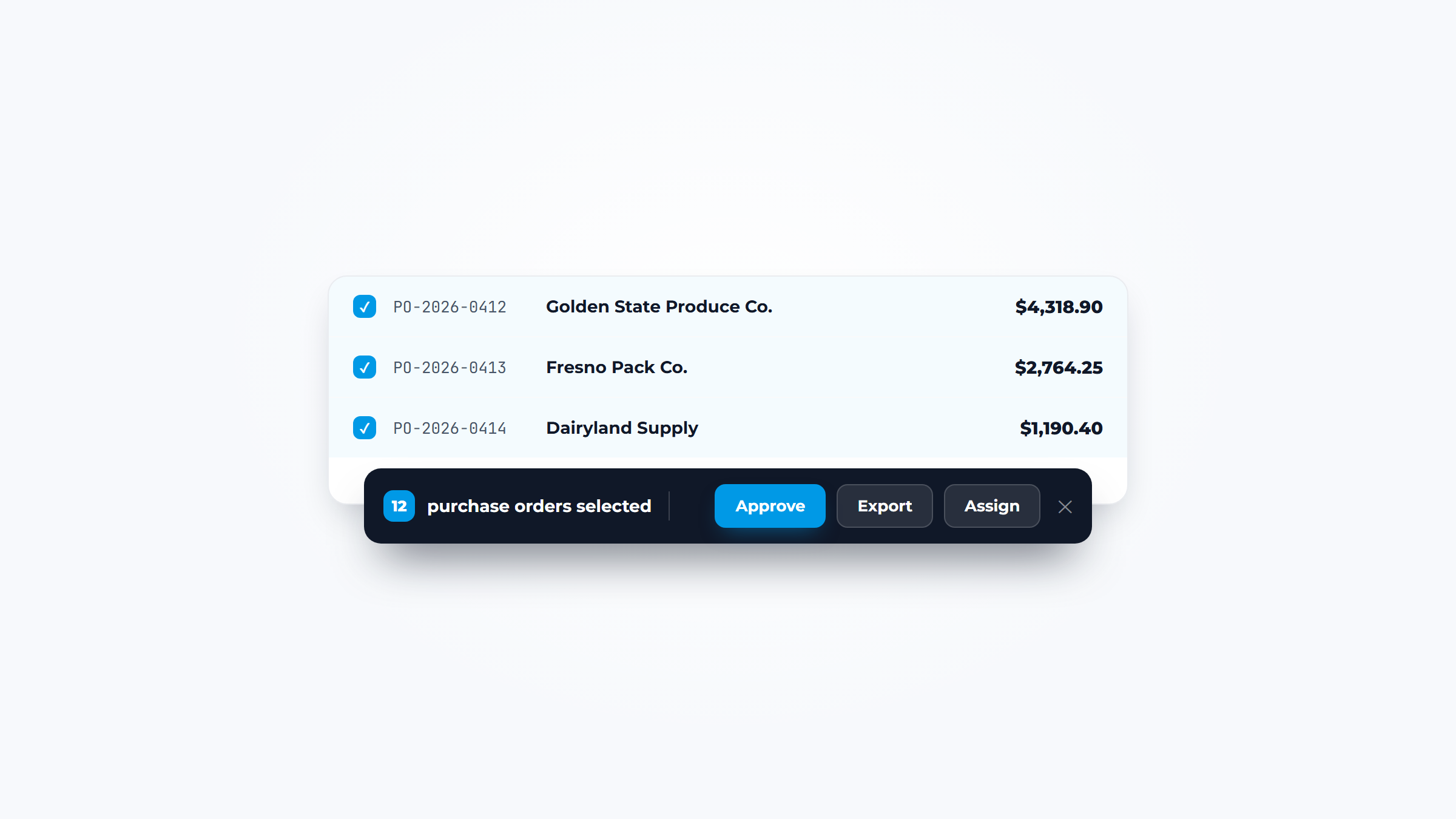
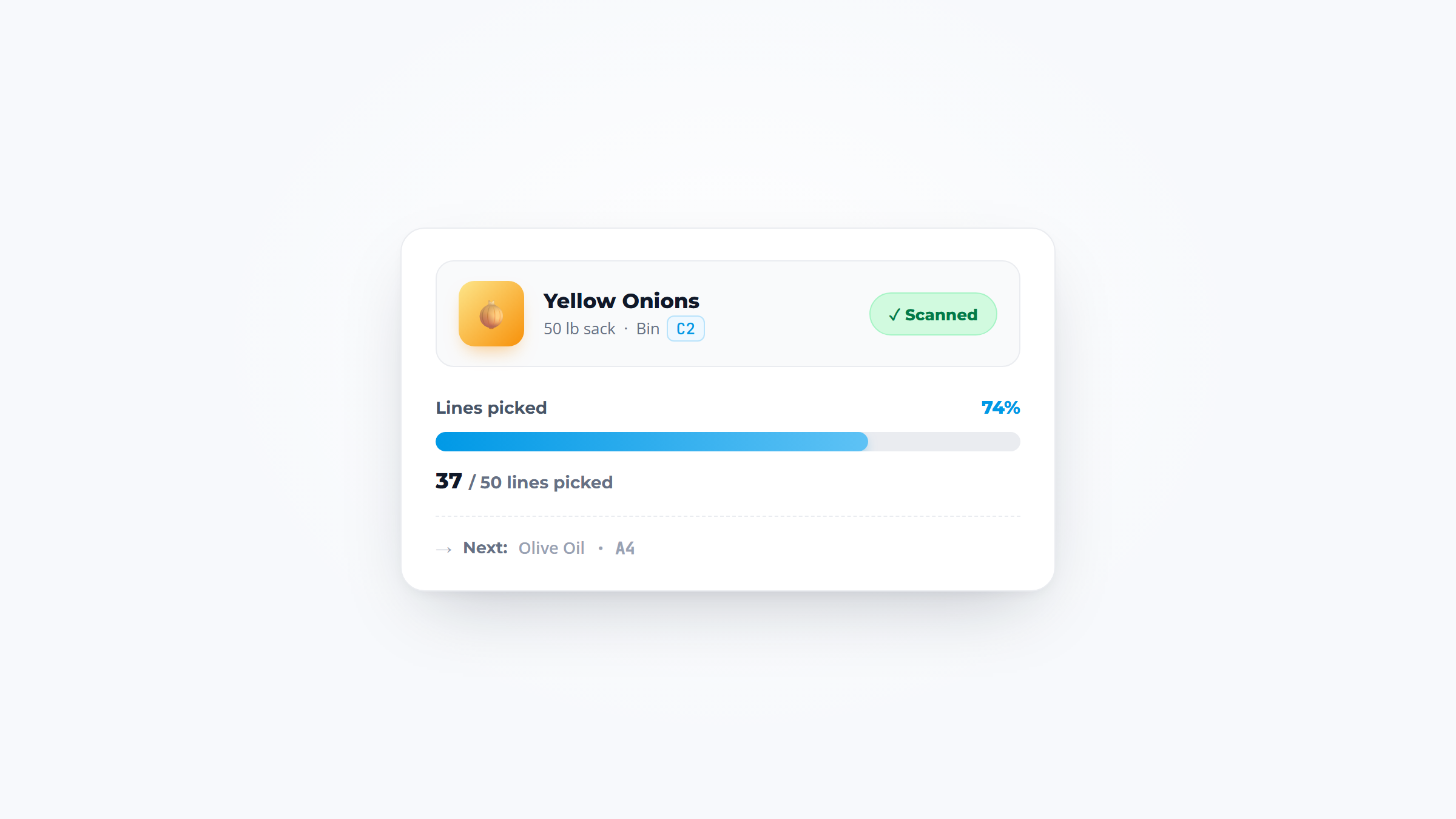
.webp)
Key takeaways:
Most small businesses do not have an inventory problem. They have a "nobody has counted the back room since March" problem, which produces the same symptoms: cash tied up in stock nobody needs, and the one item customers actually want out of stock.
Inventory management for small business is often presented as a software decision, and it usually isn't. The businesses that fix it typically start with a routine and a pair of numbers, then buy a tool once they know what they need it to do.
This guide covers the practical setup: what to count, how often, how to know when to reorder, and when a spreadsheet genuinely stops being enough.
Inventory management for small business is knowing what you have, what it is worth, what is moving, and what to reorder before you run out. For a small business that usually means a few hundred items rather than a few thousand, which changes the answer considerably.
At that scale, the goal is not sophisticated optimization. It is having numbers that are close enough to trust on a Tuesday morning, so ordering decisions stop being guesses and the person placing them does not have to walk the storeroom first.
Food businesses have a tighter version of the same problem, since restaurant inventory management has to account for spoilage as well as sales. Three jobs sit inside it. Tracking answers what you hold right now. Valuation answers what that stock is worth, which your accountant needs. Replenishment answers what to buy and when, which is where the actual money is saved or lost.
Most small businesses do the first adequately, the second once a year under duress, and the third from memory.
The cost of poor inventory management is easy to underestimate because it arrives as several small losses rather than one visible bill.
At industry scale the number is large. IHL Group estimates the global retail industry loses roughly $1.73 trillion a year to inventory distortion, meaning out-of-stocks and overstocks together, equal to about 6.5% of global retail sales. Small businesses are not exempt from that pattern; they simply absorb it privately.
For an individual operation the losses show up in four places: cash sitting in stock that isn't selling, lost sales when a popular item runs out, waste when perishable stock expires, and staff time spent looking for things or driving to a supplier for an emergency top-up.
That last one is the most consistently ignored. An hour a week spent chasing stock is roughly fifty hours a year, more than a full working week, and it never appears as a line on any invoice.
Spreadsheets are a legitimate inventory system and plenty of small businesses run on them well. The question is not whether they are professional enough but whether yours has hit a limit.
| Signal | What it indicates | Spreadsheet still viable? |
|---|---|---|
| One person maintains it and knows the quirks | Key-person risk, not yet a system problem | Yes, but document it |
| Two people edit it and versions diverge | You need a single shared source of truth | Borderline |
| You count items you cannot identify by name | Barcodes would pay for themselves | Move to software |
| Stock lives in more than one location | Location tracking is manual and error-prone | Move to software |
| You reorder from memory rather than the sheet | The sheet is a record, not a tool | Fix the process first |
| Counts take more than two hours | Volume has outgrown manual entry | Move to software |
The row worth pausing on is the fifth. If nobody consults the spreadsheet before ordering, buying software will not change that; it will produce a more expensive record nobody consults. Fix the habit before the tooling.
Setting up inventory management for small business from scratch takes an afternoon for the structure and a few weeks for the discipline to stick. The order of these steps matters.
Step two does more work than it looks. When a supplier calls something "chicken breast 5kg" and your sheet says "chicken," every count and every order requires a translation that someone will eventually get wrong.
The reorder point is the only calculation here, and it is deliberately simple: average usage during the lead time, plus a safety buffer.
If you use roughly 12 cases of an item a week, your supplier delivers three days after ordering, and you want a two-day cushion, then the reorder point has to cover five days: three days of lead-time usage plus two days of buffer, or roughly 8.5 cases. Round up to 9 and that is your reorder point. When the count hits 9, you order, regardless of what the shelf looks like.
The buffer should reflect how unreliable that specific supplier is rather than a single company-wide number. An item that arrives late one week in four needs a bigger cushion than one that has never missed. Once you have the cushion, a reorder point calculator gives you the trigger level and the days left before you reach it.
Treating every item as equally important is the most expensive simplification in small-business inventory. A tin of paprika and your highest-volume protein do not deserve the same attention, and giving them the same attention means the protein gets too little.
The standard fix is an ABC split, and it takes about an hour. Multiply each item's unit cost by how many you use in a typical month to get its monthly spend, then sort the list descending. The top group, usually around 20% of items, will account for roughly 70 to 80% of your spend. That is your A group.
That imbalance is the reason the exercise is worth an hour, because it shows you where counting time actually pays back.

Count A items weekly, B items monthly, and C items quarterly or when something looks obviously wrong. Set tighter safety buffers on A items too, because a stockout there costs real sales while a stockout in the C group is an inconvenience.
The exercise usually produces one surprise: an item nobody thinks about turns out to be a top-five spend line because it is bought constantly in small amounts. That single finding often pays for the hour. Businesses tracking this in a wholesale inventory system can sort by spend directly rather than building the list by hand.
There are two workable approaches for a small business, and the choice is mostly about temperament and volume.
A full count means counting everything on the same day, usually monthly or quarterly. It gives a clean valuation and is straightforward to schedule, but it takes hours, and because it is disruptive it gets postponed, which is how businesses end up counting twice a year.
Cycle counting means counting a small subset frequently, so a portion of your items gets checked every week and everything is covered over a month. It takes fifteen minutes rather than four hours, catches discrepancies while they are still traceable, and rarely gets skipped because it is small.
For most small businesses cycle counting wins, with one full count a year for the accountant. Weight the frequency by value and movement: count your fastest-moving and most expensive items weekly and the long tail monthly, because a discrepancy in a high-turnover item costs far more than one in something that sits. Where a supplier offers inventory visibility against what you have ordered from them, use it to cross-check the count rather than replace it.
The most useful question when you shop is which stage your business has reached, because each stage solves a different problem at a different price. There are roughly four, and the expensive mistake is skipping one.
The prices below come from each vendor's own pricing page, read on October 7, 2026. Several quote a lower rate for annual billing, so check the billing basis before you compare two figures.
| Stage | What it looks like | Example tools and starting price | Sign you've outgrown it |
|---|---|---|---|
| 1. Shared spreadsheet | One sheet, one naming convention, one counting day | Google Sheets or Excel you already have | Two people edit at once, or a count takes over two hours |
| 2. Inventory inside a tool you already pay for | Stock tracked in your POS or accounting software | Square Plus, $49 a month per location; QuickBooks Online Plus, $140 a month | Counting and reordering need more than the host plan offers |
| 3. Standalone inventory app | A dedicated phone app with barcode scanning | Sortly, free for 100 items, then $49 a month on monthly billing, less on a yearly plan; Zoho Inventory, free for 50 orders a month, then $29 a month billed annually | Sales orders, purchasing and stock need one shared record |
| 4. Full inventory management system for small business | Sales and purchase orders, several locations, integrations | inFlow Inventory, from $99 a month billed annually; Fishbowl, from $229 a month billed annually; Cin7 Core, from $349 a month | Few small businesses outgrow this stage |
Stage two is the one people skip, and it's often the cheapest real upgrade. QuickBooks Online's four plans run $38, $85, $140 and $340 a month, and inventory tracking first appears on Plus. Square's $49 Plus plan adds stock intake and purchase orders, so if either tool already runs your sales or books, the feature you need may be one plan up.
Run the trial with the person who counts stock, not the person paying for it. Hand them 20 real items, a phone and no instructions, then time a shelf count. If a new hire can't finish it unaided in the first session, the records will drift within weeks.
The same tool can pass one trial and fail the one that matters.

Before you sign, export your item list to a CSV file and open it. A tool you can't leave is a cost you haven't priced, and good small business inventory management depends on owning your own item data.
Inventory software tells you what you're short of, but getting that order to the supplier is a separate step, and it's the one that most often leaves no record. A reorder placed by phone or by text from someone's own handset gives you nothing to check against when a case goes missing.
The fix is a handful of habits rather than a new system. A paper trail only has to let you prove, a week later, exactly what you asked for and when the supplier accepted it.
Each of these takes seconds per order, and together they turn a disputed delivery into a lookup instead of an argument.
The fifth habit is where the record pays off. Logging a shortfall and claiming the credit is a receiving job of its own, but it starts from a matched order rather than from what somebody remembers saying on the phone.
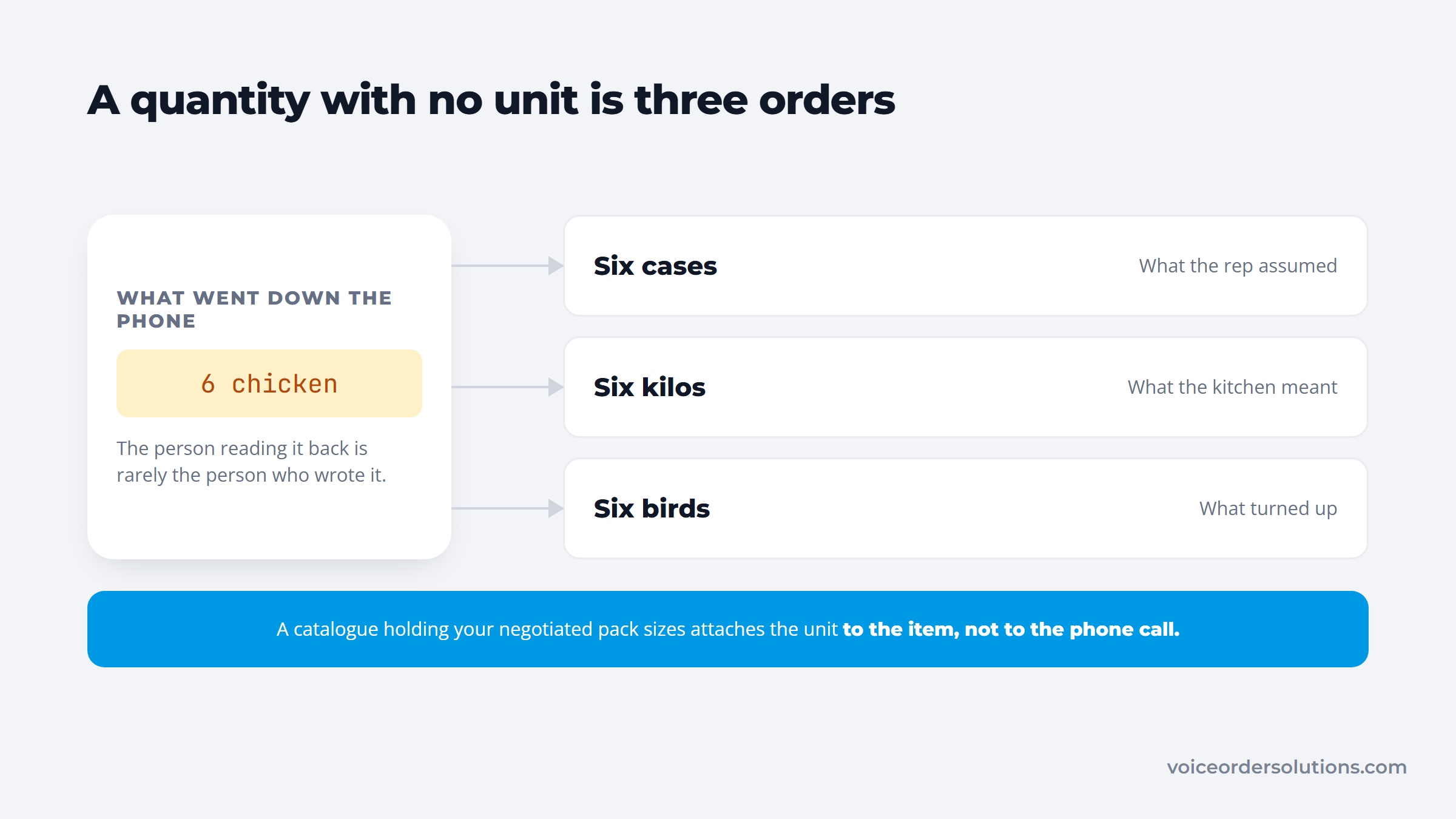
Habit three does the same job at the other end. A quantity that leaves without its unit arrives as somebody's best guess.
If you buy from a food distributor, ask how it takes orders and what record it keeps of each one. The answer tells you how much of the paper trail you have to build yourself.
Some independent food distributors set up VoiceOrder Solutions for their accounts. The account reviews every line before sending, and the order reaches the distributor's order desk digitized, confirmed, numbered and timestamped. When a case is short, the conversation starts from a numbered order on the distributor's side rather than from two recollections of a phone call.
Whatever channel you use, the test is the same. A week after a delivery, can you find the order number and the supplier's confirmation in under a minute? If not, the gap sits in the ordering step, and better counting won't close it.
Budgeting for inventory management means counting three things: the software, the hardware, and the labor.
Software for a small business runs from free tiers to entry plans of about $350 a month. Standalone apps such as Sortly and Zoho Inventory offer free plans and paid tiers under $50 a month, while full systems start at $99 to $349 on the vendors' October 2026 pricing pages. Per-user pricing most often makes a cheap-looking option expensive. Hardware is usually optional now, since phone cameras handle barcode scanning acceptably for low volumes.
Handling supplier paperwork belongs in the same budget, which is why invoice capture software is often the second purchase after an inventory tool. Labor is the largest line and the one nobody budgets. Fifteen minutes of cycle counting three times a week is roughly 40 hours a year; a monthly full count is comparable. That time is real whether or not it appears in a spreadsheet.
The ordering side carries its own cost. APQC benchmarking finds organizations spend anywhere from about $14 to more than $54 to process a single purchase order, and attributes the spread mainly to how the process is structured rather than which system is installed. Even at the low end, a business placing several orders a week is spending meaningfully on the administrative act of buying.
Your year-end count is more than an operations number. For a business that sells goods, the count sets cost of goods sold, and that figure decides how much of your revenue counts as profit on your tax return. What follows is general information, not tax advice, so check the specifics with your accountant.
IRS Publication 334, the Tax Guide for Small Business, walks sole proprietors through lines 35 to 42 of Schedule C. The table shows how your opening and closing counts frame the calculation.
| Schedule C line | What goes on it |
|---|---|
| 35 | Inventory at the beginning of the year, normally last year's closing figure |
| 36 | Purchases, less items you withdrew for personal use |
| 37 to 39 | Labor (not your own pay), materials and supplies, and other costs |
| 40 | Lines 35 through 39 added together |
| 41 | Inventory at the end of the year |
| 42 | Cost of goods sold: line 40 minus line 41 |
Start the year with $8,000 of stock, buy $50,000 and close at $10,000, and cost of goods sold is $48,000. Overstate the closing count by $2,000 and it drops to $46,000, so you report $2,000 of profit you never earned. Publication 334 also asks you to explain any gap between this year's opening figure and last year's closing one. A retail margin calculator runs the same kind of check one item at a time, from what a unit costs you and what it rings up at.
Section 471(c) of the Internal Revenue Code lets a business that passes the gross receipts test in section 448(c), and isn't a tax shelter, skip traditional inventory accounting. Revenue Procedure 2025-32 sets that test at average annual gross receipts of $32,000,000 or less over the prior three years, for tax years beginning in 2026.
A qualifying business can treat inventory as non-incidental materials and supplies, or follow the method in its financial statements or, if it has none, its own books and records. Either way, you still need to know what left the shelf, which is a count by another name.
Publication 538 covers the remaining choices: costing by specific identification, FIFO or LIFO, and valuing at cost or the lower of cost or market. Adopting LIFO takes Form 970 filed with that year's return, and changing methods later takes Form 3115. For small business inventory management, the habit that matters is a full count on the last day of your tax year, valued under the method you've chosen.
The same mistakes recur across small operations regardless of sector, and each has a cheap fix.
The last one causes more short deliveries than any other single error. "Six chicken" means nothing without knowing whether that is six cases, six kilos, or six birds, and the person reading it back is rarely the person who wrote it. Distributor order taking software that holds your negotiated pack sizes removes the ambiguity at source, because the unit is attached to the item rather than to the phone call.
Pick the twenty items that account for most of your spend and start there. Count them, name them properly, set a par level and a reorder point for each, and book fifteen minutes in the calendar twice a week to recount them.
That subset will cover the large majority of your inventory value and almost all of your stockout risk, and it is small enough that the habit survives a busy fortnight. Extend to the long tail once the routine holds rather than trying to instrument everything on day one.
Software becomes worth buying when the routine is working and the spreadsheet is the thing slowing it down, not before. Businesses that buy first usually end up with an accurate tool and the same inconsistent habits, and the same rule applies to automation layered on top of it.
Where the counting is under control but the ordering still runs through voicemail and text, ask the distributor what they can give you. VoiceOrder Solutions is the app an independent food distributor hands its accounts. Each order reaches the distributor's team digitized, confirmed and timestamped, and it runs alongside the distributor's existing inventory system. Distributors can contact VoiceOrder Solutions to see how it fits the systems already in place.
There is no single best inventory management for small business setup, and the honest selection criterion is which one your team will keep using. For businesses under a few hundred items, a well-structured spreadsheet with an agreed naming convention often outperforms a capable platform that staff find confusing.
Move to inventory management software for small business use when you need multiple people updating simultaneously, barcode scanning, or stock tracked across more than one location.
Count a small subset frequently rather than everything occasionally. Cycle counting your fastest-moving and highest-value items weekly, with the slower tail monthly, catches errors while they are still small enough to trace. Add one full physical count a year for your accounts. Businesses that only do quarterly full counts typically discover discrepancies months after the cause has become unknowable.
A spreadsheet is enough until one of four things happens: two people need to edit it at once, stock sits in more than one location, counts take longer than a couple of hours, or you need barcode scanning to avoid entry errors. Until then, effort is better spent on consistent counting and accurate item naming, since software applied to inconsistent habits produces tidier inaccurate data.
Multiply your average usage per day by the number of days your supplier takes to deliver, then add a safety buffer for that specific supplier's reliability.
If you use two cases a day and delivery takes three days, that is six cases, plus a buffer of perhaps two for a supplier that occasionally runs late, giving a reorder point of eight. Order when the count reaches that number rather than when the shelf looks empty.
The terms are used interchangeably in most small businesses, and the distinction is mainly one of scope. Stock control usually refers to the narrower task of tracking quantities on hand and reordering. Inventory management is generally used more broadly, adding valuation, turnover analysis, and purchasing decisions. If a vendor draws a sharp line between them, ask which specific functions their product covers rather than relying on the label.