.webp)
Key takeaways:
Getting orders out fast is key to keeping customers happy. Warehouse distribution software helps make that happen by organizing stock, tracking shipments, and speeding up order processing. It's like having a smart helper that manages tasks and cuts down mistakes.
With this kind of software, warehouses can run smoother, avoid delays, and handle more orders with less effort.
This article will show simple ways to use warehouse distribution software to make orders faster and keep things moving. Whether managing a small business or a large warehouse, these tips will help improve order speed and efficiency.
Warehouse distribution software is a system that helps manage how products move through a warehouse. Think of it as the brain behind sorting, storing, and shipping items quickly and accurately. Instead of doing everything by hand, this software organizes the work to make sure orders get out faster.
Here's what it usually does:
Because everything is organized in one place, the whole process runs smoother. This means fewer mistakes and faster deliveries. The software uses real-time data, so changes in stock or orders get updated immediately. This helps keep everyone on the same page.
Warehouse distribution software isn't just for big warehouses. Smaller businesses can use it too, saving time and cutting costs. It fits many types of operations and grows as the business does.
By automating routine tasks, the software frees up workers to focus on more important jobs. It also offers reports that show how well the warehouse is doing, helping improve things even more.
In simple terms, warehouse distribution software is like a helpful assistant that makes moving products easier and faster. It's a key part of modern warehouses that want to keep customers happy with quick, accurate orders.
Warehouse and distribution software is a loose label. Most of the tools reviewed below fall into four groups that solve different problems, and knowing which group you need narrows the list faster than any feature comparison.
Here is how the list maps onto those groups:
| Group | What it does | Tools on this list |
|---|---|---|
| Dedicated warehouse management system (WMS) | Directs the floor: receiving, putaway, picking, packing and labor, down to the bin | Logiwa IO, Deposco, SnapFulfil, InfoPlus |
| 3PL and fulfillment platforms | Runs warehouses for many clients, or rents you space in someone else's network | Extensiv, ShipBob |
| Inventory and order platforms | Tracks stock across locations and sales channels, with lighter warehouse features such as bins and barcode scanning | Fishbowl, Cin7, Linnworks, Zoho Inventory, Sortly |
| ERP with a warehouse module | Runs warehouse tasks inside the same system as accounting and purchasing | NetSuite ERP |
The practical difference is where each group stops. A dedicated WMS tells a picker which bin to walk to next and in what order. An inventory platform knows how many cases are in the building and, at most, which bin holds them; directing the pick path is the work a WMS is priced for.
That points to a simple way to choose. If you're shopping for warehouse distribution management software because pickers walk too far or ship the wrong items, start with the first group.
If the problem is that stock figures disagree between locations or channels, distribution software for warehouse management from the third group is usually enough. All five of those publish a starting price, while every tool in the first group is quoted custom.
The tools below cover a range of warehouse distribution needs, from inventory tracking and picking automation to multi-channel order management and global fulfillment. Look for easy setup, real-time updates, and clear reports. These features cut delays and keep orders moving fast every step of the way.
| # | Tool Name | Best for | What it's mainly used for | Key Features | Main Limitations | Ease of Use | Pricing | Our Rating |
|---|---|---|---|---|---|---|---|---|
| 1 | VoiceOrder Solutions | Food distributors, voice order intake | Voice-powered ordering for food distributors | Voice capture, 24/7 ordering, email/EDI/API integration | Focused on order intake, not full WMS | Very easy | Custom (quote) | ⭐⭐⭐⭐⭐ |
| 2 | Fishbowl | AI inventory, multi-warehouse | Inventory tracking and order automation | AI reorder automation, barcode scanning, multi-warehouse tracking | Complex setup for small teams, steep learning curve | Medium | From $4,395 (one-time) + per-user fees | ⭐⭐⭐⭐ |
| 3 | Cin7 | Multi-channel selling, AI forecast | Inventory and order management | AI forecasting, B2B portal, 700+ app integrations | Setup complexity, pricey for small businesses | Medium | From $349/month | ⭐⭐⭐⭐ |
| 4 | Extensiv | Automation, labor analytics | Streamlining order workflows | Automated workflows, labor analytics, network management | Pricing not transparent, needs training | Medium | Custom pricing | ⭐⭐⭐⭐ |
| 5 | Logiwa IO | Large volume, 3PL, AI | Warehouse automation and labor | AI labor management, open API, real-time syncing | Pricing unclear, complex for small teams | Medium | Custom pricing | ⭐⭐⭐⭐ |
| 6 | ShipBob | Global shipping, ecommerce B2B | Fulfillment and shipping | Automated inventory placement, omnichannel support, global shipping | Pricing not transparent, less suited to small teams | Easy | Custom pricing | ⭐⭐⭐⭐ |
| 7 | InfoPlus | Inventory and shipping | Warehouse control and reporting | Inventory tracking, shipping optimization, API integrations | Complex for small teams, extra cost for services | Medium | Custom / Free trial | ⭐⭐⭐ |
| 8 | Linnworks | Multi-channel retail | Inventory and order sync | Automated order processing, real-time inventory, warehouse management | Pricing may be high, setup complex | Medium | From $150/month | ⭐⭐⭐⭐ |
| 9 | Deposco | AI, large volume | Order fulfillment and planning | AI automation, forecasting, 3PL client portal | Pricing not transparent, longer implementation | Hard | Custom pricing | ⭐⭐⭐⭐ |
| 10 | SnapFulfil | Data analytics, automation | Warehouse data and task automation | Centralized analytics, device-agnostic automation, support services | Pricing unclear, complex for small teams | Medium | Custom pricing | ⭐⭐⭐ |
| 11 | Sortly | Inventory tracking, mobile | Organizing inventory and supplies | Barcode/QR scanning, stock alerts, cloud sync | Limited user roles, pricing high for small teams | Very easy | From $39/month | ⭐⭐⭐ |
| 12 | Zoho Inventory | Multi-channel, shipping | Inventory and order management | Multi-warehouse, serial tracking, shipping label creation | Costs rise with scale, technical setup needed | Easy | Free to $249/month | ⭐⭐⭐⭐ |
| 13 | NetSuite ERP | All-in-one business system | Financial and warehouse management | Automation, AI support, real-time inventory tracking | Complex for small teams, high setup cost | Hard | Custom enterprise pricing | ⭐⭐⭐ |
Overview
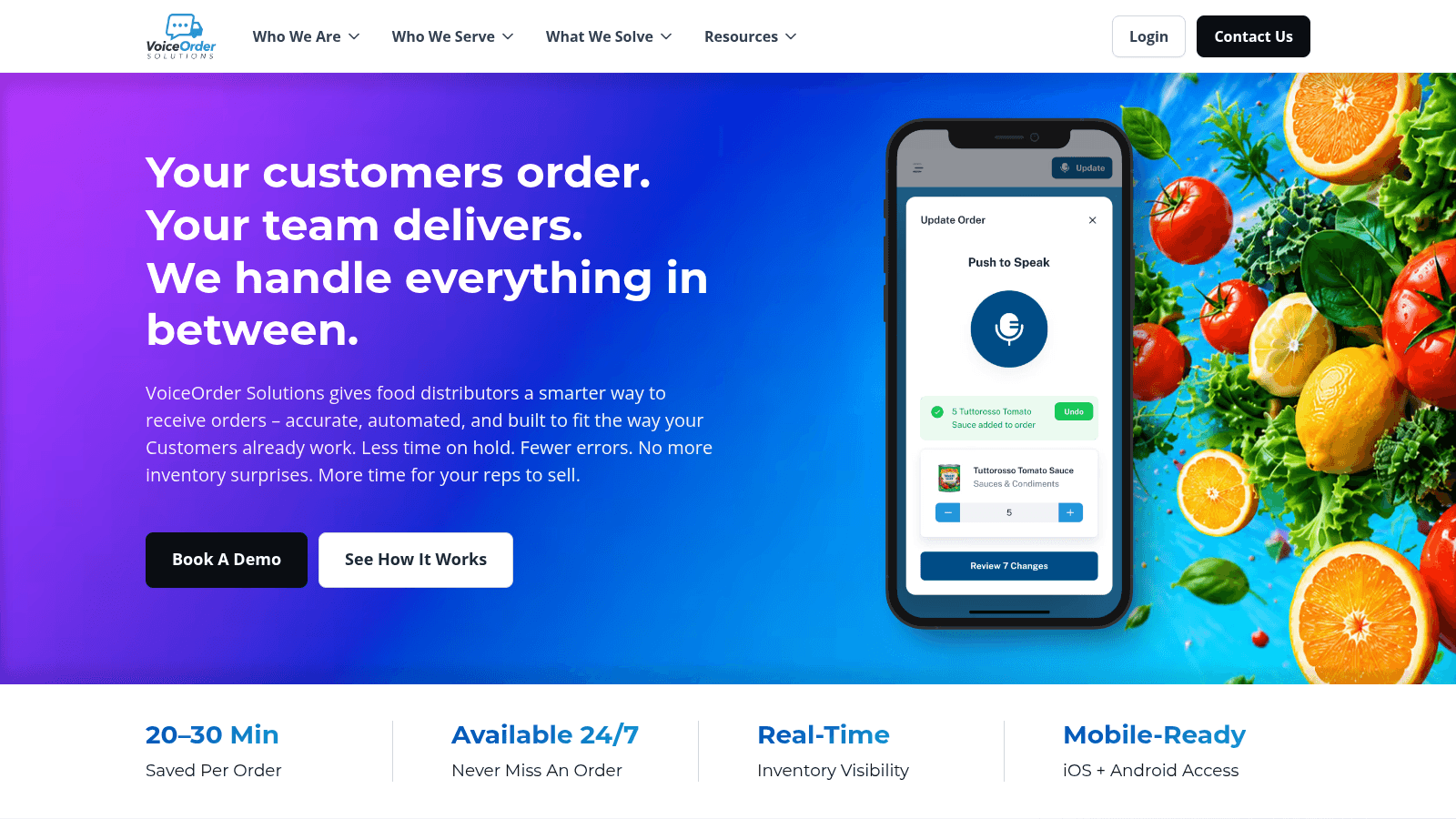
VoiceOrder Solutions is a voice-powered ordering tool built for food distributors. Rather than logging incoming customer orders from restaurant buyers by hand, distribution teams can receive those orders by voice, with the platform digitizing, confirming, and transmitting each order automatically into existing workflows via email, EDI, or API.
Setup takes 24–48 hours, no hardware installation is required, and the app runs on iOS and Android.
Key Features
Pricing
Contact VoiceOrder Solutions for a custom quote. Pricing is available on request.
Pros & Cons
Why It's a Good Warehouse Distribution Software
VoiceOrder Solutions fits food distributors who still receive customer orders by phone and enter them manually. It removes that data entry step by capturing and transmitting orders automatically, reducing errors at the intake stage before orders reach the warehouse system.
Final Verdict
A strong choice for food distributors looking to eliminate manual order entry at the intake stage, without replacing the warehouse management tools that handle fulfilment and stock tracking.
Overview
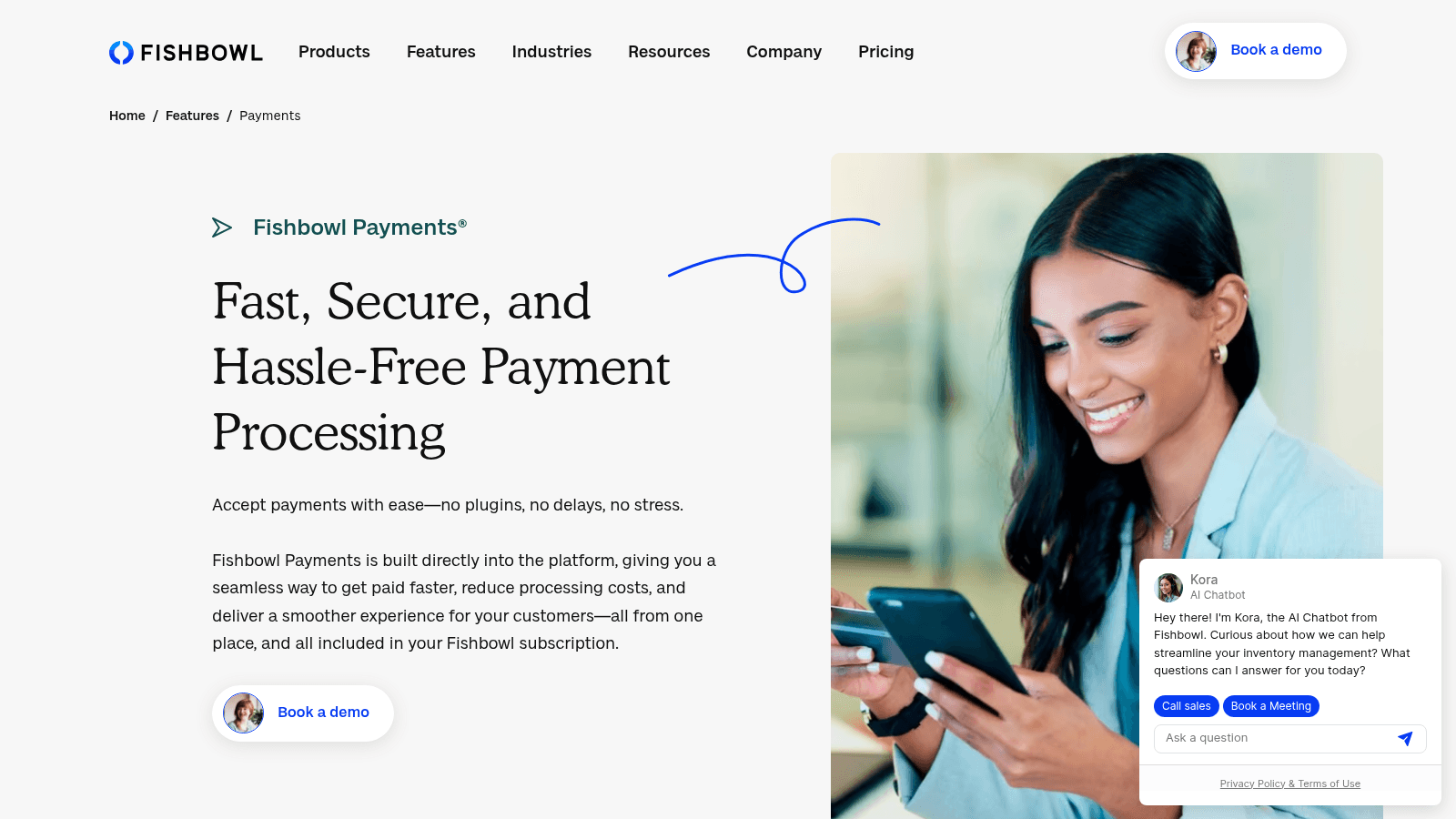
Fishbowl is warehouse and distribution software built to work alongside QuickBooks and Xero for integrated inventory and accounting management. It helps businesses track inventory across multiple warehouse locations in real time and uses AI to automate reordering and streamline daily operations.
The software manages purchase orders, manufacturing orders, and work orders, connecting inventory data with financial records. It is designed to reduce stockouts and lower inventory costs for operations that need detailed multi-warehouse control.
Key Features
Pricing
From $4,395 (one-time) plus per-user fees. Contact Fishbowl for a full pricing breakdown.
Pros & Cons
Why It's a Good Warehouse Distribution Software
Fishbowl connects inventory, manufacturing, and accounting data in one place, helping teams managing multiple warehouses keep orders on track and avoid stockouts.
Final Verdict
Fishbowl provides AI-driven inventory and order management with strong accounting integrations, suited to teams needing detailed multi-warehouse control.
Overview
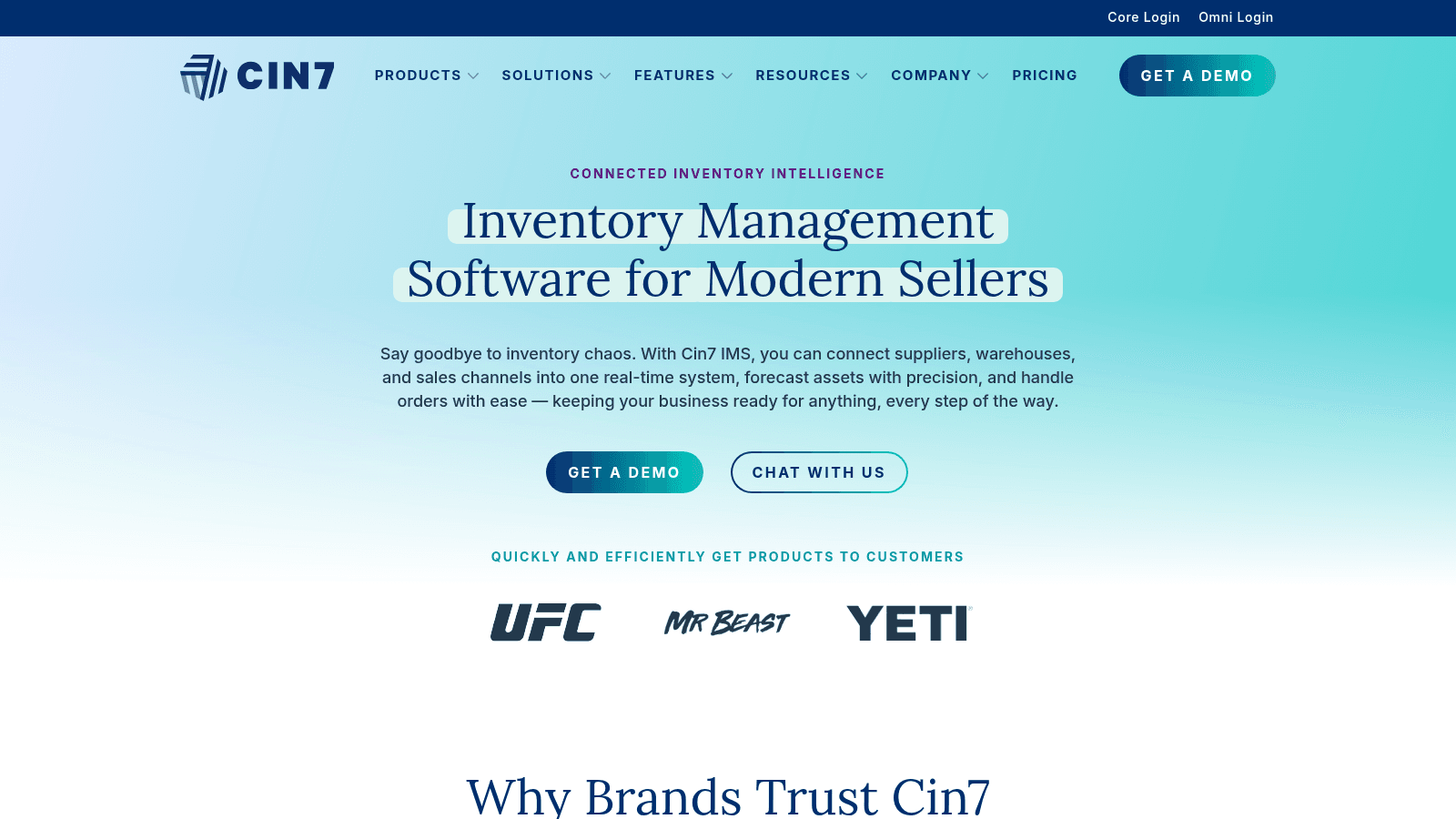
Cin7 is a cloud-based inventory and operations platform built for real-time stock tracking across multiple locations and sales channels. It processes over 125 million orders annually and offers two main configurations: Cin7 Core for standard use and Cin7 Omni for more customized setups.
The platform connects with more than 700 apps including Shopify, Amazon, and QuickBooks. It covers inventory, warehouse management, purchasing, orders, accounting, and AI-driven forecasting through ForesightAI.
Key Features
Pricing
From $349/month for up to six e-commerce or app integrations.
Pros & Cons
Why It's a Good Warehouse Distribution Software
Cin7 combines inventory and warehouse management with multi-channel order processing and AI forecasting, making it a strong fit for businesses managing stock across multiple locations.
Final Verdict
Cin7 offers a comprehensive platform for real-time inventory control and multi-channel order management but involves a learning curve for smaller teams.
Overview
Extensiv is warehouse distribution software designed to automate operations and reduce order processing time across fulfillment workflows. It helps lower costs linked to integration and labor while supporting quick onboarding so teams can start moving orders faster.
The platform adapts to growing order volumes and international markets without requiring major infrastructure changes. It also streamlines day-to-day tasks like picking and packing to reduce manual effort at each step.
Key Features
Pricing
Custom pricing based on warehouse size and order volume. Contact Extensiv for a quote.
Pros & Cons
Why It's a Good Warehouse Distribution Software
Extensiv handles high order volumes and complex workflows with strong automation, making it well suited for distribution operations looking to scale without adding headcount.
Final Verdict
Extensiv offers detailed warehouse distribution management with robust automation, better suited to larger operations managing fast-growing order demands than to small or simple setups.
Overview
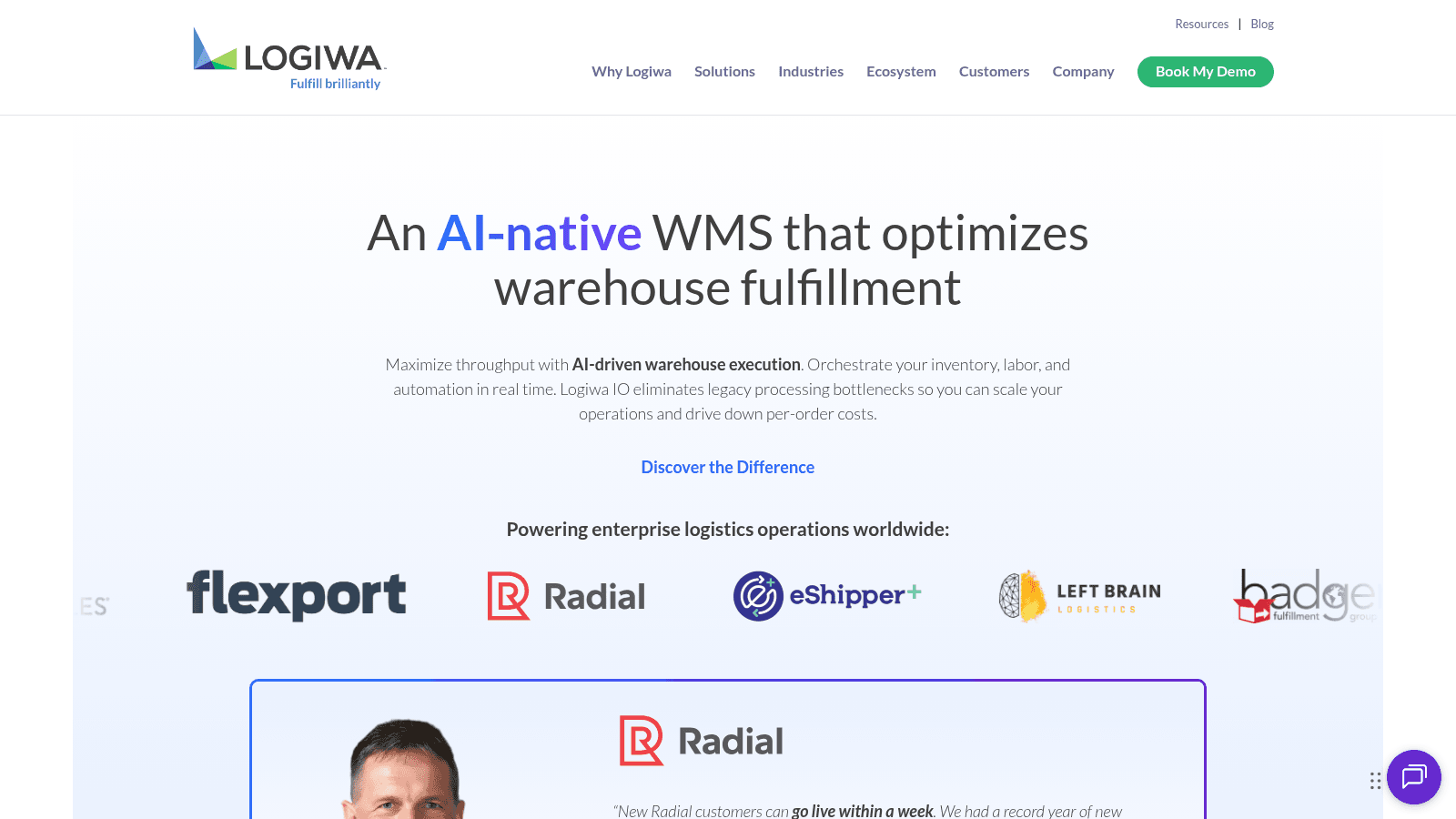
Logiwa IO is a warehouse management system built for high-volume businesses and third-party logistics providers. It uses AI to manage inventory, labor, and automation in real time, with the goal of speeding up order fulfillment and lowering cost per order.
The system is built on an open, API-first architecture that supports integration with niche tools from the Logiwa App Store. Setup and scaling are designed to take days rather than months.
Key Features
Pricing
Custom pricing based on order volume. Contact Logiwa IO for a quote.
Pros & Cons
Why It's a Good Warehouse Distribution Software
Logiwa IO handles large-scale, complex warehouse operations with AI-powered automation and real-time data syncing, making it a strong fit for 3PL providers and high-volume distributors.
Final Verdict
Logiwa IO offers scalable warehouse distribution software aimed at enterprises with high order volumes and a need for deep automation.
Overview
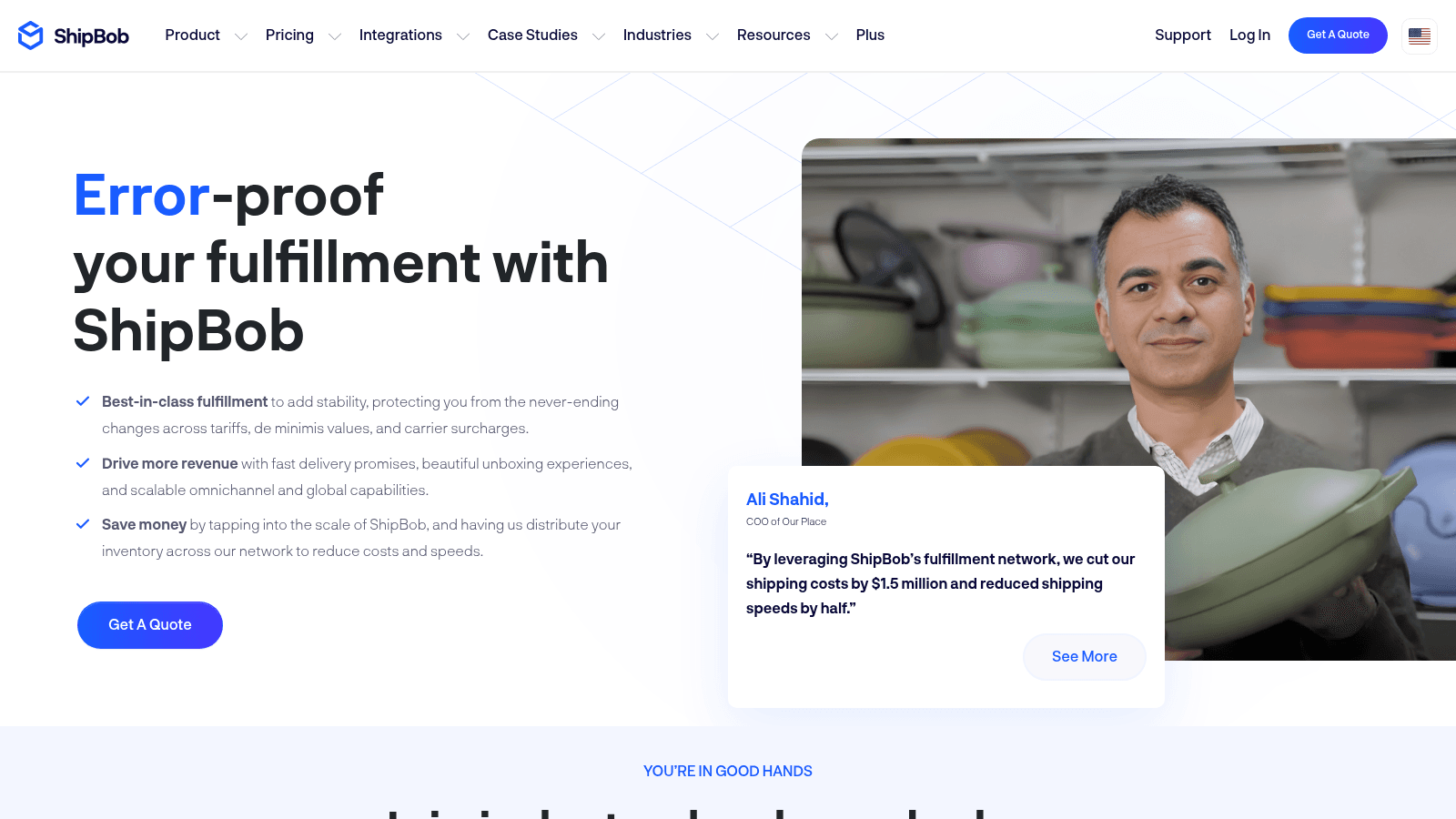
ShipBob is a global fulfillment and warehouse distribution platform with more than 60 fulfillment centers worldwide. It has processed over 300 million orders with strong accuracy and on-time shipping records, and supports both B2B and e-commerce fulfillment.
The platform automates inventory placement and offers 2-day shipping across the US, along with branded packaging options. It connects with more than 50 platforms including Shopify and Amazon, and supports shipping to over 250 global destinations.
Key Features
Pricing
Custom pricing based on order volume and storage. Contact ShipBob for a quote.
Pros & Cons
Why It's a Good Warehouse Distribution Software
ShipBob suits distribution businesses needing wide geographic reach and multi-channel fulfillment, particularly those handling both domestic and international orders at scale.
Final Verdict
ShipBob offers a comprehensive distribution warehouse management system focused on large-scale and global fulfillment, with less flexibility for smaller or simpler setups.
Overview
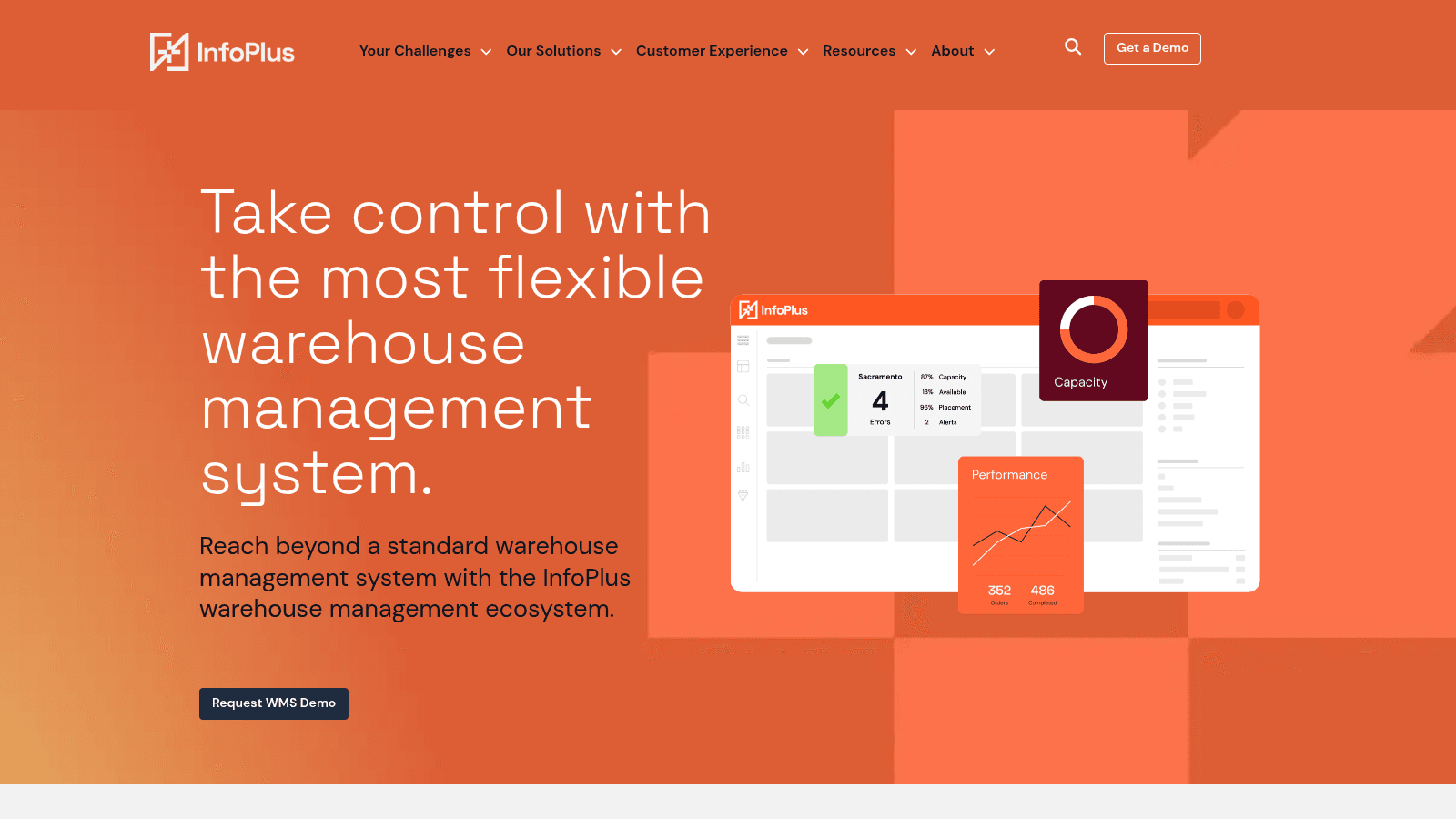
InfoPlus is warehouse and distribution management software that combines inventory control, order handling, shipping, and data reporting on one platform. It connects warehouse tasks to keep operations aligned and allows fulfillment steps to be adjusted for specific business needs.
The software includes tools for custom reporting and performance tracking, with support for setting up integrations across different systems. It offers a free trial for the first three months before paid plans apply.
Key Features
Pricing
Free trial for the first three months. Paid plans based on features and scale. Contact InfoPlus for pricing.
Pros & Cons
Why It's a Good Warehouse Distribution Software
InfoPlus organizes inventory, shipping, and reporting in one connected system, working well for businesses that need integrated control over their warehouse operations.
Final Verdict
InfoPlus offers a broad warehouse distribution software system suited to businesses wanting unified operational control, though it may be more than small or simple teams need.
Overview
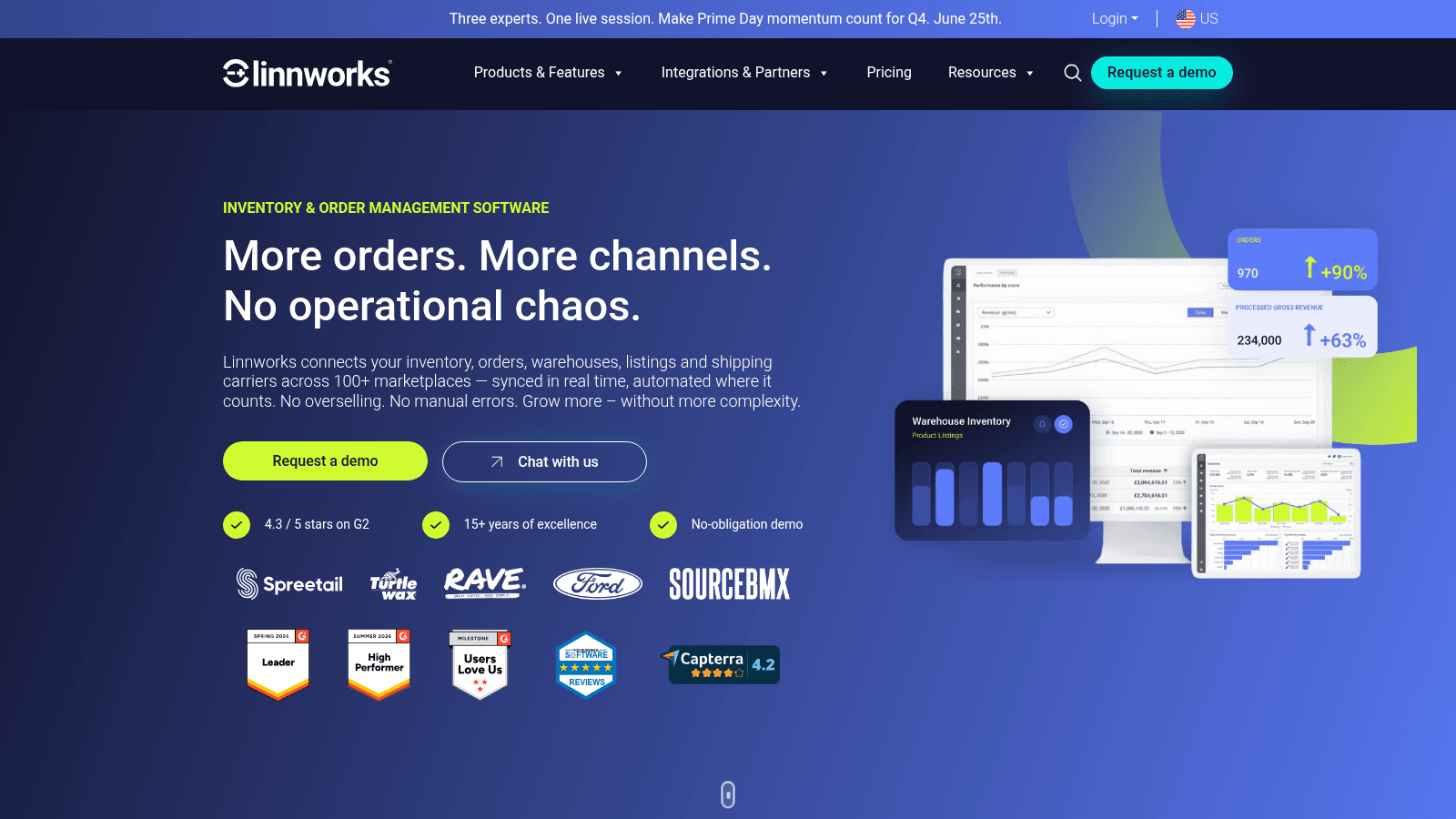
Linnworks is a multi-channel platform that syncs inventory, orders, and warehouse management across more than 100 marketplaces in real time. It handles millions of orders monthly and automates tasks from product listing through to shipping.
The platform supports stock forecasting, detailed reporting, and connects with existing systems through a wide range of integrations. It is designed to scale with growing businesses managing orders across multiple channels and locations.
Key Features
Pricing
From $150/month. Free trial available.
Pros & Cons
Why It's a Good Warehouse Distribution Software
Linnworks suits businesses managing orders and inventory across multiple sales channels and warehouse locations, with strong automation to keep data accurate at scale.
Final Verdict
Linnworks is a comprehensive system for multi-channel order and inventory management, better suited to mid-to-large businesses than small single-warehouse operations.
Overview
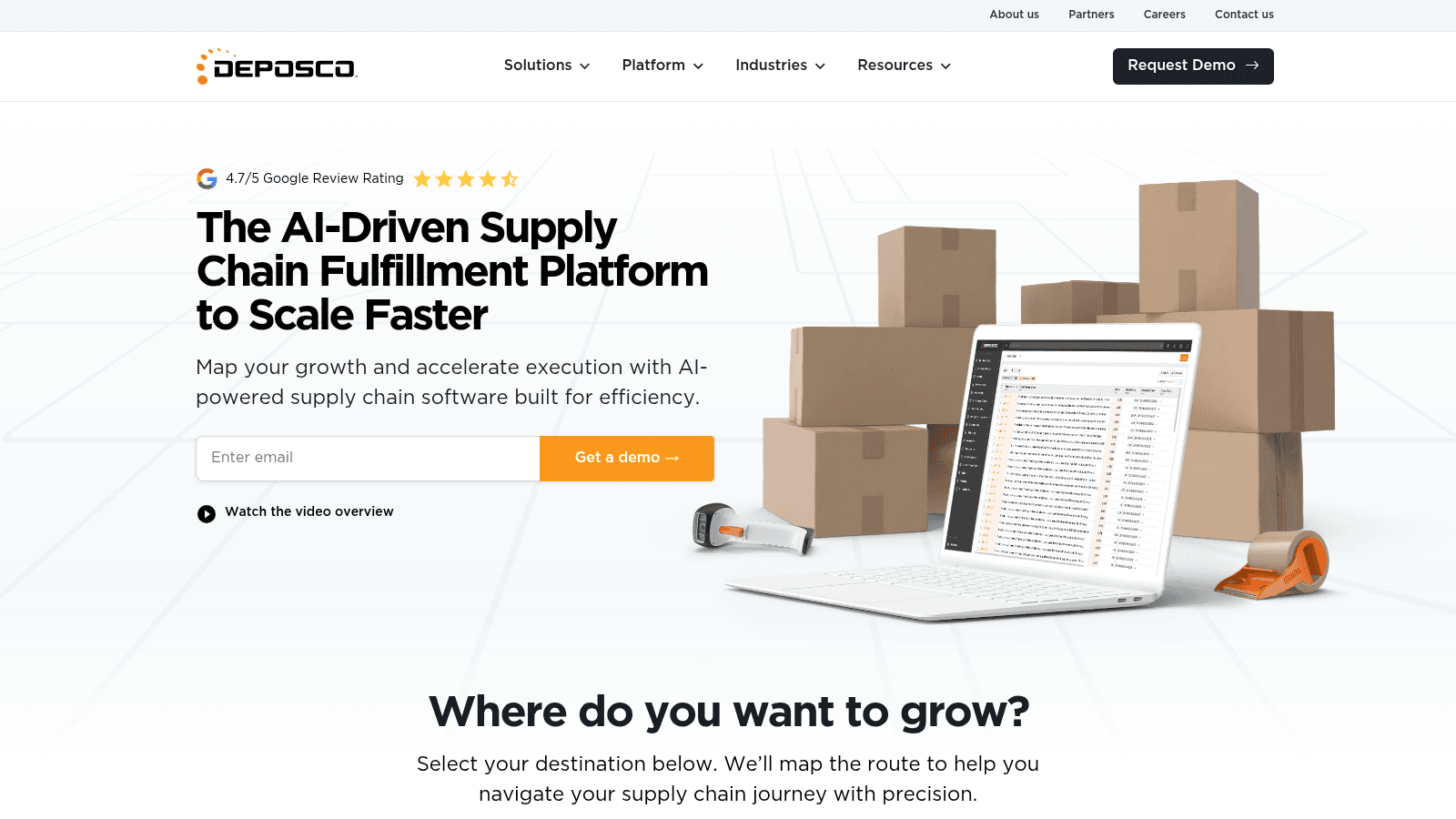
Deposco is an AI-powered warehouse and distribution software designed to speed up order fulfillment and manage supply chains at scale. It handles large order volumes with high accuracy and integrates with many third-party tools to fit into existing operations.
The platform includes automated warehouse tasks, forecasting, and a portal for third-party logistics clients. Setup typically takes less than 90 days.
Key Features
Pricing
Custom pricing based on business needs. Contact Deposco for a quote.
Pros & Cons
Why It's a Good Warehouse Distribution Software
Deposco handles complex, high-volume operations with AI automation and forecasting, making it a strong fit for distribution businesses managing multiple third-party logistics relationships.
Final Verdict
Deposco is a feature-rich warehouse distribution platform suited to mid-to-large operations needing detailed functionality and integration flexibility.
Overview
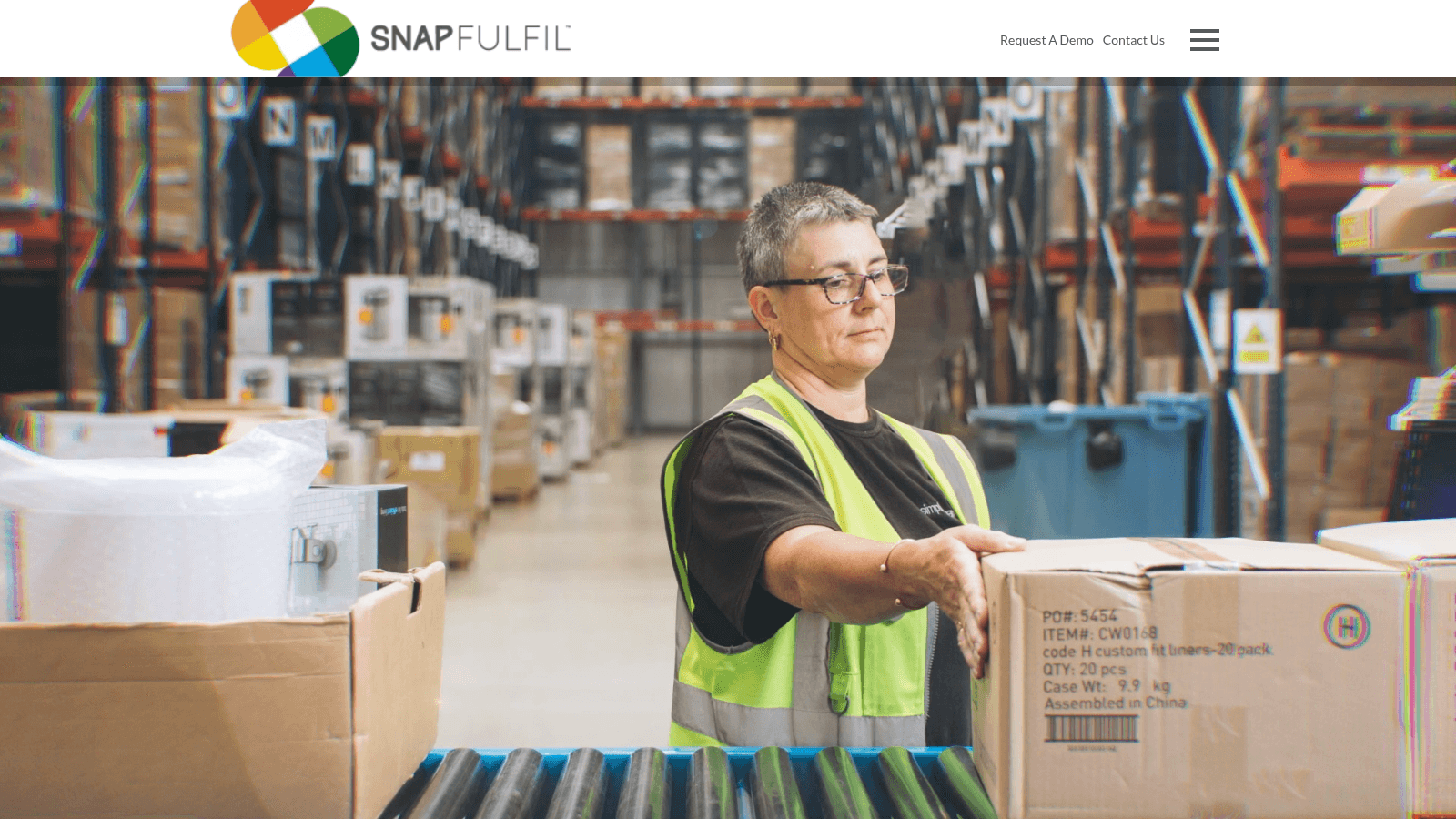
SnapFulfil is a cloud-based warehouse management system that serves industries including retail, e-commerce, and manufacturing. It manages warehouse operations through a web browser, making it accessible from any location without hardware restrictions.
The system collects and analyzes warehouse data centrally to help organize workflows and improve task coordination. SnapFulfil also includes project management and support services to assist with ongoing warehouse improvements.
Key Features
Pricing
Custom pricing. Contact SnapFulfil for a demo and quote.
Pros & Cons
Why It's a Good Warehouse Distribution Software
SnapFulfil combines data monitoring with automation to organize order handling and stock management across different warehouse environments, suiting mid-to-large operations with diverse needs.
Final Verdict
SnapFulfil offers a cloud warehouse management system focused on data-driven automation, best suited to operations that need flexible, centrally managed workflows.
Overview
Sortly is an inventory management tool designed to organize supplies, tools, and equipment in warehouses and other settings. It offers mobile access through iOS and Android apps, letting users scan barcodes or QR codes and attach photos to inventory records.
The software sends low-stock alerts and syncs data across devices via the cloud, with offline functionality for use without an internet connection. It also generates reports in PDF and CSV formats for audits and budget planning.
Key Features
Pricing
From $39/month (Advanced plan). Yearly payments available. 14-day free trial.
Pros & Cons
Why It's a Good Warehouse Distribution Software
Sortly suits warehouse settings that need simple, mobile-first inventory tracking without complex order management workflows.
Final Verdict
Sortly offers practical features for organizing warehouse inventory but may not cover all needs for complex order processing in distribution environments.
Overview
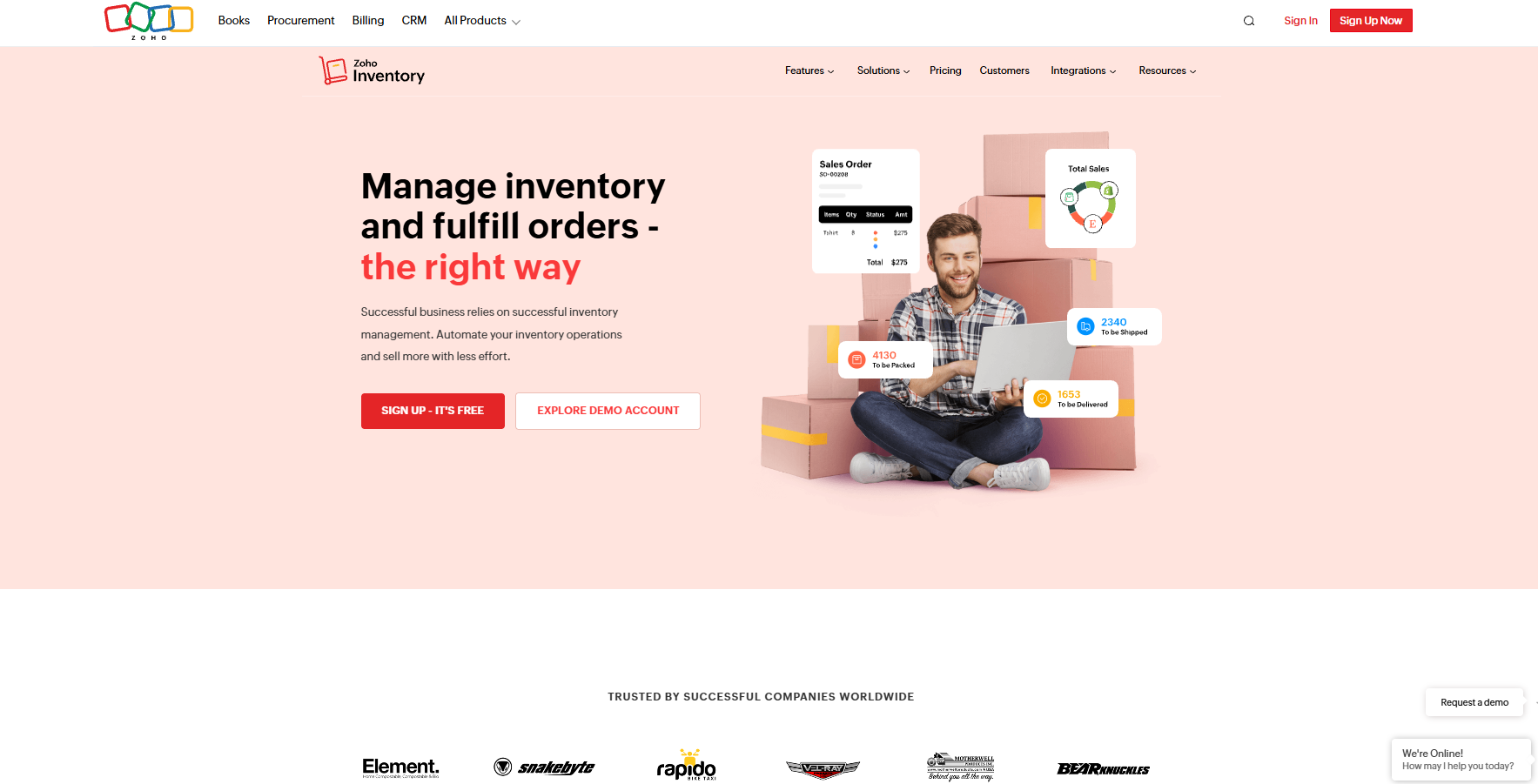
Zoho Inventory is an online inventory management tool built for tracking stock, handling orders, and managing shipments across multiple sales channels and warehouses. It works on the web and through iOS and Android mobile apps, connecting with popular marketplaces and shipping carriers.
The software supports automated workflows, real-time inventory updates, and detailed reporting to keep orders moving smoothly. It includes a free plan for lower order volumes and paid plans that scale up to higher-volume operations.
Key Features
Pricing
Free plan for up to 50 orders/month. Paid plans from $0 to $249/month.
Pros & Cons
Why It's a Good Warehouse Distribution Software
Zoho Inventory suits businesses managing multiple warehouses and sales channels, combining order processing, inventory control, and shipping in one platform.
Final Verdict
Zoho Inventory offers a range of warehouse distribution features at accessible price points, though careful setup and cost planning are needed as operations scale.
Overview
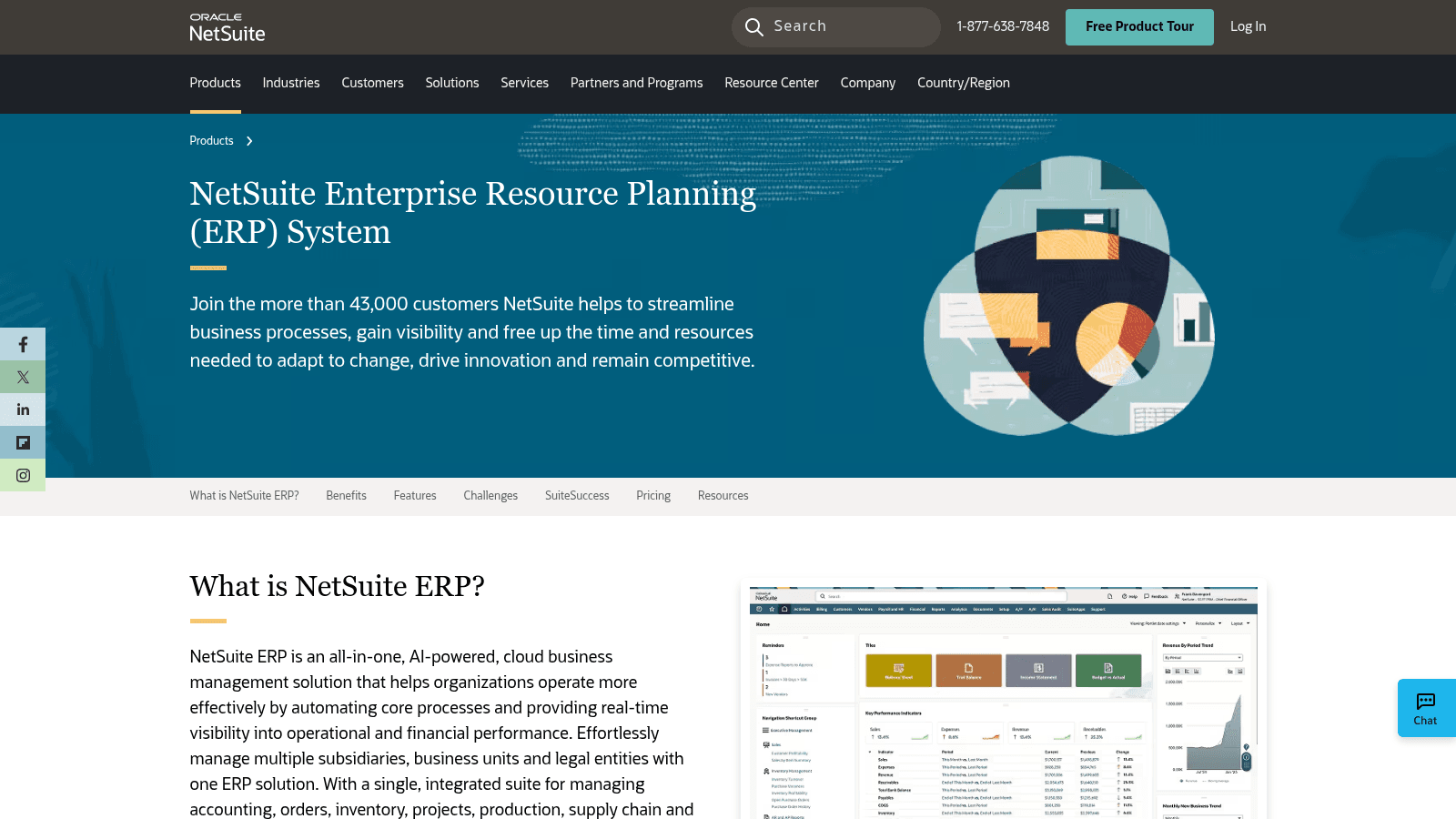
NetSuite ERP is a cloud-based business management platform that covers accounting, inventory, orders, supply chains, and warehouse operations in one system. It uses AI to simplify tasks, support decisions, and improve data visibility across departments.
The system is designed to scale with business growth and includes tools for balancing supply and demand, managing warehouses, and reducing manual work. It is typically used by larger organizations that need to connect financial and operational functions across multiple locations.
Key Features
Pricing
Custom enterprise pricing based on modules, users, and business size. Contact NetSuite for a quote.
Pros & Cons
Why It's a Good Warehouse Distribution Software
NetSuite ERP suits larger businesses needing an all-in-one system to connect financial, supply chain, and warehouse operations under one platform.
Final Verdict
NetSuite ERP offers a comprehensive solution for enterprises combining financial and warehouse workloads, but it is too complex and costly for smaller warehouse distribution operations.
Finding tools worthy of this list meant focusing on a few core questions: Does the software reduce order processing time in a meaningful way? Does it update inventory in real time to prevent stockouts? Can it connect with existing systems without a lengthy IT project? And is it accessible enough for teams to start using quickly? The first of those questions is really a separate purchase, answered by order management software for distributors rather than by a warehouse system.
Tools that met these criteria were included regardless of size or price point. The list covers a range of options to suit operations from small distributors to enterprise warehouses, because the right fit depends on order volume, team size, and existing tech stack.
When evaluating warehouse distribution software, prioritize the features that directly affect order speed and stock accuracy.
For food distributors, adding a voice-powered ordering tool alongside warehouse software can also reduce order intake time significantly. VoiceOrder Solutions captures supplier orders by voice, digitizes them automatically, and transmits them directly to the distributor, removing phone calls and manual entry from the ordering process.
Food adds rules a general-merchandise warehouse never deals with, and some of them come from federal regulation rather than customer preference. That changes what food distribution warehouse management software has to record as well as what it tracks.
If your warehouse only stores sealed, packaged food and some of it needs refrigeration, FDA regulation 21 CFR 117.206 applies to you. It requires you to set temperature controls, monitor them often enough to show they work, take corrective action when they fail, calibrate the devices that record them, and keep records of all of it.
Monitoring and corrective-action records must be reviewed within 7 working days, unless a qualified individual justifies a longer window in writing. If you also repack or cut product, you are no longer solely a storage facility, and the broader preventive-controls requirements generally apply instead.
A sensor log in one system and a corrective-action note in a binder make a weak record set. Ask whether the WMS can hold temperature readings by zone, or import them from your sensors, and tie a corrective action to the product that was in the zone at the time.
When a cooler fails, the same rule requires you to evaluate the affected food and keep it out of commerce if you can't show it is safe. In the software, that means a hold status that stops product from being allocated to any order until someone releases it, with a record of who did and when.
Food ships earliest-expiry first, and some customers also set a minimum remaining shelf life they'll accept on delivery. The system should capture dates at receiving and allocate against both rules, so a picker never has to choose between the oldest case and the one the customer will take.
Ask to see all three with a product you actually stock. Each one is easy to claim on a features page and easy to spot missing once the vendor has to show it working.
Matching the right warehouse distribution software to an operation starts with understanding what the operation actually needs.
For food distributors who also need to automate the step of placing orders with suppliers, VoiceOrder Solutions can sit alongside any of these platforms, capturing orders by voice and transmitting them automatically without replacing the warehouse system.
Warehouse distribution software pricing varies widely depending on scale and feature needs:
The range reflects the difference between simple inventory tracking tools and full warehouse management systems with automation, AI, and global fulfillment networks. Tools charging custom rates typically serve mid-to-enterprise operations where order volume, integration complexity, or support requirements drive the cost. Which end you need depends less on price than on how much of your warehouse operations cost is actually labor you are trying to remove.
Software is one cost among many, and the number that decides which orders are worth taking is what it costs you to pick, load, and move one more case down a route.
See what it really costs to move one more case, and whether the extra volume is worth taking on.
Your operation today
The extra volume you are considering
Watch what the step cost field does to the result. A few hundred extra cases usually absorb a new route without moving the marginal cost much, while a thin volume increase can push it past your selling price and turn the new business into a loss. The cases-to-cover figure is the honest test of whether the capacity pays for itself.
Implementation timelines vary considerably depending on the software and the operation's size:
The short end of that range suits small operations adopting tools like Sortly; the long end is enterprise ERP territory. In all cases, timeline also depends on data migration, staff training, and how many existing systems need integrating.
Free warehouse distribution software can work for small operations with low order volumes and simple inventory needs. Tools like Zoho Inventory's free plan (up to 50 orders per month) offer a low-cost entry point with real features, not just a limited trial.
The trade-off is ceiling. Free plans typically limit users, order volumes, and integrations. As soon as an operation outgrows those limits, the cost of staying on the free plan is usually measured in manual work rather than money.
Before choosing a free option, check what it limits specifically: users, orders per month, integrations, or support. A free plan that covers current volume but blocks the integration needed is often the more expensive choice in the long run, since switching systems mid-growth costs time and data migration effort.
Most tools above offer free trials or entry-level plans (Sortly, Zoho Inventory, InfoPlus). Testing before committing is always the right move.
Warehouse distribution software covers a wide range, from simple mobile inventory tools to full enterprise WMS platforms with AI automation and global fulfillment networks. The right choice comes down to order volume, team size, integration requirements, and budget.
For most operations, a clear shortlist starts with those four questions: What's the order volume? What systems does it need to connect to? How quickly does it need to be running? And what does the team actually have capacity to learn?
For food distributors specifically, a voice-powered ordering tool like VoiceOrder Solutions can work alongside any of the platforms above to reduce order intake time. It captures supplier orders by voice, digitizes them automatically, and transmits them directly to the distributor, with no phone calls and no manual entry.
Contact VoiceOrder Solutions to see how it fits alongside your existing warehouse setup.
Look for ease of setup, good support, and how well it connects with your current tools. Fast updates and accuracy also matter to keep orders flowing without hold-ups.
Yes, it can make order handling faster and reduce mistakes. This lets small teams focus on customers and sales without getting stuck in tedious tasks.
It tracks items in real time and sends alerts when stocks get low. This reduces the chance of running out and helps keep shelves organized.
Yes, cold storage systems add extra features to monitor temperature and handle sensitive goods. This ensures products stay fresh while moving through the warehouse.
They automate repetitive steps like order entry and packing lists. This frees workers to focus on more important jobs and speeds up daily operations.