.webp)
Key takeaways:
Invoice capture software makes handling orders faster and easier. It scans bills quickly, so there’s no need to type everything by hand. By using this kind of software, teams can:
This means businesses get paid faster, and work flows better. In 2026, such software is smarter and more user-friendly than ever. It fits right into daily routines, helping companies keep up with busy schedules. This guide shows how to get the most out of invoice capture software for quicker, smoother order management.
Invoice capture software is a smart tool that helps turn paper or digital invoices into easy-to-use data. Instead of typing out every detail from an invoice, this software scans it and pulls out important info. That means less time spent on manual work and fewer mistakes.
Here’s how it works in simple terms:
For food distributors who also receive purchase orders from customers by phone, a separate tool like VoiceOrder Solutions handles the other side of that workflow, capturing and digitizing incoming orders automatically before they enter your system.
This tool is great because it speeds up how orders and payments get processed. Imagine not having to hunt for numbers or type them in. Everything gets captured and sorted almost automatically.
Plus, good invoice capture software can adapt to different formats. Whether the invoice is a PDF, a photo, or an email attachment, it handles them easily. It saves time, reduces errors, and keeps everything neat in one place.
In short, invoice capture software makes invoicing smoother and faster. It cuts down busy work so teams can focus on more important tasks. That’s why it’s becoming a must-have for businesses looking to keep their orders moving quickly in 2026 and beyond.
The best invoice capture software makes order processing quick and easy. It grabs key info from invoices, cuts down manual work, and speeds up approval.
Look for software that’s simple to use, integrates well with your system, and handles different invoice types smoothly.
Overview
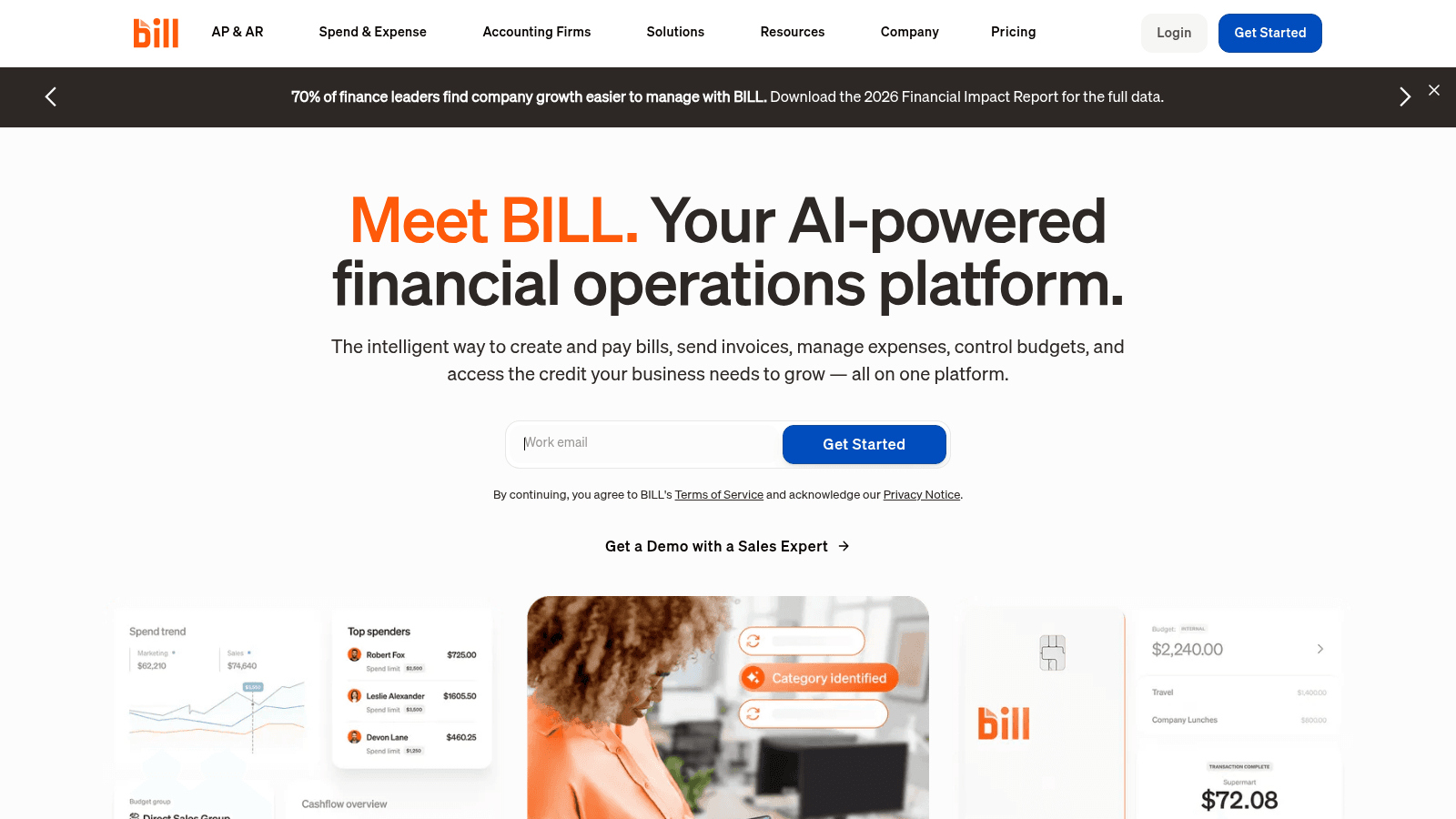
BILL is an AI-powered platform that combines accounts payable, accounts receivable, expense tracking, spending, and business credit management in one system. It processes a high volume of payments annually and integrates with popular accounting software. Mobile apps and a free trial are available for quick access and testing.
Key Features
Pricing
BILL's pricing varies based on credit approval and features selected. A 30-day free trial is available without a credit card.
Pros & Cons
Why It's a Good Invoice Capture Software
BILL collects and processes invoice data automatically while fitting into existing accounting setups. It helps reduce manual entries and speeds up financial workflows for teams managing both payables and receivables.
Final Verdict
BILL groups invoice capture, payment, and expense tasks into one platform, offering an all-in-one option for managing financial operations.
Overview
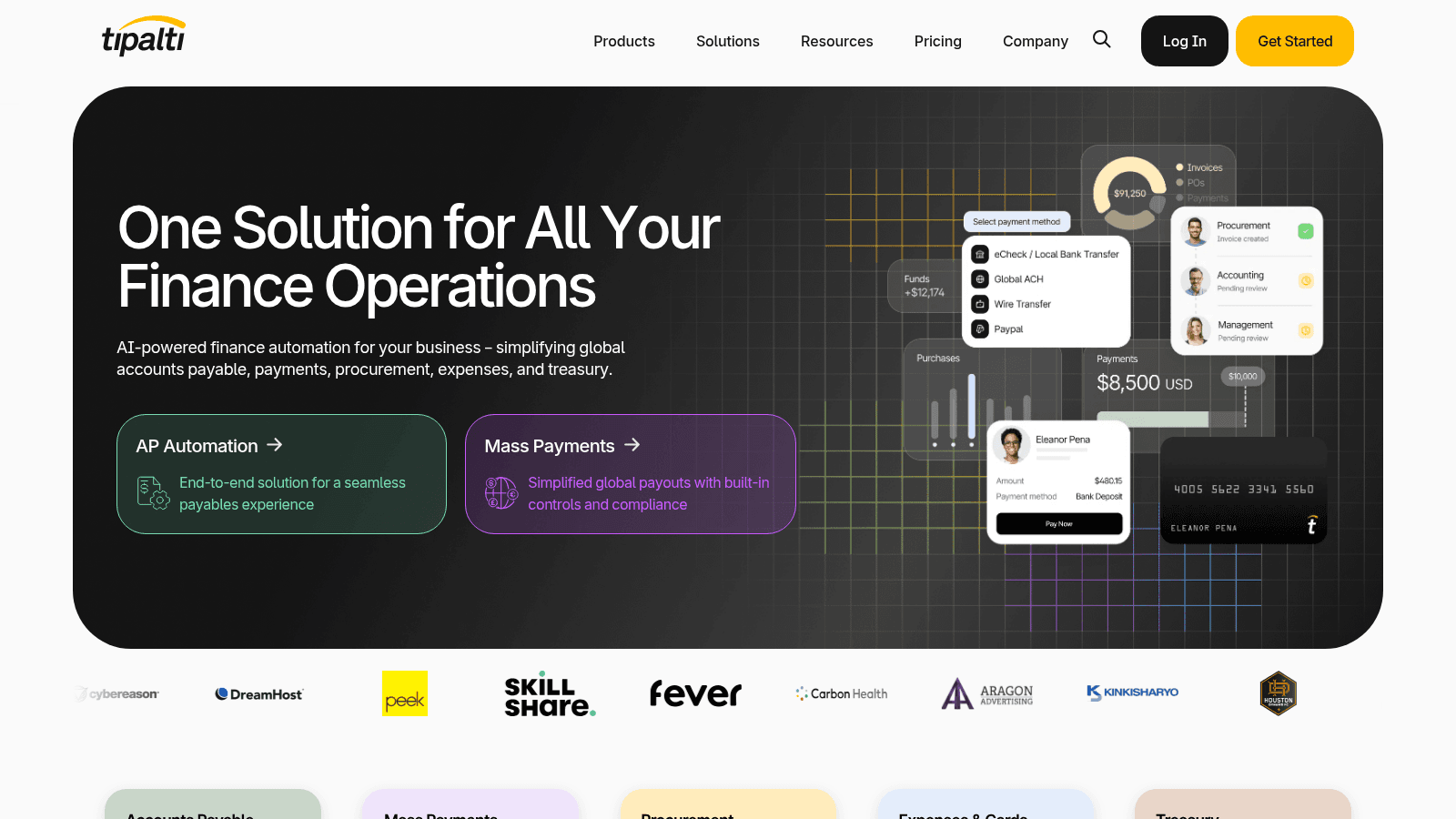
Tipalti is an AI-driven finance automation platform that handles accounts payable, payments, procurement, expenses, and treasury tasks. It supports payments across more than 200 countries in over 120 currencies using 50+ payment methods. The platform connects with ERPs, accounting systems, HR platforms, and communication tools through APIs and pre-built integrations.
Key Features
Pricing
Pricing is available on request. Contact Tipalti for a custom quote based on company size and requirements.
Pros & Cons
Why It's a Good Invoice Capture Software
Tipalti suits organizations that need to combine automated invoice data capture with global payment and compliance management. It fits businesses handling multi-currency transactions and multiple suppliers.
Final Verdict
Tipalti provides an extensive finance automation platform with built-in invoice capture, better suited to companies with global payment needs than to small teams seeking basic document extraction.
Overview
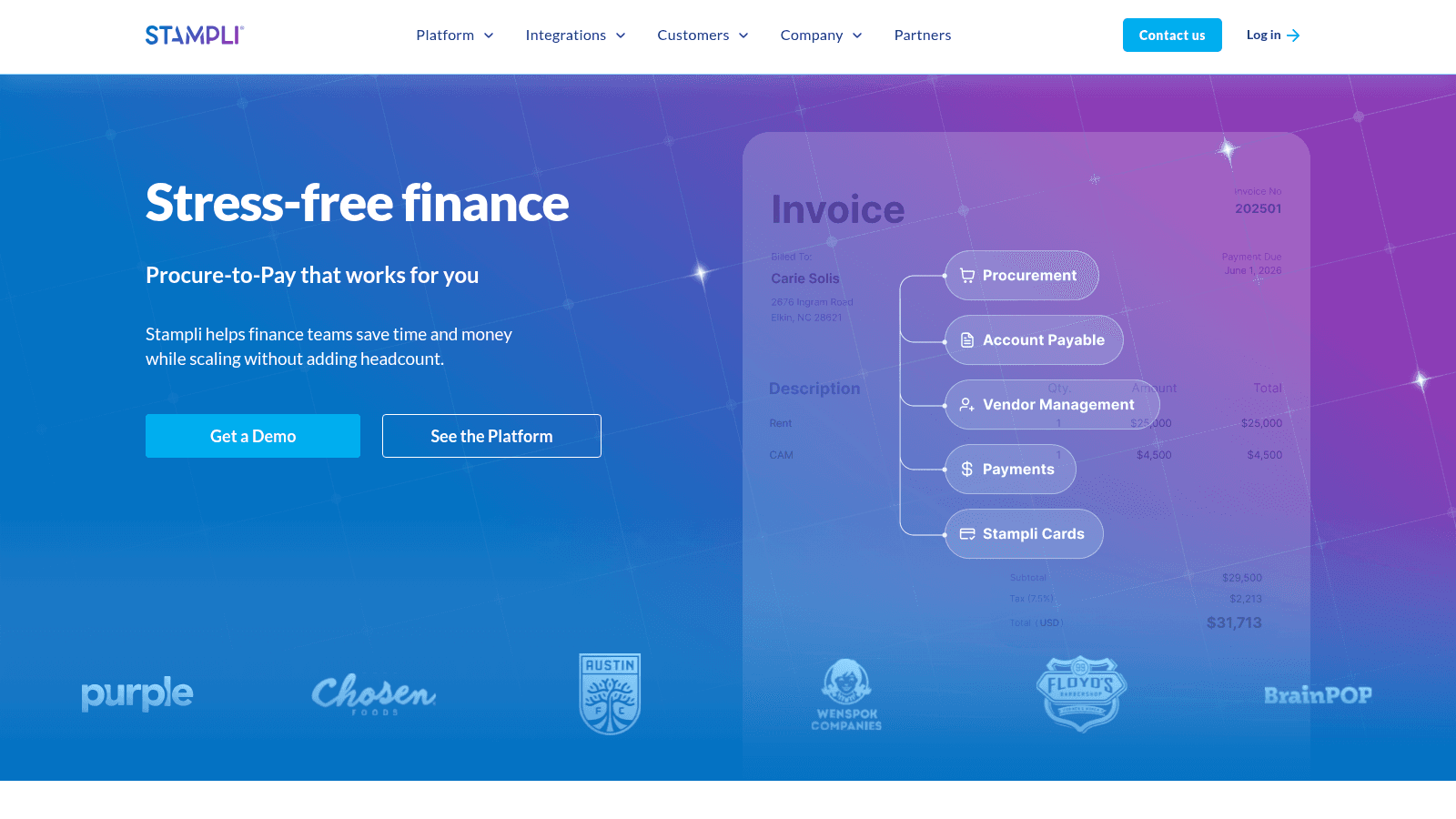
Stampli is an invoice capture and processing platform that focuses on automating finance work. It uses AI to handle a large range of data fields within invoices. The platform includes modules for procurement, accounts payable, vendor management, and payments. Stampli connects with many major ERP systems and provides live visibility into transactions, budget tracking, and detailed audit records.
Key Features
Pricing
Pricing varies depending on company size and needs. Contact Stampli for a quote. Deployment typically takes a few weeks.
Pros & Cons
Why It's a Good Invoice Capture Software
Stampli uses AI to extract invoice details efficiently while linking directly to ERP systems. This helps reduce manual entry and keeps financial data consistent across procurement and payables.
Final Verdict
Stampli is an automated invoice capture platform with strong ERP connections and detailed tracking, suitable for organizations with established finance systems.
Overview
Yooz is a cloud-based invoice data capture platform that automates accounts payable tasks. It processes large volumes of invoices to cut processing time, costs, and errors. The platform uses AI to extract data from invoices and helps manage payments and vendor statements. Security features include AI-driven fraud detection to spot fake invoices or unusual amounts.
Key Features
Pricing
Pricing starts at around $15 per user per month, with custom plans for larger teams. Contact Yooz for a tailored quote based on features and volume.
Pros & Cons
Why It’s a Good Invoice Capture Software
Yooz offers automated invoice capture with AI tools designed to reduce errors and speed up workflows. It integrates well with accounting systems, helping businesses handle invoices and payments efficiently.
Final Verdict
Yooz is a scalable invoice capture and processing platform suited for organizations needing high-volume invoice management with built-in fraud protection.
Overview
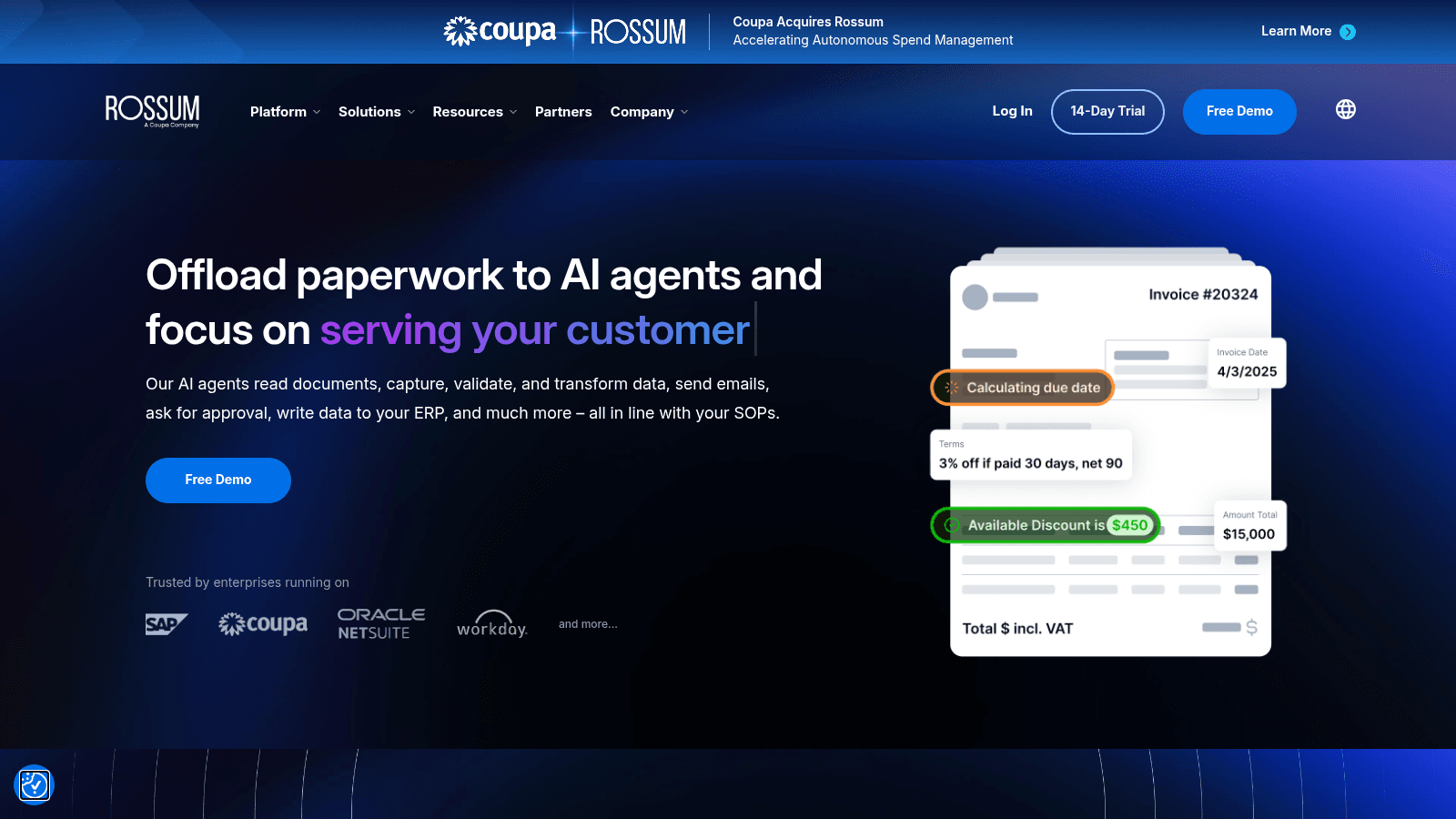
Rossum is an invoice data capture tool that uses proprietary AI models supporting 276 languages and handwriting to extract accurate data. It accepts documents through email, scanners, PEPPOL, and shared drives, and connects with ERP systems like SAP, Oracle NetSuite, Workday, and Coupa. The platform validates data against master files and business rules, and includes real-time audit trails and archiving to support compliance.
Key Features
Pricing
Pricing is available on request. A free demo is available to explore the platform before committing.
Pros & Cons
Why It’s a Good Invoice Capture Software
Rossum suits organizations processing invoices in multiple languages from varied sources. Its ERP integrations and continuous AI learning support accurate, high-volume document processing.
Final Verdict
Rossum is an AI-driven invoice capture tool with strong multilingual support and compliance features, suited to organizations with complex or high-volume document workflows.
Overview
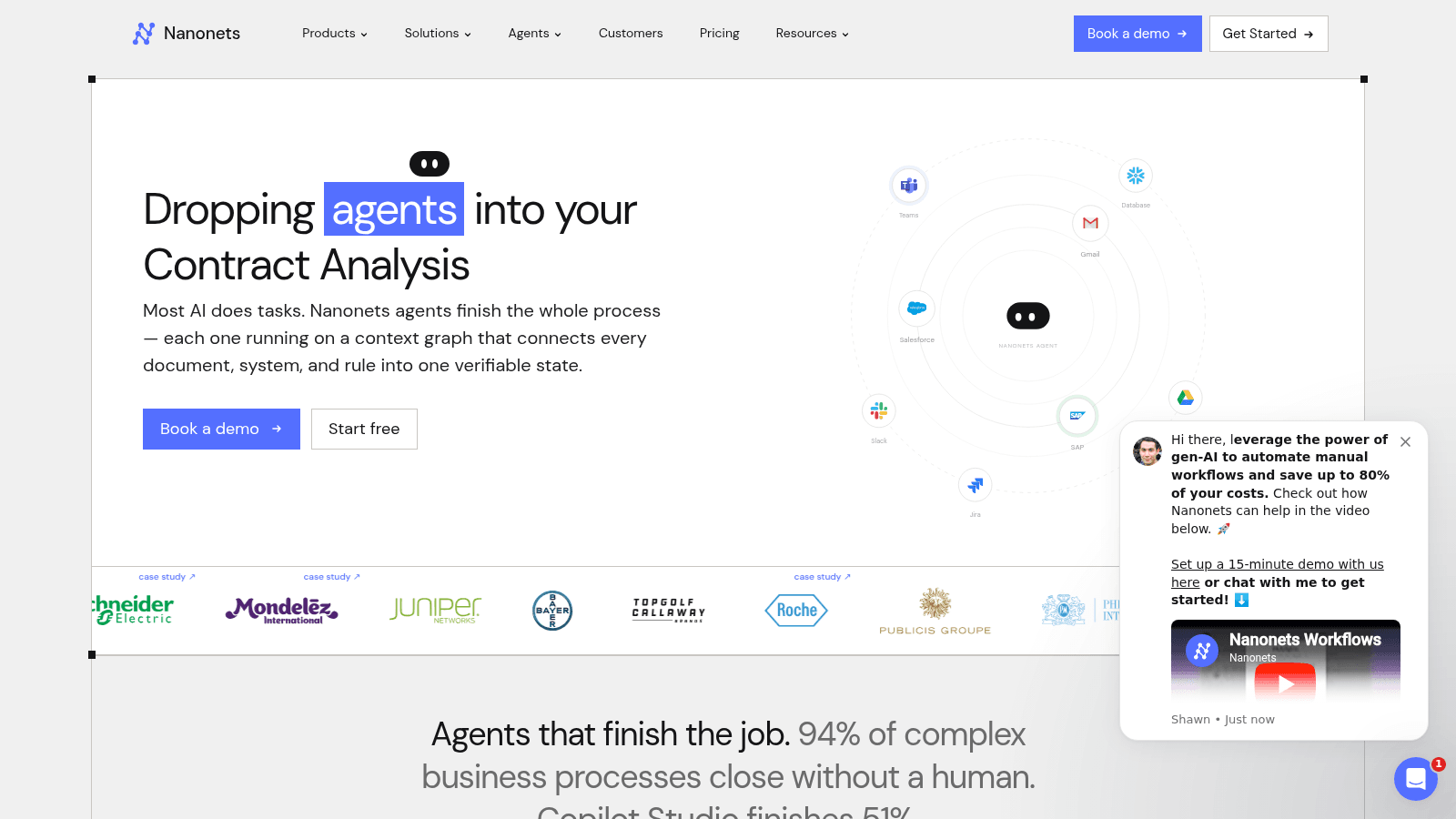
Nanonets automates invoice processing to reduce the time spent on manual entry. It captures data from various invoice formats and supports approval routing and 3-way matching. The software connects with ERP systems like SAP and QuickBooks as well as tools such as Salesforce and Google Drive. Security measures include compliance with SOC 2 and GDPR.
Key Features
Pricing
Plans start at $499 per month. Custom pricing is available for enterprises with higher volume needs.
Pros & Cons
Why It’s a Good Invoice Capture Software
Nanonets suits businesses needing to automate complex invoice workflows with fewer manual steps. Its broad integrations help keep financial data consistent across platforms.
Final Verdict
Nanonets combines automation with broad integration options for invoice capture and processing, though its scale and cost may not fit smaller teams.
Overview
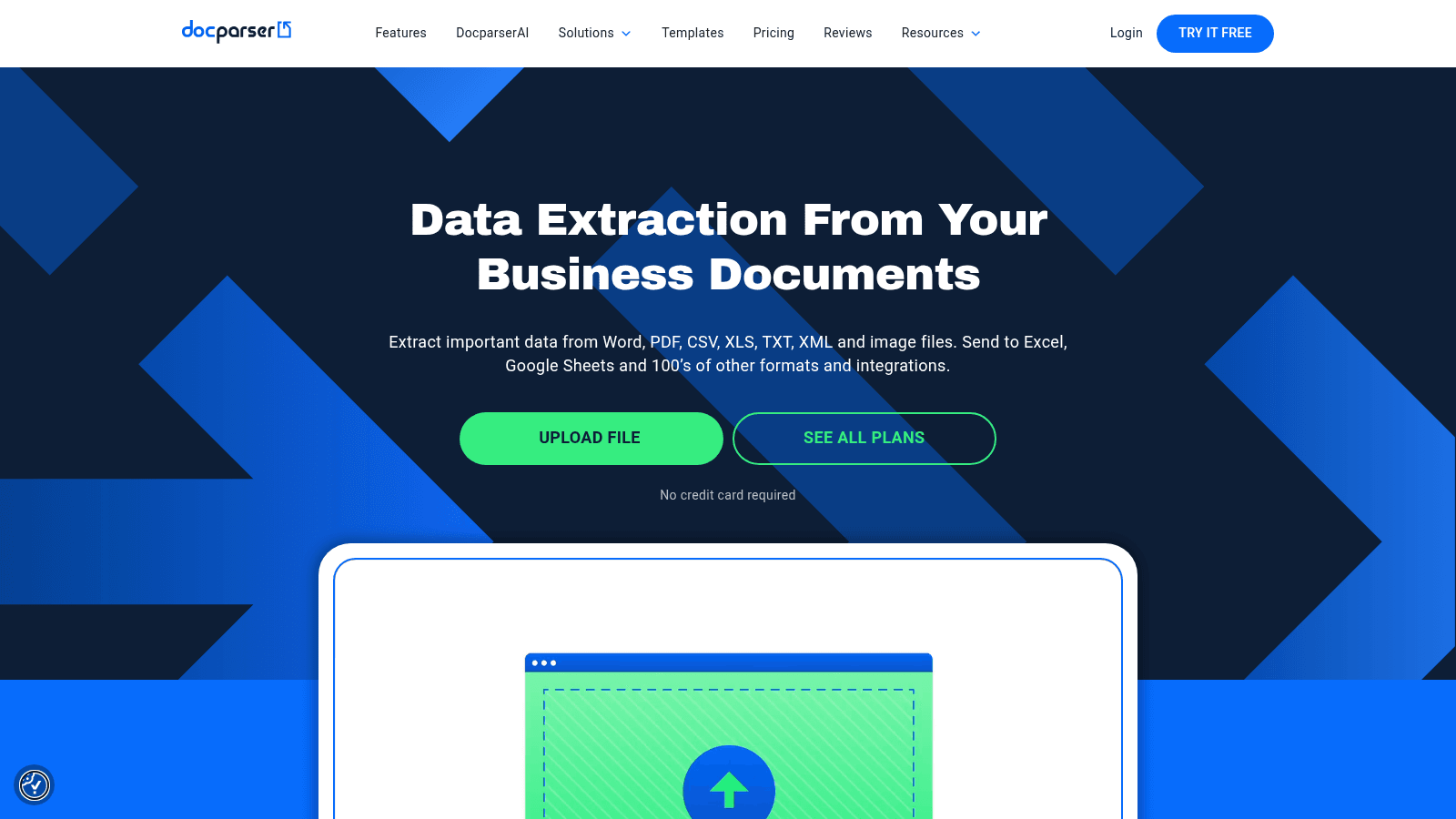
Docparser extracts data automatically from PDFs, Word files, CSV, Excel, text, XML, and images using Zonal OCR, pattern recognition, and anchor keywords. Setup requires no coding: upload documents, create extraction rules, and export the data. The tool connects to over 100 apps including Zapier, Microsoft Power Automate, Dropbox, Google Drive, and OneDrive.
Key Features
Pricing
Starts at $39 per month for up to 500 documents, with higher tiers for more volume and features. A 14-day free trial is available without a credit card.
Pros & Cons
Why It’s a Good Invoice Capture Software
Docparser suits teams that need to extract data from multiple document types without writing code. Its broad integration options help connect extracted invoice data to existing tools and workflows.
Final Verdict
Docparser combines OCR and AI for structured data extraction across many file formats, though initial rule setup may slow smaller teams.
Overview
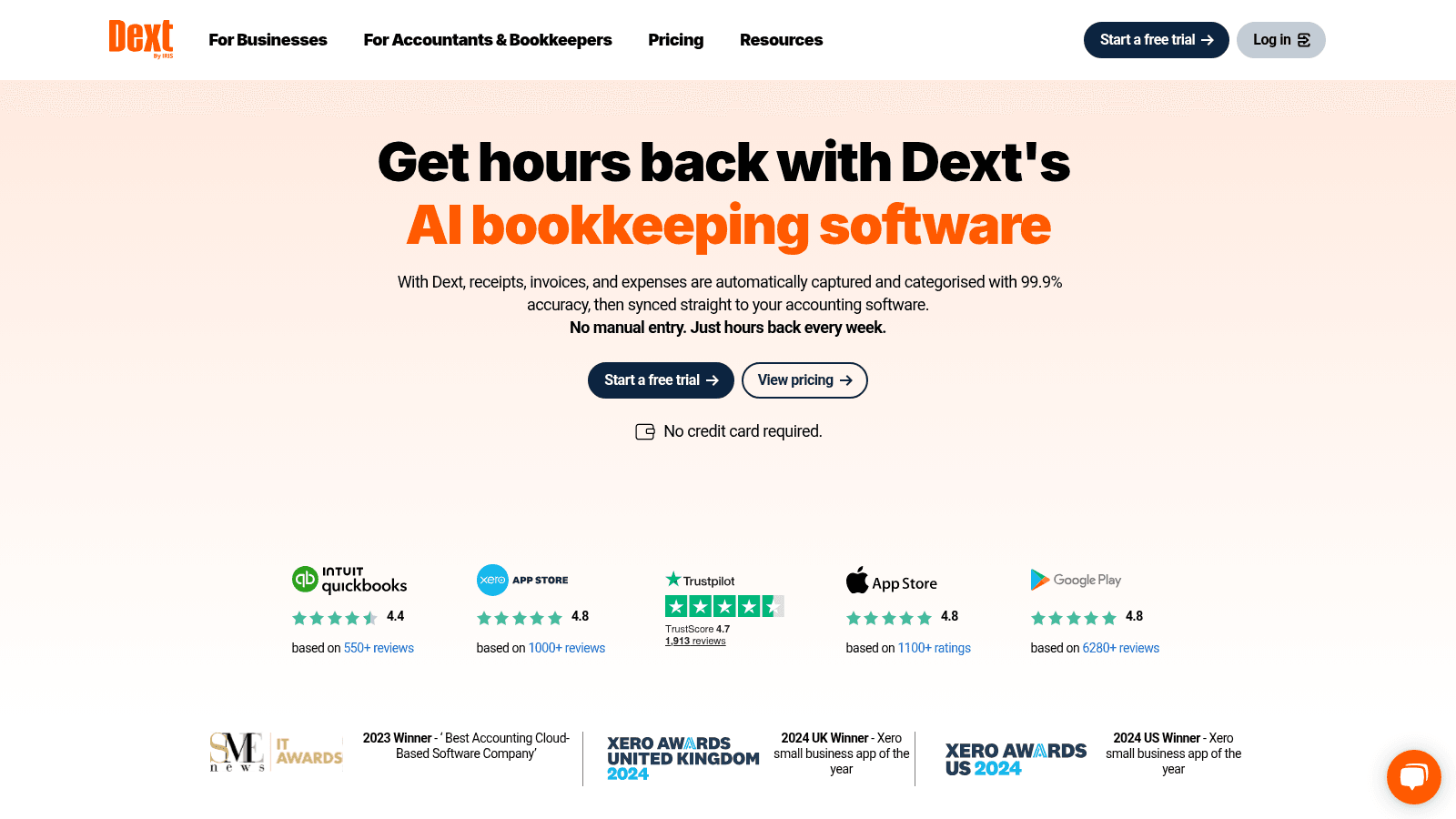
Dext is AI bookkeeping software that captures receipts, invoices, and expenses automatically and organizes them by category. It connects with over 11,500 banks and more than 30 accounting platforms, syncing data directly to accounting software. Documents can be uploaded via mobile app or email, and the system includes expense tracking and invoice management features.
Key Features
Pricing
Starts at $302.50 per month when billed annually. A 14-day free trial is available.
Pros & Cons
Why It's a Good Invoice Capture Software
Dext suits teams that need to automate bookkeeping tasks alongside invoice capture. Its broad accounting integrations reduce manual entry and keep records current without extra steps.
Final Verdict
Dext offers automated invoice capture and bookkeeping features that speed up data entry, though its price point may not suit very small operations.
Overview
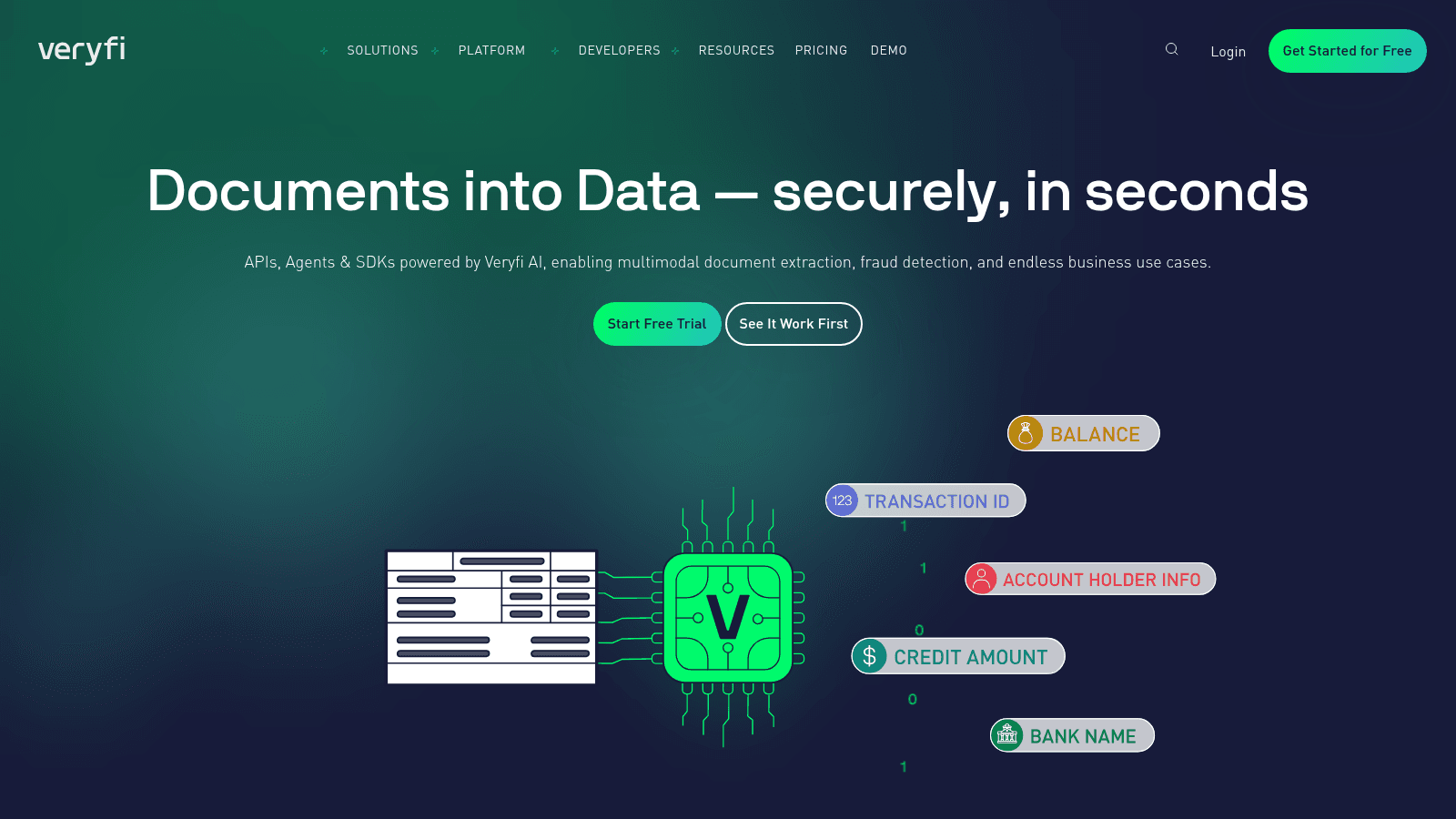
Veryfi offers OCR APIs and SDKs to extract data from invoices, receipts, purchase orders, and over 30 other document types with high accuracy. It supports mobile and browser SDKs for integration into varied workflows and applies AI to detect fraud, classify documents, and automate processes in real time. The software complies with SOC 2 Type II, GDPR, HIPAA, and CCPA. A 14-day trial is available.
Key Features
Pricing
Starts at $99 per month for the Starter plan. A Pro plan is available at $199 per month, with custom enterprise pricing for higher volumes.
Pros & Cons
Why It’s a Good Invoice Capture Software
Veryfi suits development teams that need to embed accurate invoice data extraction into existing products or workflows. Its API-first design integrates cleanly with accounting and ERP systems.
Final Verdict
Veryfi provides a comprehensive OCR and automation toolkit suited to organizations prepared to invest in technical integration and ongoing management.
Overview
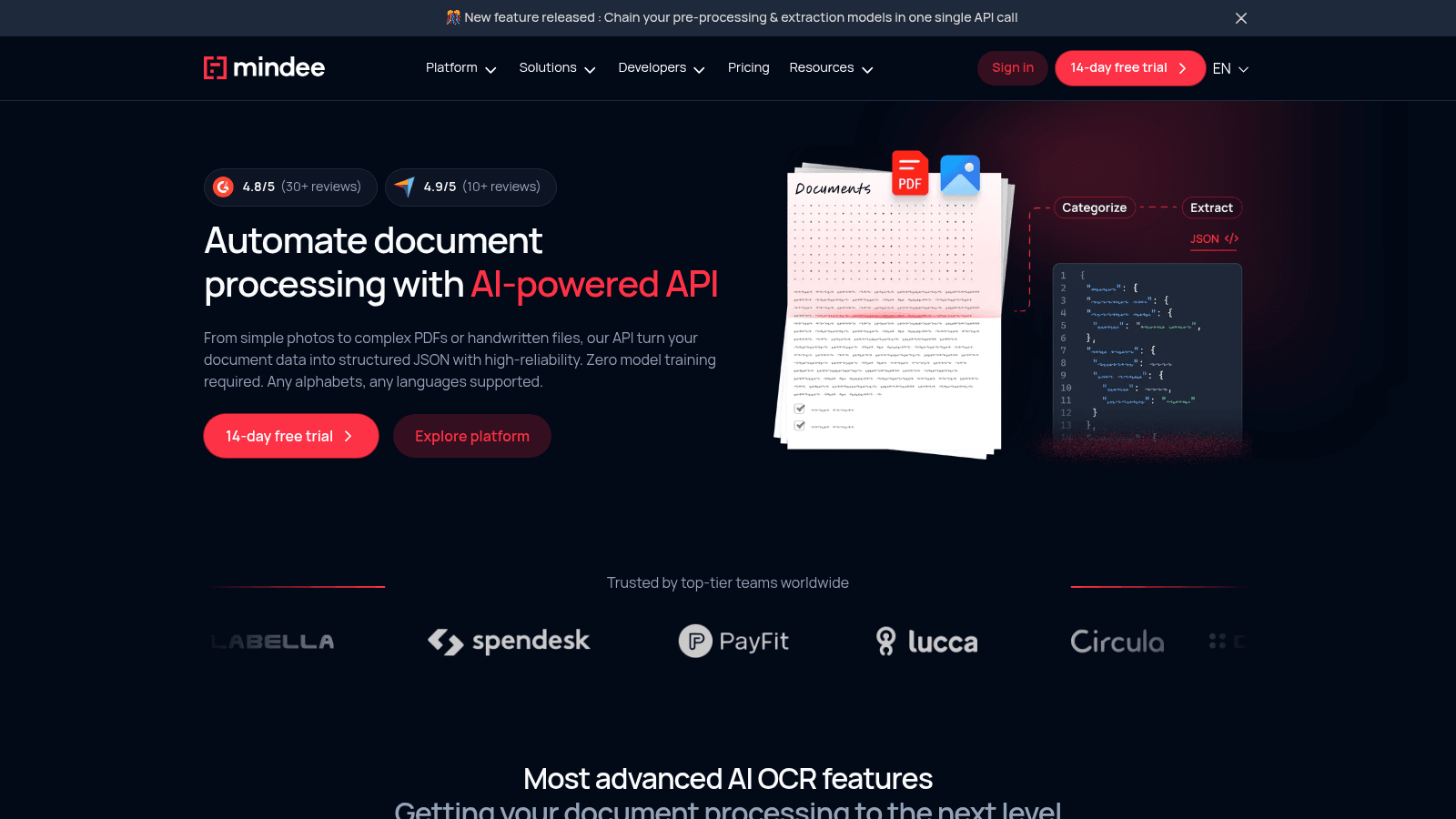
Mindee offers an AI-based OCR API that extracts data from invoices, receipts, IDs, and other document types. It supports large, multi-page files up to 100MB or 200 pages with asynchronous processing, and uses pre-trained models so no custom training is required. Integration happens through REST API or SDKs in Python, Java, or PHP.
Key Features
Pricing
Starts at $0.05 per credit, with flexible plans from Starter to Enterprise.
Pros & Cons
Why It’s a Good Invoice Capture Software
Mindee suits teams handling large volumes of varied document types who need accurate extraction without custom model training. It scales well and adapts to different languages and layouts.
Final Verdict
Mindee provides detailed data extraction for firms handling diverse document types and volumes, with a focus on automation and developer-friendly integration.
Overview
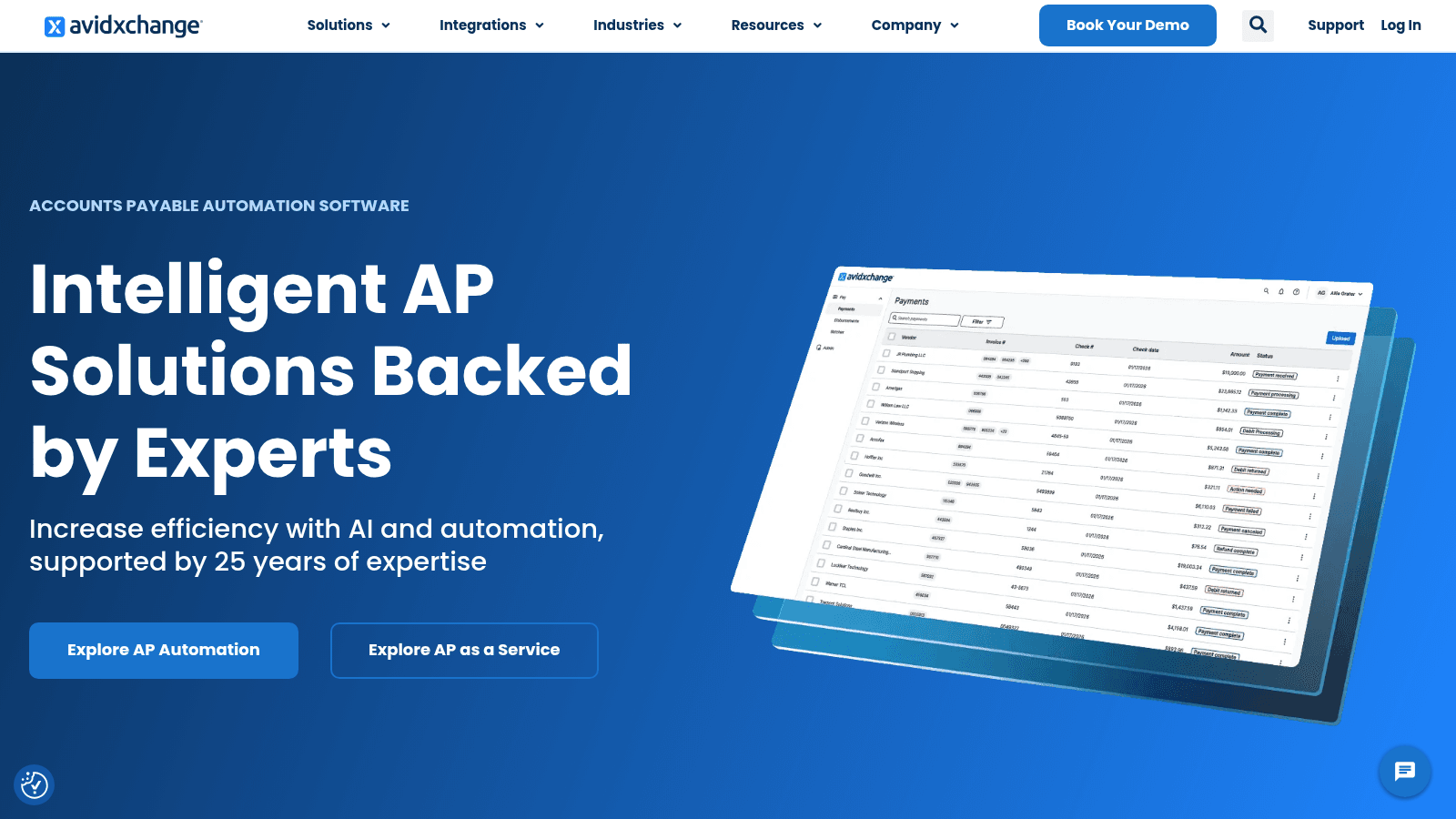
AvidXchange provides accounts payable automation using AI to handle invoices and payments. It connects with over 200 accounting systems and ERP platforms including Sage, Microsoft, and QuickBooks, and supports paperless invoice processing with centralized payables management. Payment options are available through the AvidPay Network, and the platform includes workflow customization and compliance tracking.
Key Features
Pricing
Pricing is not publicly listed. Contact AvidXchange for a quote based on company size and needs.
Pros & Cons
Why It’s a Good Invoice Capture Software
AvidXchange suits larger organizations processing high invoice volumes that need tight integration between invoice capture, payment, and financial systems. Its compliance features support structured record-keeping across complex operations.
Final Verdict
AvidXchange addresses automated invoice capture and payment management with strong integration and compliance features, though smaller teams may find it complex and costly.
To compile this list, the focus was on tools that genuinely reduce the manual effort involved in handling invoices, rather than tools that simply digitize existing manual steps.
First, extraction accuracy was assessed: how well does the tool capture key fields (vendor name, date, amounts, line items) from real-world document formats? Next, the breadth of supported input methods was checked, including email, PDF uploads, scanner input, and mobile capture.
Integration depth mattered significantly. The best tools connect directly with accounting platforms and ERP systems, so extracted data flows into existing workflows without manual export.
Workflow features like approval routing, 3-way matching, and audit trails were also considered, particularly for teams with compliance requirements. Ease of setup and use was evaluated alongside pricing transparency, noting where published rates are available versus where a quote is required.
Finally, security and compliance certifications (SOC 2, GDPR, HIPAA) were checked for tools used in sensitive financial workflows.
The selection also considered how each tool fits into the wider order-to-invoice workflow. In food distribution, a supplier invoice arrives after a purchase order has been placed. For restaurant teams that place those orders by voice using a tool like VoiceOrder Solutions, good invoice capture software closes the loop on the other end, processing the incoming supplier document automatically so neither step requires manual entry.
When evaluating invoice capture software, focus on features that reduce manual steps and fit your existing workflow.
Extraction accuracy is the most important factor. Look for tools that reliably capture vendor name, date, invoice number, line items, and totals from your actual document formats, including PDFs, images, and email attachments.
Document format support matters if your invoices arrive in varied formats. Tools that handle scanned documents, photographed receipts, and emailed PDFs without extra conversion steps save significant time.
Accounting and ERP integration determines how useful the extracted data actually is. The best tools push data directly into platforms like QuickBooks, Xero, SAP, or NetSuite so teams are not re-keying anything.
Approval workflows are worth checking if more than one person touches an invoice before payment. Routing, matching, and sign-off features prevent errors from reaching the payment stage.
Audit trails and compliance features matter for regulated industries or teams that need to demonstrate controls. Look for timestamped records, change logs, and security certifications.
Pricing model affects long-term cost. Some tools charge per document or per credit; others charge flat monthly fees. For high invoice volumes, per-document pricing can add up quickly.
Start with your invoice volume and format. If your business handles a high volume of invoices from varied sources (email PDFs, scanned paper, supplier portals), prioritize tools with broad format support and multi-channel input. For lower volumes with consistent formats, a simpler extraction tool may be more practical.
Check how the tool connects with your accounting system. A tool that exports CSV files is much less useful than one with a direct QuickBooks or Xero integration that posts data automatically. Before committing, verify that the integration covers the specific version of your platform.
Consider your team’s technical capability. API-first tools like Veryfi and Mindee deliver strong results but need developer time to configure. No-code tools like Docparser or Dext are faster to set up for non-technical teams, though they may offer less flexibility.
If compliance or multi-person approval is part of your process, look for tools with built-in approval workflows and audit trails rather than adding these steps manually after extraction.
For teams that also handle outbound procurement, it is worth noting that invoice capture software and ordering tools address different parts of the supply chain. Invoice capture handles supplier invoices coming in; a voice-ordering tool like VoiceOrder Solutions handles orders going out to suppliers. Both can run alongside each other without overlap.
Run a demo or trial with real invoices from your actual suppliers before signing. Accuracy on your specific documents matters more than benchmark performance on generic test data.
Pricing varies significantly across this category. Of the tools on this list, only a handful publish their rates:
All other tools on this list, including BILL, Tipalti, Stampli, Rossum, Doxis, and AvidXchange, use custom pricing. Costs typically depend on invoice volume, number of users, ERP integrations, and support level required.
Enterprise platforms aimed at large, multi-location operations tend to carry significantly higher price tags than tools designed for small teams. Most vendors offer demos or trials so you can evaluate fit before committing to a contract.
Implementation timelines vary by tool and team complexity. Simpler document extraction tools like Docparser or Dext can be configured in a day or two: connect your document sources, set extraction rules, and link to your accounting platform.
Mid-tier platforms like Yooz, Nanonets, and Stampli typically take one to three weeks, particularly when setting up approval workflows, ERP integrations, or custom data fields.
Enterprise platforms like Tipalti, Rossum, AvidXchange, and BILL can take several weeks to months when large supplier lists, complex integrations, or multi-entity configurations are involved.
A few factors that extend timelines:
Request a realistic implementation estimate from vendors based on your specific setup before signing.
Free invoice capture tools exist, but they typically come with meaningful restrictions. Most cap the number of documents processed per month, limit the document formats supported, or restrict access to integrations. For businesses handling a consistent volume of supplier invoices, those restrictions tend to create bottlenecks.
The tools on this list are all paid, and most require contacting vendors for pricing. That said, several offer free trials or demos: Docparser offers a 14-day free trial, Dext offers 14 days, Veryfi offers a trial period, and Mindee is accessible on a small-scale free tier for developers.
Free tools can work for occasional, low-volume use cases where accuracy and integration are less critical. For businesses where invoices regularly flow through accounts payable and connect to financial systems, the cost of manual re-entry or errors typically exceeds the cost of a reliable paid tool.
The more useful question is not free vs. paid, but whether the paid tool’s accuracy and integrations actually match your document types and systems. A trial with real invoices from your suppliers answers that faster than any feature list.
The right invoice capture software depends on where your operation sits. Developer-first tools like Veryfi and Mindee give the highest flexibility but require technical setup. No-code tools like Docparser and Dext get teams running quickly without IT involvement. Enterprise AP platforms like Tipalti, AvidXchange, and Stampli suit larger organizations with complex payment and compliance requirements.
For most teams, the decision comes down to three things: how accurately the tool handles your actual document formats, how cleanly it connects to your existing accounting system, and whether the pricing model fits your invoice volume.
To get the most from any invoice capture tool:
If your operation also handles incoming purchase orders by phone, a voice-ordering tool like VoiceOrder Solutions addresses the outbound side of the same workflow, capturing orders your customers place with you automatically and routing them into your system without manual entry.
It saves time by automatically pulling data from invoices. This means less typing and fewer mistakes. Your team can focus on important tasks instead of manual data entry. It speeds up payment and order processing significantly.
It uses AI and OCR to read invoice details correctly. Manual errors drop because human typing is reduced. The software double-checks data with rules and validations before finalizing it. This helps catch mistakes early.
Yes! Good software works with PDFs, photos, emails, and paper scans. It adapts to different layouts without extra setup. This flexibility means fewer delays and smoother workflows if your invoices come from many sources.
Many solutions take only a few days to a week to start. Setup includes connecting your accounting system and customizing data fields. Because they require little IT work, teams can begin seeing benefits fast.
It usually includes features to manage invoices from several clients separately. It organizes data by client automatically and supports multiple user access. This makes tracking and reporting cleaner for firms with many customers.