.webp)
Key takeaways:
Running a multi-unit restaurant means juggling schedules, food safety checklists, inventory counts, and vendor orders, usually across four or five disconnected apps. Restaurant operations management software promises to pull those threads together, but the category is broad enough that two "operations" tools can share almost no features.
This guide ranks 12 platforms and sorts them by what they actually do best, so you can match a tool to your real bottleneck instead of a marketing headline.
The stakes are concrete: the James Beard Foundation and Deloitte found that operators who invested in operations-focused technology, especially inventory management, outperformed those who leaned on marketing tools. Each entry below lists what the tool does, who it fits, real pricing where it is published, and its honest limitations.
Restaurant operations management software is the system that runs the day-to-day work behind service: staff scheduling and labor, task and checklist execution, kitchen management, food-safety logging, inventory and food cost, and multi-unit oversight. It sits behind the POS rather than in front of guests, giving managers one place to see and control how each location runs.
The catch is that no single definition holds. In practice, "operations software" splits into three buying motions: labor-first tools built around scheduling and time tracking, execution-first tools built around digital checklists and audits, and inventory-first tools built around counts and COGS. A couple of platforms try to cover all three, but they cost more and take longer to roll out.
That is why the right restaurant operations software depends on your biggest pain point. A chain fighting labor cost needs something very different from one fighting failed health inspections, and the tools below reflect that split rather than pretending one app fixes everything.
The table below compares all 12 platforms by focus, pricing, and fit. Because "operations" spans labor, execution, and inventory, read the "best for" column first to find the tools that match your bottleneck, then dig into those entries.
| Tool | Best for | Focus | Main limitation | Pricing (from) | Rating |
|---|---|---|---|---|---|
| Crunchtime | Enterprise multi-unit suites | Labor + inventory + execution | No public pricing | Custom quote | ★★★★☆ |
| Toast | Restaurants already on Toast POS | POS-tied ops add-ons | Ecosystem lock-in | $0-69/month + custom | ★★★★☆ |
| 7shifts | Labor and scheduling backbone | Scheduling + labor | Task tools are add-ons | Free / $39.99/month | ★★★★☆ |
| Jolt | Food-safety checklists and temp logs | Task + compliance + IoT | Dated interface | Custom quote | ★★★★☆ |
| Restaurant365 | Accounting-plus-inventory operators | Accounting + inventory | Heavy, complex rollout | Custom quote | ★★★★☆ |
| Xenia | AI-flavored ops execution | Task + audits + AI | No public pricing | Custom quote | ★★★★☆ |
| Operandio | Franchise and multi-unit operations | Franchise + task execution | No public pricing | Custom (14-day trial) | ★★★★☆ |
| Homebase | Small teams wanting a free base | Scheduling + labor | Thin on inventory | Free / $24/month | ★★★★☆ |
| Bindy | Brand-standards inspections and audits | Audits + tasks + comms | Priced by inspection volume | $129/month | ★★★★☆ |
| MarketMan | Multi-unit food cost and COGS | Inventory + purchasing | Not a labor or task tool | $199/month | ★★★★☆ |
| Lightspeed Restaurant | POS plus inventory in one | POS + inventory | Inventory is an add-on | Custom quote | ★★★★☆ |
| Apicbase | Scaling multi-outlet groups | Recipe + procurement + inventory | Priced by outlet count | Custom quote | ★★★★☆ |
Shortlist two or three that match your bottleneck, then read those entries and book demos before committing, since most of this category is quote-only.
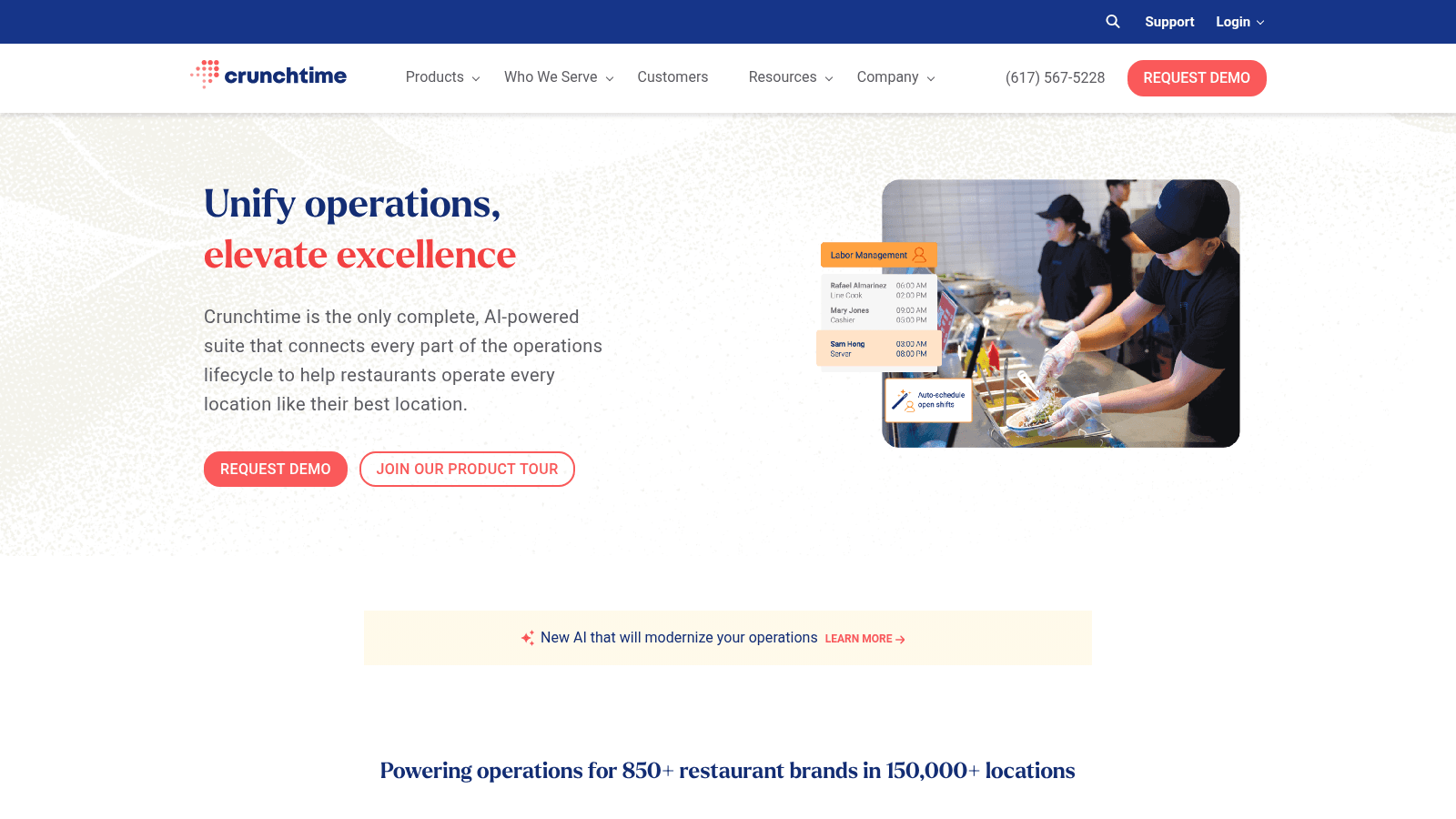
Overview: Crunchtime is the closest thing here to a full operations suite, and its homepage literally calls itself a "Restaurant Operations Management Suite." It combines labor and scheduling, inventory, operations execution (the former Zenput product), kitchen management, and finance for multi-unit chains.
Key features:
Pricing: Quote-based with no public numbers; you request a demo. It is the most enterprise-oriented tool in this list.
Pros: genuinely covers labor, inventory, and execution; built for scale; connected data across modules. Cons: no public pricing, longest sales cycle here, heavier than a single independent needs.
Why it's a good restaurant operations management software: it is one of the few platforms that unifies the three operations motions instead of owning just one. Final verdict: the pick for enterprise and large multi-unit chains that want one connected suite rather than a stack of point tools.
Overview: Toast is a restaurant POS that layers operations tooling on top through bundled add-ons: a Restaurant Management Suite, team management, and the xtraCHEF supplier and accounting suite. It fits operators who want ops features native to the POS they already run.
Key features:
Pricing: The POS starts at $0/month for a single-location Starter Kit or $69/month for Point of Sale; the full operations platform is custom-priced under "Build Your Own."
Pros: ops tooling native to the POS, a genuine $0 entry tier, strong invoice automation. Cons: true multilocation ops sits behind custom pricing, ecosystem lock-in, only useful if you run Toast POS.
Why it fits Toast users: for Toast POS restaurants, adding ops tooling natively avoids yet another integration. Final verdict: the natural choice if you are already committed to Toast, and largely irrelevant if you are not.
Overview: 7shifts is a labor and scheduling platform that acts as the operations backbone for many restaurants, with task management available as a cheap add-on rather than the core product. It covers scheduling, time tracking, compliance, and team messaging.
Key features:
Pricing: A free Comp plan covers a single location up to 15 employees; paid tiers run from $39.99 per location per month (Essentials, annual) to $134.99 (Premium). Add-ons like task management are $12.99 per location per month.
Pros: genuine free tier, deep labor features, cheap task add-on. Cons: task and tip tools cost extra, no inventory, per-location pricing adds up across many sites.
Why it fits labor-first teams: it makes labor the operations backbone and lets you bolt on execution only if you need it. Final verdict: best for operators who see scheduling and labor cost as their primary battle.
Overview: Jolt is a task and food-safety platform combining digital checklists, temperature sensors, labeling, and scheduling. Its homepage calls itself operations management software for food, retail, and hospitality, and food safety is its clear center of gravity.
Key features:
Pricing: Quote-based with no public numbers; Jolt bundles modules a la carte, so you contact sales. Hardware like label printers and temperature probes is sold separately.
Pros: strong food-safety and compliance tooling, IoT temperature monitoring, proven in multi-location chains. Cons: no public pricing, interface is widely described as dated, hardware adds cost.
Why it fits food-safety operators: it puts food-safety checklists and temperature compliance in one place, which matters most for chains facing health-inspection risk. Final verdict: a solid pick for food-safety-heavy operators who can look past an aging interface, a complaint that shows up even in Reddit threads that still recommend it.
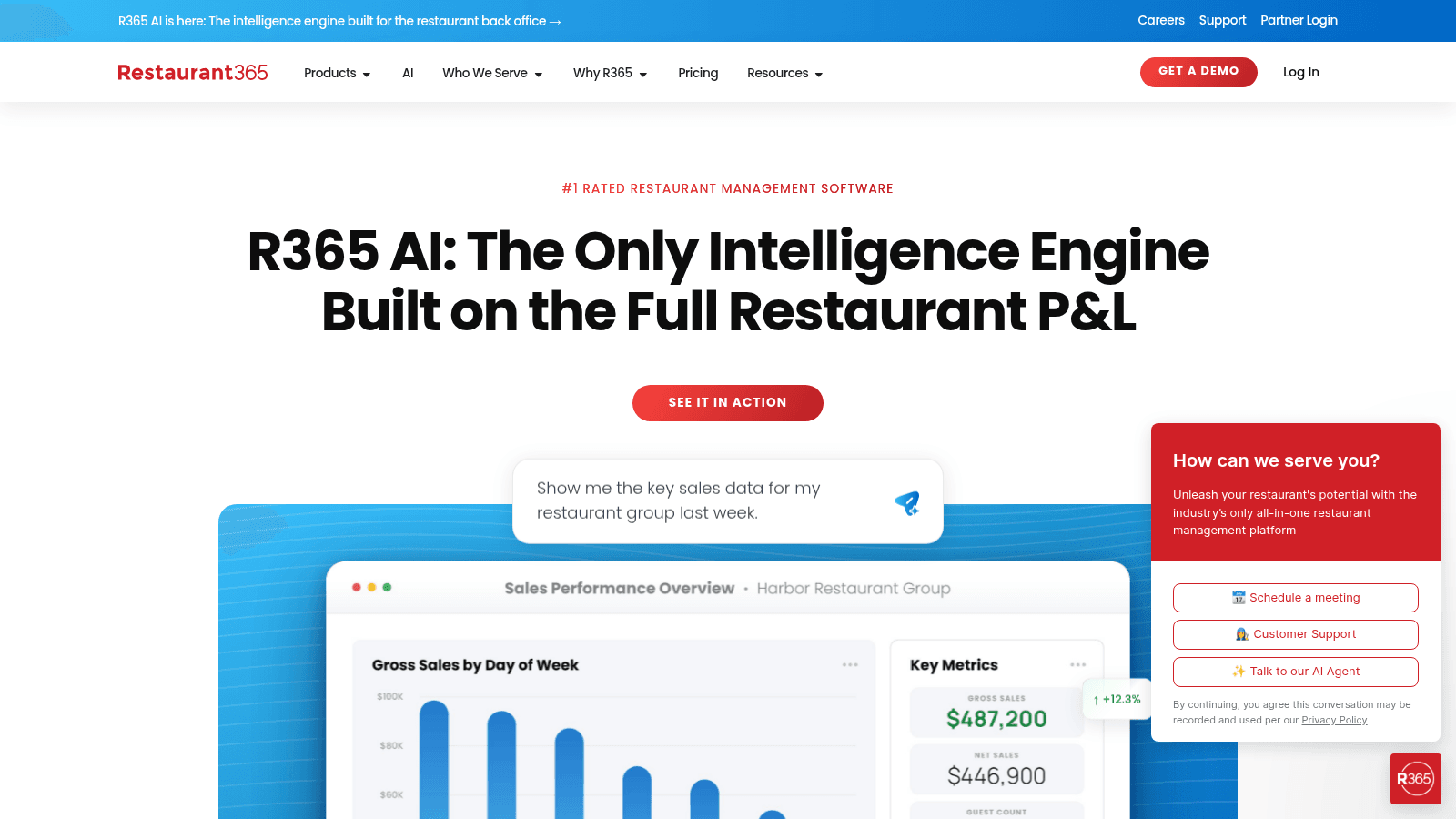
Overview: Restaurant365 is an all-in-one platform built around accounting, with inventory, COGS, workforce, and payroll layered in. It suits multi-location operators who want their books and their food cost in the same system.
Key features:
Pricing: Quote-based; the live pricing page shows only "Get a Custom Quote," so treat any specific figure you see quoted elsewhere as unverified.
Pros: deep accounting integration, strong food-cost control, broad module set. Cons: heaviest and most complex tool for its core users, overkill for a single independent, quote-only pricing.
Why it stands out: it ties accounting and inventory together, which no labor or task tool here attempts. Final verdict: the right call for multi-unit operators who want accounting and food cost in one platform, though real users note it needs pairing with other tools for the rest of operations.
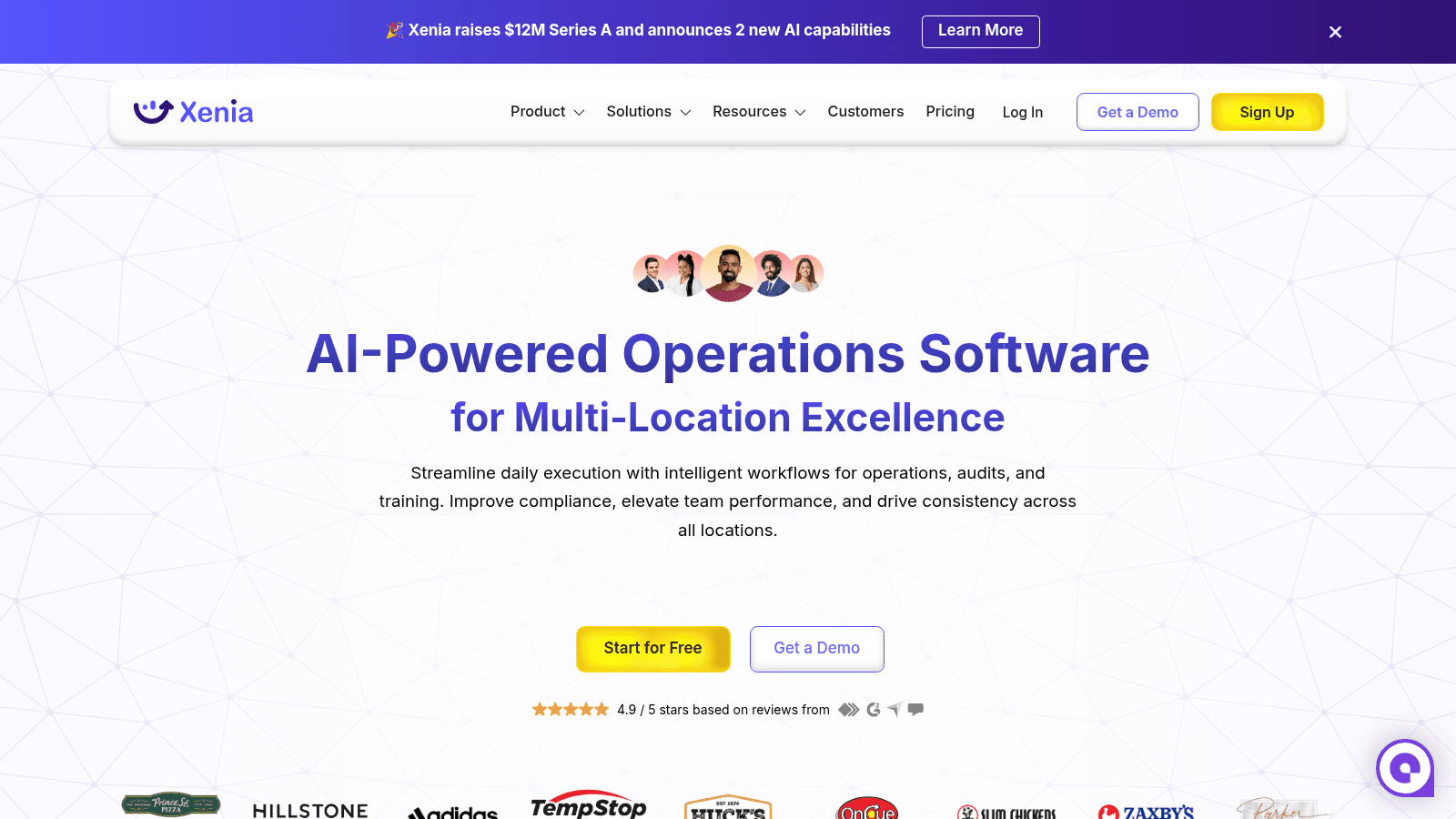
Overview: Xenia is an AI-flavored operations execution platform for multi-location teams, covering task management, digital checklists and audits, a mobile frontline app, and a library of 100-plus templates. Its higher tier adds AI co-pilots and custom dashboards.
Key features:
Pricing: Quote-based per location across Basic, Pro, and Enterprise tiers; all require a demo, with no dollar figures published.
Pros: modern mobile app, AI-assisted insights, strong template library. Cons: no public pricing, AI features gated to higher tiers, execution-focused rather than a full suite.
Why it fits AI-forward teams: it brings AI tools for restaurant operations to the execution layer, flagging issues rather than just logging them. Final verdict: worth a look for teams that want AI-assisted checklists and audits across many locations.
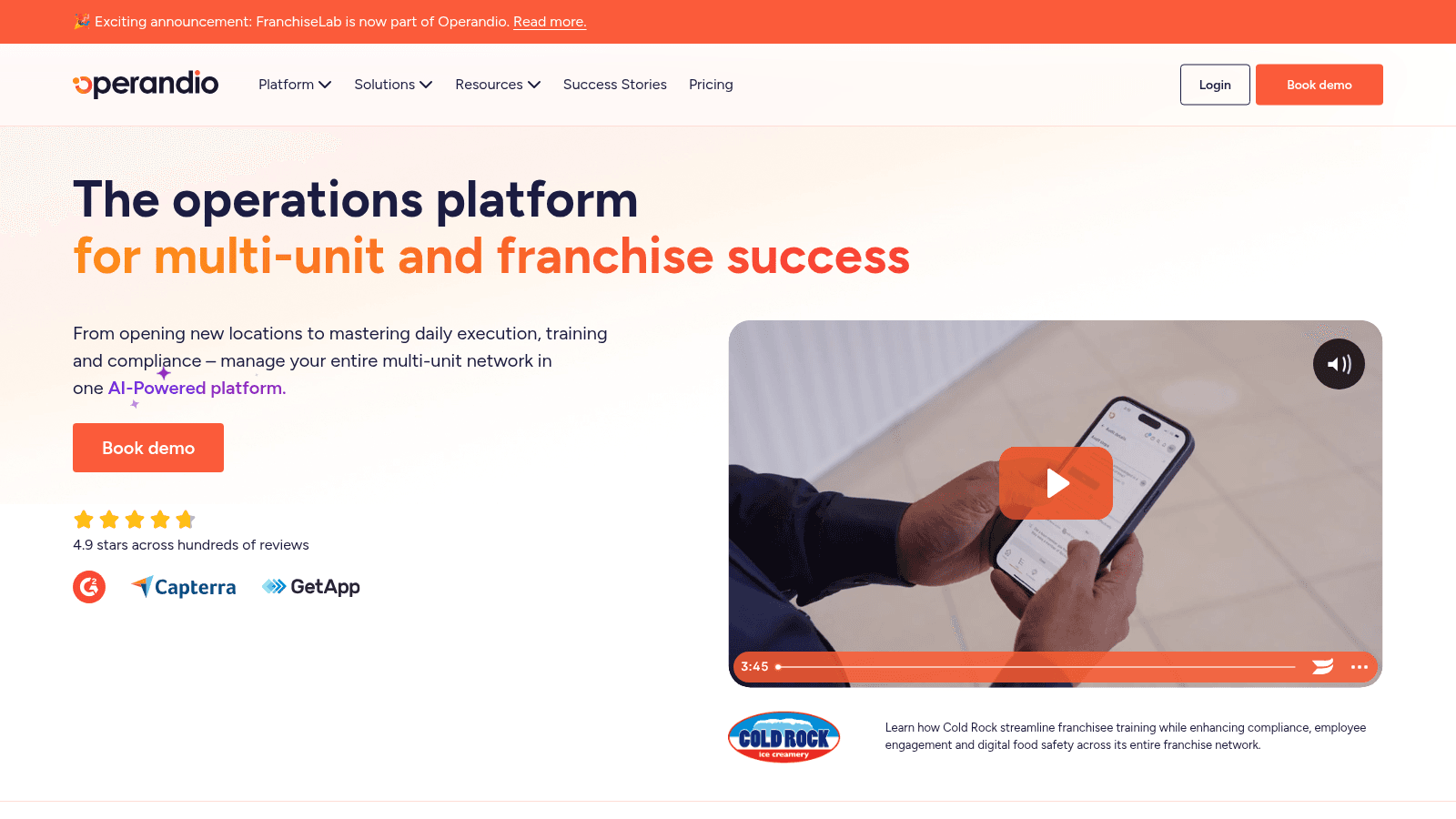
Overview: Operandio is a multi-unit and franchise operations platform that recently folded in FranchiseLab for franchisee recruitment. It covers task management, inspections and audits, and network dashboards for franchise operators specifically.
Key features:
Pricing: Modular and quote-based by locations and modules; Operandio offers a 14-day free trial once you book a demo.
Pros: franchise-specific tooling none of the others match, free trial available, modular pricing. Cons: no public numbers, franchise focus may be more than a small group needs, demo-gated trial.
Why franchises choose it: franchise recruitment plus operations in one platform is a genuine differentiator for franchisors. Final verdict: the standout for franchise operators who want recruitment and multi-unit execution together.
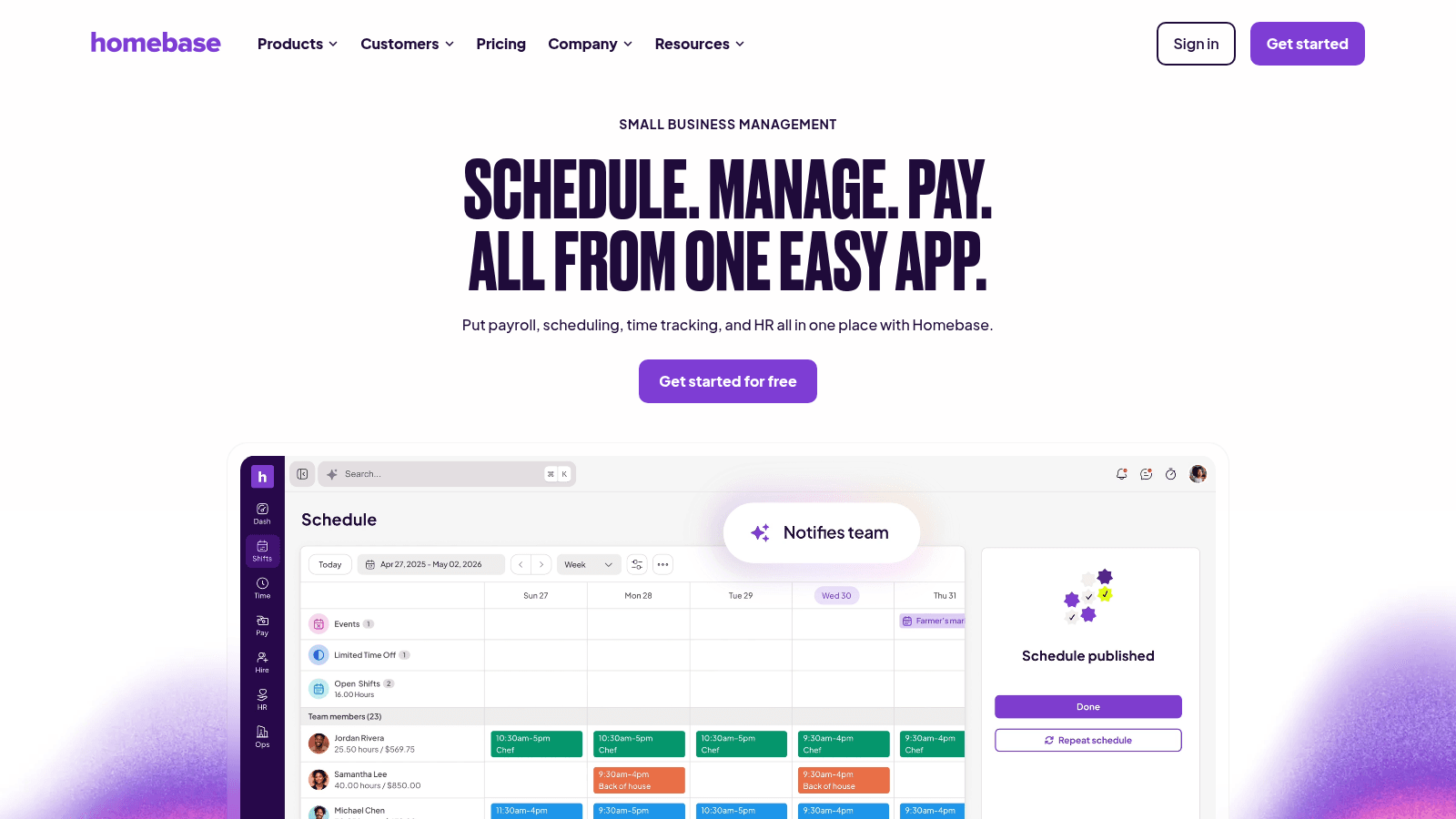
Overview: Homebase is a labor and scheduling platform with a genuinely free tier, aimed at single-location and small multi-unit independents. It covers scheduling, time tracking, team communication, and, on higher tiers, HR and hiring.
Key features:
Pricing: A free Basic plan covers one location up to 10 employees; paid tiers run $24 (Essentials, annual) to $96 (All-in-One) per month per location. A task manager add-on is $13 per location per month.
Pros: real free tier, cheap paid plans, easy for small teams. Cons: thin on inventory and food cost, per-location pricing, task tools cost extra.
Why small teams pick it: it gives small independents a labor and scheduling base for free, then grows with them. Final verdict: the best starting point for single-location and small multi-unit operators on a tight budget.
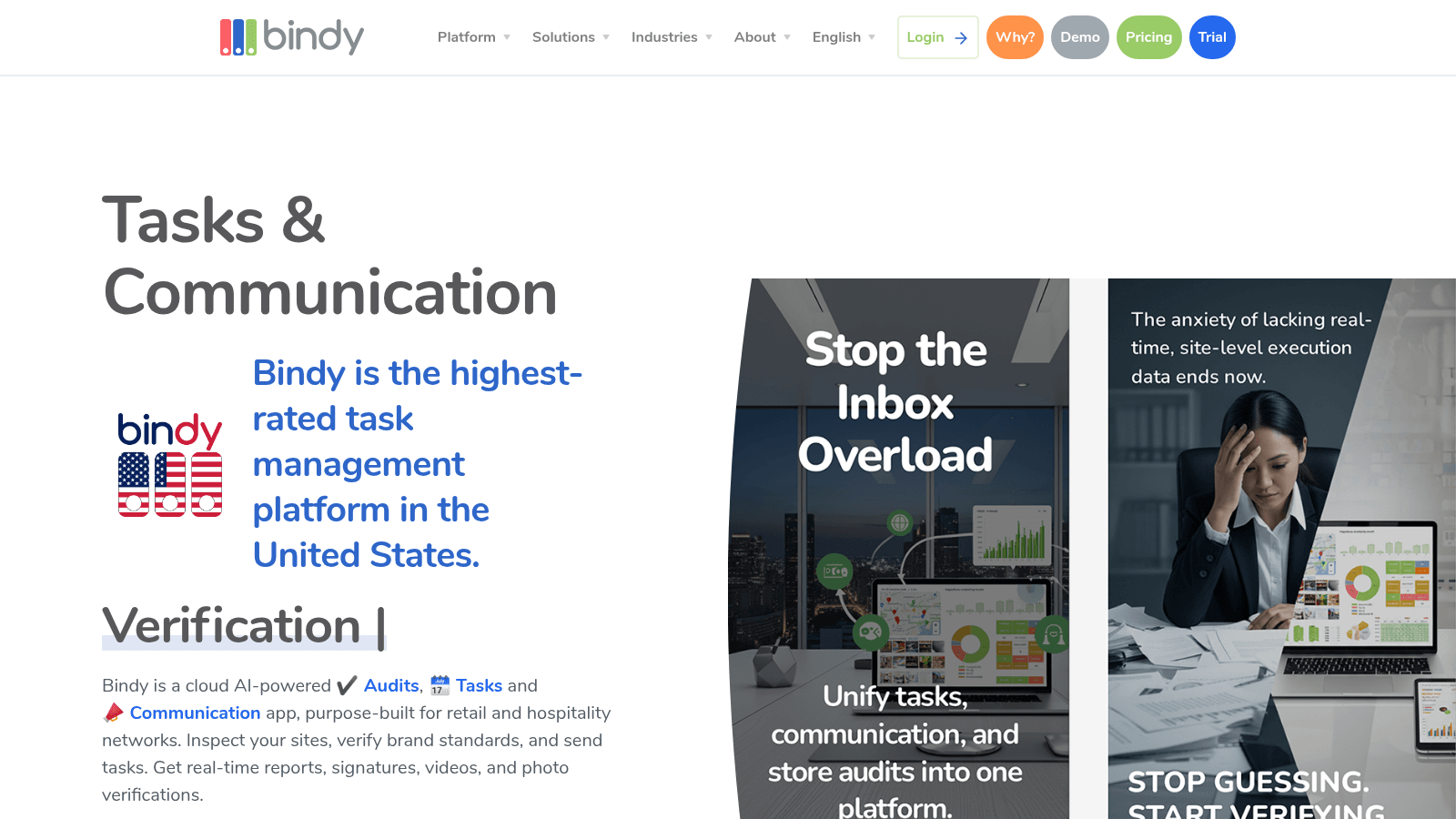
Overview: Bindy is a cloud audits, tasks, and communication app purpose-built for retail and hospitality networks. It centers on brand-standards inspections, priced by inspection volume rather than per user.
Key features:
Pricing: Published tiers: Starter $129 per month (10 inspections), SMB $499 per month (70 inspections), and Enterprise for annual commitments of $11,000 or more. Unlimited users on every tier, with a 14-day free trial.
Pros: transparent pricing, unlimited users, strong audit workflows. Cons: priced by inspection volume, narrower than a full suite, enterprise tier is a large commitment.
Why it fits multi-unit brands: it turns brand-standards inspections into a repeatable, trackable process across every site. Final verdict: the clear pick for multi-unit brands whose main operations gap is consistent execution across locations.
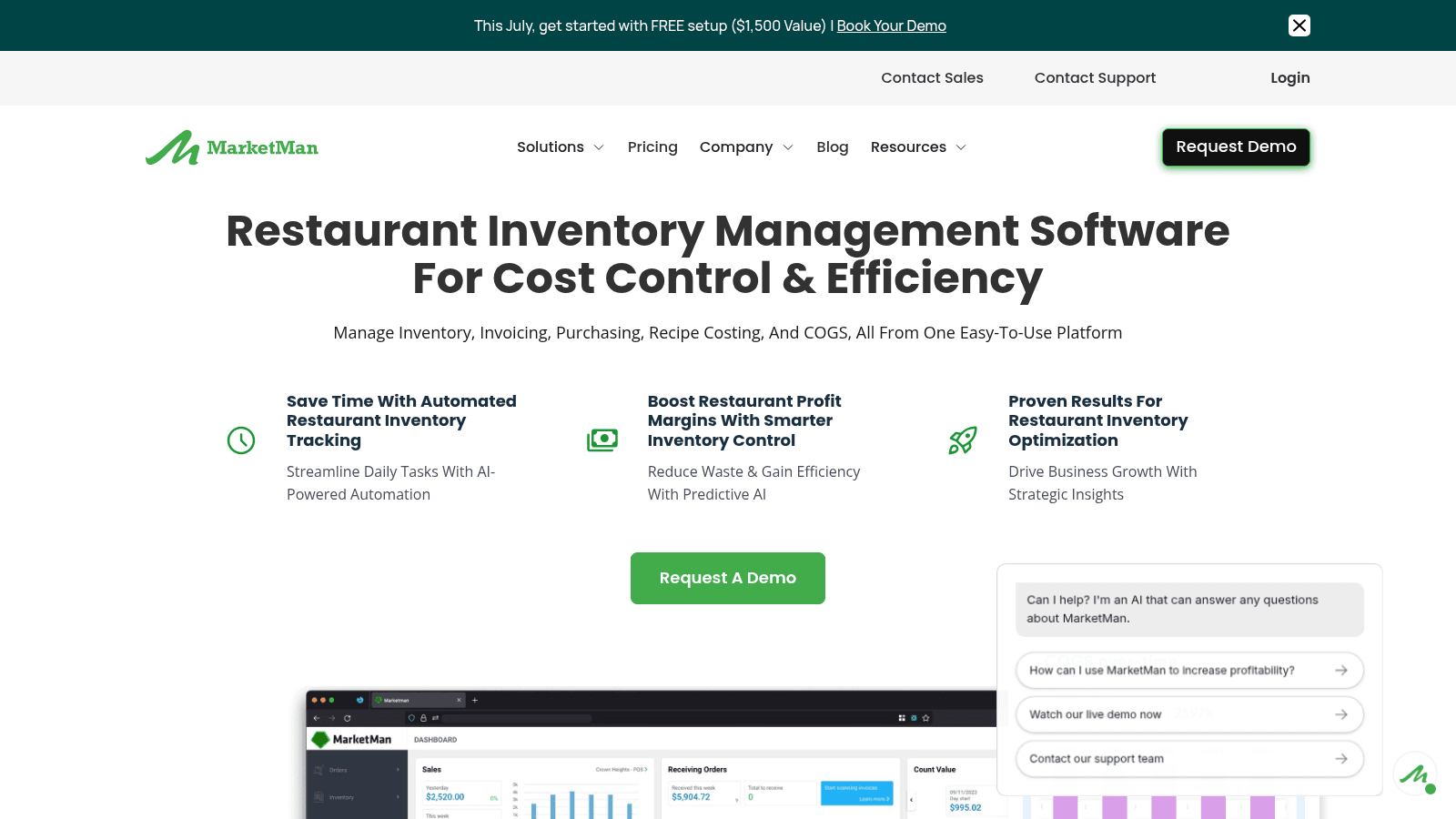
Overview: MarketMan is a cloud inventory, purchasing, and COGS platform for the back of house. It is not a labor or task tool; it earns its place here as the inventory and food-cost leg of an operations stack.
Key features:
Pricing: Published tiers: Starter $199 per month, Growth $249 per month, Enterprise custom, billed monthly with a demo only and no free trial.
Pros: transparent pricing, strong COGS and recipe costing, easy multi-unit rollout. Cons: inventory only, no labor or scheduling, invoice scans capped on the Starter plan.
Why it's a good restaurant operations management software: it owns food cost and purchasing, the operations area most directly tied to margin. Final verdict: the inventory-and-COGS specialist to pair with a labor or task tool rather than a standalone suite.
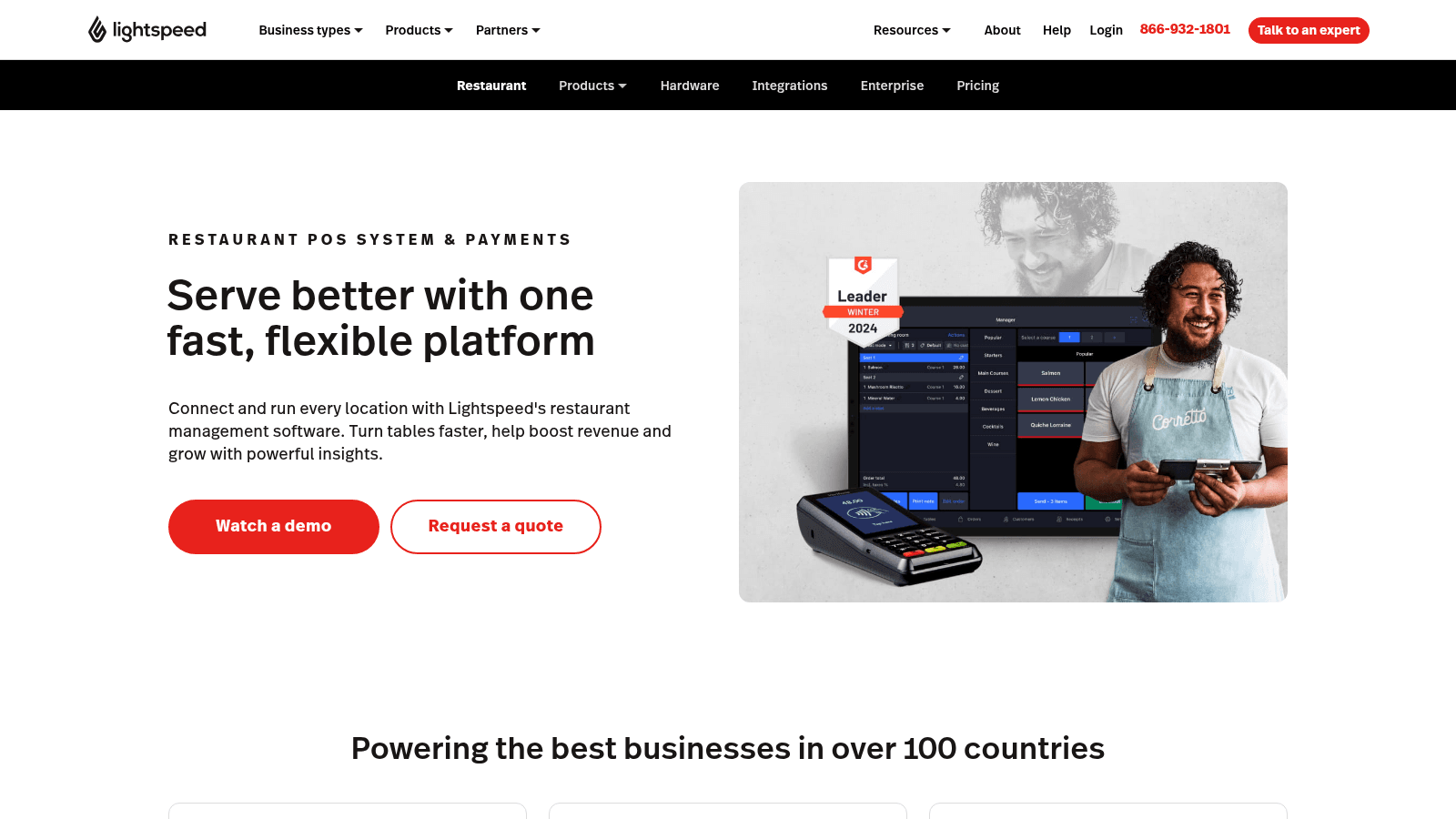
Overview: Lightspeed Restaurant is a cloud POS with a built-in inventory module covering ingredient tracking, recipe costing, low-stock alerts, and supplier ordering. It suits full-service and multi-location operators who want POS and inventory in one system.
Key features:
Pricing: Quote-based, with plans shown only as "Custom"; a kitchen display add-on is $30 per screen per month, and inventory is an add-on on lower tiers.
Pros: POS and inventory in one, recipe costing tied to sales, strong for full-service. Cons: inventory costs extra on lower tiers, quote-only pricing, POS-first rather than ops-first.
Why it works here: it links inventory and food cost directly to POS sales data. Final verdict: a good fit for operators who want their POS and inventory in a single system rather than two.
Overview: Apicbase is a cloud food and beverage management platform for multi-outlet operators, covering recipes, procurement, inventory, and analytics. It is built for scaling groups that need menu engineering and procurement together.
Key features:
Pricing: Quote-based by outlet count across Growth, Professional, and Enterprise tiers, demo only. Add-ons include HACCP, internal ordering, and production planning.
Pros: strong recipe and procurement depth, demand forecasting, built for scale. Cons: priced by outlet count, quote-only, more than a single site needs.
Why scaling groups choose it: it combines recipe costing, procurement, and forecasting for groups scaling across many outlets. Final verdict: the pick for growing multi-outlet foodservice groups that need procurement and menu engineering in one place.
Every tool here was assessed against the same criteria, using live pricing and product pages verified in 2026 rather than vendor marketing:
Those filters are why the list spans free labor apps and enterprise suites: they serve genuinely different operators, and the criteria surface that rather than hiding it.
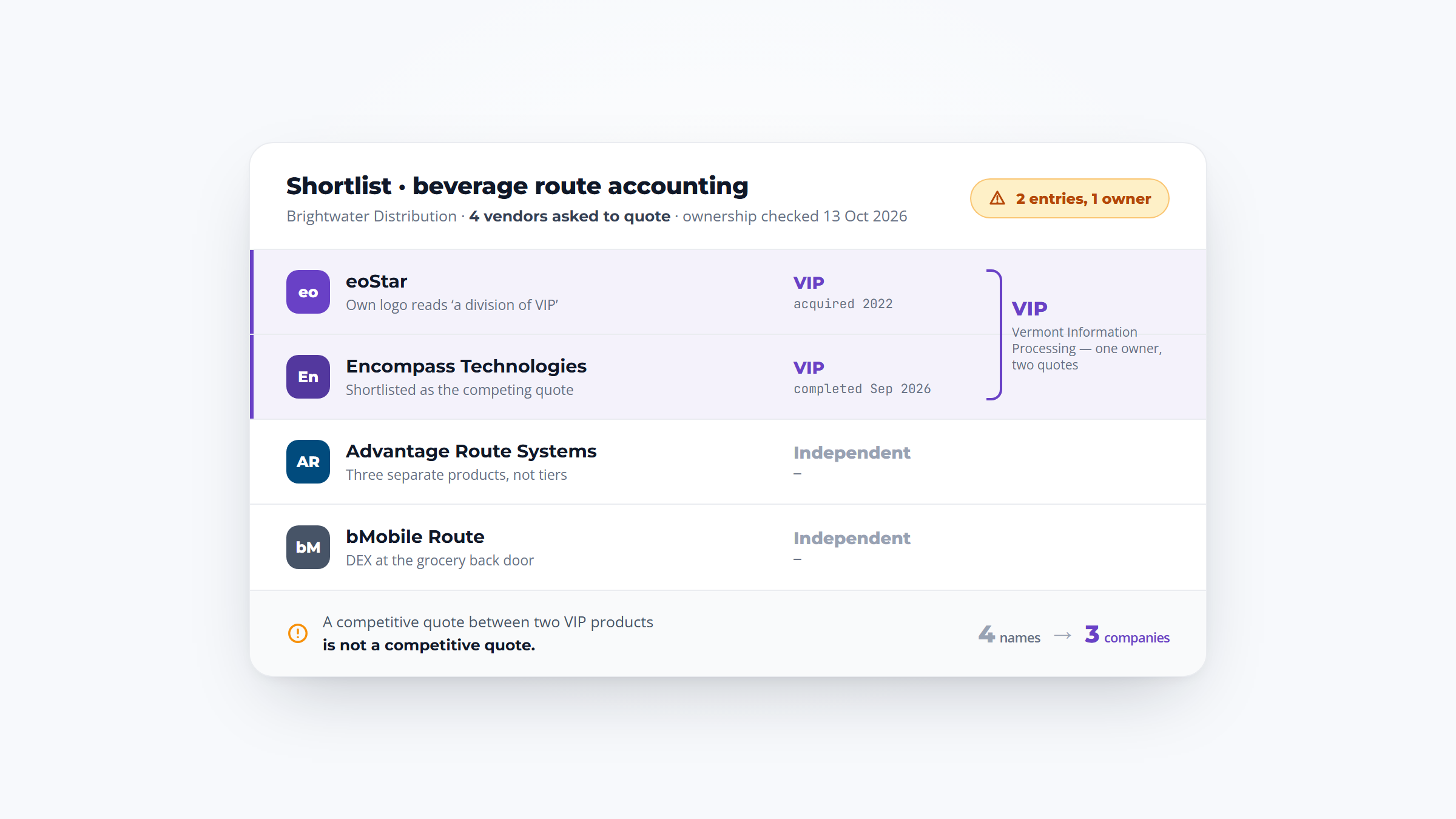
Look across all 12 tools and one operations task keeps falling through the cracks: placing the actual order with your suppliers. The labor and task tools (7shifts, Jolt, Xenia, Operandio, Homebase, Bindy) do not touch supplier ordering at all. The inventory tools (MarketMan, Restaurant365, Lightspeed, Apicbase) can generate a purchase order, but a person still has to call it in or confirm it with the distributor by phone or email.
That last mile, turning a low-stock alert into a confirmed order, is where errors and wasted time pile up. Kitchen noise garbles phone orders, voicemails get missed, and someone re-keys the same list twice.
VoiceOrder Solutions closes that gap without trying to replace any of the tools above. It is a voice-powered order-capture layer: restaurant staff open the app and speak a reorder aloud while walking the line, and the order is digitized, confirmed, timestamped, and sent to the distributor automatically.
For restaurants and food service operators, that removes 20 to 30 minutes of manual entry per order and captures after-hours orders that would otherwise sit in voicemail. It layers alongside your inventory or labor system rather than competing with it, feeding clean, structured orders to your distributor while your operations suite handles counts, schedules, and checklists.
VoiceOrder Solutions is quote-based, with pricing available on request, and setup runs 24 to 48 hours for independent distributors. Operators who want to see how voice ordering fits their reorder workflow can contact VoiceOrder Solutions for a demo.
Start with the operations area that costs you the most today. If labor is your battle, prioritize scheduling that ties to sales forecasts and real time-tracking; if food safety is, prioritize checklists with photo verification and temperature logging; if margin is, prioritize inventory counts, recipe costing, and COGS reporting.
Then weigh multi-unit oversight. A tool that gives you one dashboard across every location, with role-based access and audit trails, is what separates operations software from a single-store app. Consistency across sites is the whole point for a growing chain.
Look hard at integration, especially with your POS. An operations tool that reads live sales data can forecast labor and food cost far more accurately than one working from manual entry. This is also where AI is landing fastest: Deloitte found that 55% of restaurant leaders already use AI in inventory management daily, well ahead of guest-facing uses.
Finally, check that the tool drives frontline action, not just reporting. Digital checklists staff actually complete, schedules they can swap from their phones, and counts done on a mobile app beat a dashboard nobody outside the office opens. For the ordering and stock side of that routine, restaurant checklist software keeps the same steps in front of every shift.
The best software to streamline restaurant operations is the one that matches your bottleneck and your size, not the one with the longest feature list. A single independent fighting labor cost is best served by a free or cheap labor tool like Homebase or 7shifts. A growing chain with health-inspection risk should look at Jolt or Bindy for execution and compliance.
If food cost is eating your margin, an inventory specialist like MarketMan or a broader platform like Restaurant365 fits better than a task app. And if you want one system across labor, inventory, and execution, the two suites, Crunchtime and Toast, are worth the heavier commitment, provided you can absorb custom pricing and a longer rollout.
Whatever you choose for counts, schedules, and checklists, remember that supplier ordering usually sits outside these tools. Pairing your operations platform with a dedicated ordering layer keeps the reorder step from becoming the weak link, which matters most for multi-unit operators placing dozens of orders a week.
Pricing in this category is mostly quote-only, which makes budgeting harder than it should be. The table below shows the entry point for each tool so you can compare before the sales call.
| Tool | Pricing model | Entry price | Free option |
|---|---|---|---|
| 7shifts | Published tiers | Free / $39.99/month | Free tier |
| Homebase | Published tiers | Free / $24/month | Free tier |
| Bindy | Published tiers | $129/month | 14-day trial |
| MarketMan | Published tiers | $199/month | Demo only |
| Toast | Tiered + custom | $0/month POS | $0 Starter Kit |
| Operandio | Custom + modular | Pricing on request | 14-day trial |
| Crunchtime / Jolt / Xenia | Custom quote | Pricing on request | Demo only |
| Restaurant365 / Lightspeed / Apicbase | Custom quote | Pricing on request | Demo only |
The published-tier tools land between free and roughly $199 per month per location for the software itself, before add-ons and extra sites. The quote-only platforms, especially the full suites and accounting-forward systems, run higher once implementation is included, which is why many operators start with a focused tool for their biggest pain point and add others as they grow.
It is the software that runs the work behind service: staff scheduling and labor, task and checklist execution, food-safety and compliance logging, inventory and food cost, and multi-unit oversight. It sits behind the POS and gives managers one place to control how each location operates, though most tools lead with one of those areas rather than all of them.
It depends on your bottleneck. Crunchtime and Toast are the closest to full suites; 7shifts and Homebase lead on labor and scheduling; Jolt, Xenia, Operandio, and Bindy lead on task and compliance execution; MarketMan, Restaurant365, Lightspeed, and Apicbase lead on inventory and food cost. Match the tool to your biggest operations problem rather than chasing the longest feature list.
Most of the category is quote-only. Among the tools that publish pricing, 7shifts and Homebase have free tiers and paid plans from roughly $24 to $135 per location per month, Bindy starts at $129 per month, and MarketMan starts at $199 per month. Full suites like Crunchtime and Restaurant365 are custom-priced and cost more once implementation is included.
Yes, and adoption is rising fast. Xenia offers AI co-pilots for operations insights, Operandio and Crunchtime add AI features, and MarketMan uses AI for invoice scanning. Deloitte found 55% of restaurant leaders already use AI in inventory management daily, making it one of the most common AI tools for restaurant operations today.
For multiple locations, prioritize central oversight (one dashboard across all sites), role-based access and audit trails, POS integration for live sales data, and mobile execution so frontline staff actually complete tasks. Consistency across sites is the core job of multi unit restaurant operations software, so favor tools that enforce standards rather than just report on them.