.webp)
Key takeaways:
Managing a kitchen can get hectic fast. Mistakes happen, orders mix up, and time slips away. That's where kitchen management software steps in to help. It organizes orders, tracks inventory, and schedules tasks, all in one place.
With simple systems like this, kitchens run smoother and staff work smarter, not harder. It saves time, cuts down errors, and keeps everything clear.
Whether running a busy restaurant or a small café, smart kitchen management makes a big difference. This article explores how these tools improve kitchen work in 2026 with ease and confidence.
Kitchen management software is a smart tool that helps keep kitchens running smoothly. It makes managing orders, inventory, and staff easier and faster. Instead of juggling many papers or notes, this software organizes everything in one place.
Here's what it does:
One step that sits alongside these functions is supplier ordering. When stock runs low, the restock goes to your food distributor, and distributors that use VoiceOrder Solutions give their accounts a voice ordering app built on each account's order guide. The order then reaches the distributor's team digitized, confirmed and timestamped, and your food distributor can set you up.
Using this kind of software saves time and reduces errors. It stops mix-ups like missing ingredients or wrong orders. That means meals get made right the first time, and less food goes to waste.
The best part is it's easy to use. Most systems have simple screens and clear instructions. No need to be a tech expert to get started. Whether it's a small café or a busy restaurant, kitchen management software fits different needs.
Overall, this tool turns a busy kitchen into a well-organized space. It frees up time and helps everyone work better together. As kitchens become faster and more complex, having this kind of software is becoming a must-have to keep everything on track.
The best kitchen management software helps save time and cut errors fast. It keeps orders clear, tracks inventory, and manages staff easily. With these tools, kitchens run smoother and waste less.
| Tool | Best for | What it's mainly used for | Key features | Main limitations | Ease of use | Pricing |
|---|---|---|---|---|---|---|
| MarketMan | Cloud inventory, supplier management | Inventory tracking and predictive ordering | AI inventory tracking, predictive orders, price alerts | Setup time, pricing high for small kitchens | Medium | From $249/month |
| Restaurant365 | Financial and labor control | Accounting, inventory, payroll, scheduling | Invoice automation, food cost tracking, shift scheduling | High price, complex setup, training needed | Hard | Pricing on request |
| MarginEdge | Back-office automation | Invoice processing, food cost, inventory | Auto invoice processing, daily P&L reports, inventory tracking | Expensive for small teams, onboarding time | Medium | From $315/month per location, billed annually |
| Crunchtime | Multi-location operations | Inventory, labor, kitchen workflows | AI forecasting, labor tools, kitchen display system | Complex, costly for small teams, setup time | Hard | Pricing on request |
| Toast POS | All-in-one restaurant platform | Orders, payments, inventory, scheduling | Order and inventory sync, AI sales forecasts, offline mode | Complex for small kitchens, extra add-on costs | Medium | From $0/month (Starter Kit) |
| WISK | Inventory accuracy and speed | Real-time stock tracking and reporting | Faster counts, 99.7% accuracy (vendor figure), POS integrations | Setup requires training, costs add up by location | Medium | From $249/month per location, billed annually |
| Craftable | Back-office and purchasing | Purchasing, inventory, invoice automation | AI invoice review, purchase control, financial reports | Complex UI, training needed | Hard | Pricing on request |
| Supy | Multi-location inventory | Automated ordering and stock management | Auto stock counts, permission controls, BI dashboards | Feature complexity, higher pricing for small teams | Medium | From $250/month |
| Xenia | Task and standards management | Task tracking, audits, temperature monitoring | Task and corrective actions, QR code tracking, AI SOPs | Price adds up for many locations, training needed | Medium | Pricing on request |
| JAMIX Kitchen Intelligence System | Recipe and multi-unit control | Recipe, menu, inventory, and purchasing | Recipe and menu management, inventory tracking, multi-site coordination | Costly for small teams, some features complex | Medium | Pricing on request |
Overview
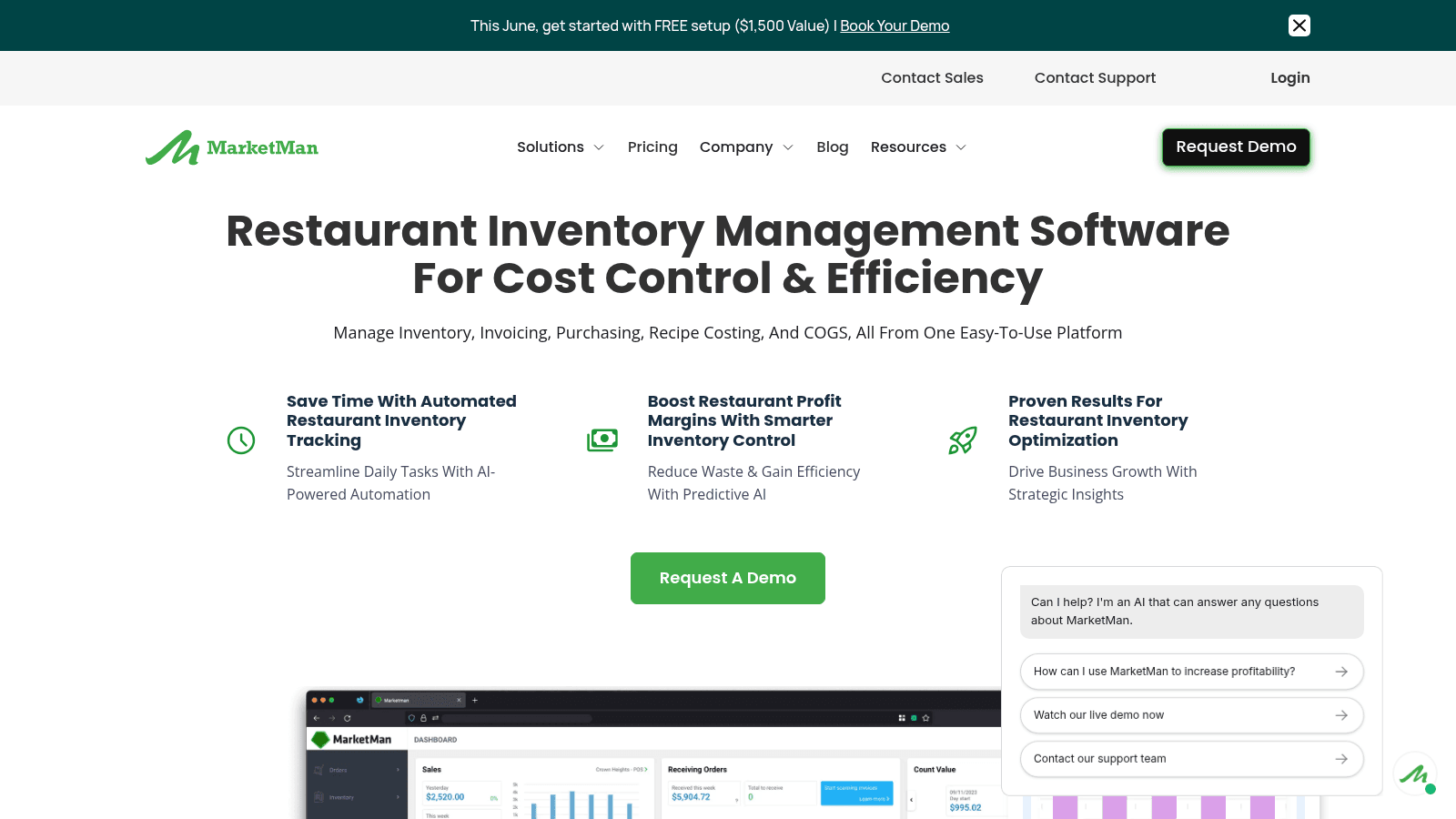
MarketMan is a cloud-based inventory system used in restaurants to track stock and supplier orders. It reduces time spent on manual inventory tasks and helps control food costs through automation.
The software offers AI-powered tracking and predictive ordering to keep supplies at the right levels. It connects with major POS and accounting systems and is accessible via mobile or web.
Key Features
Pricing
Starter is $249 a month, Growth is $299 a month, and Enterprise starts at $449 for established chains and franchises.
Pros & Cons
Why It's a Good Kitchen Management Software
MarketMan fits kitchens looking for cloud-based tools to manage stock and orders with meaningful automation. It suits both restaurant kitchens and shared kitchen setups that need integrated inventory control.
Final Verdict
MarketMan offers a comprehensive system for kitchen stock and order management, but teams should budget time for setup and plan for a moderate ongoing cost.
Overview
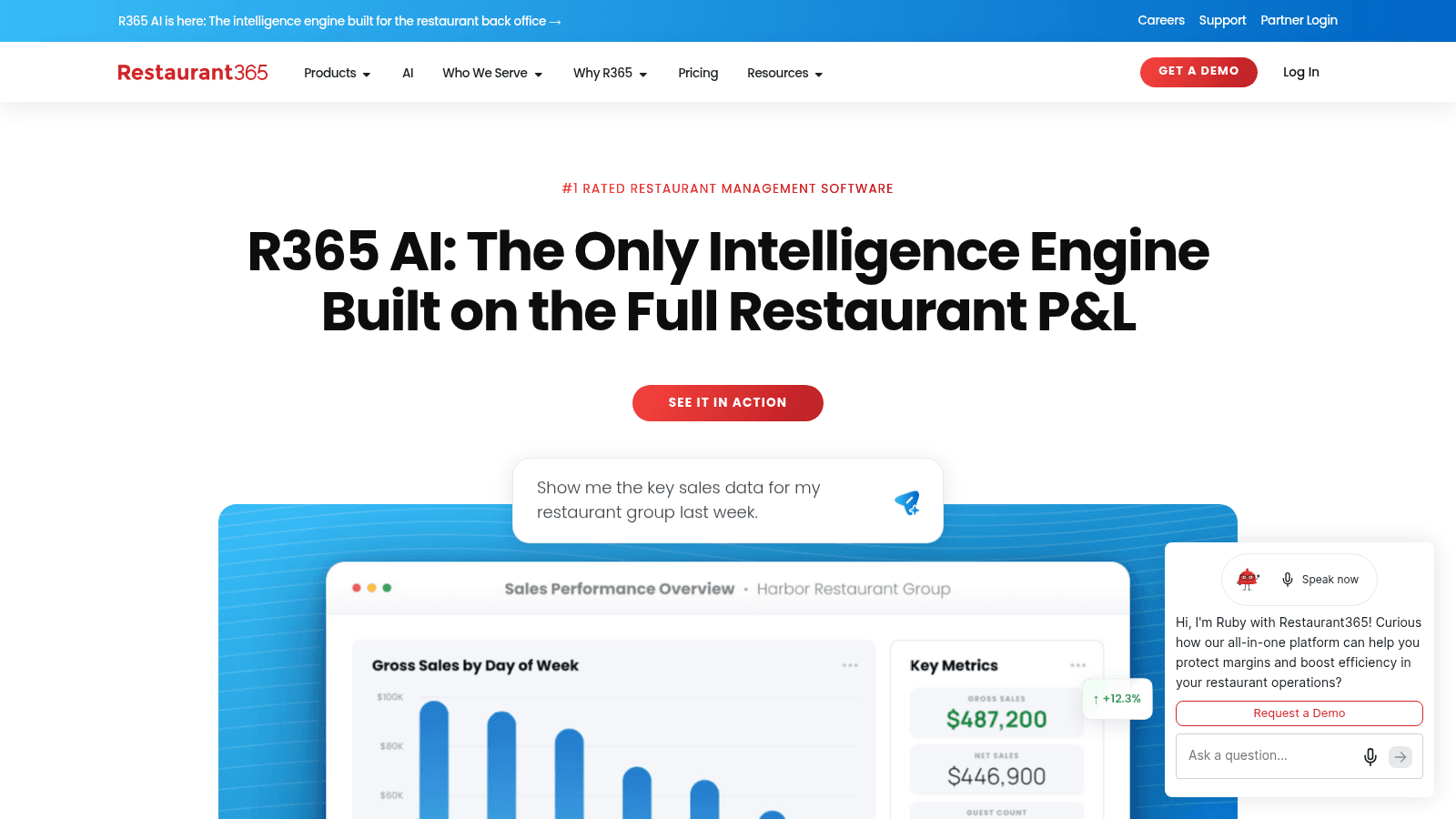
Restaurant365 combines accounting, inventory, scheduling, payroll, and AI insights into one platform. It uses full profit and loss data to improve decision-making and reduce manual accounting work.
The software tracks food costs and labor, helping control expenses with fewer forecasting errors. It integrates with various POS and technology systems for unified cost tracking and growth analysis.
Key Features
Pricing
Pricing on request: Restaurant365 builds a custom quote for each operation.
Pros & Cons
Why It's a Good Kitchen Management Software
Restaurant365 fits operations that need detailed financial control alongside scheduling and payroll in a single system. It may be less practical for smaller kitchens looking for simpler inventory or order management tools.
Final Verdict
Restaurant365 delivers a comprehensive, integrated kitchen and restaurant management system with strong financial and labor tracking, but smaller teams may find it more system than they need.
Overview
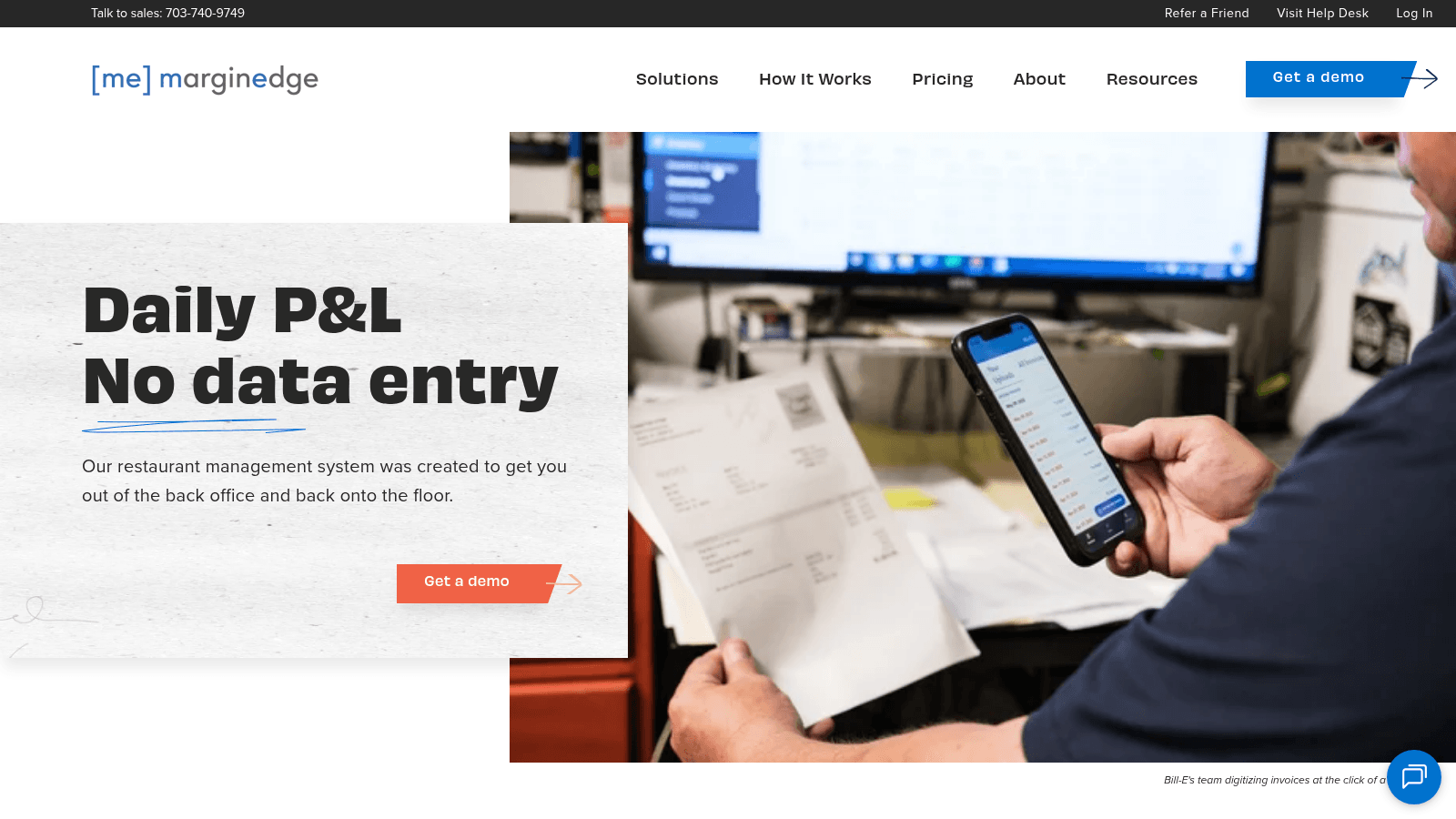
MarginEdge is a back-office kitchen management platform built for restaurants. It processes invoices automatically and delivers daily profit and loss reports to help teams stay on top of costs. The software tracks food expenses, manages inventory and orders, and analyzes recipes and menus.
It connects with a wide range of POS and accounting systems to fit into existing setups.
Key Features
Pricing
$350 per location per month billed monthly, or 10% less billed annually. Bundling Freepour adds $150 per location per month.
Pros & Cons
Why It's a Good Kitchen Management Software
MarginEdge centralizes several back-office functions in one system, helping kitchen managers keep tighter control over costs and paperwork. It suits mid-sized operations that need daily financial visibility.
Final Verdict
MarginEdge offers a consolidated approach to kitchen inventory and cost management but is better suited to mid-sized or larger teams than to small or shared kitchens.
Overview
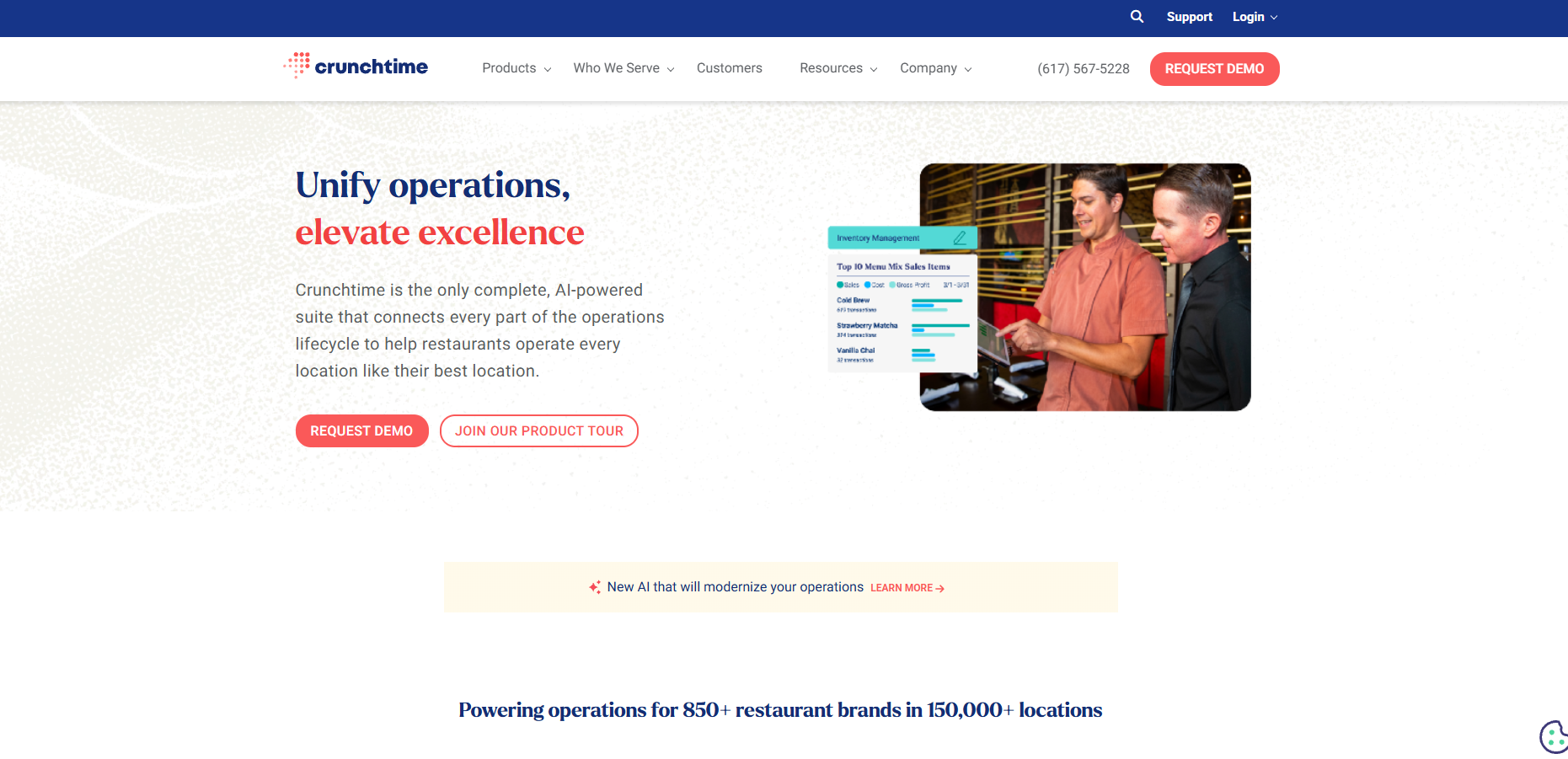
Crunchtime is an AI-powered restaurant operations management suite that covers inventory, labor, kitchen workflows, and staff training across many locations. The platform provides tools for ordering, scheduling, task tracking, and compliance.
Real-time data helps managers monitor and adjust operations as conditions change throughout the day.
Key Features
Pricing
Pricing on request: contact Crunchtime for a quote.
Pros & Cons
Why It's a Good Kitchen Management Software
Crunchtime fits large-scale or multi-location operations that need detailed cost monitoring and workflow control across many sites. Smaller or single-location kitchens may find the feature set broader than required.
Final Verdict
Crunchtime provides a comprehensive restaurant and kitchen management system with AI-driven features, best suited to larger or multi-unit businesses.
Overview
Toast POS is an all-in-one restaurant platform that connects orders, payments, inventory, and staff scheduling in a single system. It supports different service types, including full-service and quick-service restaurants, and uses AI to predict sales and manage labor hours.
The system keeps working offline and supports mobile payments and third-party delivery integrations.
Key Features
Pricing
The Starter Kit starts at $0 a month and Point of Sale at $69 a month, both including the first hardware terminal subscription, with extra charges for more devices. The full platform with inventory and scheduling (Build Your Own) is priced on request.
Pros & Cons
Why It's a Good Kitchen Management Software
Toast POS suits restaurants that want a single platform covering orders, inventory, staffing, and payments. Smaller kitchens may find it more complex and costly than simpler dedicated tools.
Final Verdict
Toast POS provides a broad feature set intended to cover most kitchen and restaurant operational needs, but is a stronger fit for mid-sized to larger operations than for very small teams.
Overview
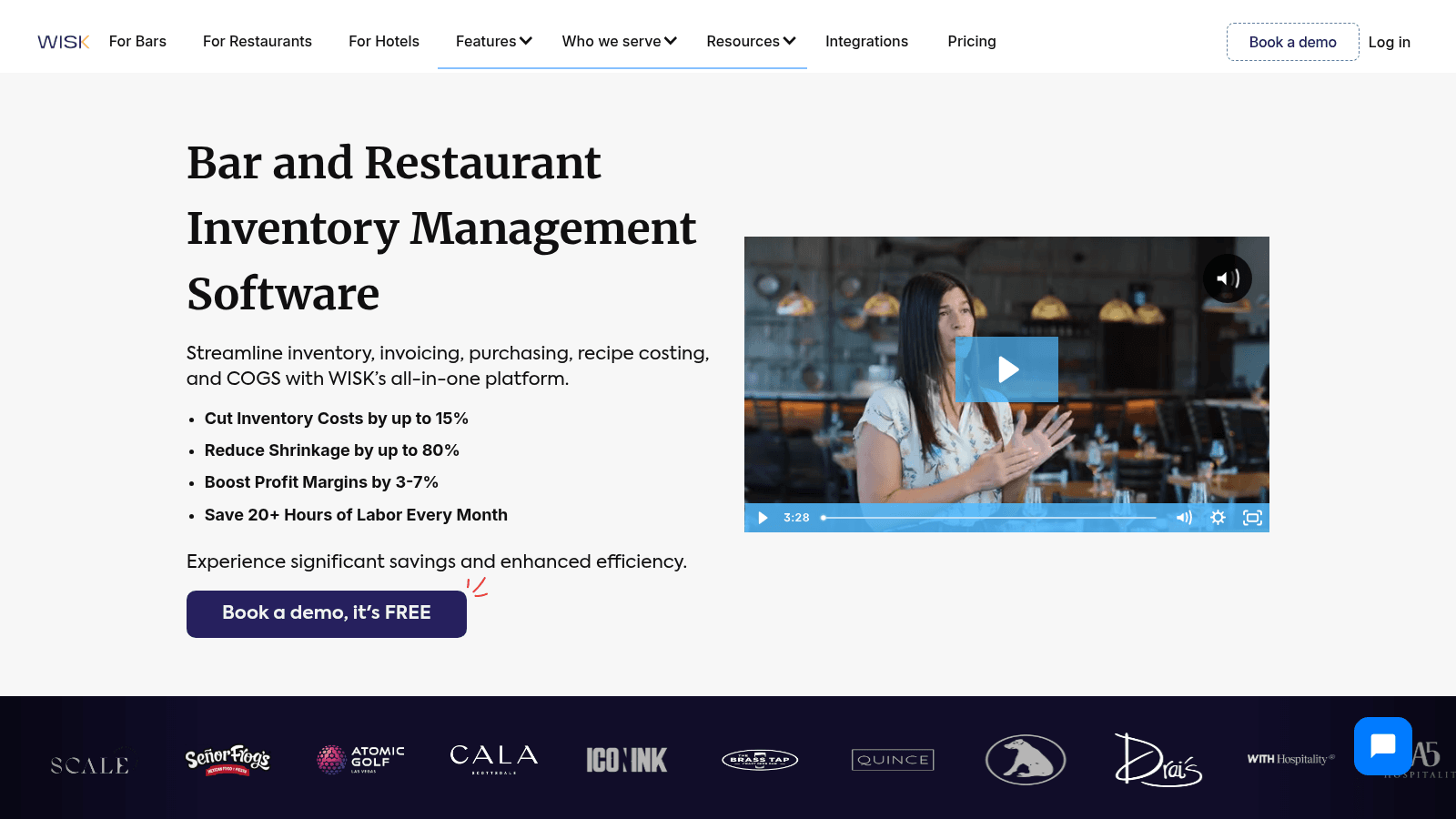
WISK is a kitchen inventory management platform designed to reduce time spent on stock counts and improve accuracy across restaurants, bars, and quick-service operations.
The system tracks stock in real time, monitors Cost of Goods Sold, and integrates with a wide range of point-of-sale systems. Multiple team members can count inventory simultaneously, speeding up the process considerably.
Key Features
Pricing
$249 a month per location for Food or Beverage, or $399 for the F&B bundle, billed annually. Quarterly billing costs more.
Pros & Cons
Why It's a Good Kitchen Management Software
WISK suits operations that need to cut inventory errors and save time on counting and ordering, particularly those running multi-user workflows across one or more locations.
Final Verdict
WISK delivers detailed inventory tracking with strong automation, but may be more than a very small or simple kitchen needs.
Overview
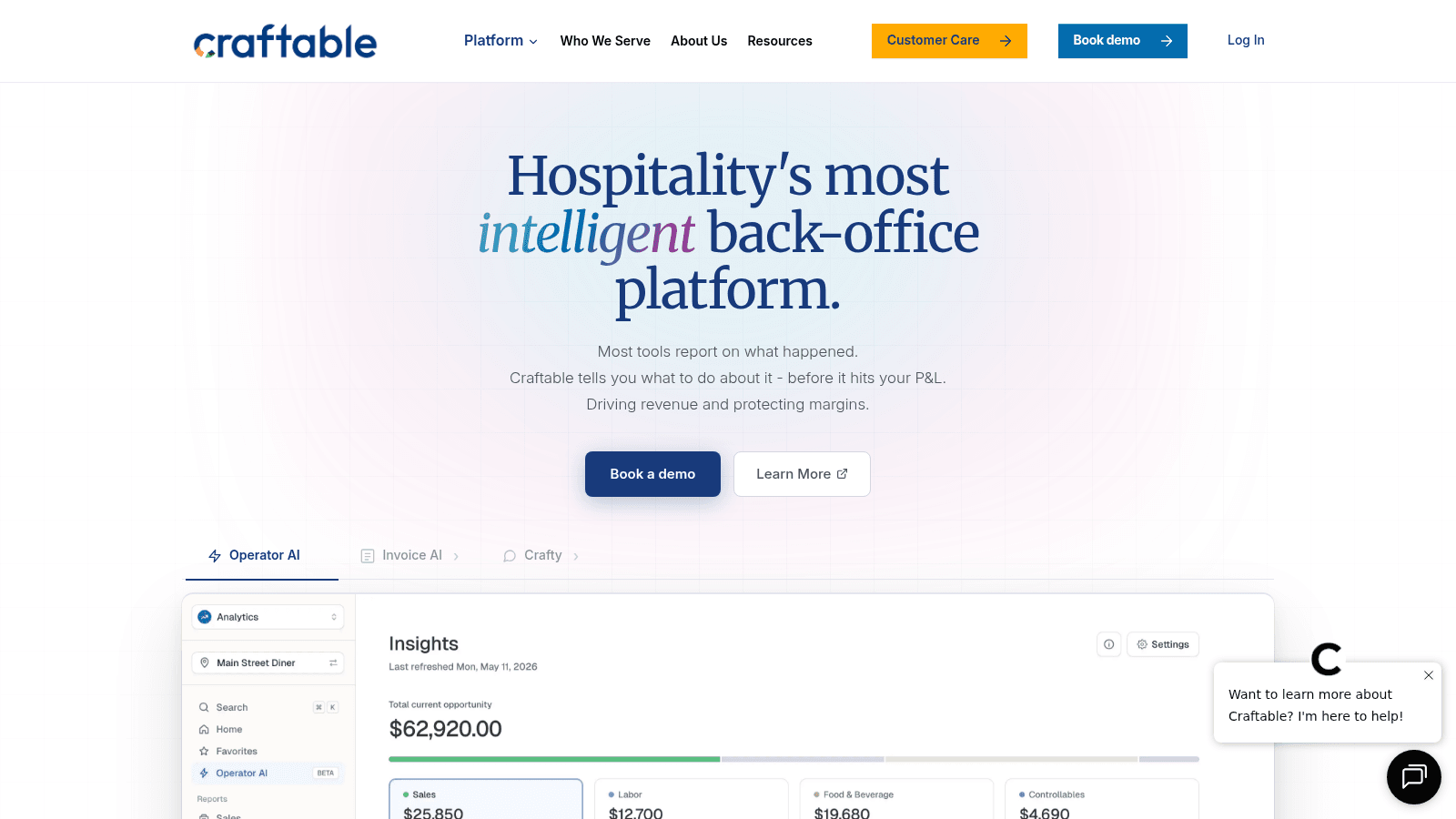
Craftable is an all-in-one back-office platform built for restaurants and hotels. It handles purchasing, inventory, accounts payable, and financial reporting, and uses AI to automate invoice processing and flag discrepancies early.
The system connects with a range of existing tools and provides daily actionable insights to help manage costs and procurement.
Key Features
Pricing
Pricing on request through a demo.
Pros & Cons
Why It's a Good Kitchen Management Software
Craftable suits restaurants and hotels looking to centralize purchasing, inventory, and finance in one platform, with a focus on catching cost issues before they compound.
Final Verdict
Craftable offers a comprehensive toolset for managing kitchen inventory, purchasing, and finance, but smaller teams may find its complexity and cost a barrier compared to simpler alternatives.
Overview
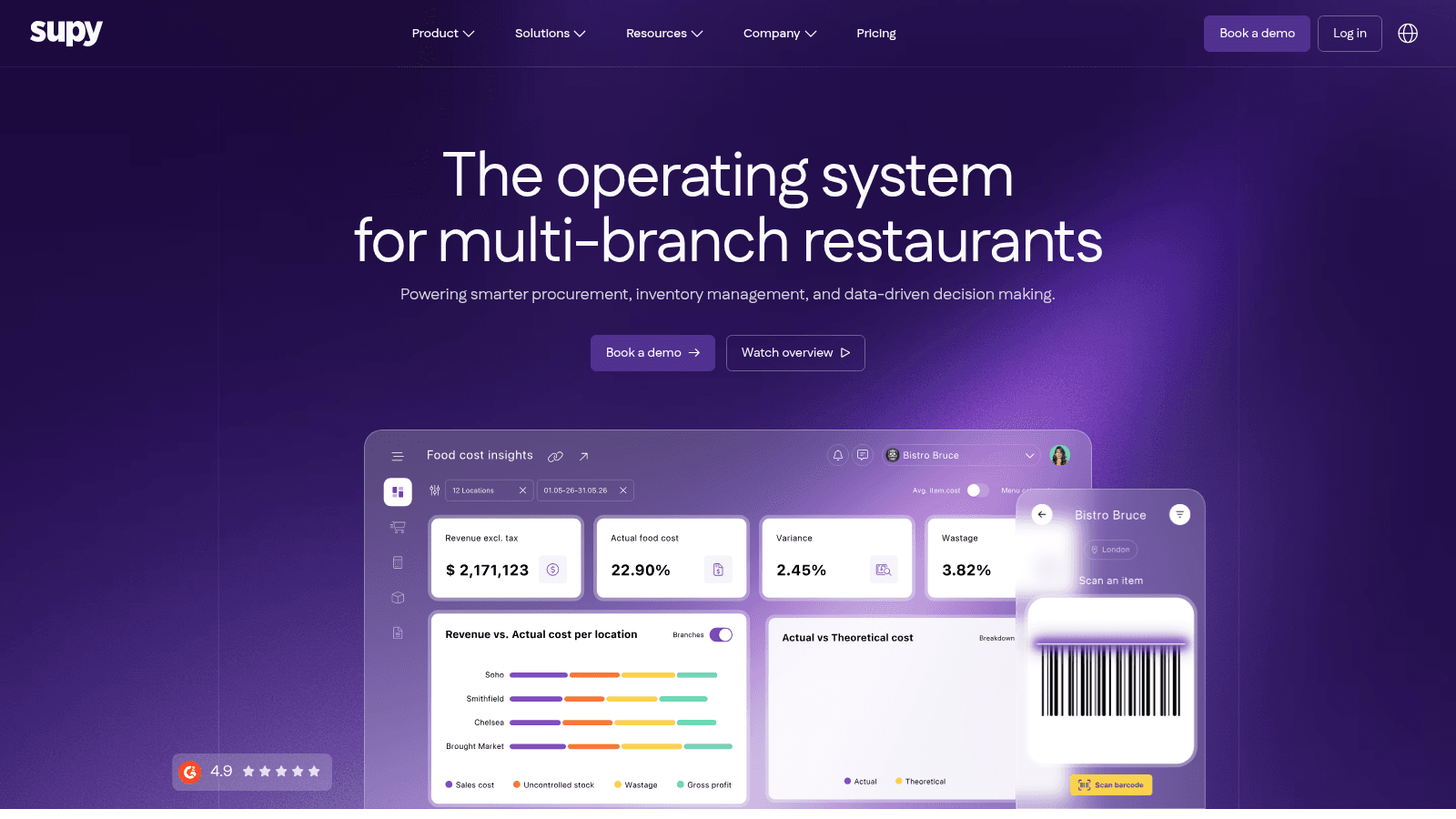
Supy is an AI-powered restaurant inventory system that tracks and manages stock across multiple locations. It automates ordering, stock counts, and invoice processing through a mobile app, and provides real-time updates on inventory and recipe costs.
Business intelligence dashboards help operators analyze data and plan for growth across sites.
Key Features
Pricing
From $250 a month on one comprehensive plan with unlimited users per location. Add-ons such as AI Ordering are priced on request.
Pros & Cons
Why It's a Good Kitchen Management Software
Supy suits operations managing inventory and procurement across multiple sites that need detailed tracking and controlled ordering workflows in one system.
Final Verdict
Supy offers a comprehensive approach to kitchen stock and procurement management, but may require more setup and ongoing investment than simpler single-location tools.
Overview
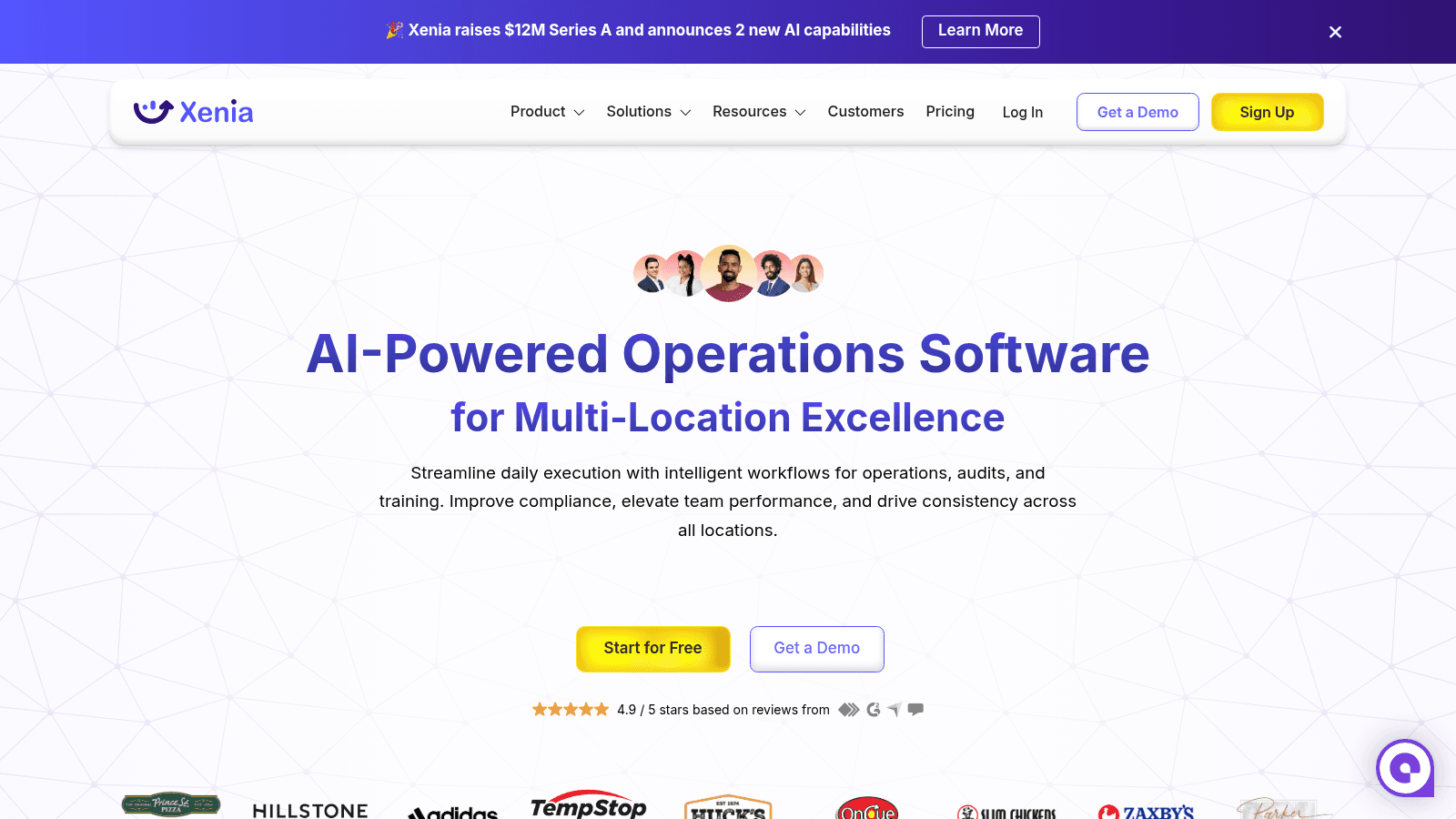
Xenia is an AI-driven operations app built for frontline teams across multi-location businesses. It automates daily tasks, inspections, audits, and training to keep operations consistent and compliant with internal standards.
The app supports offline mobile use and role-based access control, making it practical for distributed teams across many sites.
Key Features
Pricing
Pricing on request. Xenia offers per-user and per-site pricing across its Basic, Pro and Enterprise plans.
Pros & Cons
Why It's a Good Kitchen Management Software
Xenia suits operations that need consistent procedures and safety standards enforced across multiple sites, particularly those with compliance requirements or distributed frontline teams.
Final Verdict
Xenia offers a structured approach to managing kitchen operations and standards, but may require investment and training to deliver full value for smaller or single-location kitchens.
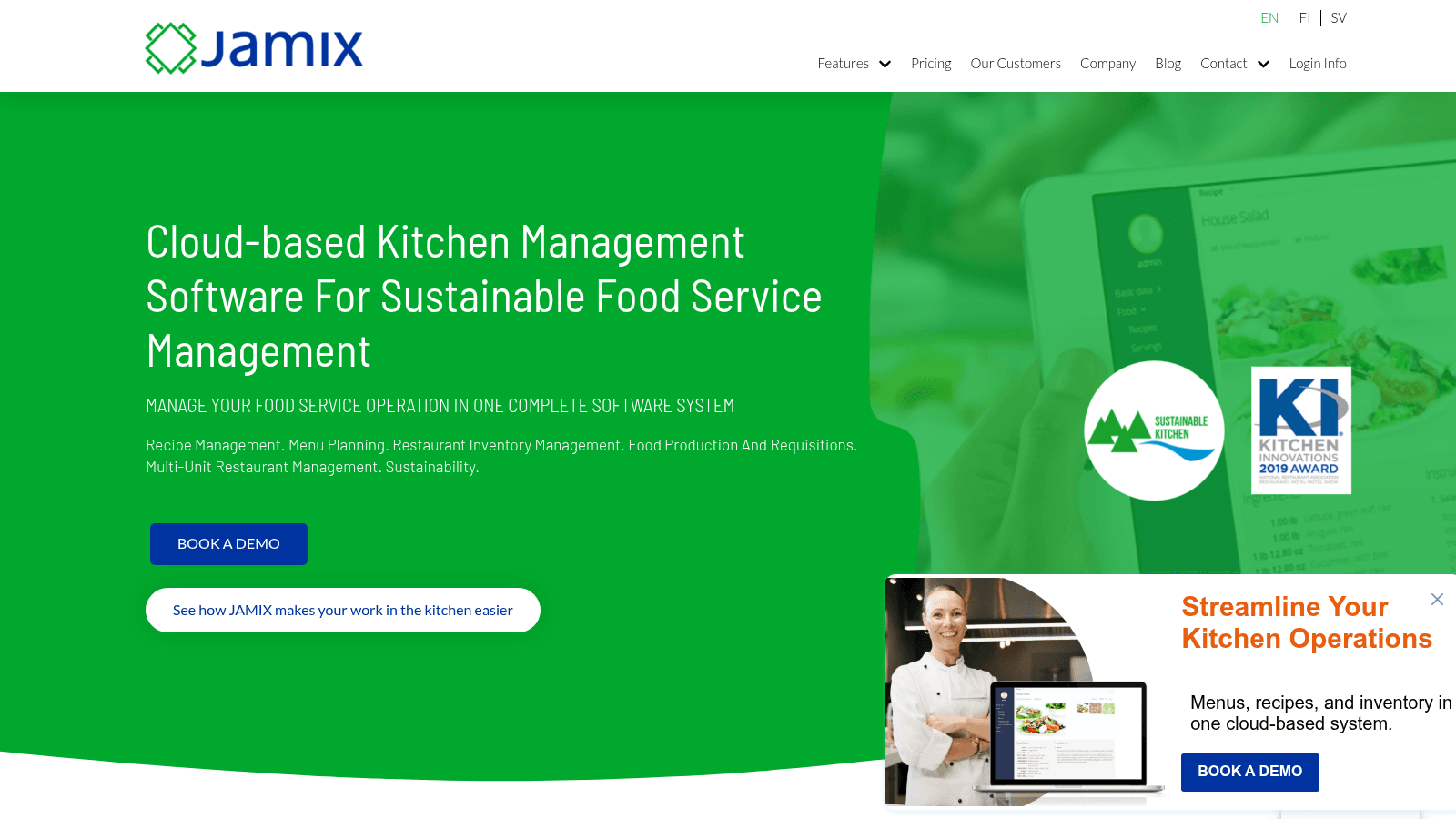
Overview
JAMIX Kitchen Intelligence System is a cloud-based kitchen management platform designed for restaurants, colleges, nursing homes, and other food service operations. It handles recipe and menu management, inventory, purchasing, and production planning across single or multiple sites.
The system runs on any device or browser.
Key Features
Pricing
Pricing on request, based on the number of kitchens, the scope of operations and the plan, with no per-user charges.
Pros & Cons
Why It's a Good Kitchen Management Software
JAMIX suits food service operations that need to manage recipes, menus, inventory, and production in a single system, particularly those operating across multiple sites or serving high-volume institutional catering.
Final Verdict
JAMIX Kitchen Intelligence System offers full-featured kitchen management with a focus on centralized control, but teams should weigh the monthly cost against their scale of operation.
A kitchen display system (KDS) swaps printed tickets for screens on the line. In the entries above, a kitchen display shows up only in the Crunchtime and Toast write-ups, so if you pick one of the inventory-first tools, plan to get your screens from your POS or a separate display vendor.
Toast's platform guide describes two screen roles. A prep station screen shows only the items that station makes, while an expediter screen collects the whole ticket and tells the front of house when food is ready. Once every item is marked fulfilled at the prep stations, the ticket turns green on the expediter screen.
Set up routing in this order:
A ticket that skips a station during the test will skip it on a Friday night too, so fix the item assignment before you open.
Timers are where a display earns its cost. Toast changes a ticket's heading color as it ages, and its average fulfillment timer shows the mean time to fulfill tickets over a recent window you set (30 minutes, for example) in the corner of the screen. Lightspeed timestamps each order when it's received, started and finished, and Square lists ticket timers and performance reports among its KDS features.
Display fees are usually charged per screen, on top of the POS plan. The figures below come from each vendor's own pricing page.
| Vendor | Display fee | Plan it sits on |
|---|---|---|
| Square | $30/mo per device | Square Plus, $49/mo per location |
| Square | $20/mo per device | Square Premium, $149/mo per location |
| Square | Not available | Square Free, $0/mo |
| Lightspeed | $30/mo per screen (US) | Lightspeed Restaurant K-Series POS |
Run the math for your own line. Three prep screens and one expo screen on Square Plus add 4 x $30 = $120 a month before hardware. When you compare kitchen management system software that bundles a display into a quote, ask each vendor for the per-screen line on its own, so the totals compare like for like.
Selecting the tools for this list meant evaluating platforms against the demands that kitchen operators face every day: reducing manual errors, keeping stock levels accurate, and fitting into existing workflows without requiring a lengthy IT project. The same test applies to restaurant stock management software bought on its own rather than as part of a suite.
The criteria used were:
No single tool is right for every kitchen. The tools above were chosen because each addresses a clear operational need, whether that's financial control, multi-location inventory, task compliance, or all-in-one restaurant management. That last group overlaps heavily with restaurant management software, where the POS usually sits at the center rather than the kitchen.
Choosing the right kitchen management software means identifying which features match the problems your kitchen actually faces. The categories below cover the capabilities that make the most practical difference.
Supplier ordering sits just outside these features. Some food distributors give their accounts a voice ordering app through VoiceOrder Solutions, so restocking orders reach the distributor's team digitized, confirmed and timestamped while your kitchen management platform stays in place. If your food distributor uses it, it can set you up.
A commissary, or central kitchen, cooks for your own outlets: stocks, sauces, doughs and portioned proteins that each location finishes on site. The work runs as a loop. Branches order, the commissary plans a production run, product ships, and each outlet confirms what arrived. Commissary kitchen management software is built around that loop rather than around a single dining room.
Supy's central kitchen module and Gofrugal's central kitchen system cover most of this sequence, and it's worth testing each step in a demo:
Step 6 is the one teams skip. If an outlet accepts a note for 10 tubs of sauce but only 8 came off the van, its kitchen stock management software shows 2 tubs that don't exist, and the gap only surfaces at the next count.
Ask whether a branch can still order after cutoff, and who approves it. Ask how a short shipment appears on the outlet's side, since a commissary that edits quantities silently leaves the branch guessing. If you also sell to outside customers, Supy's module handles external clients with their own pricing, invoices and delivery notes alongside your branches.
The same word also describes shared-use kitchens that rent hourly space to caterers, food trucks and bakers. Software for that job looks nothing like the loop above. The Food Corridor, for example, lets renters book kitchen areas, equipment and dry or cold storage themselves, and bills them on monthly, hourly or credit-based membership plans.
Compliance is the other half of that job. The Food Corridor collects renter documents, sends automated reminders before they expire, and offers insurance inside the app. None of the ten entries above handles bookings or renter billing, so a rental kitchen needs a tool from that category.
Choosing kitchen management software comes down to matching the tool's strengths to your operation's main pain points. The steps below make that process more straightforward.
Start with your biggest problem. If food cost overruns are the priority, look for tools with strong invoice automation and daily P&L reporting, such as MarginEdge or Restaurant365. If inventory accuracy is the issue, platforms like WISK or Supy offer focused tracking and counting tools. If multi-location coordination is the challenge, Crunchtime or JAMIX may be a better starting point. And if the ordering itself is what keeps going wrong, that sits closer to restaurant purchasing software than to anything on this list, since the weak point is the supplier handoff rather than the kitchen.
Check integration compatibility. The best software is one that connects to the systems already in use, whether that's a specific POS, accounting package, or supplier portal. Most platforms on this list offer integration libraries, but it is worth confirming the specific connections needed before committing.
Match the tool to your team's technical comfort. Some platforms, such as Toast POS and Crunchtime, offer broad functionality but carry a steeper learning curve. Others, like WISK or Supy, are more focused and quicker to learn. Consider how much training your team can realistically absorb during implementation.
Consider your location footprint. Tools like Crunchtime, JAMIX, and Supy are built to scale across many sites. Single-location kitchens may find simpler tools a better fit at lower cost.
Trial before committing. Most platforms offer demos or free trials. Use these to test how the software handles the specific workflows your team runs daily, not just the headline features listed on a pricing page.
Kitchen management software pricing varies considerably depending on the type of tool, the size of the operation, and the features included. Among the tools reviewed here that publish a price, inventory and back-office plans start between $249 and $350 a month per location (MarketMan, WISK, Supy and MarginEdge), while Toast's Starter Kit starts at $0 a month for the POS itself.
Key factors that affect the final cost include:
For tools without public pricing, such as Restaurant365, Crunchtime, Craftable, Xenia and JAMIX, costs depend on scope and are confirmed during a sales conversation. Operators evaluating those platforms should budget enough time to go through a formal quoting process before comparing against fixed-price options.
Implementation timelines vary depending on the complexity of the platform and the size of the operation. Based on the tools reviewed here, most kitchens can expect one of three patterns.
To reduce implementation time regardless of platform, it helps to have supplier lists, inventory data, and POS access ready before kickoff. Asking vendors specifically about their onboarding process and average go-live timeline for operations of your size is a useful step in the evaluation process.
If you run a multi-location restaurant group, the schedule your kitchen software produces may be a legal document. Several cities and one state require many food service employers to post schedules 14 days ahead and pay extra when a manager changes them. This section summarizes what each agency publishes; it isn't legal advice, so confirm your own coverage with the agency or an employment lawyer.
The table below draws on each agency's own published summary, current as of October 2026.
| Jurisdiction | Food service employers covered | Schedule notice | Rest between shifts |
|---|---|---|---|
| Oregon (BOLI) | Retail, hospitality and food services, 500+ employees worldwide | 14 calendar days, in writing | 10 hours, or time-and-a-half |
| Seattle | Food services with 500+ employees worldwide; full-service restaurants also need 40+ full-service locations | 14 days | Under 10 hours paid at time-and-a-half |
| Chicago | Restaurants with 250+ employees and 30+ locations globally, for workers at or under $33.85 an hour | Advance notice required; 1 hour of pay for changes inside 14 days | Right to decline hours within 10 hours |
| Philadelphia | Service, retail and hospitality, 250+ employees and 30+ locations worldwide | 14 days | 9 hours, or consent plus $40 |
| New York City | Fast food employers | 14 days | Premium for clopenings |
Los Angeles also has a Fair Work Week Ordinance, but the City describes it as covering retail businesses with 300 or more employees globally, so most restaurant kitchens fall outside it.
Most of these rules turn into a short list of features you can test in a demo:
New York City's Department of Consumer and Worker Protection goes further than the others. Its employer page publishes technical guidance for software developers, covering scheduling, timekeeping and payroll integration, compliance rules and reporting, plus a checklist vendors use to show which recommendations they've built. Ask any vendor selling into New York for that completed checklist.
Free kitchen management tools exist, and for very small or early-stage operations they can provide a useful starting point. However, it is worth understanding what free plans typically include and where they tend to fall short. The free tier is more generous one category over, where several tools sold as restaurant operations management software run a genuine free plan for a single site.
What free plans usually offer:
Where free plans typically fall short:
For kitchens where ordering errors, food waste, or cost overruns are a genuine business problem, free tools rarely address the root cause. The operational savings delivered by paid platforms, whether measured in reduced food waste, lower labor costs, or fewer manual errors, typically outweigh the subscription cost for teams beyond a very early stage.
The practical question is not whether a tool is free or paid, but whether it solves the specific problem clearly enough to justify the investment. For most kitchens that have grown past basic operations, a paid tool with a focused feature set will deliver better returns than a free alternative with limited capability.
Kitchen management software covers a broad range of operational needs, from inventory tracking and recipe management to labor scheduling and financial reporting. The right tool depends on the specific problems a kitchen faces, the size of the operation, and how much complexity the team can absorb during implementation.
For kitchens prioritizing financial control, Restaurant365 and MarginEdge stand out. For inventory accuracy, WISK and Supy are strong options. For multi-location coordination, Crunchtime and JAMIX offer the depth needed to manage operations at scale. Smaller operations may find that a focused tool like WISK, whose single-venue plan is priced per location, delivers sufficient capability without the overhead of a full enterprise platform.
Supplier ordering happens on your distributor's side of the handoff. If your food distributor runs VoiceOrder Solutions, it can set you up with a voice ordering app built on your order guide, and your orders reach its team digitized, confirmed and timestamped without replacing your kitchen management system.
Whichever platform a kitchen selects, the most important step is a structured evaluation: test the tool against actual daily workflows, confirm integrations with existing systems, and verify that the onboarding timeline fits the operation's capacity to absorb change.
Shared kitchen management software should support multiple users and locations. It needs clear stock tracking and easy order sharing. Features like role-based permissions help avoid mistakes. Look for tools that simplify communication among different teams using the same space.
Cloud kitchen management software lets teams access data from anywhere. It updates inventory and orders in real time, reducing delays. Mobile access means orders can be placed or checked quickly, even from outside the kitchen. This helps staff stay coordinated and cuts down errors.
Yes, good kitchen inventory management software tracks ingredient use closely and alerts you when stocks run low or expire. This helps plan purchases better and avoids buying too much. Less waste means saving money and keeping the kitchen efficient.
Central kitchen management software connects inventory, ordering, and staff tasks in one place. It's good for kitchens preparing food for many outlets. You get clearer reports, better cost control, and easier scheduling across locations, which makes managing large operations smoother.
Switching can be smooth if the software integrates well with your existing systems. Look for options that support common formats like email or PDFs. Pick those with fast setup and good support to avoid downtime and keep orders flowing from day one.