.webp)
Key takeaways:
Wholesalers trust ERP software to speed up order processing and keep things running smoothly. This kind of software helps manage inventory, track orders, and handle customer info all in one place. It saves time by cutting down manual work and reducing errors.
With faster orders, businesses can satisfy customers better and stay ahead of the competition. Using this system brings clear benefits like easier communication, quick stock updates, and reliable delivery times.
Let’s explore how a good ERP setup can make order handling faster and simpler for wholesalers in 2026.
Wholesalers ERP software is a tool that helps businesses manage their orders, inventory, and operations all in one place. Think of it as a smart assistant that keeps track of everything needed to run a wholesale business smoothly and quickly.
This software connects different parts of a wholesale company, such as:
By bringing these functions together, the software helps avoid mistakes, saves time, and keeps things organized. It replaces messy spreadsheets and scattered notes with clear, real-time information.
Wholesalers benefit especially because the software speeds up handling orders. Instead of manually checking stock or entering data, the system updates automatically. This means faster responses to customers and fewer delays.
The software also helps plan ahead by showing which products are selling fast and which are sitting on shelves. It’s easier to reorder the right items at the right time, avoiding runs out or piles of unsold goods.
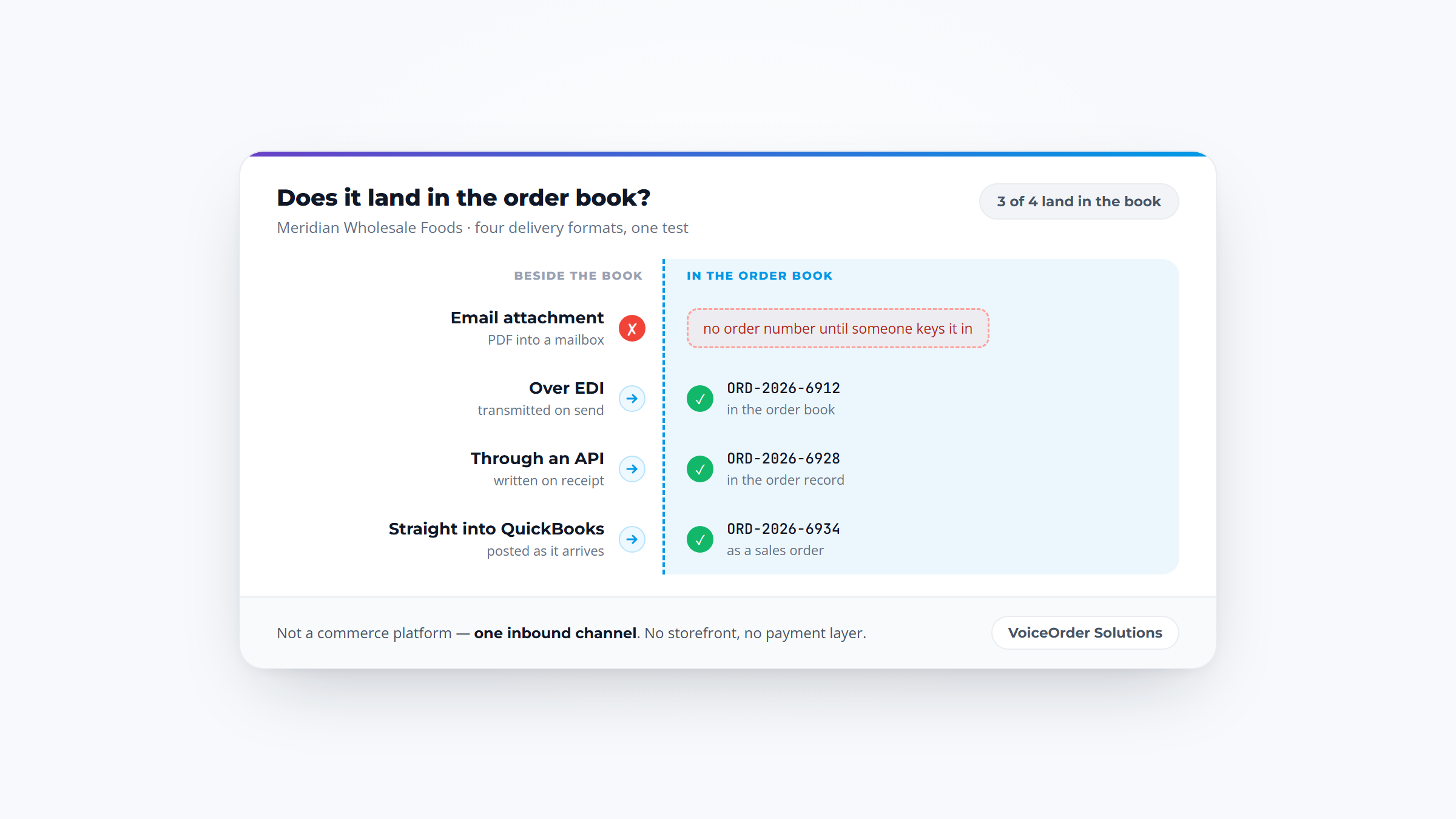
Distributors who still take customer orders by phone or voicemail often pair their ERP with a dedicated voice-ordering tool like VoiceOrder Solutions, which captures orders hands-free and passes them into the system via API or EDI, closing the intake gap before data even reaches the ERP.
In short, a wholesaler's ERP software acts like the brain of a wholesale business. It keeps everything connected and working efficiently, so orders can be processed faster and with less effort.
This makes it a handy tool for staying competitive and growing the business in 2026 and beyond.
Before you compare the best ERP software for wholesale distributors, decide whether you need one yet. Plenty of distributors run well on accounting software plus a dedicated inventory or order tool, and an ERP bought too early can mean months of implementation for problems you don't have.
The real question is where your data breaks. If each order, receipt and invoice is entered once and flows on its own, your current tools are doing their job. The case for an ERP starts when the same transaction gets typed into two systems, or when month-end depends on someone reconciling them by hand.
Use this as a quick test:
| Stay with connected tools if | Consider an ERP when |
|---|---|
| You run one warehouse and one legal entity | You add a second warehouse, a second company or a second currency |
| Orders flow from your order tool into accounting without re-keying | Staff re-enter the same order in two systems every day |
| Your accountant closes the month from the books alone | Month-end needs a spreadsheet to match inventory value to the ledger |
| Customers accept email, portal or phone orders | A retail or buying-group customer requires EDI you can't produce |
| Pricing is a few price levels | Contract prices, rebates and customer terms live in spreadsheets |
If one row on the right sounds familiar, a single integration or a better point tool may fix it for far less. If three or four do, you are already paying for an ERP in staff hours without getting one, and the platforms at the enterprise end of this list start to earn their implementation time.
Getting orders out quickly is easier with the right system. Wholesalers ERP software helps by organizing inventory, tracking orders, and automating tasks.
Focus on these basics:
This keeps everything moving fast and smooth.
| Tool name | Best for | What it's mainly used for | Key features | Main limitations | Ease of use | Pricing | Our rating |
|---|---|---|---|---|---|---|---|
| NetSuite ERP | Growing wholesalers, global ops | Integrate finance, inventory, supply | Financial automation, real-time inventory, multi-currency | Complex setup, high cost for small teams | Hard | Custom (enterprise) | ⭐⭐⭐⭐⭐ |
| SAP Business One | Midsize wholesalers | Manage sales, inventory, accounting | Real-time mobile data, integrated analytics, SAP HANA | High pricing, complex setup | Medium | ~$94 / user/mo | ⭐⭐⭐⭐ |
| Microsoft Dynamics 365 Business Central | Small to midsize global teams | Automate sales orders, finance | AI order agent, Copilot insights, multi-language/currency | Pricey for very small teams, training needed | Medium | $80+ / user/mo | ⭐⭐⭐⭐ |
| Acumatica Distribution Edition | Wholesale distributors | Automate transactions, inventory | Automated transactions, warehouse management, self-service | Complex pricing, IT support required | Medium | Custom (subscription) | ⭐⭐⭐⭐⭐ |
| Epicor Prophet 21 | Distributors needing AI | Inventory, order, CRM integration | Real-time inventory, WMS, CRM & eCommerce | Pricing unclear, setup complexity | Medium | Custom | ⭐⭐⭐ |
| Infor CloudSuite Distribution | Large wholesalers, complex ops | Order management, supply chain AI | Omnichannel orders, AI invoicing, supply chain planning | Complex, pricey, needs IT resources | Hard | Custom | ⭐⭐⭐⭐ |
| Sage X3 | Multinational wholesalers | Automate orders, manage global tax | AI invoice processing, multi-entity support, AI alerts | Expensive, lengthy deployment | Medium | ~$2,000 / mo | ⭐⭐⭐⭐⭐ |
| Syspro ERP | Multi-location wholesalers | Automate order to shipping | Real-time inventory, procurement automation, mobile scanning | Price unknown, complex setup | Medium | Custom | ⭐⭐⭐ |
| Odoo | Customizable, multi-department | Integrate sales, inventory, finance | Many modules, fast interface, custom development | Complex setup, extra hosting costs | Medium | $24.90 / user/mo | ⭐⭐⭐⭐ |
| Cin7 | Growing wholesalers | Inventory, supplier, sales integration | Real-time inventory, AI forecasting, wide integrations | Pricey start, complex for small teams | Medium | $349 / month | ⭐⭐⭐⭐⭐ |
| Brightpearl | Multichannel retailers & wholesalers | Automate orders, manage inventory | Order fulfillment automation, multi-location stock, retail KPIs | High cost, complex setup, limited customization | Medium | $499 / month | ⭐⭐⭐ |
| Fishbowl | Manufacturers using QuickBooks | Inventory, purchase, work orders | AI replenishment, multi-warehouse tracking, QuickBooks integration | High upfront cost, complex setup | Medium | $4,395 base | ⭐⭐⭐⭐ |
Overview
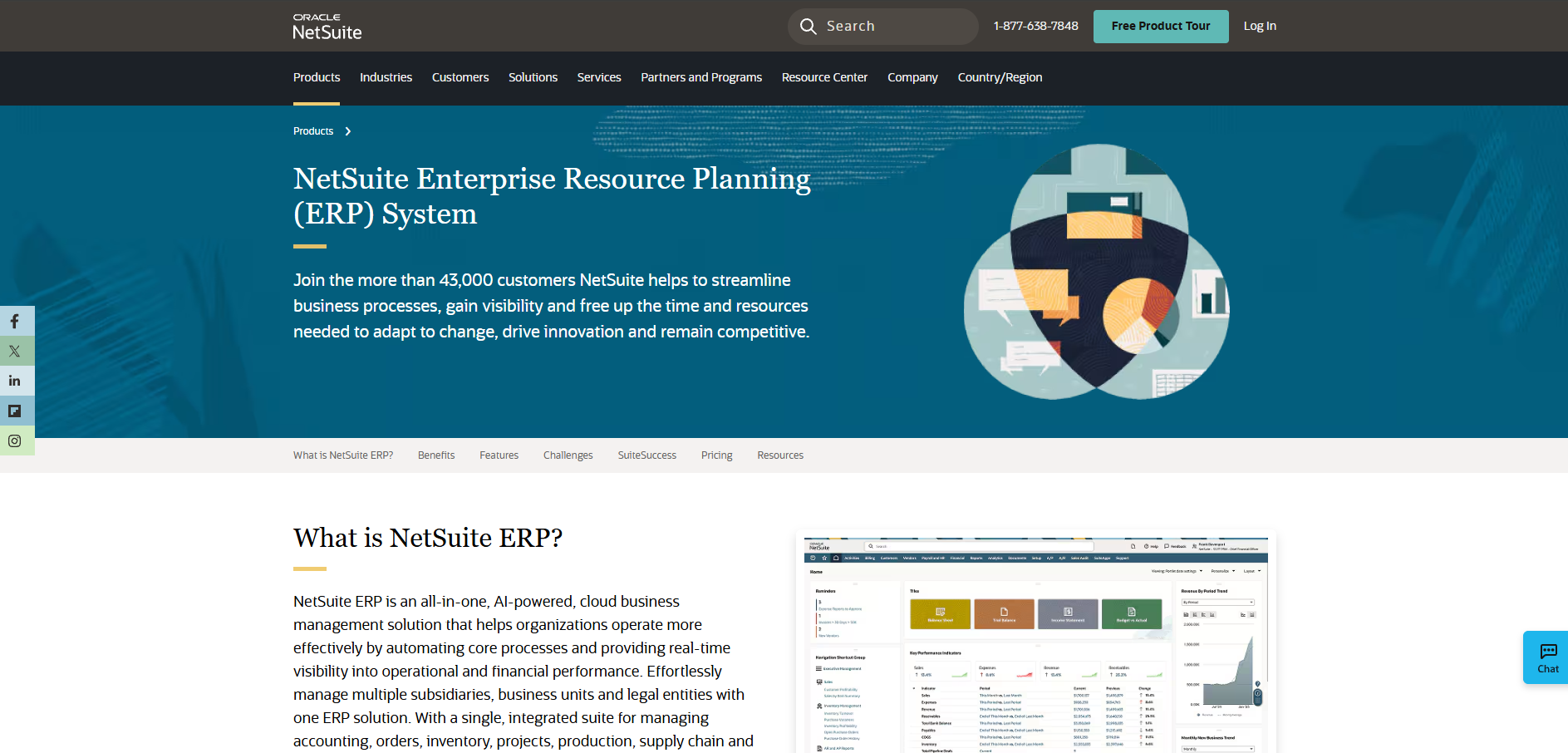
NetSuite ERP is a cloud-based system powered by AI. It connects accounting, order, inventory, supply chain, and warehouse management into one platform. The system automates financial tasks and provides better inventory visibility. It also supports global business operations with multi-currency features. NetSuite offers real-time data access and procurement tools. The SuiteSuccess methodology helps with quicker user adoption and return on investment. Users can add modules and users as their business grows.
Key Features
Pricing
NetSuite charges an annual license fee based on the core platform, added modules, and user count. A one-time implementation fee applies depending on your setup.
Pros & Cons
Why it’s a good ERP choice for wholesalers
NetSuite ERP covers many critical wholesaler needs like inventory, orders, and finance in one system. Its scalable design fits businesses planning to expand their operations.
Final verdict
NetSuite ERP offers a comprehensive solution for wholesalers looking to connect various business processes but may require significant setup and investment.

Overview
SAP Business One is an ERP software designed for small and midsize businesses. It handles accounting, purchasing, sales, inventory, CRM, and financials in one system. The software offers integrated business intelligence and connects with SAP HANA for data processing. You can access it anytime on any mobile device, supporting real-time decision-making. It scales as your business grows and can be customized to fit different needs.
Key Features
Pricing
Pricing starts around $94 per user per month, but exact costs depend on the number of users and required modules. Additional fees apply for database hosting and implementation services.
Pros & Cons
Why it's a good ERP choice for wholesalers
SAP Business One fits wholesalers looking for ERP software that covers many business functions beyond orders and inventory. Its range of features supports growth but may require resources unsuitable for very small teams.
Final verdict
SAP Business One offers broad ERP capabilities for wholesalers but may involve higher cost and complexity compared to simpler options.
Overview
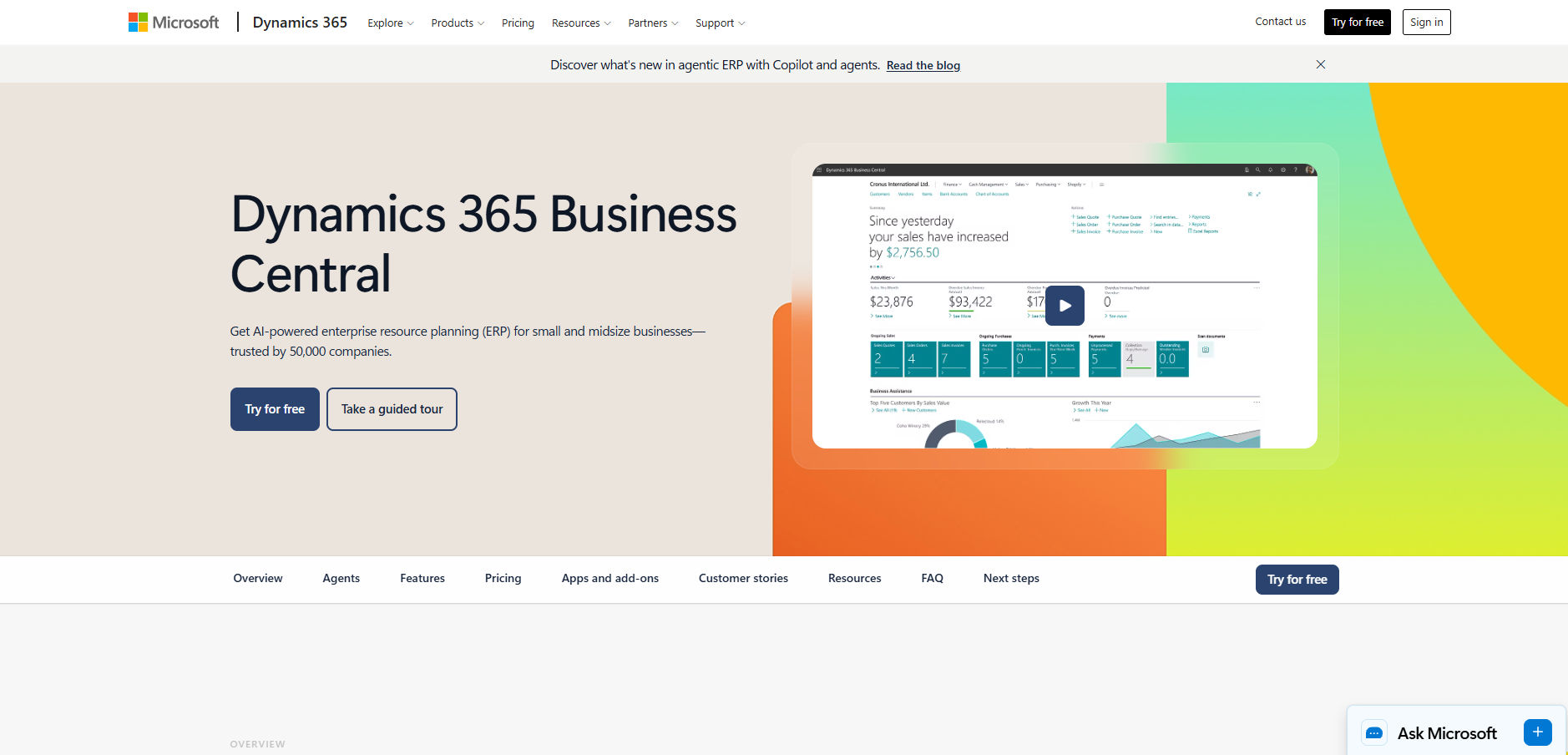
Microsoft Dynamics 365 Business Central is an AI-driven ERP designed for small and midsize businesses. It brings together finance, sales, operations, supply chain, and manufacturing into one platform. The software integrates with Microsoft 365 apps, creating a connected work environment. Its AI agents help automate tasks like order processing, managing invoices, and expense reporting. Business Central also supports global business needs with multi-currency, language options, and tax compliance across many regions.
Key Features
Pricing
Pricing starts at $80 per user per month for the Essentials plan and $110 for the Premium plan, billed yearly. A free 30-day trial is available for new users.
Pros & Cons
Why it's a good ERP choice for wholesalers
Business Central works well as ERP software for wholesalers who need automation and real-time data across multiple departments. Its scale and scope fit businesses looking to unify operations with AI support.
Final verdict
Microsoft Dynamics 365 Business Central offers features to support faster order processing and broader business management but can be demanding for smaller teams focusing only on wholesaler needs.

Overview
Acumatica Distribution Edition is a cloud-based ERP designed for wholesale distributors. It combines sales, inventory, order, warehouse, and financial management in one system. The platform automates transactions, reducing manual work and errors. It supports managing stock efficiently to lower carrying costs. Users can access the system anytime and from anywhere.
The software works across multiple industries and integrates with various modules. It aims to speed up processes like bank reconciliation and quote-to-cash cycles. Its cloud technology scales with business growth and avoids system obsolescence.
Key Features
Pricing
Acumatica’s pricing depends on the number of users and modules needed. You pay a subscription fee based on your company requirements with flexible options for scaling.
Pros & Cons
Why it's a good ERP choice for wholesalers
This ERP software for wholesalers links key business areas in one system, which can streamline order and inventory handling. It suits companies looking to manage growth while maintaining operational control.
Final verdict
Acumatica Distribution Edition provides integrated tools for managing wholesale distribution workflows in one platform. Its cloud-based setup supports scaling and process automation without system downtime.
Overview
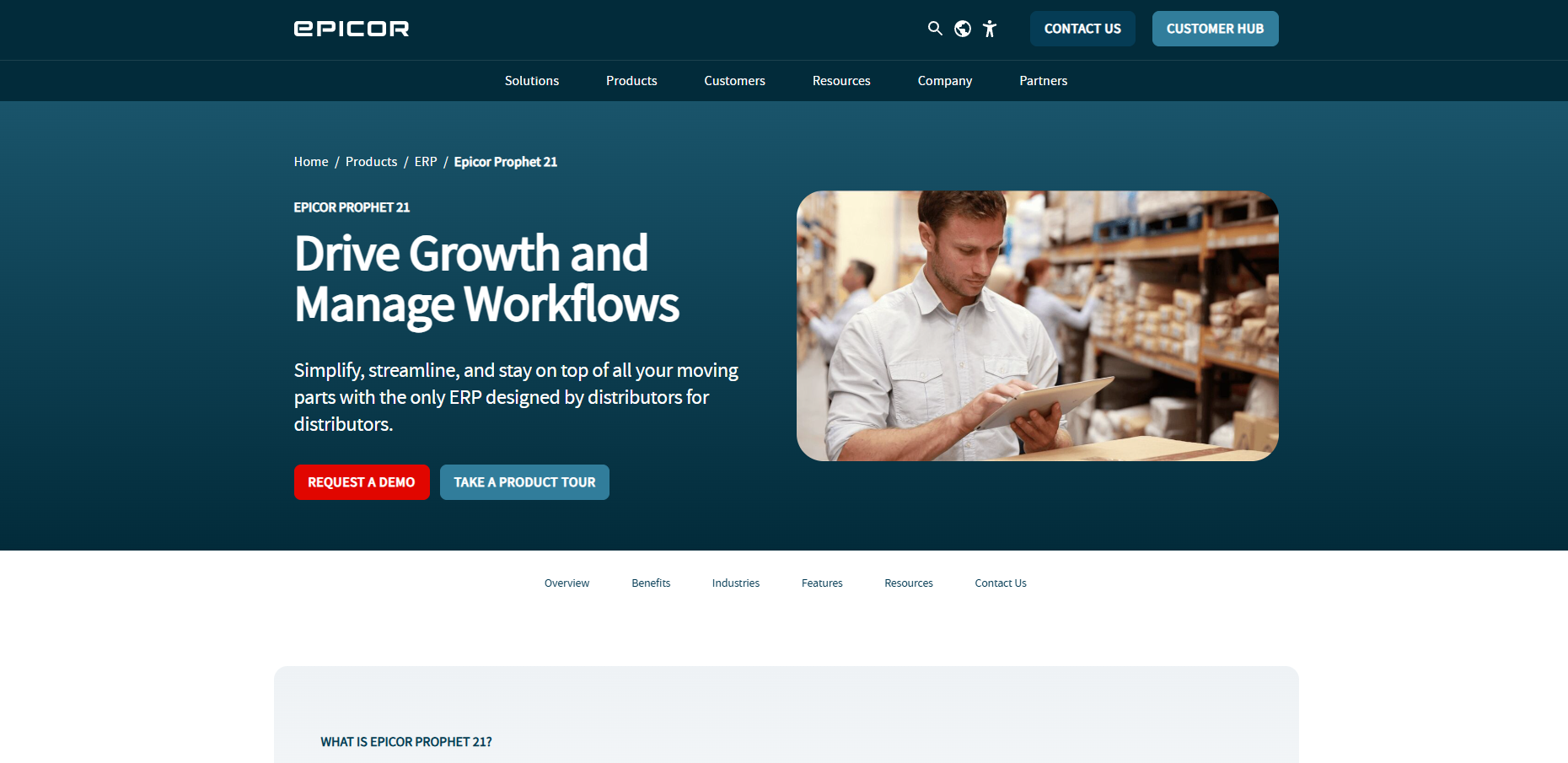
Epicor Prophet 21 is a cloud-based ERP software made for distributors. It includes tools that help manage inventory and orders in real time. The software uses AI to improve forecasts and reduce warehouse delays. It also brings financial data and customer management into one place. Many users rely on it for handling orders and stock updates quickly.
Key Features
Pricing
Epicor Prophet 21 pricing depends on business needs and user count. Contact Epicor for a detailed quote based on your distributor size.
Pros & Cons
Why it's a good ERP choice for wholesalers
This system focuses on tying inventory, orders, and customer data together. It fits distributors who want real-time updates and automated warehouse functions.
Final verdict
Epicor Prophet 21 offers many features aimed at streamlining distribution tasks, though smaller teams may find it complex to manage.
Overview
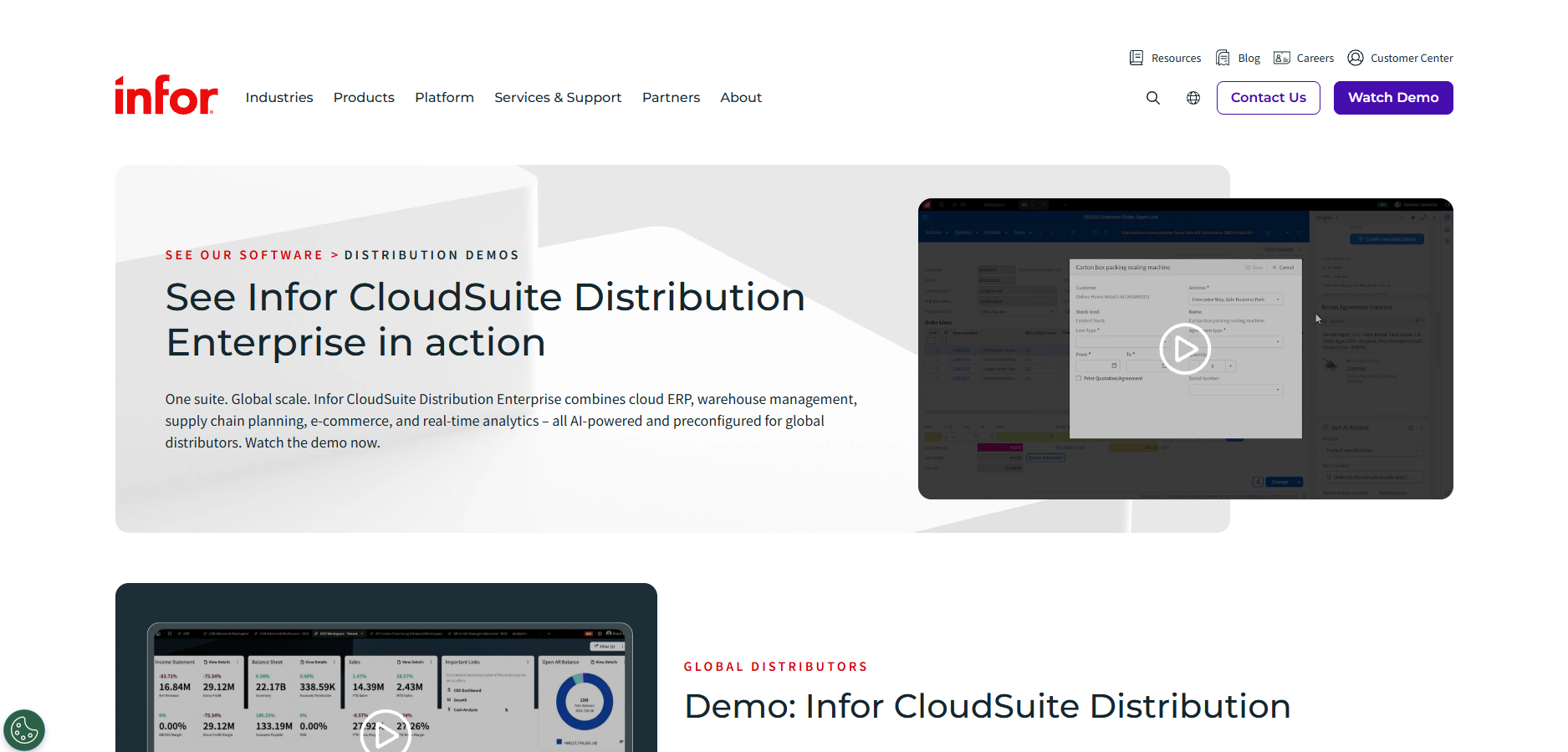
Infor CloudSuite Distribution is an ERP system designed for wholesalers and distributors worldwide. It combines cloud ERP with warehouse management, supply chain planning, e-commerce, and real-time analytics in one platform. The software supports industry-specific workflows using role-based workspaces and built-in analytics. It manages orders across multiple channels, controls inventory, and helps optimize supply chains. The system includes AI-driven tools like process mining, invoicing automation, and purchase order optimization.
Key Features
Pricing
Infor offers a fixed-fee cloud ERP migration program called Infor Leap, with pricing based on project scope and timeline. Exact costs depend on company size and specific needs, requiring direct consultation.
Pros & Cons
Why it's a good ERP choice for wholesalers
This ERP software for wholesalers covers broad distribution needs, from order handling to supply chain optimization. Its AI features focus on automating routine tasks and analyzing operations for better planning.
Final verdict
Infor CloudSuite Distribution offers a comprehensive platform combining ERP and AI tools for order and supply chain management. It may suit larger or more complex distribution operations more than smaller teams.
Overview
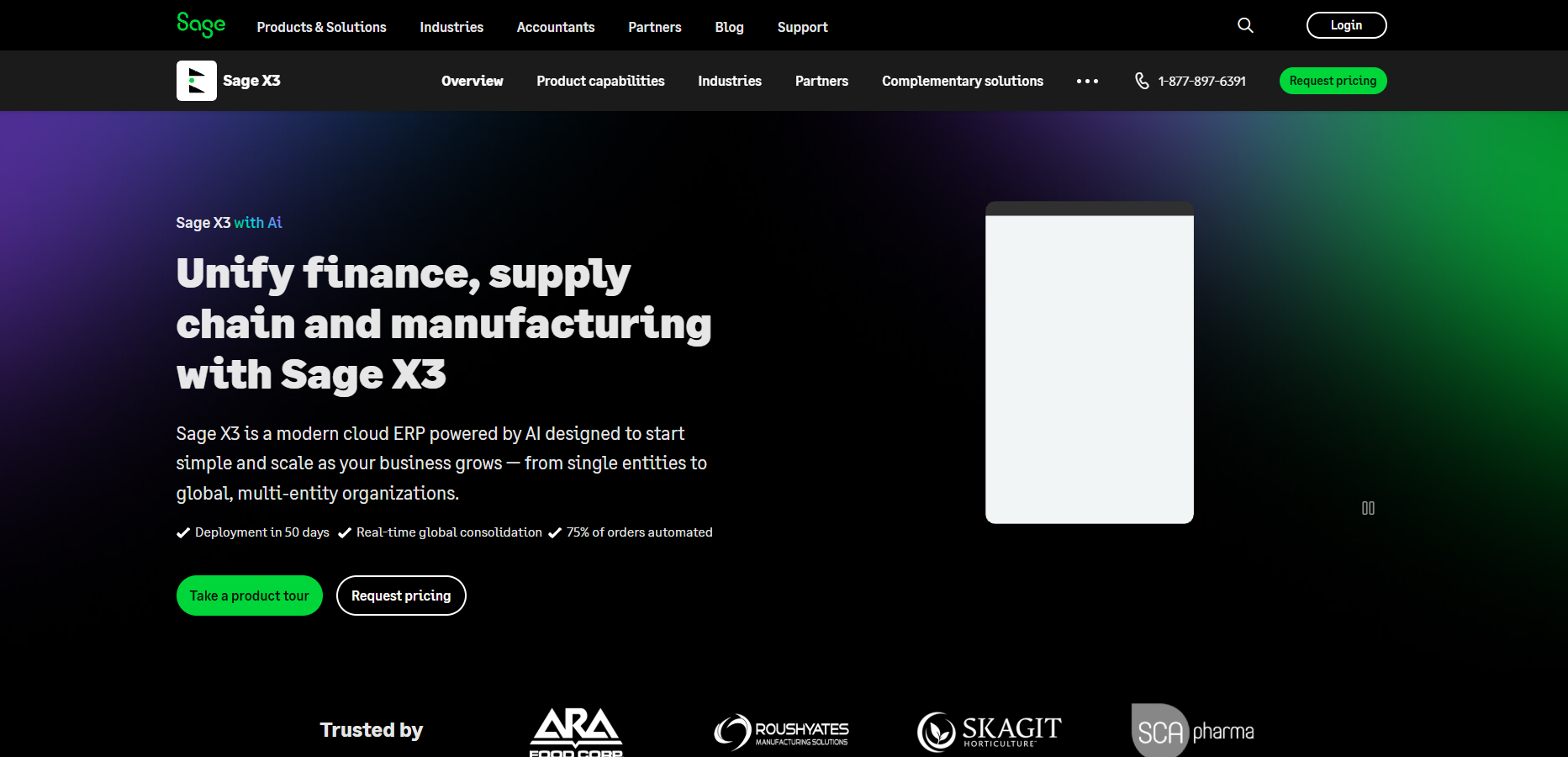
Sage X3 is an ERP software for wholesalers focused on manufacturing and distribution. It runs in the cloud and supports multiple entities worldwide. You can deploy it in about 50 days, automating most orders. The system uses AI to handle invoices, cutting down manual work. It also provides real-time alerts and insights to speed up decisions. Sage X3 manages multi-country and multi-currency setups, including tax and compliance rules. Its platform lets you customize features safely and connect via APIs. The dashboards show relevant data by user roles, helping keep order processes clear.
Key Features
Pricing
Sage X3 pricing starts around $2,000 per month, varying by number of users and modules. You’ll need to contact Sage for a detailed quote based on your business size and needs.
Pros & Cons
Why it's a good ERP choice for wholesalers
Sage X3 provides tools for wholesalers needing to handle orders across multiple countries and currencies. It applies automation and AI to reduce manual work and speed up order processing.
Final verdict
Sage X3 offers a comprehensive ERP option suited for wholesalers with complex, multi-entity operations and aims to streamline order management through automation and AI features.
Overview
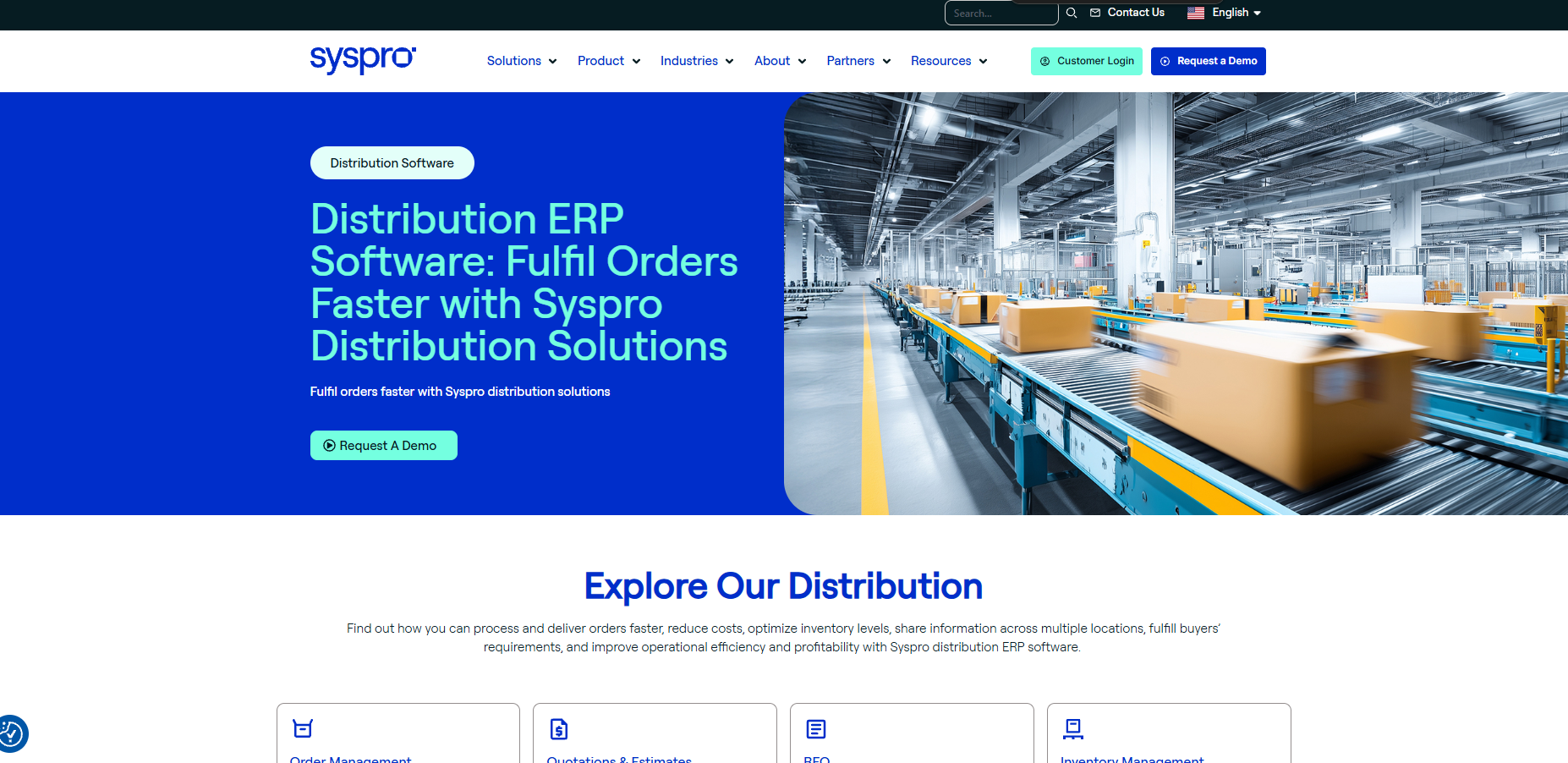
Syspro is an ERP system designed to speed up order processes through automation. It handles everything from order entry to shipping, helping reduce manual steps. The software works well for companies with multiple locations by managing inventory and procurement in real time. It supports mobile scanning to improve data accuracy and speed up warehouse tasks. Syspro also offers detailed views of inventory, purchasing, sales, and finances to track costs effectively.
Key Features
Pricing
Syspro does not publish exact pricing online. Costs depend on your company size and specific needs. Contact Syspro directly for a quote.
Pros & Cons
Why it's a good ERP choice for wholesalers
Syspro suits wholesalers who manage multiple sites and need strong inventory and procurement controls. It balances automation with visibility across the supply chain, connecting order entry through to shipping in one system.
Final verdict
Syspro is an ERP solution that automates many order-to-cash steps, with features that target inventory and warehouse management for wholesalers.
Overview
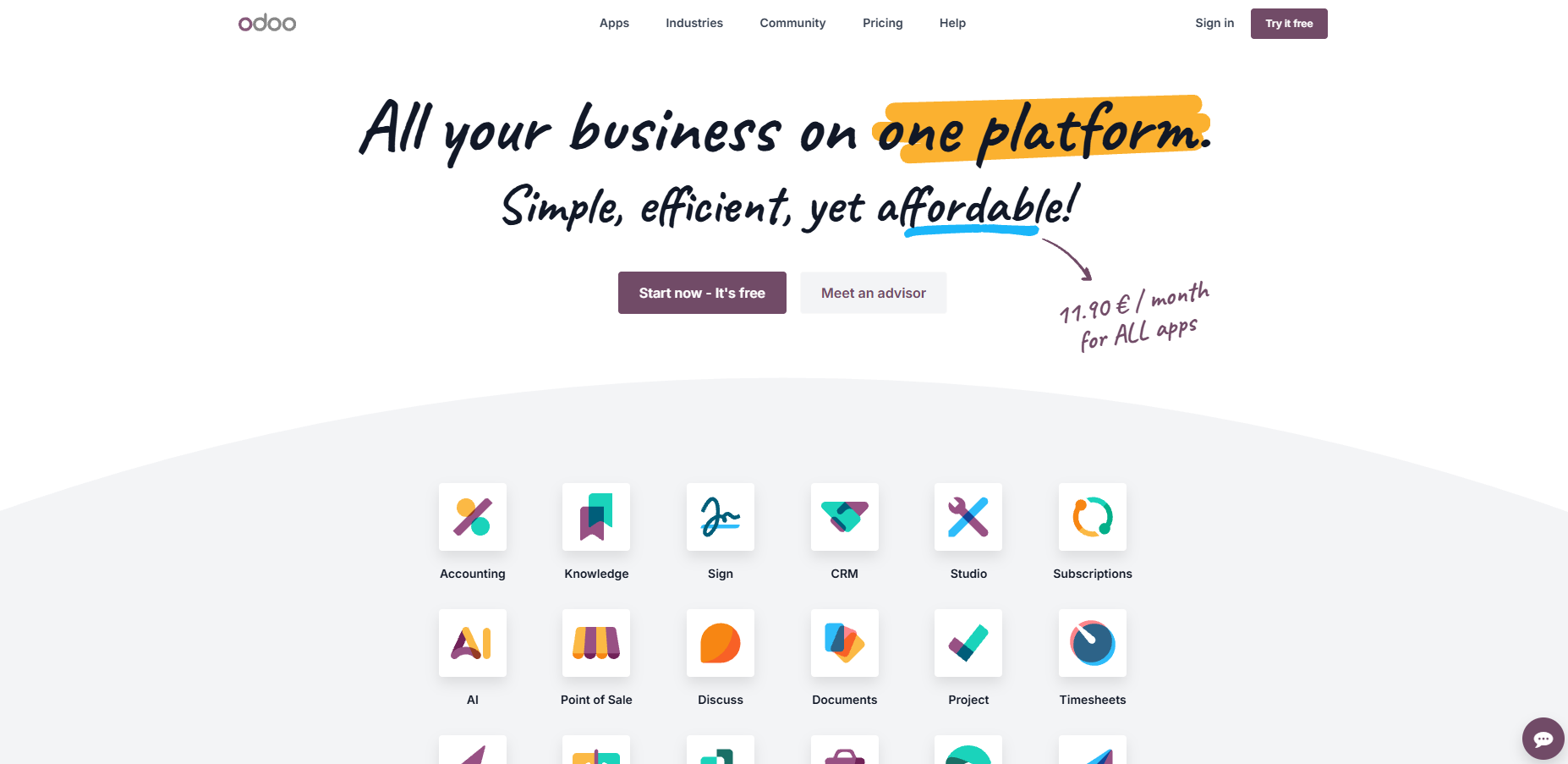
Odoo is an open-source ERP and CRM platform with a large community that builds thousands of apps. It offers a free Community edition and a paid Enterprise edition with additional apps and services. The platform covers many business needs, including finance, sales, supply chain, HR, marketing, and productivity.
Odoo’s interface is designed to be quick, with most actions happening in under 90 milliseconds. It also uses built-in AI for automation and avoids vendor lock-in by using PostgreSQL as its database.
Key Features
Pricing
Odoo’s Enterprise edition costs $24.90 per user per month, including all apps with no extra usage fees or long-term contracts. The Community edition is free but has fewer features.
Pros & Cons
Why it's a good ERP choice for wholesalers
Odoo offers many tools to integrate different parts of a wholesaler’s business, helping to link orders, stock, and sales. Its fast response times and customization options support smoother and quicker order handling.
Final verdict
Odoo provides a broad ERP platform with many features and customization capacity, suitable for wholesalers seeking an adaptable system with multiple modules.

Overview
Cin7 is a cloud-based system that connects inventory, suppliers, warehouses, and sales channels in real time. It handles millions of orders yearly across various industries. The software covers inventory, purchasing, warehouse tasks, orders, accounting, and point of sale. It also supports EDI and 3PL integration to link with external partners. AI features help forecast demand and automate document handling. Cin7 works with over 700 applications, including popular tools like QuickBooks and Shopify. Its mobile-friendly design lets users manage stock and orders from anywhere. The software is built to scale from startups to growing wholesalers, with support and onboarding included.
Key Features
Pricing
Cin7 starts at $349 per month, including support and onboarding. Plans scale depending on business size and needs.
Pros & Cons
Why it's a good ERP choice for wholesalers
Cin7 combines broad inventory and order management with automation tools that can speed up workflows. Its wide integrations help keep information in sync across platforms used by wholesalers.
Final verdict
Cin7 offers a comprehensive system that centralizes key wholesale processes, suitable for businesses ready to manage complex order and inventory needs within one platform.

Overview
Brightpearl is a retail operating system tailored for multi-channel merchants and wholesalers. It helps manage daily operations by automating order fulfillment, inventory tracking, shipping, and accounting. The software uses an automation engine to reduce manual work and errors. It supports sales forecasting and buying insights to manage cash flow, even with supply challenges. Brightpearl connects easily with popular platforms like Shopify and Amazon through plug-and-play integrations.
Key Features
Pricing
Pricing starts at $499 per month. Plans vary based on order volume and additional features, with setup fees and onboarding support included.
Pros & Cons
Why it's a good ERP choice for wholesalers
Brightpearl fits wholesalers who sell across multiple channels and need both operational management and sales insights in one place. Its automation engine is particularly strong for order fulfillment workflows.
Final verdict
Brightpearl offers a comprehensive set of features for wholesalers, though smaller teams may face higher costs and a steep setup process.
Overview
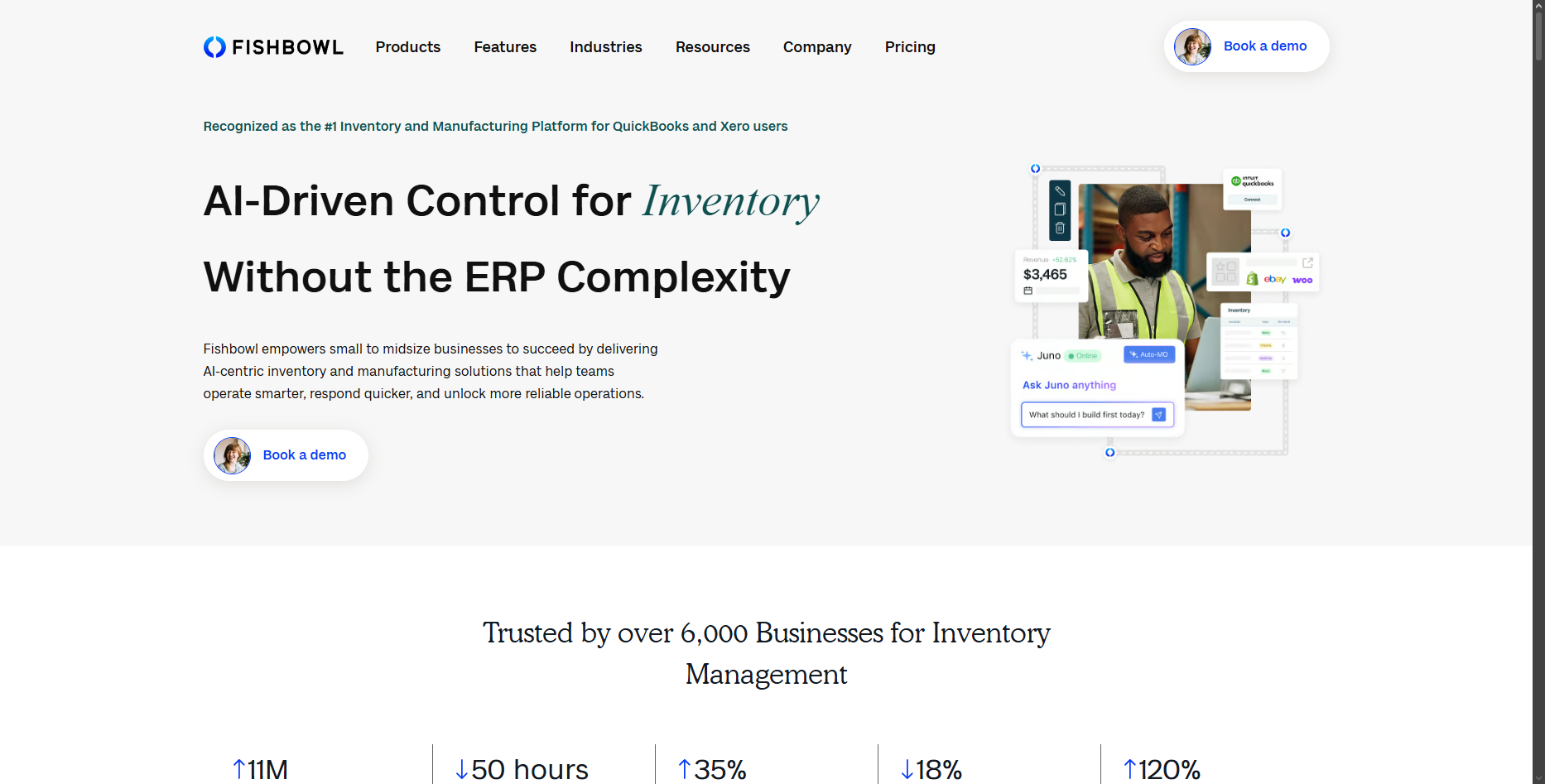
Fishbowl is an AI-driven inventory and manufacturing platform designed for QuickBooks and Xero users. It helps manage purchase orders, work orders, and manufacturing orders automatically. The platform tracks inventory across multiple warehouses in real time and supports barcode scanning to speed up workflows. Fishbowl also offers a mobile app for managing stock and operations on the go. Implementation typically takes 2 to 6 weeks, with dedicated in-house support.
Key Features
Pricing
Fishbowl pricing starts at $4,395 for the base package, with additional fees for extra users or modules. There are no hidden charges, and consulting services are available for implementation.
Pros & Cons
Why it's a good ERP choice for wholesalers
Fishbowl suits wholesalers who need to combine inventory and manufacturing workflows with accounting integration. It handles complex order-to-cash processes but is better suited to mid-size operations than very small teams.
Final verdict
Fishbowl provides detailed inventory and manufacturing features for wholesalers, with strong accounting integrations, though the upfront cost and setup complexity may require a learning curve.
We selected the tools in this list based on what actually matters for wholesale distribution operations.
We focused on systems built for distributors and wholesalers, not generic business software stretched to fit. The tools listed cover a range of sizes and budgets (from lean options like Odoo to enterprise platforms like NetSuite and Infor) and several serve specifically as ERP software for food wholesalers and distribution businesses.
Choosing the right wholesalers ERP software means finding a system that covers your core distribution workflow without creating new headaches. Here’s what to prioritize.
Real-time inventory management is the foundation. You need to know what’s in stock, what’s committed, and what needs reordering, without manually checking spreadsheets.
Order processing automation is what separates a useful ERP from a basic one. Look for automatic purchase order generation, order tracking from placement to fulfillment, and error reduction through digitized workflows.
Accounting and finance integration keeps your numbers in sync. The best systems connect sales orders, invoices, and payments without double entry across separate tools.
Reporting and analytics give you visibility into which products move, which customers buy most, and where delays happen. Without this, you’re managing blind.
Mobile access matters for teams that aren’t desk-bound. Warehouse staff, drivers, and sales reps all benefit from being able to check and update information on the go.
Integration flexibility is often underrated. Among the key features of ERP software for wholesalers, this one gets overlooked most. Your ERP should connect to the tools you already use — accounting software, shipping platforms, and any order-capture tools your customers rely on.
Food distributors, for example, often pair their ERP with a dedicated voice-ordering tool like VoiceOrder Solutions to capture customer orders hands-free and pass them directly into the system via API or EDI, keeping order data clean from the moment it’s placed.
A general ERP handles accounting, purchasing and inventory for any kind of company. ERP for wholesale distribution adds the parts that only matter when you buy finished goods and resell them to hundreds of accounts on different terms. Those parts rarely look different on a feature grid, so ask to see each one working.
Four capabilities do most of the separating:
| Capability | What it handles | What to ask in a demo |
|---|---|---|
| EDI with trading partners | The X12 documents larger customers exchange: the 850 purchase order in, the 855 acknowledgment back, the 856 ship notice before the truck arrives, and the 810 invoice | Can you receive an 850 and send an 856 without a separate translator, and what does each new trading partner cost to set up? |
| Pricing by customer, quantity and contract | Contract prices with start and end dates, quantity breaks, and rules layered on list price | If two contracts cover the same item for one customer, which price wins? |
| Rebates and chargebacks | Volume rebates you earn from suppliers and deductions customers take off your invoices | Can the system accrue a rebate as you buy and match a deduction to the promotion it claims? |
| Consignment stock | Inventory you hold but don't own yet, or own but keep at a customer's site | How does consigned stock show in inventory value and in available quantity? |
Expect the pricing row to take longest to set up. Every exception your sales team has agreed over the years has to become a rule the system can apply, and each rule needs testing before go-live.
When you shortlist ERP software for wholesale distributors, run all four rows with your own data in the demo. A vendor that can show them live is selling distribution ERP; one that promises them for phase two is selling a general ERP with a distribution label.
The pricing row is the one to bring real numbers to, because every rule in it starts as a choice of method, and the same case priced three common ways gives three different margins.
Price one case three ways at once, cost-plus, a target profit, or matching a competitor, and see the margin each approach actually leaves you.
The product
Three ways to price it
Most price files mix all three without saying so: cost-plus on the staples, a flat dollar add on specialty lines, a matched price wherever a competitor is circling an account. On a $22.00 case a flat $8.00 profit is a 26.7% margin, thinner than the 28% cost-plus rule beside it. Decide which method governs which lines before go-live, because each one is a rule the ERP will have to hold.
Picking the right wholesalers ERP software comes down to matching the system to how your business actually runs, not to how the vendor describes it.
Start with your biggest operational bottlenecks. If order errors are costing you most, prioritize systems with strong order management and digitized workflows. If stock management is the issue, focus on inventory depth and real-time visibility. Where stock is clearly the binding constraint, dedicated wholesale inventory management software often covers it for less than a full ERP.
Then check these practical factors:
The goal is a system your team will actually use consistently, not the most feature-rich option on paper.
Pricing varies significantly across this category, and most enterprise-grade platforms don’t publish rates publicly.
Here’s what the tools in this list charge, where pricing is available:
Beyond the subscription fee, budget for implementation costs. These range from a few thousand dollars on simpler platforms to significant project fees on enterprise systems. Training time is another cost that’s easy to underestimate, particularly for teams migrating from manual processes or a different ERP.
If budget is tight, Odoo’s Community edition is free but limited in features and requires self-hosting. Most serious wholesale distribution operations will need a paid plan.
Implementation timelines vary a lot depending on the platform and the complexity of your operation.
Simpler, cloud-based platforms like Odoo or Cin7 can be up and running in a few weeks for a straightforward distribution business. Sage X3 advertises deployment in around 50 days for most operations. Enterprise systems like NetSuite, Infor, and SAP Business One typically take several months, particularly if you’re migrating from another system, building custom integrations, or managing a large product catalog.
A few things that extend timelines:
The safest approach is to ask your vendor for a realistic timeline based on your specific setup, not the best-case scenario from the sales pitch. Most platforms also offer onboarding support, but the level of hands-on help varies significantly between providers.
There are free options, with Odoo’s Community edition being the most notable on this list. For very early-stage operations with simple needs, they can work.
But for most wholesale distributors, the limitations add up quickly.
The honest answer: free ERP software can work as a starting point or a proof of concept, but not as a long-term solution for a distributor handling real order volume. Most operations on this list’s target audience will outgrow free options quickly, and the cost of switching mid-growth often exceeds what a paid plan would have cost from the start.
The right wholesalers ERP software does one thing well: it connects the parts of your distribution business that currently require manual work to keep in sync. When orders, inventory, invoices, and customer data flow through one system, errors drop, and fulfillment speeds up.
The tools in this list cover a wide range of sizes and budgets. If you’re a smaller distributor, start with something like Odoo or Cin7 (lower entry cost, faster setup). If you’re running a complex multi-location operation, NetSuite, Infor, or Dynamics 365 give you the depth to match.
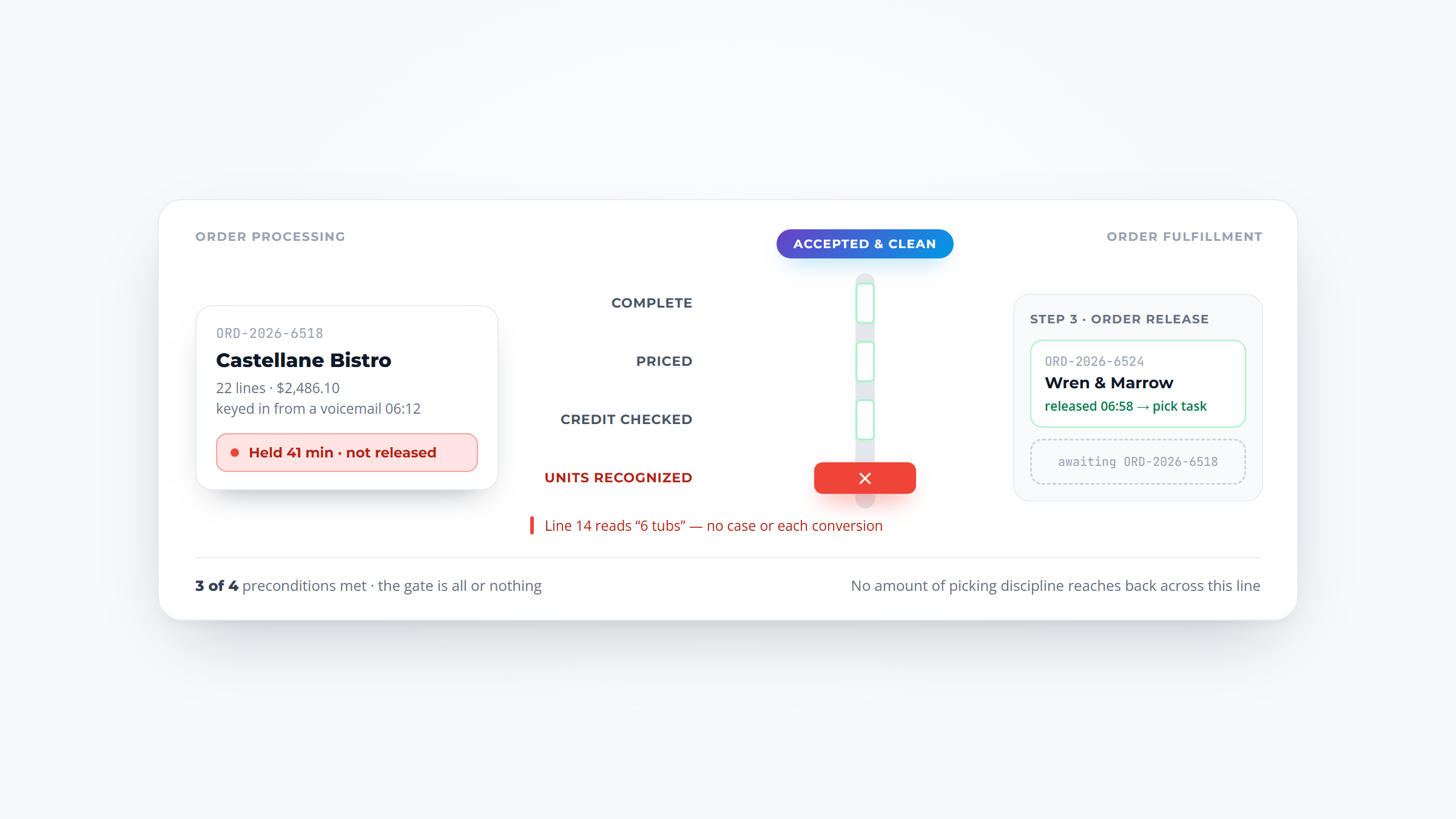
One thing worth keeping in mind: an ERP handles the business side of distribution well, but it doesn’t always solve the order intake problem (getting orders in accurately in the first place). Food distributors who deal with high phone and voicemail volume often pair their ERP with a dedicated tool like VoiceOrder Solutions, which captures orders by voice and delivers them digitized into the ERP via API or EDI. It’s a practical complement, not a replacement.
Whatever you choose, run a proper trial with your own data, involve the team that will actually use it daily, and get clarity on total cost before committing.
Start with simple step-by-step guides and hands-on practice. Using real orders helps learning stick. Set up short training sessions instead of long lectures. Encourage questions and pair new users with experienced ones for support.
Yes, most systems offer ways to connect smoothly with your current accounting software. This avoids double entry and errors. Check if your ERP software for wholesalers supports common file types and APIs for easy data exchange.
Real-time updates mean you always know what’s in stock. This prevents selling items you don’t have. It cuts down backorders and customer complaints. Knowing inventory status helps plan restocking before running low.
Absolutely. Being able to place or check orders from phones or tablets speeds up the process. Sales reps can respond quickly no matter where they are. Mobile access also helps warehouse staff scan and manage stock on the go.
Automation tools like voice-powered ordering and AI-based inventory alerts are big time-savers. They reduce typing and help spot problems early. Features like 24/7 availability and integration with your usual apps keep things moving without delays.