.webp)
Key takeaways:
Restaurant management software is sold as one product and bought as four: taking orders, paying staff, counting stock, and understanding what happened. Much of it overlaps with restaurant automation more broadly. Most vendors start from one of those and expand, which is why two platforms with identical marketing can feel nothing alike in a kitchen.
The practical consequence is that your POS decision is rarely just a POS decision. Payments, reporting, and often labor and inventory management follow it, and unwinding that later is expensive.
This guide ranks 12 platforms with verified August 2026 pricing, including the processing rates vendors prefer to keep in a footnote.
Restaurant management software is the system that runs the commercial and operational side of a restaurant: taking and routing orders, processing payments, scheduling staff, tracking inventory and food cost, and reporting on all of it.
In practice the category is anchored by the point of sale. The terminal captures the transaction, and because that transaction is the source of nearly every useful number in a restaurant, whoever owns it tends to own reporting, labor forecasting, and inventory depletion too.
That said, plenty of operators run a specialist tool alongside their POS, particularly for accounting or food cost. A full operations suite is one route; a POS plus two focused tools is an equally common and often cheaper one.
Labor is usually what pushes operators to buy. The National Restaurant Association found that salaries and wages including benefits reached a median of 36.5% of sales for full-service operators in 2024, well above the roughly 33% historical average, which makes scheduling accuracy worth real money.
The table below compares all 12 on published pricing and their primary strength. Where a tool charges payment processing, that rate frequently matters more than the software line, so read both columns together.
| Tool | Best for | Core strength | Main limitation | Pricing (from) | Rating |
|---|---|---|---|---|---|
| Toast | All-round restaurant operations | POS plus broad add-ons | Ecosystem lock-in | $0-69/month | ★★★★★ |
| Square for Restaurants | Small sites wanting a real free tier | Free plan, simple pricing | Thin at multi-unit scale | Free / $49/month | ★★★★☆ |
| TouchBistro | Full-service independents | iPad POS with hardware bundles | Add-ons priced separately | $69/month | ★★★★☆ |
| Lightspeed Restaurant | Full-service and multi-location | POS with built-in inventory | Inventory is an add-on | Custom quote | ★★★★☆ |
| SpotOn | Operators wanting $0 software | Zero-cost software plan | Higher rate, 2-year term | $0-55/station/month | ★★★★☆ |
| Clover | Buyers who want one bundled price | Hardware and software bundled | 36-month commitment | $179/month | ★★★☆☆ |
| Restaurant365 | Accounting-led multi-unit groups | Accounting plus inventory | Heavy implementation | Custom quote | ★★★★☆ |
| Nory | AI-led multi-site operations | Forecast-driven management | No published pricing | Custom quote | ★★★★☆ |
| MarginEdge | Removing invoice data entry | Invoice and food cost automation | Not a POS | $350/location/month | ★★★★☆ |
| 7shifts | Labor and scheduling control | Scheduling depth | Not a POS or inventory tool | Free / $39.99/month | ★★★★☆ |
| MarketMan | Purchasing and COGS discipline | Inventory and purchasing | Integrations cost extra | $199/month | ★★★★☆ |
| Crunchtime | Enterprise chains | Connected multi-unit suite | Enterprise sales cycle | Custom quote | ★★★★☆ |
Shortlist by whether you need a POS at the center or a specialist tool alongside one you already have, since those are two different purchases.
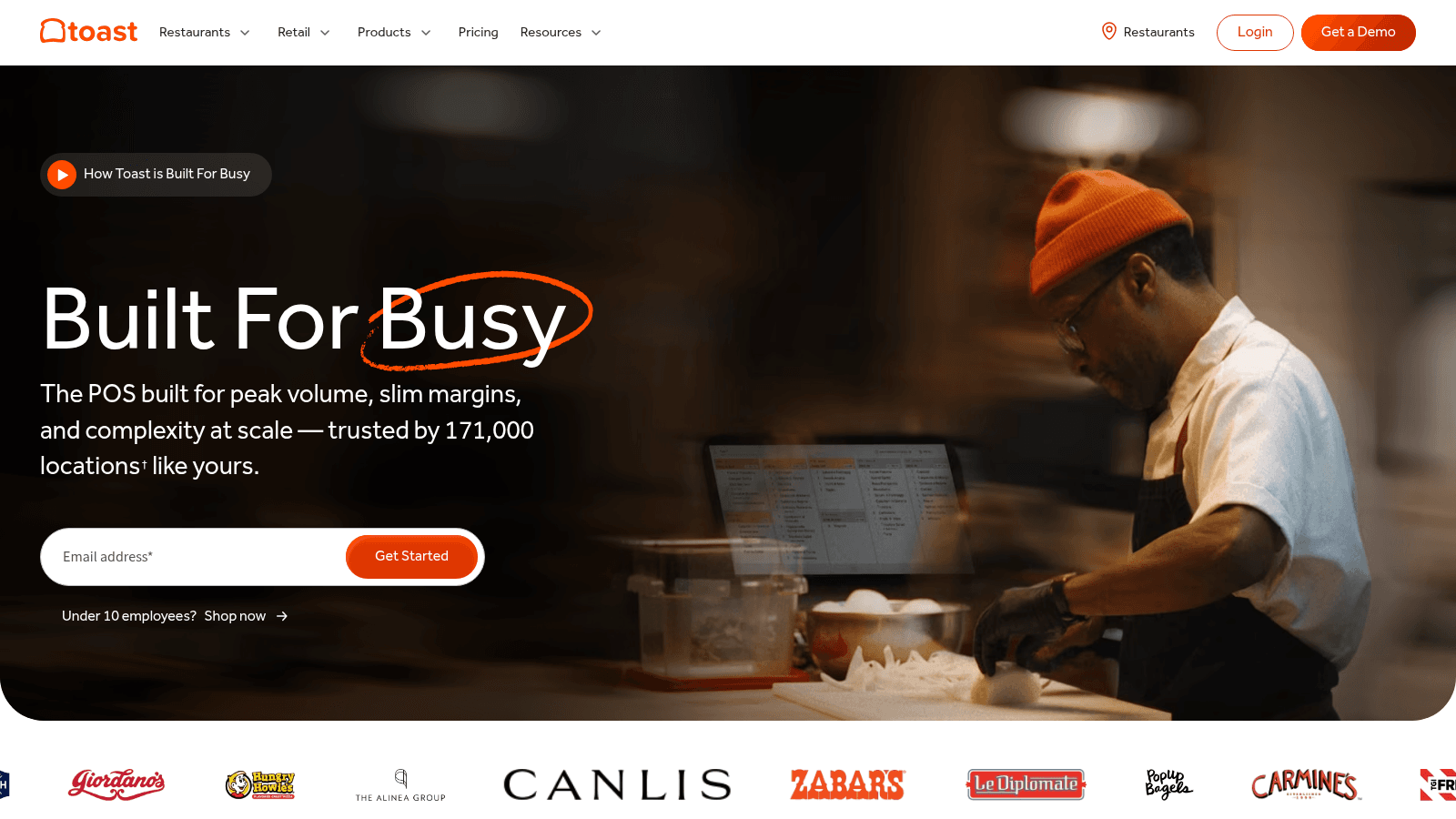
Overview: Toast is built only for restaurants, which shows in details like coursing, modifiers, and tip handling that generic POS systems treat as afterthoughts. Payroll, inventory, and invoice modules extend it into a full management platform.
Key features:
Pricing: The Starter Kit is $0 monthly for one location on a pay-as-you-go hardware bundle, Point of Sale is $69 monthly, and the full platform is custom-quoted. A new-restaurant bundle pairs POS and payroll at $69 monthly plus $9 per employee.
Pros: genuine restaurant-first design, low entry price, the widest add-on range here. Cons: you are committing to one ecosystem, full multi-location capability requires custom pricing, and leaving means replacing payments as well as software.
Why it's a good restaurant management software: it covers more of a restaurant's operations from one vendor than anything else in this list. Final verdict: the strongest default for most restaurants, provided the ecosystem commitment is acceptable.
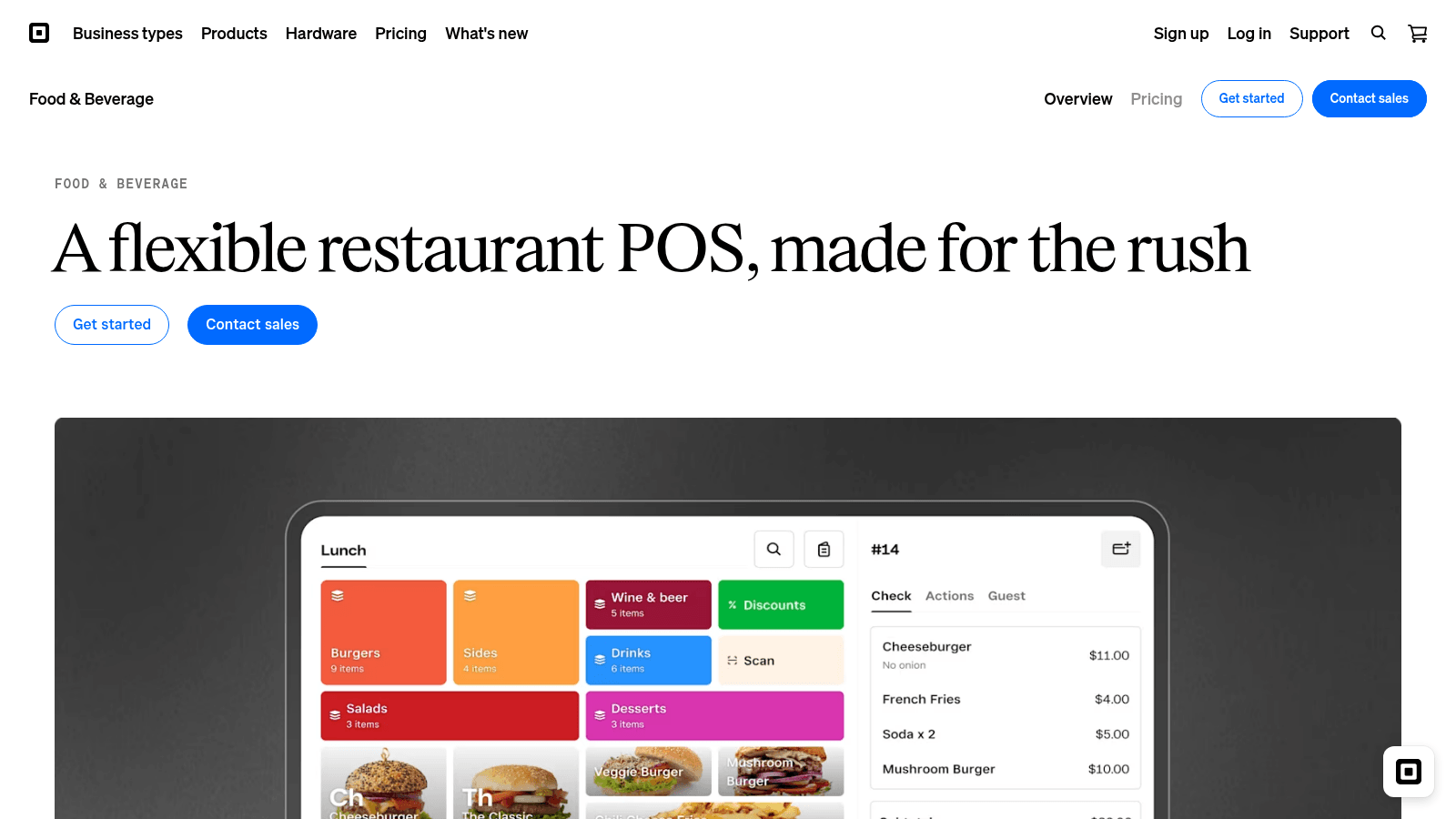
Overview: Square offers the only genuinely usable free tier here, not a trial. Its restaurant product adds coursing, floor plans, and tableside ordering to Square's payment platform, with pricing that stays legible as you grow.
Key features:
Pricing: Square Free is $0 per location monthly, Square Plus is $49, and Square Premium is $149, each with a 30-day trial on paid tiers. Custom pricing is available only above $250,000 in annual processing. There are no locked-in contracts.
Pros: a free plan that actually works, no contract commitment, transparent and predictable pricing. Cons: less depth than Toast at multi-unit scale, fewer restaurant-specific integrations, and advanced features require the paid tiers.
Why it's a good restaurant management software: it removes the software cost question entirely for small operators. Final verdict: the best low-risk starting point for cafes, single sites, and new restaurants.
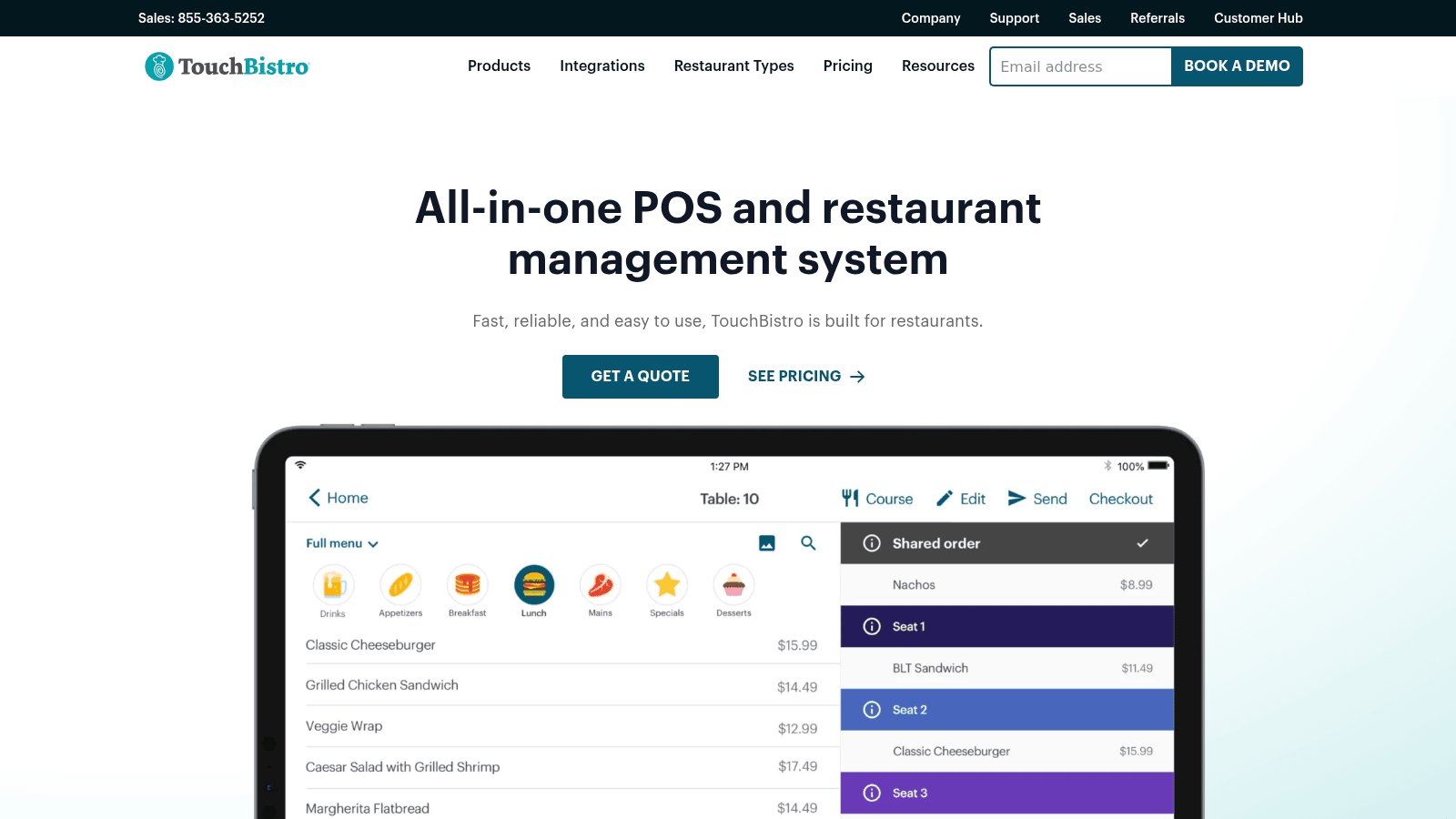
Overview: TouchBistro is an iPad-based POS aimed squarely at full-service independents, sold either as software alone or bundled with the hardware and payment setup a new restaurant needs.
Key features:
Pricing: The Point of Sale bundle starts at $69 monthly. The Essentials Bundle, which includes hardware, starts at $119 monthly. Additional modules are priced separately after a demo.
Pros: strong table-service workflow, hardware bundled into a predictable monthly cost, straightforward for independents. Cons: most capabilities beyond the POS are chargeable add-ons, pricing beyond the headline requires a demo, and it is weaker for quick-service and multi-unit needs.
Why it's a good restaurant management software: it fits the full-service independent better than platforms designed for chains. Final verdict: a solid pick for a single full-service restaurant that wants hardware and software from one vendor.
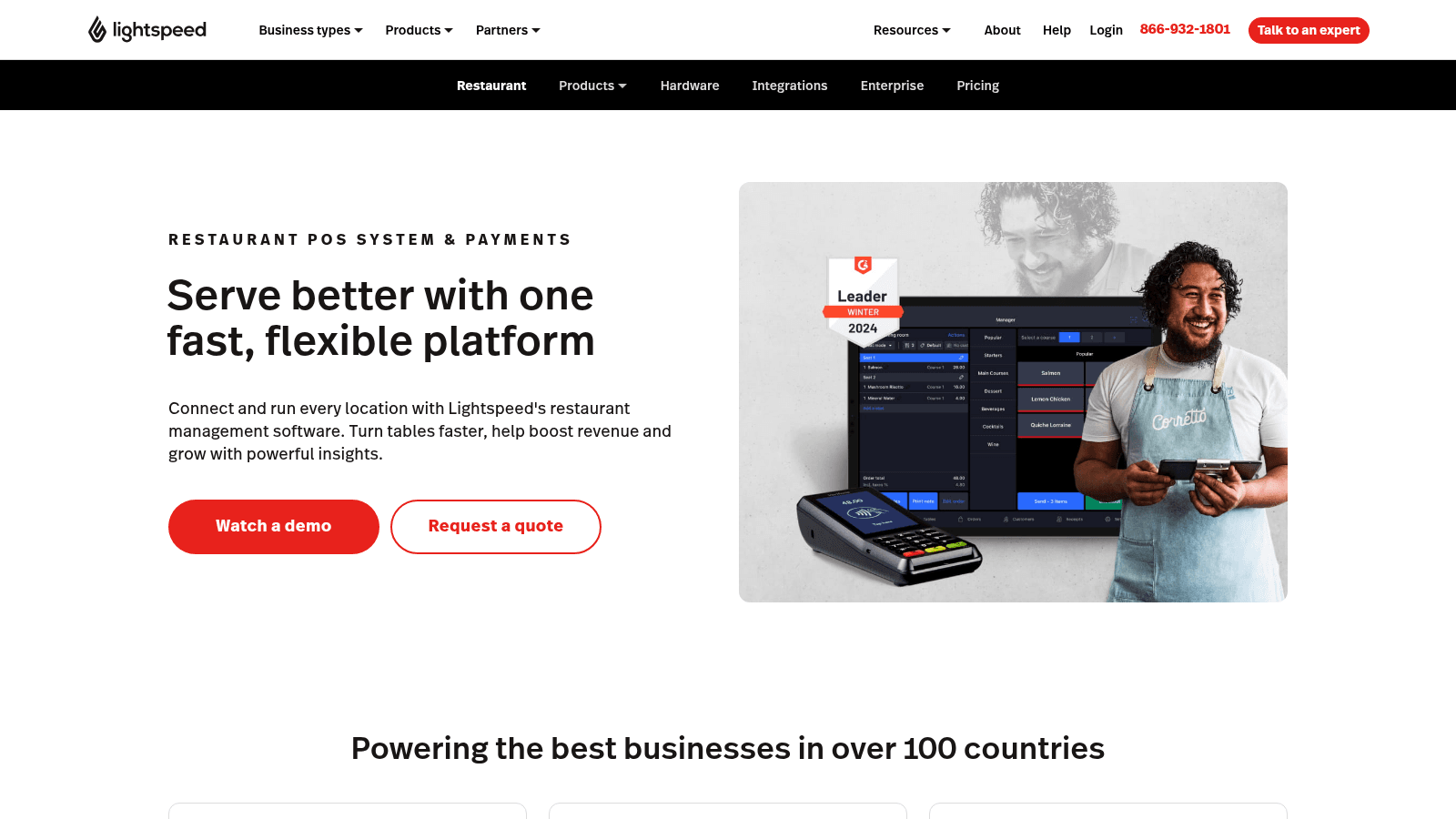
Overview: Lightspeed pairs a capable restaurant POS with an inventory module that tracks ingredients, costs recipes, and triggers supplier reordering, aimed at full-service and multi-location operators.
Key features:
Pricing: Custom across Starter, Essential, Premium, and Enterprise tiers, with no dollar figures published. Kitchen display screens are $30 each monthly, and inventory is an add-on at lower tiers.
Pros: genuinely useful built-in inventory, strong for full-service operations, established international presence. Cons: no published pricing at any tier, inventory costs extra unless you buy up, and per-screen KDS charges add up.
Why it's a good restaurant management software: POS and inventory sharing one dataset avoids the reconciliation that separate tools require. Final verdict: worth a demo for full-service operators who want inventory inside the POS.
Overview: SpotOn's distinguishing feature is a $0 software plan, which trades a monthly fee for higher processing rates and a two-year commitment. Its paid plan inverts that trade.
Key features:
Pricing: All-In is $0 per station monthly at 2.79% plus $0.20 per card-present transaction, on a two-year minimum term. POS Essentials is $55 per station monthly at 2.45% plus $0.15, month to month. Hardware runs $750 for a Station 15 and $375 for a handheld, and the Core bundle adds $50 monthly plus 20 basis points capped at $200.
Pros: meaningful choice between software cost and processing rate, 24/7 support at no extra charge, month-to-month option available. Cons: the $0 plan locks you in for two years with processing minimums, and at volume the higher rate costs far more than the $55 it saves.
Why it's a good restaurant management software: it makes the software-versus-processing trade explicit rather than hiding it. Final verdict: a good fit for lower-volume sites on the free plan, and do the arithmetic carefully above roughly $500,000 in card sales.
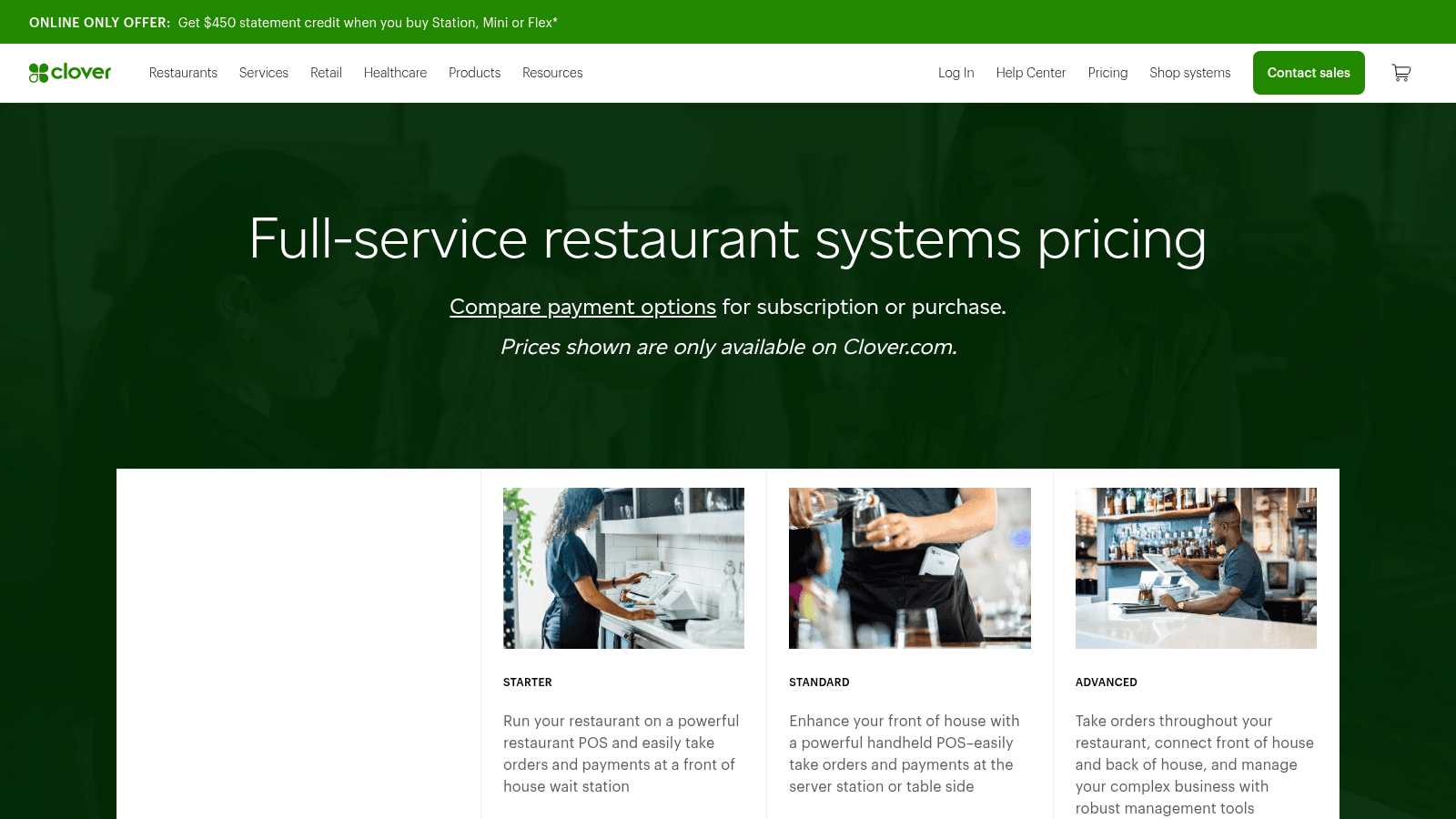
Overview: Clover, owned by Fiserv, sells restaurant setups as bundled hardware and software packages quoted as a single monthly figure over a 36-month term, which makes it look expensive next to software-only pricing.
Key features:
Pricing: For full-service restaurants, Starter is $179 monthly over 36 months, Standard is $239, and Advanced is $354, all on the Restaurant Growth software plan. Paying outright costs $1,799, $2,548, or $4,447 upfront plus $89.95 to $129.85 monthly. Processing is 2.3% plus 10 cents tapped or swiped.
Pros: competitive processing rate, one predictable payment covering hardware, widely supported through banks and resellers. Cons: the 36-month term is a real commitment, the monthly figure is not comparable to software-only pricing, and reseller terms vary considerably.
Why it's a good restaurant management software: the bundled model suits operators who would rather finance hardware than buy it. Final verdict: reasonable if you value one predictable payment, though compare the total 36-month cost against buying hardware separately.
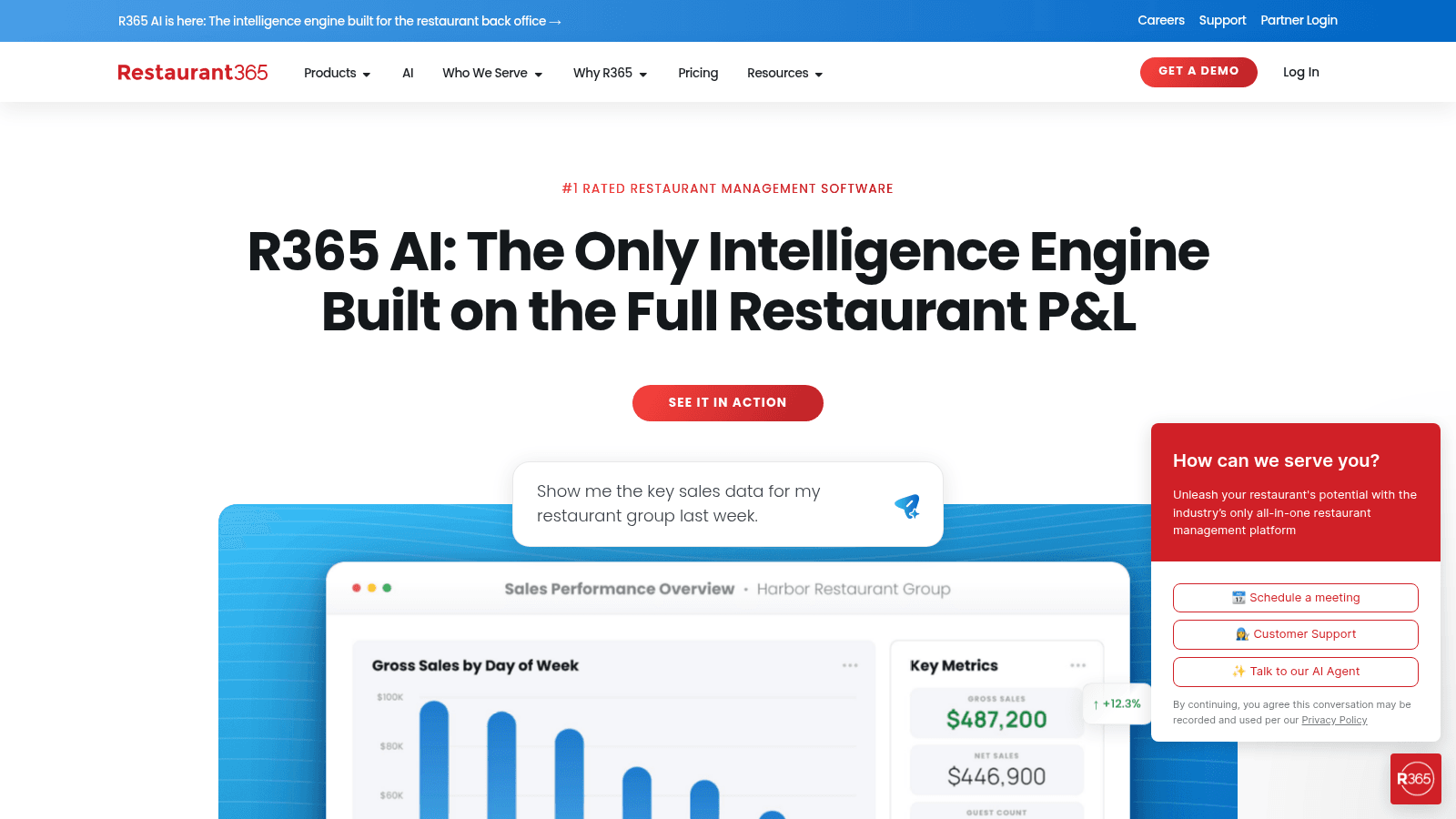
Overview: Restaurant365 is not a POS. It's the accounting and operations layer above one, unifying food cost, labor, and financial reporting for groups where the finance team drives decisions.
Key features:
Pricing: Custom and modular, quoted after a demo. Older third-party articles still cite a $399 monthly plan; the live pricing page shows only a custom quote, so treat that number as outdated.
Pros: genuinely unifies operations and accounting, strong multi-location reporting, deep vendor integrations. Cons: requires a POS alongside it, the longest implementation here, and no published pricing.
Why it's a good restaurant management software: it answers financial questions that POS reporting alone cannot. Final verdict: the right layer for multi-unit groups with real accounting complexity, and unnecessary for a single site.
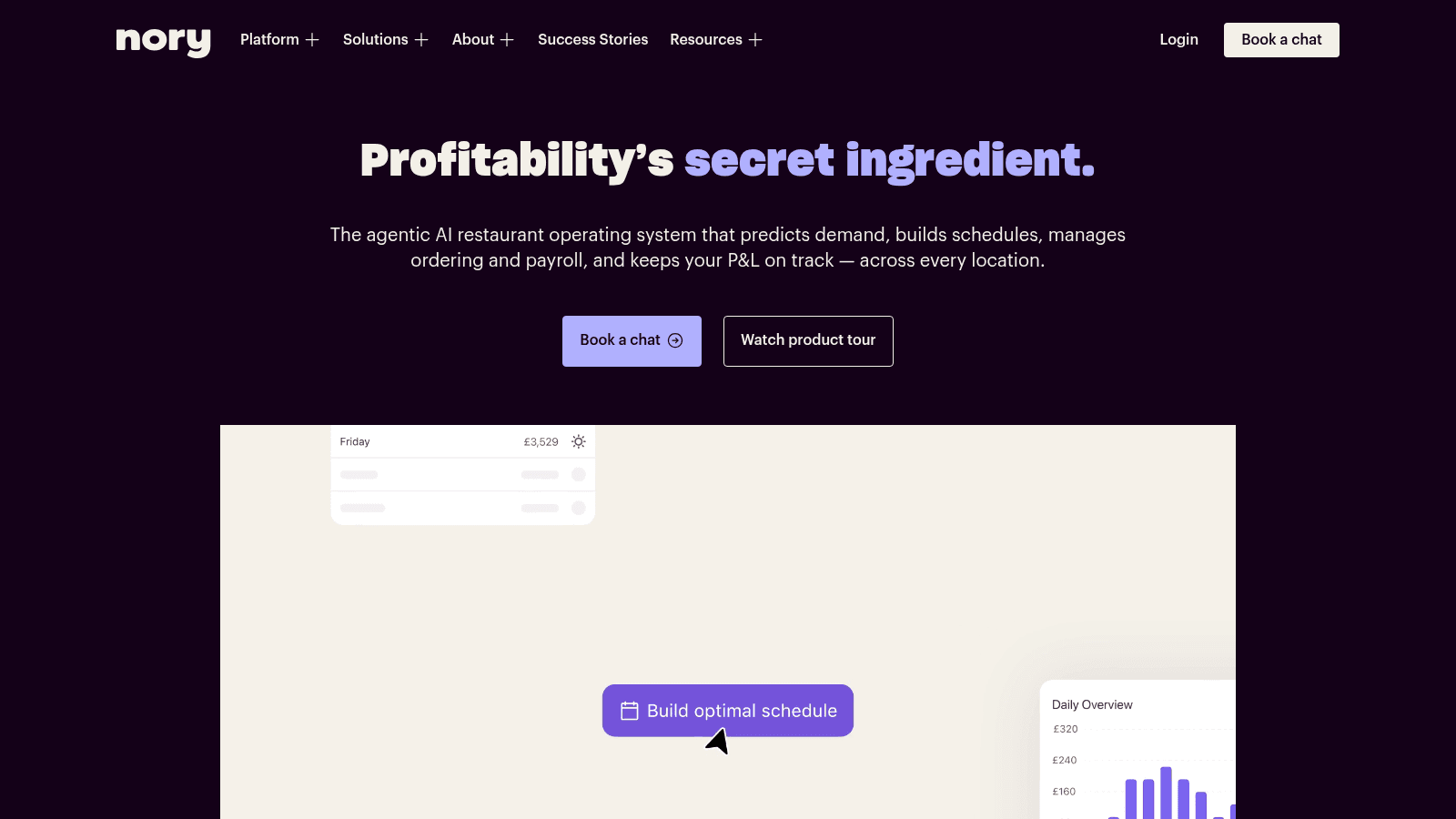
Overview: Nory builds management around forecasting rather than transactions, predicting demand and then driving scheduling, ordering, and P&L views from that prediction across multiple sites.
Key features:
Pricing: Nothing is published. Following the pricing link lands you on a demo request form rather than a price list, so every figure comes through sales.
Pros: forecast-first design rather than prediction bolted on, genuinely multi-site, unified operational and financial view. Cons: no pricing transparency at all, smaller North American presence than incumbents, and forecast quality depends on clean history.
Why it's a good restaurant management software: managing from a forecast beats managing from last week's numbers. Final verdict: worth evaluating for multi-site groups, with the expectation of a full sales process.
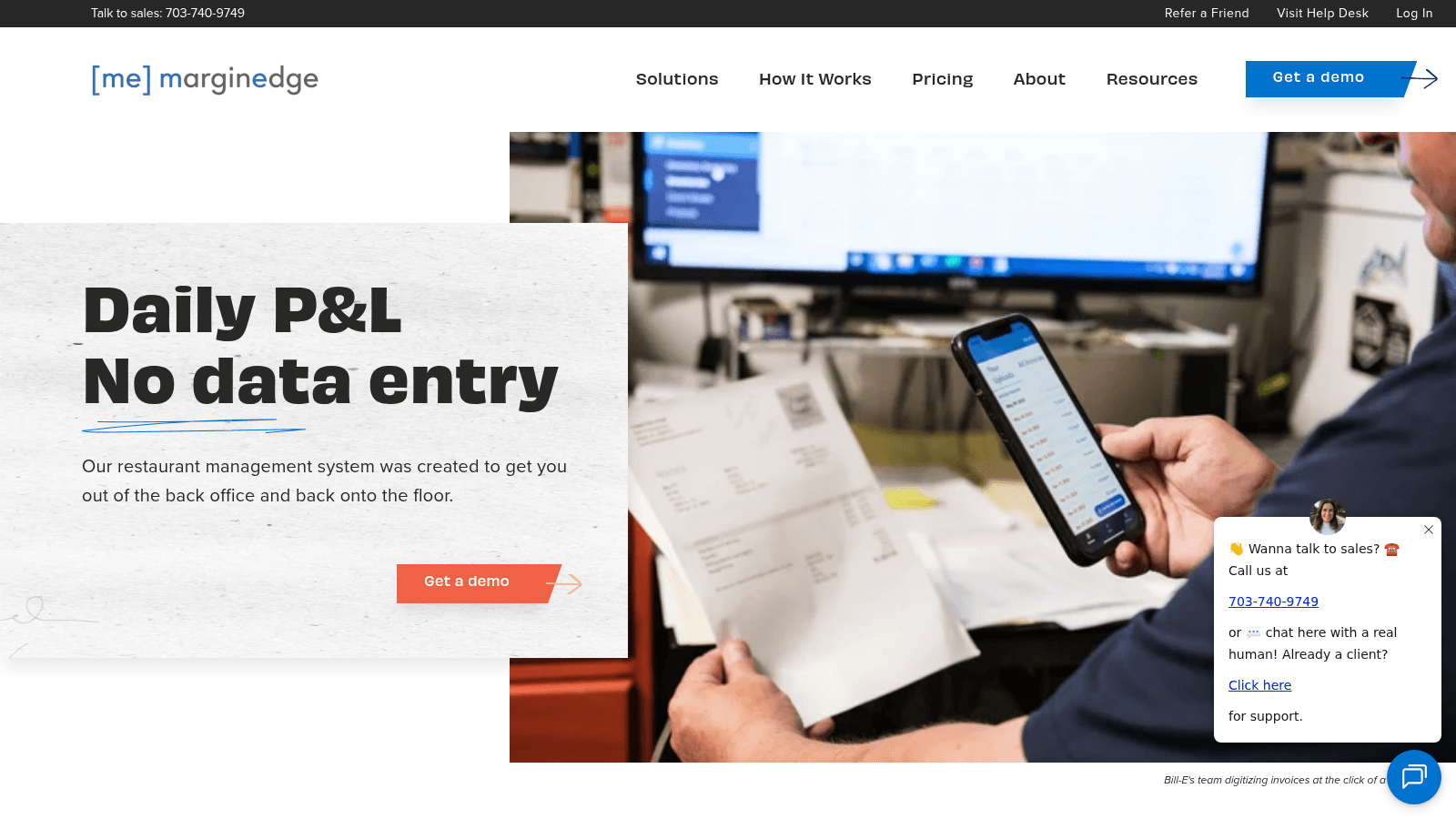
Overview: MarginEdge sits alongside your POS and takes over invoices. Photograph a delivery invoice and invoice capture software returns it as itemized lines, with prices flowing into food cost and recipes automatically.
Key features:
Pricing: One flat $350 per location each month covers everything, with no contract and a 10% annual discount. Two extras sit outside it: Toast charges $50 monthly for its API connection, and the Freepour bar module runs $150 per location.
Pros: all-inclusive pricing with no module upsells, removes invoice entry almost entirely, works with over 60 POS systems. Cons: it is not a POS so it's an addition rather than a replacement, the flat fee is steep for low-volume sites, and value scales with invoice count.
Why it's a good restaurant management software: invoice entry is the most repetitive back-office task in a restaurant. Final verdict: an excellent complement to any POS, and never a substitute for one.
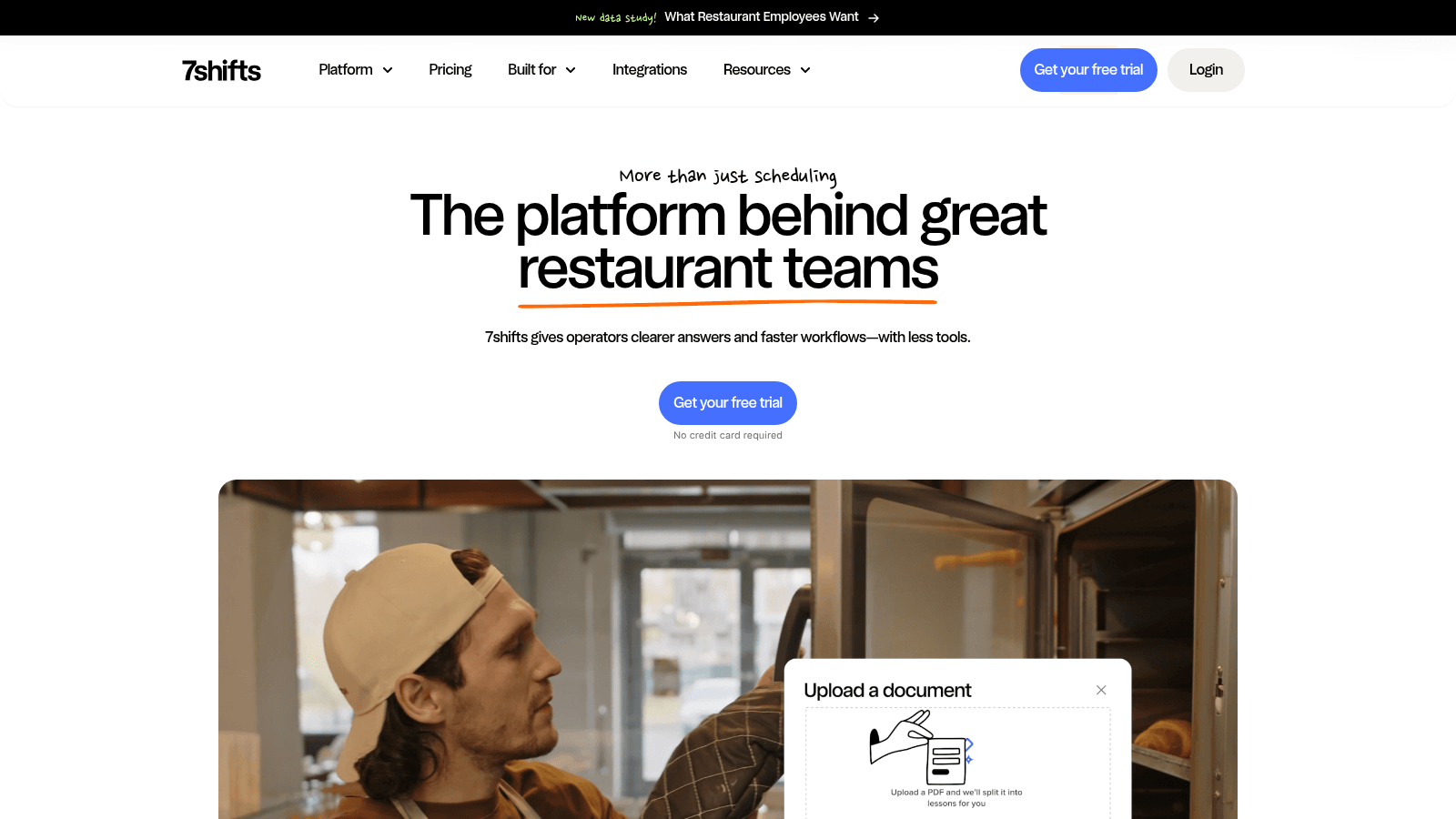
Overview: 7shifts handles the labor side that POS scheduling tools treat lightly: availability, swaps, compliance, and labor cost against sales, with a mobile app staff actually use.
Key features:
Pricing: A free Comp plan covers a single location with 15 employees or fewer. Paid tiers run $44.99, $89.99, and $149.99 per location each month, falling to $39.99, $79.99, and $134.99 on annual billing. Task management, the manager log book, and tip handling are charged on top.
Pros: a genuine free tier, the deepest scheduling features here, transparent per-location pricing. Cons: it doesn't touch inventory or purchasing, useful extras are add-ons, and per-location pricing adds up across many sites.
Why it's a good restaurant management software: labor is the largest controllable cost, and POS scheduling modules are usually shallow. Final verdict: the standard choice when labor management is your priority.
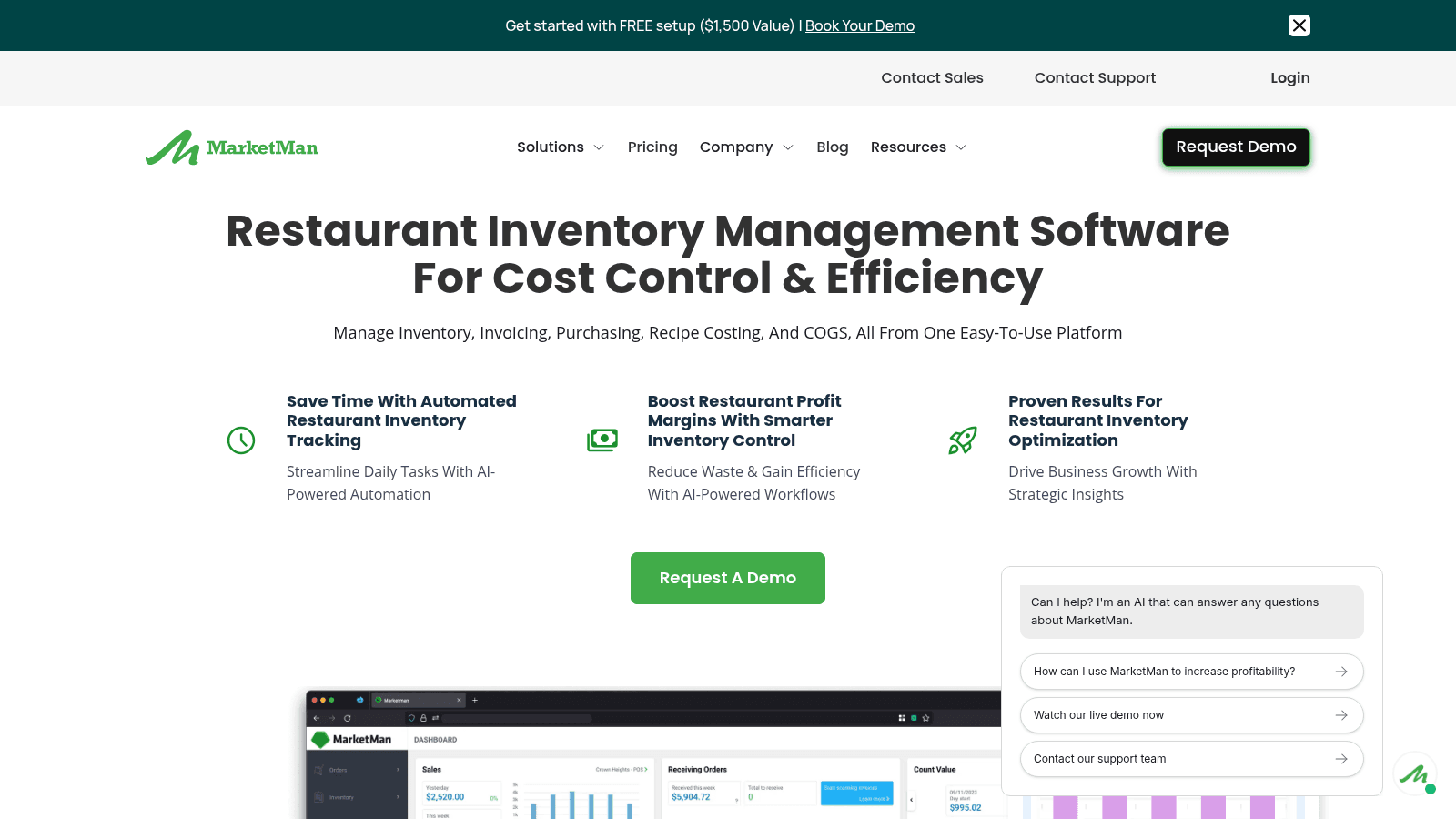
Overview: MarketMan manages the purchasing and cost side alongside your POS, generating orders from par levels, scanning invoices, and flagging supplier price movements.
Key features:
Pricing: Two published tiers, Starter at $199 and Growth at $249 a month, sit below a custom Enterprise plan. Budget beyond the sticker price: vendor integrations and AI ordering are chargeable, and Starter stops at 50 invoice scans a month.
Pros: published pricing, effective price-variance alerts, established with multi-unit operators. Cons: the integrations that matter cost extra, the entry tier's scan cap is low, and there is no free trial.
Why it's a good restaurant management software: it makes cost of goods visible weekly rather than at month end. Final verdict: a good purchasing layer for cost-focused operators already settled on a POS.
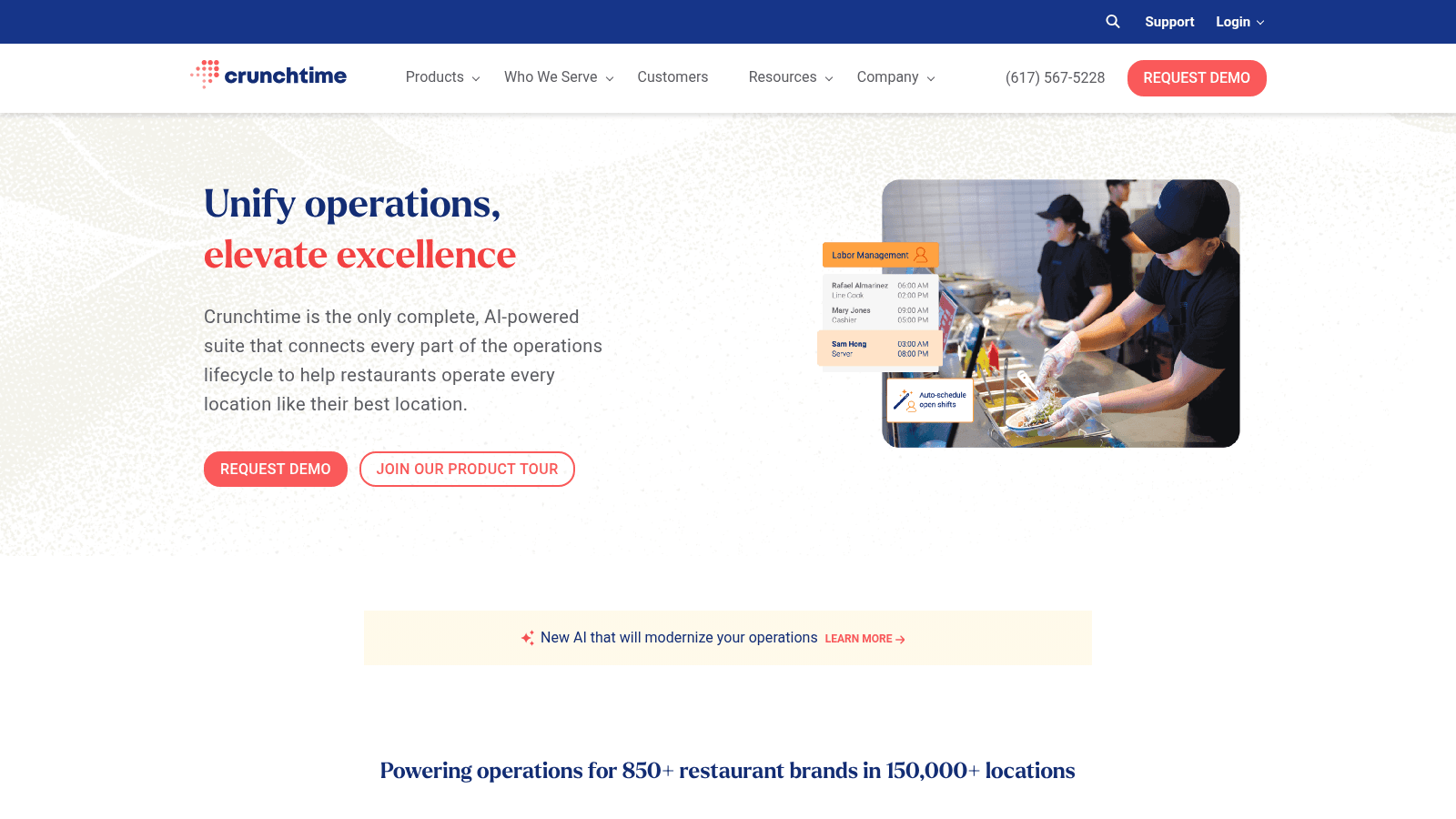
Overview: Crunchtime is the enterprise option, connecting labor, inventory, and operational execution across large chains from shared data rather than separate modules stitched together.
Key features:
Pricing: Quote-based with no published figures, sold through an enterprise process.
Pros: genuinely connects labor, inventory, and execution, built for scale, mature chain reporting. Cons: no public pricing, the longest sales and implementation cycle here, and disproportionate for small operators.
Why it's a good restaurant management software: few platforms manage all three operational areas from one dataset. Final verdict: the enterprise pick, and overkill below roughly 20 locations.
None of the 12 platforms above fully owns supplier ordering, and that gap is consistent across the category. POS systems handle sales, not purchasing. Labor tools like 7shifts stay out of it entirely. Inventory platforms including MarketMan, Restaurant365, and Lightspeed can generate a purchase order from par levels, but a person still has to get that order to the distributor and confirm it landed. Closing that last step is what restaurant purchase order software is built to do.
That last step is where VoiceOrder Solutions operates. Staff speak an order into an iOS or Android app while walking the storeroom, and it is digitized, confirmed, timestamped, and transmitted to the distributor automatically, including outside business hours.
It's a companion rather than an alternative to anything on this list. VoiceOrder Solutions doesn't process payments, schedule staff, or keep your books, and it layers onto whichever management platform you choose without a migration.
For restaurants where managers still phone in orders after installing a full management stack, VoiceOrder Solutions closes that specific gap. It is built for food service operators specifically, and you can contact the team to see it against your own order guide.
Every platform here was verified live in August 2026 against the vendor's own pricing page. Two required visual verification because their pages block automated access, and one URL that other roundups still link turned out to be a dead page on the vendor's own site.
We prioritized published pricing. Where a vendor shows real numbers we quote them exactly, including the processing rates and contract terms that sit in the fine print, because those frequently outweigh the subscription.
We also included tools that are not point-of-sale systems. MarginEdge, 7shifts, and MarketMan appear because plenty of well-run restaurants manage themselves with a modest POS plus one strong specialist tool, and excluding them would misrepresent how the category is actually bought.
The specification sheets converge, so it's more useful to interrogate the commercial terms and the parts that are painful to change later.
Get those answers in writing during the sales process. Every one is far cheaper to establish now than to discover in year two of a 36-month term.
Start with your card volume, because at scale processing rates dominate the decision. On $1.5 million in annual card sales, the gap between 2.3% and 2.79% is roughly $7,350 a year, which dwarfs the difference between a $0 and a $69 monthly plan.
Then match the platform to your service style. Full-service restaurants need coursing, table management, and split checks, which favors Toast, TouchBistro, and Lightspeed. Quick-service operations need speed and throughput, where Square and Clover perform well. Multi-unit groups need consolidated reporting, which is where Restaurant365, Crunchtime, and Nory earn their cost. Groups selling across dine-in, takeout, and delivery apps at once carry a further requirement, which is omnichannel order management that keeps every channel in one queue.
Staff turnover should weigh on the decision too. Accommodation and food services ran a quits rate of 4.3% in May 2026 according to BLS data, far above the roughly 1.9% all-industry average, so a system your team can learn in a shift beats one that takes a week of training.
Finally, decide whether you want one platform or a core plus specialists. A single vendor is simpler to manage and support. A POS plus MarginEdge and 7shifts often delivers better tools in each area for a similar total cost, at the price of maintaining integrations.
Restaurants rarely regret the POS they picked as much as the contract they signed, so weight the terms accordingly.
Comparing headline prices across this category is misleading, because they measure different things.
| Tool | Software cost | What the price includes |
|---|---|---|
| Square for Restaurants | $0 / $49 / $149 per location | Software only, hardware separate |
| Toast | $0 / $69 per month | Software, hardware bundled on Starter Kit |
| TouchBistro | $69 / $119 per month | $119 tier includes hardware |
| SpotOn | $0 / $55 per station | Software; $0 plan carries a higher rate |
| Clover | $179 / $239 / $354 per month | Hardware financed over 36 months |
| MarketMan | $199 / $249 per month | Inventory and purchasing, not POS |
| MarginEdge | $350 per location | All-inclusive invoices and food cost |
Clover's $179 and Toast's $69 are not the same kind of number. Clover's bundles hardware financing across three years, while Toast's is software with hardware handled separately, so a like-for-like comparison requires adding hardware to one side or amortizing it out of the other.
Processing rates then reshape the ranking. SpotOn's free plan at 2.79% plus $0.20 costs more than its $55 plan at 2.45% plus $0.15 once monthly card volume passes somewhere around $10,000 to $13,000, depending on your average ticket.
Most full-service restaurants clear that comfortably, which makes the $0 plan the more expensive option for them. Ask every vendor for an effective rate on your actual volume and ticket size rather than a headline percentage.
Work through this in order and the field narrows quickly. Establish your annual card volume and compare effective processing costs first, because that number is usually larger than every software fee in this list combined.
Next, decide whether you're buying a platform or assembling a stack. If you want one vendor, Toast and Lightspeed cover the most ground. If you'd rather pick strong specialists, pair a straightforward POS like Square with MarginEdge for invoices and 7shifts for labor.
Then read the contract terms before the feature list. A platform you like on a two-year lock-in is a worse outcome than a platform you merely tolerate month to month.
Whichever you land on, expect supplier ordering to remain manual, since none of these systems closes that loop on their own.
Not quite, though the two overlap heavily. A POS handles orders and payments. Restaurant management software is the broader set covering scheduling, inventory, food cost, and reporting, which most POS vendors now sell as modules around their terminal. You can also run management tools like MarginEdge or 7shifts alongside a basic POS, which is often cheaper and gives you stronger tools in each area.
A single site can start at $0 using Square's free plan, and a realistic working setup runs somewhere between $50 and $250 monthly once you add scheduling or inventory. The larger number is payment processing: at $40,000 in monthly card sales, a rate difference of 0.3% costs about $120 a month, comparable to the software itself. Budget for both and compare effective rates rather than subscriptions alone.
Usually not with the POS systems here. Toast, Square, SpotOn, and Clover all bundle payments, and their pricing depends on you processing through them. Lightspeed offers some flexibility depending on region and plan. If keeping your processor matters, confirm it explicitly before evaluating anything else, because it eliminates most of this list immediately.
Comparing monthly software prices without comparing contract terms and processing rates. A $0 plan on a two-year term at a higher rate frequently costs more over three years than a $69 plan month to month. The second most common mistake is buying a full suite to solve one specific problem, such as purchasing an entire platform when the actual issue was invoice entry or supplier ordering.
Only partially. Several, including MarketMan, Restaurant365, and Lightspeed, generate purchase orders from par levels. What they generally don't do is get that order to your distributor and confirm receipt, which in most restaurants still happens by phone, text, or email. It's worth asking any vendor to demonstrate the full path from low stock to confirmed supplier order, because the demo usually stops at the purchase order.