.webp)
Key takeaways:
Most restaurant "automation" pitches show a robot arm flipping burgers. The automation that actually pays back is duller: the invoice nobody has to retype, the order that reaches the distributor without a phone call, the schedule that builds itself from last year's sales.
Restaurant automation software covers all of that, which makes the category almost useless as a shopping term. Two tools both described as automation platforms can share zero features.
This guide sorts 12 real platforms by the work they take off your team, with published pricing where it exists. Deloitte found 55% of restaurant leaders already use AI in inventory management daily, with another quarter piloting it, so the back office is where this is actually landing.
Restaurant automation software is any system that performs a repeated operational task without a person doing it by hand each time. That covers placing supplier orders, converting invoices into line-item data, generating schedules from forecast demand, and pushing checklists to the right person at the right hour.
It is not the same as general restaurant automation of the guest experience. Kiosks, QR menus, and voice bots on the phone system are guest-facing automation, and they solve a different problem from the back-office work this list covers.
The distinction matters at buying time. Guest-facing automation changes your revenue line; back-office automation changes your labor and food cost lines. Operators under margin pressure usually need the second one first.
There are a lot of those operators. The National Restaurant Association reported that 42% of operators said their restaurant was not profitable in 2025, and more than nine in ten named food, labor, insurance, energy, and swipe fees as significant challenges. Automation is being bought against that backdrop, not as a novelty.
The table below compares all 12 by what they automate, real pricing, and their main constraint. Start with the column describing what each one automates, because that is the only meaningful way to compare tools this different.
| Tool | Best for | What it automates | Main limitation | Pricing (from) | Rating |
|---|---|---|---|---|---|
| VoiceOrder Solutions | Removing the ordering phone call | Supplier order capture | Voice-only intake | Quote-based | ★★★★★ |
| Toast | Restaurants already on Toast POS | Orders, payments, reporting | Ecosystem lock-in | $0-69/month + custom | ★★★★☆ |
| Crunchtime | Enterprise multi-unit chains | Labor, inventory, execution | No public pricing | Quote-based | ★★★★☆ |
| MarginEdge | Killing invoice data entry | Invoice-to-line-item capture | Flat fee per location | $350/location/month | ★★★★☆ |
| MarketMan | Purchase orders and price alerts | Ordering and cost tracking | Key integrations are add-ons | $199/month | ★★★★☆ |
| 7shifts | Automating the schedule | Scheduling and labor | Task tools cost extra | Free / $39.99/month | ★★★★☆ |
| Jolt | Food-safety logging | Checklists and temperature logs | Sensor hardware costs extra | Quote-based | ★★★★☆ |
| Xenia | AI-assisted ops execution | Tasks, audits, inspections | No public pricing | Quote-based | ★★★★☆ |
| Operandio | Franchise and multi-unit rollout | Task and audit distribution | No public pricing | Quote-based | ★★★★☆ |
| Restaurant365 | Accounting-led operators | Accounts payable and costing | Long implementation | Quote-based | ★★★★☆ |
| Nory | AI-led multi-site operations | Forecasting and scheduling | No public pricing at all | Quote-based | ★★★★☆ |
| Lineup.ai | Forecast-driven planning | Sales forecasting | Narrow scope by design | $79/location/month | ★★★★☆ |
Pick the two that automate the tasks eating the most manager hours in your operation, then demo only those.
Best for: automating supplier orders end to end
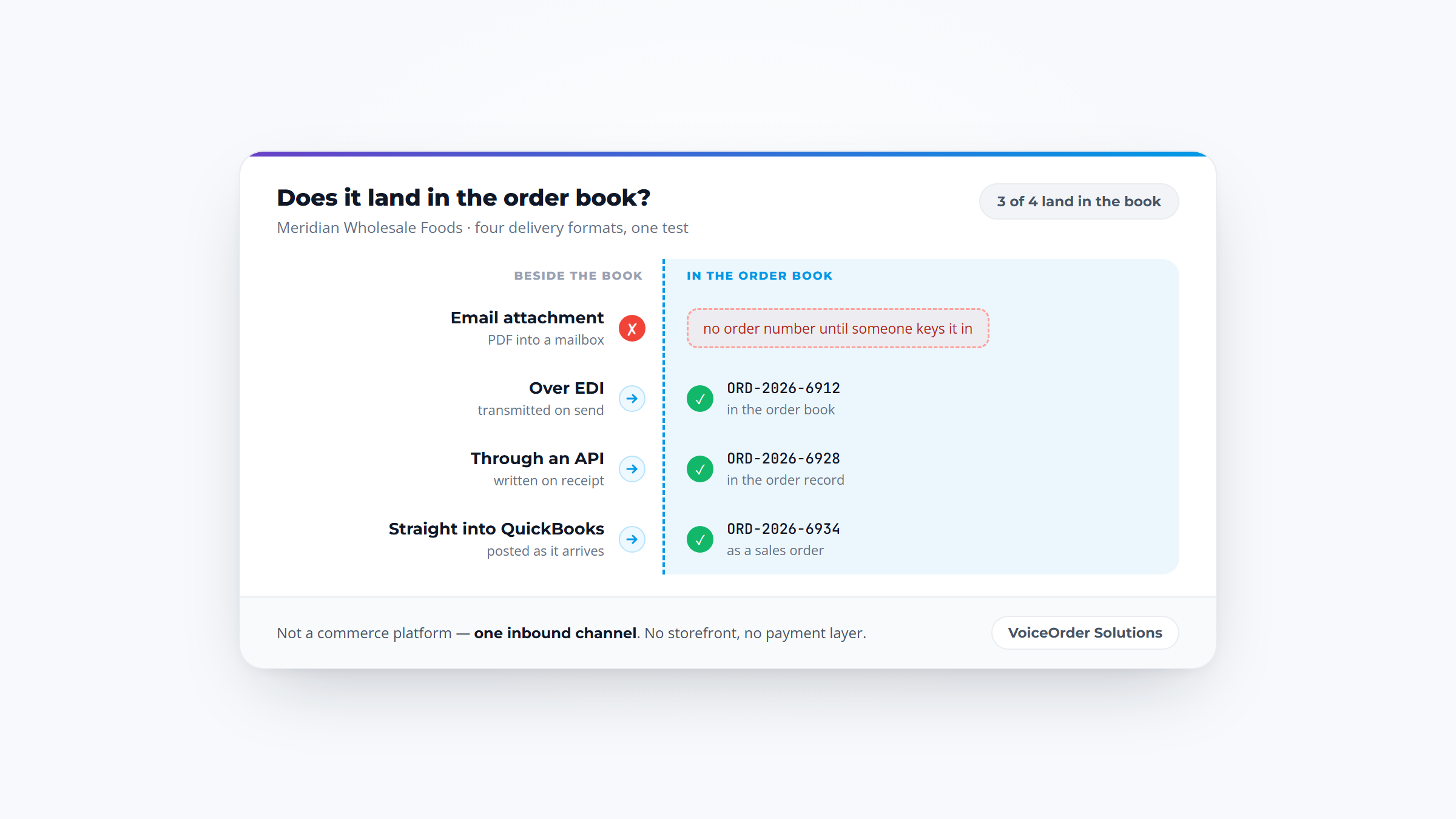
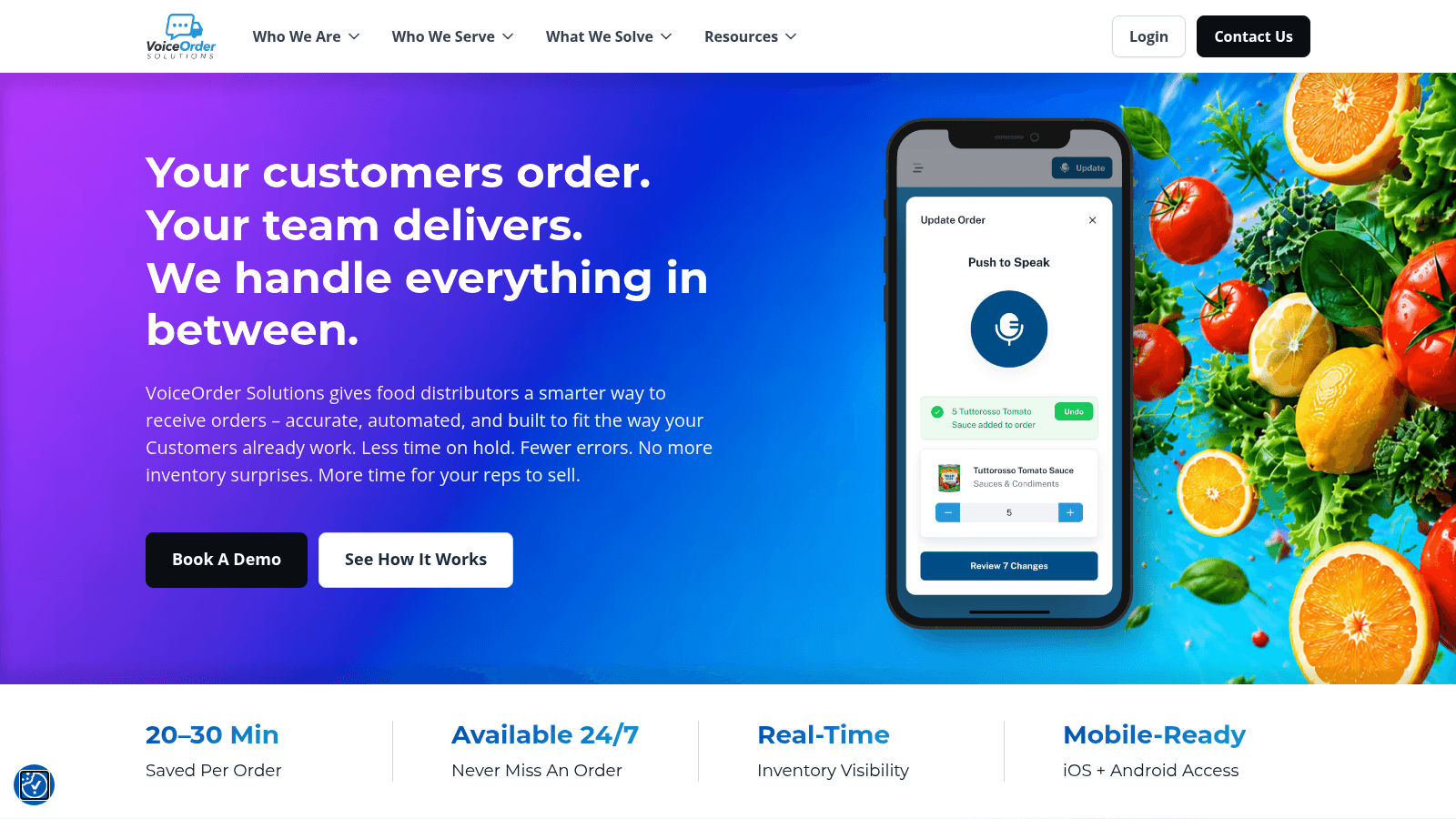
Overview: VoiceOrder Solutions automates one specific task that survives almost every other system a restaurant installs: getting an accurate order to a distributor. Staff speak the order into an iOS or Android app while walking the storeroom, and the app digitizes, confirms, timestamps, and transmits it automatically.
What makes it automation rather than a convenience is what disappears. There is no phone call, no voicemail, no order written on a prep sheet and typed in later, and no distributor rep re-keying what they think they heard.
Because it captures around the clock, an order placed at 11pm after close is queued rather than lost, which is where a surprising amount of manual chasing originates.
It runs alongside a POS, inventory platform, or ERP instead of replacing one, so adopting it does not mean re-platforming the rest of the back office.
Key features:
Pricing: Quote-based, with pricing available on request. Independent distributors are typically set up within 24 to 48 hours.
Pros: eliminates transcription errors before an order is sent, saves 20 to 30 minutes per order, works hands-free during stock walks, captures orders outside business hours, layers onto existing systems. Cons: voice-only intake won't suit teams who prefer typing, and it is built specifically for food and beverage distribution rather than general procurement.
How to start using it:
Why it's a good restaurant automation software: it automates the one step that usually stays manual even after a restaurant buys inventory and accounting software. Final verdict: the strongest pick when your managers are still calling in orders, whatever else you've already automated. Contact VoiceOrder Solutions for a demo.
Overview: Toast automates at the point of sale first and works outward. Orders flow from terminal to kitchen without a ticket being carried, payments reconcile themselves, and reporting compiles without anyone exporting a spreadsheet.
Key features:
Pricing: The Starter Kit is $0 per month for a single location, Point of Sale is $69 per month, and the full platform is custom-quoted. Operational modules are priced as bundled add-ons.
Pros: deep automation if you're already on Toast, genuinely usable entry pricing, wide add-on catalog. Cons: the automation is tied to Toast's ecosystem, true multi-location capability sits behind custom pricing, and leaving is expensive once payments run through it.
Why it's a good restaurant automation software: it removes manual steps across ordering, payment, and reporting in one system. Final verdict: the obvious choice for Toast restaurants and a poor reason to switch POS if you're not.
Overview: Crunchtime automates across three areas at once for large chains: labor scheduling driven by forecasts, inventory replenishment, and operational task execution through the former Zenput product.
Key features:
Pricing: Quote-based with no published figures, sold through a demo and a longer enterprise process.
Pros: genuinely connects labor, inventory, and execution automation, built for scale, mature multi-unit reporting. Cons: no public pricing, the longest sales cycle in this list, and far heavier than an independent restaurant needs.
Why it's a good restaurant automation software: few platforms automate all three operational motions from shared data. Final verdict: built for enterprise chains, and overkill below roughly 20 locations.
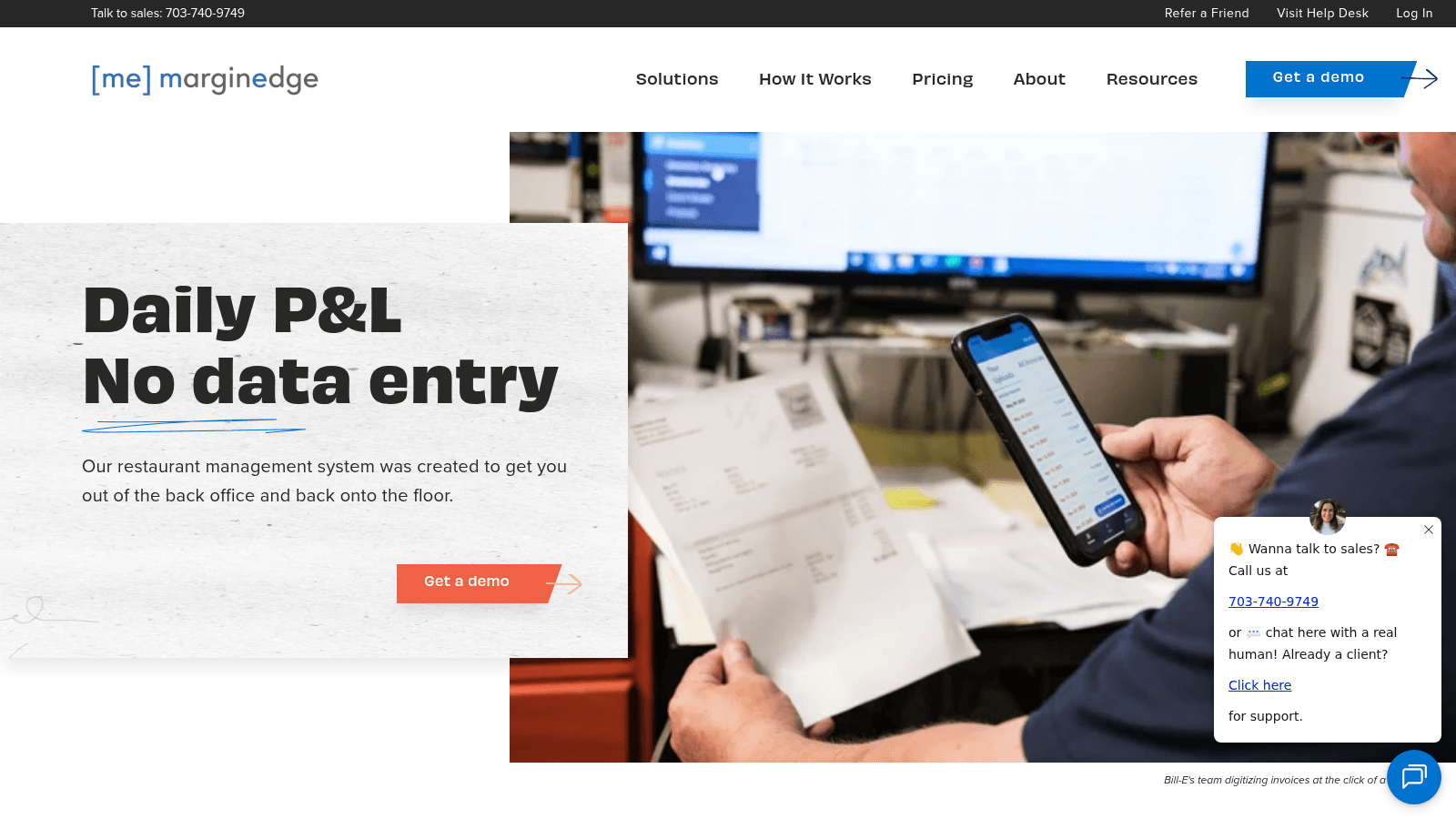
Overview: MarginEdge automates the single most tedious back-office job in a restaurant. You photograph an invoice, and it returns as itemized lines with prices already updated in your food cost and recipes, with no typing at any stage.
Key features:
Pricing: The whole product costs $350 per location per month with no modules to add, 10% off on annual billing, and tiered rates once you pass five locations. Toast's API connection adds $50 monthly, and the Freepour bar add-on is $150 per location.
Pros: near-total elimination of invoice data entry, one predictable price with no module upsells, over 60 POS integrations. Cons: the flat fee is hard to justify for a low-volume single site, value scales with invoice count, and it assumes you want the accounting workflow too.
Why it's a good restaurant automation software: invoice entry is pure repetitive work, which makes it the ideal automation target. Final verdict: the highest-return automation here for any operator still typing invoices by hand.
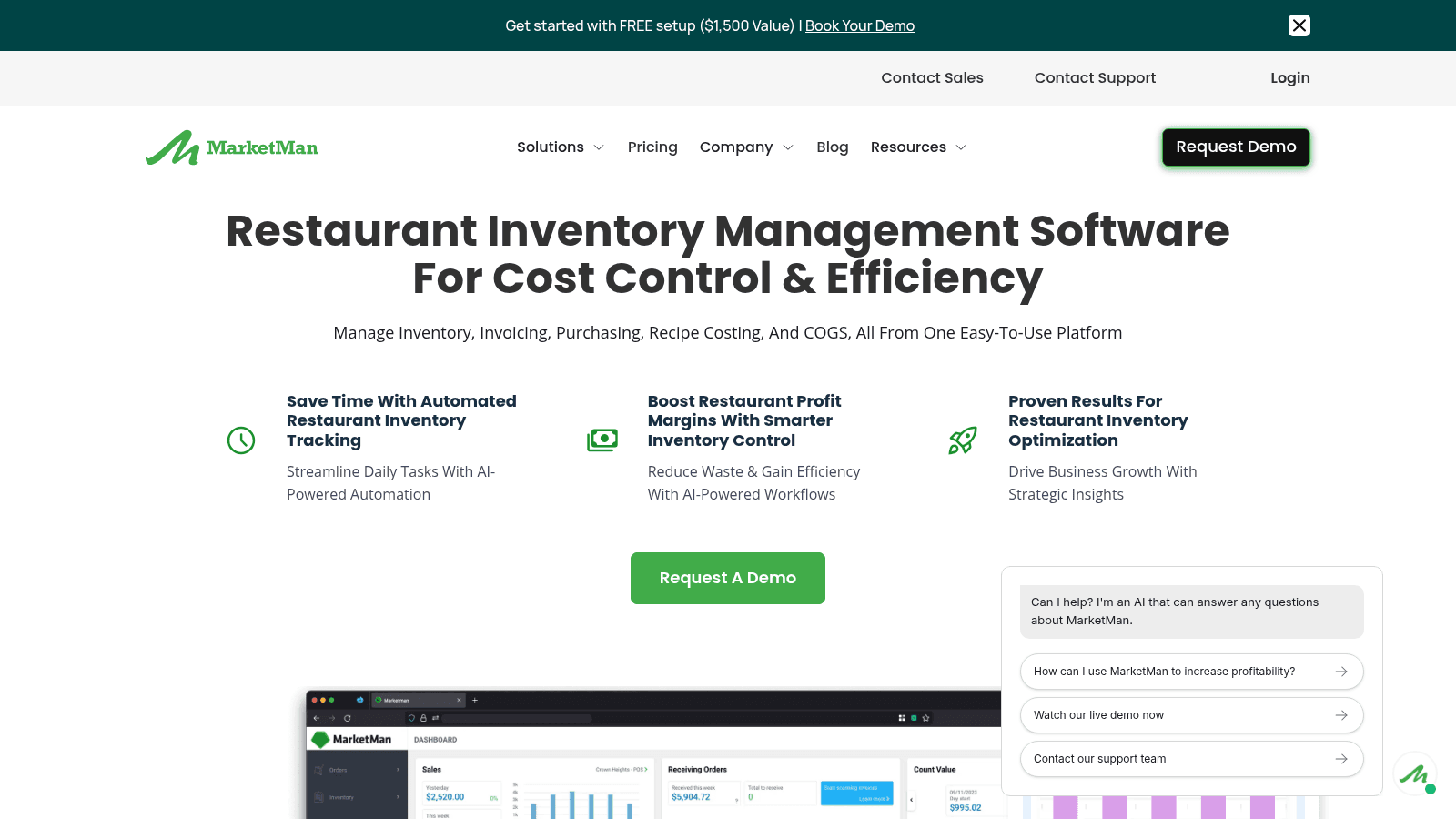
Overview: MarketMan automates the ordering and cost-tracking loop. It suggests order quantities from par levels, scans incoming invoices, and raises an alert when a supplier's price moves.
Key features:
Pricing: Starter is $199 per month, Growth is $249, and Enterprise is custom. Vendor integrations and AI ordering are add-ons, and Starter limits invoice scans to 50 monthly.
Pros: published pricing, price-variance alerting that catches silent cost creep, established multi-unit track record. Cons: the ordering integrations that make automation real cost extra, the entry tier's scan cap is low, and there's no free trial.
Why it's a good restaurant automation software: it automates the link between what you use and what you reorder. Final verdict: solid for cost-focused operators, provided you budget for the integration add-ons.
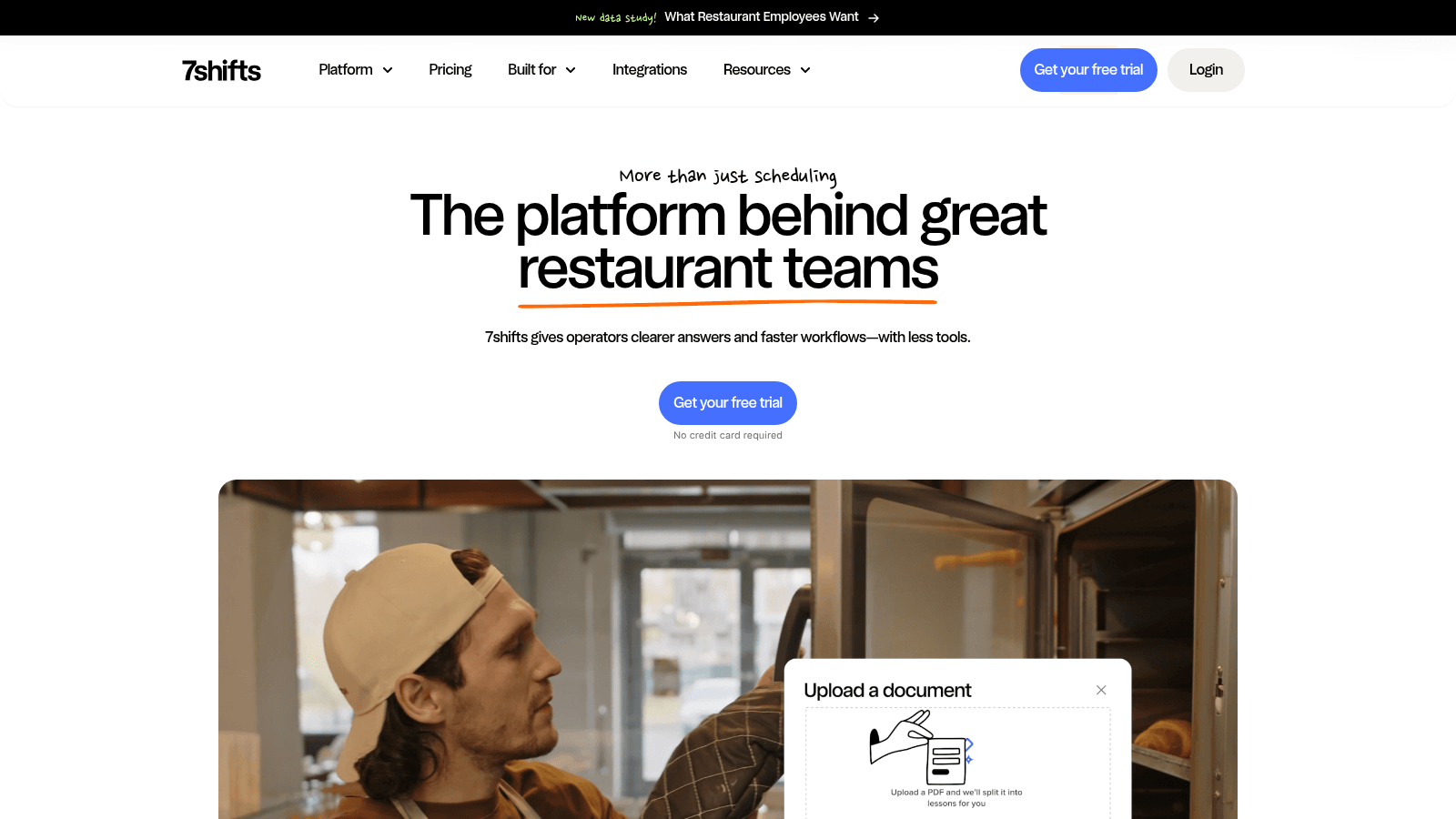
Overview: 7shifts automates scheduling and the administrative sprawl around it: shift swaps, time clocking, availability, and labor compliance, all of which otherwise land on a manager's phone at midnight.
Key features:
Pricing: Comp is free for one location with up to 15 employees. Essentials is $44.99 per location monthly ($39.99 annual), Pro is $89.99 ($79.99), and Premium is $149.99 ($134.99). Task Management, Manager Log Book, and Tip Management are separate add-ons.
Pros: genuine free tier, scheduling automation that staff actually use, transparent per-location pricing. Cons: task automation is a paid add-on, it does not touch purchasing or invoices, and costs climb across many locations.
Why it's a good restaurant automation software: labor is the largest controllable cost, and scheduling is the most repeated manual task around it. Final verdict: the default pick when your automation problem is the schedule.
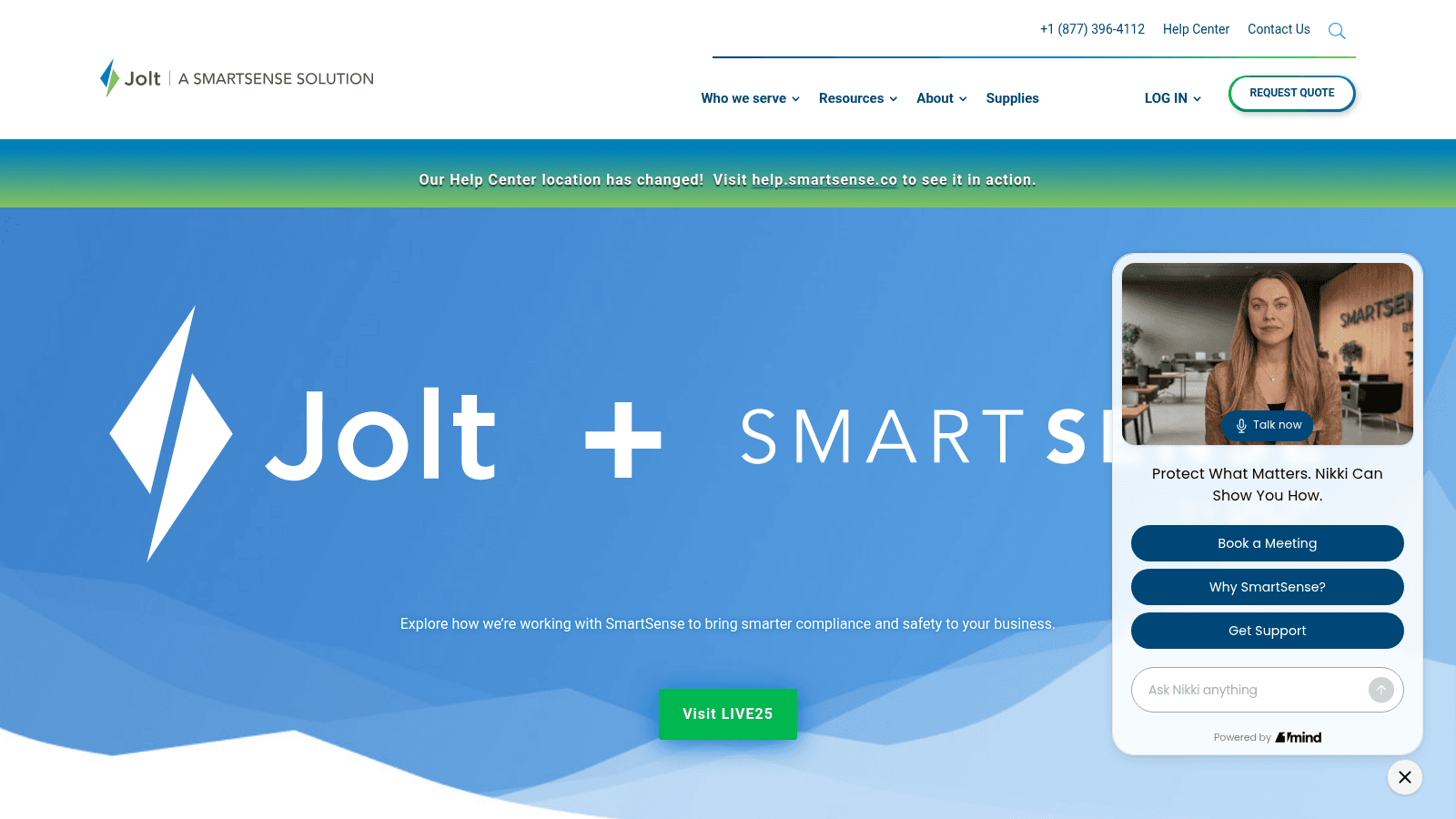
Overview: Jolt, now a SmartSense solution, automates compliance work: digital checklists that appear on schedule, temperature sensors that log themselves, and date labels printed rather than handwritten.
Key features:
Pricing: No public figures. Modules are sold a la carte or bundled through sales, though the hardware shop is self-serve.
Pros: removes manual temperature logging entirely, strong audit trail for inspections, hardware and software from one vendor. Cons: no published pricing at any tier, it doesn't touch purchasing or labor cost, and sensor hardware adds cost beyond the subscription.
Why it's a good restaurant automation software: sensor-based logging replaces a task staff routinely forget or falsify. Final verdict: the pick for food-safety-heavy operations, especially multi-location ones facing regular inspections.
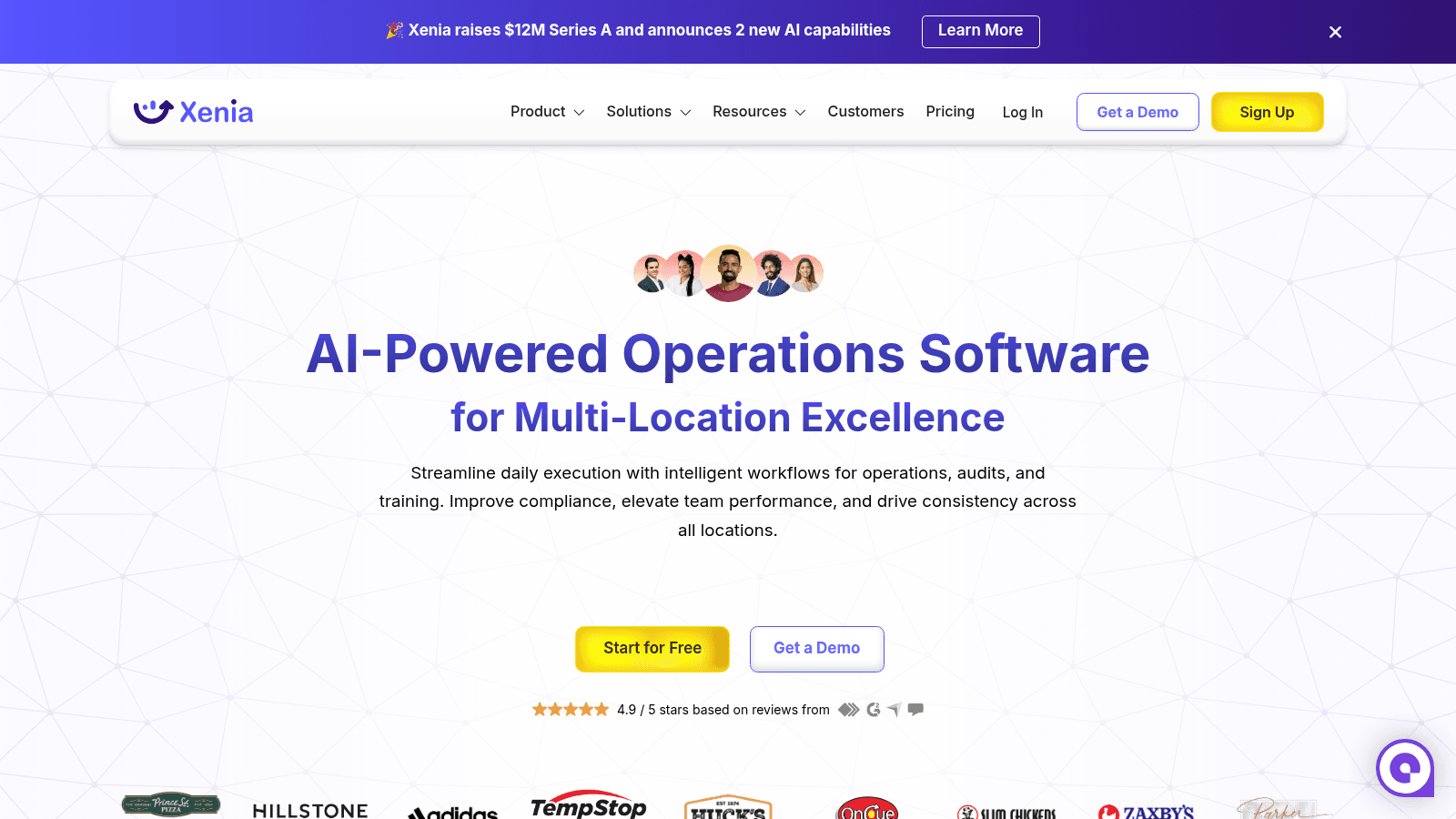
Overview: Xenia automates operational execution across sites with task management, digital audits, and AI assistance layered over a frontline mobile app. It leans harder on AI framing than most of this list.
Key features:
Pricing: Basic and Pro are both quoted per location with no published dollar figures, and Enterprise adds API, HRIS, SSO, and an SLA. Every tier is demo-gated.
Pros: quick to deploy from templates, genuinely multi-location by design, modern mobile experience. Cons: no published pricing at any tier, AI features are gated to higher plans, and it does not automate purchasing or invoices.
Why it's a good restaurant automation software: template-driven setup means automation starts working in days rather than months. Final verdict: a reasonable pick for multi-location task and audit automation, if you accept a demo-only process.
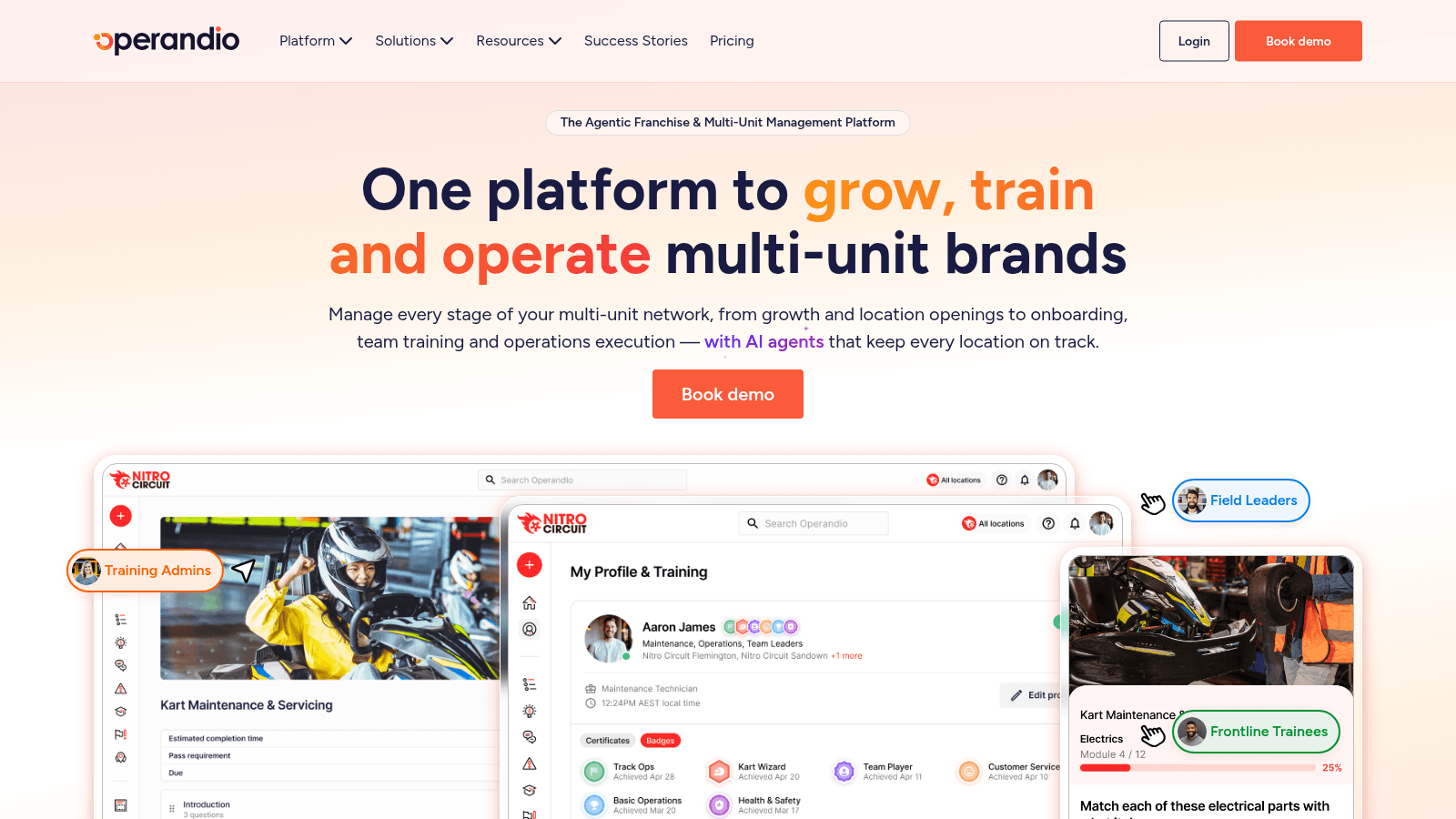
Overview: Operandio automates the distribution and verification of operational work across franchise and multi-unit networks, with franchisee recruitment folded in after its FranchiseLab acquisition.
Key features:
Pricing: Modular and quote-based, priced by locations, users, and chosen modules. A 14-day free trial is available after an initial demo.
Pros: genuine franchise-specific capability others lack, trial access before committing, flexible module structure. Cons: no public pricing, modular pricing makes budgeting harder, and it is narrower than a full operations suite.
Why it's a good restaurant automation software: enforcing consistent standards across franchisees is exactly the kind of repetitive oversight worth automating. Final verdict: the specialist pick for franchise networks rather than single-owner groups.
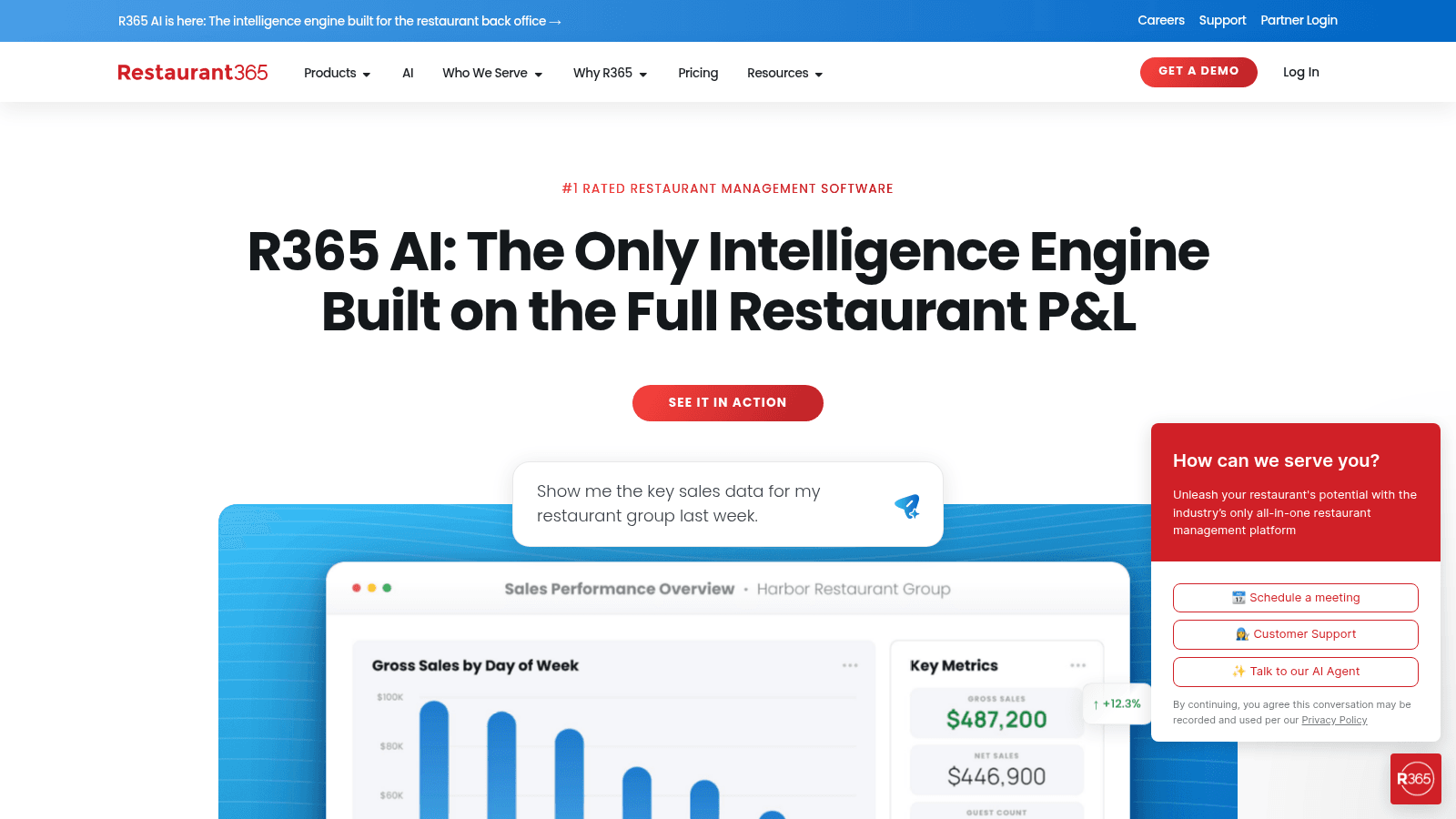
Overview: Restaurant365 automates the accounting side of restaurant operations, turning vendor invoices into posted transactions and keeping food cost, labor, and the general ledger in one flow.
Key features:
Pricing: Custom and modular after a demo. Older third-party articles still cite a $399 monthly plan, but the live pricing page offers only a custom quote, so treat that number as outdated.
Pros: removes the export-and-reconcile cycle between operations and accounting, strong multi-location consolidation, mature vendor integrations. Cons: the longest implementation in this list, more platform than a small operator needs, and no published pricing.
Why it's a good restaurant automation software: accounting automation compounds, because every invoice touches cost, inventory, and the ledger at once. Final verdict: best for accounting-led groups with the appetite for a real rollout.
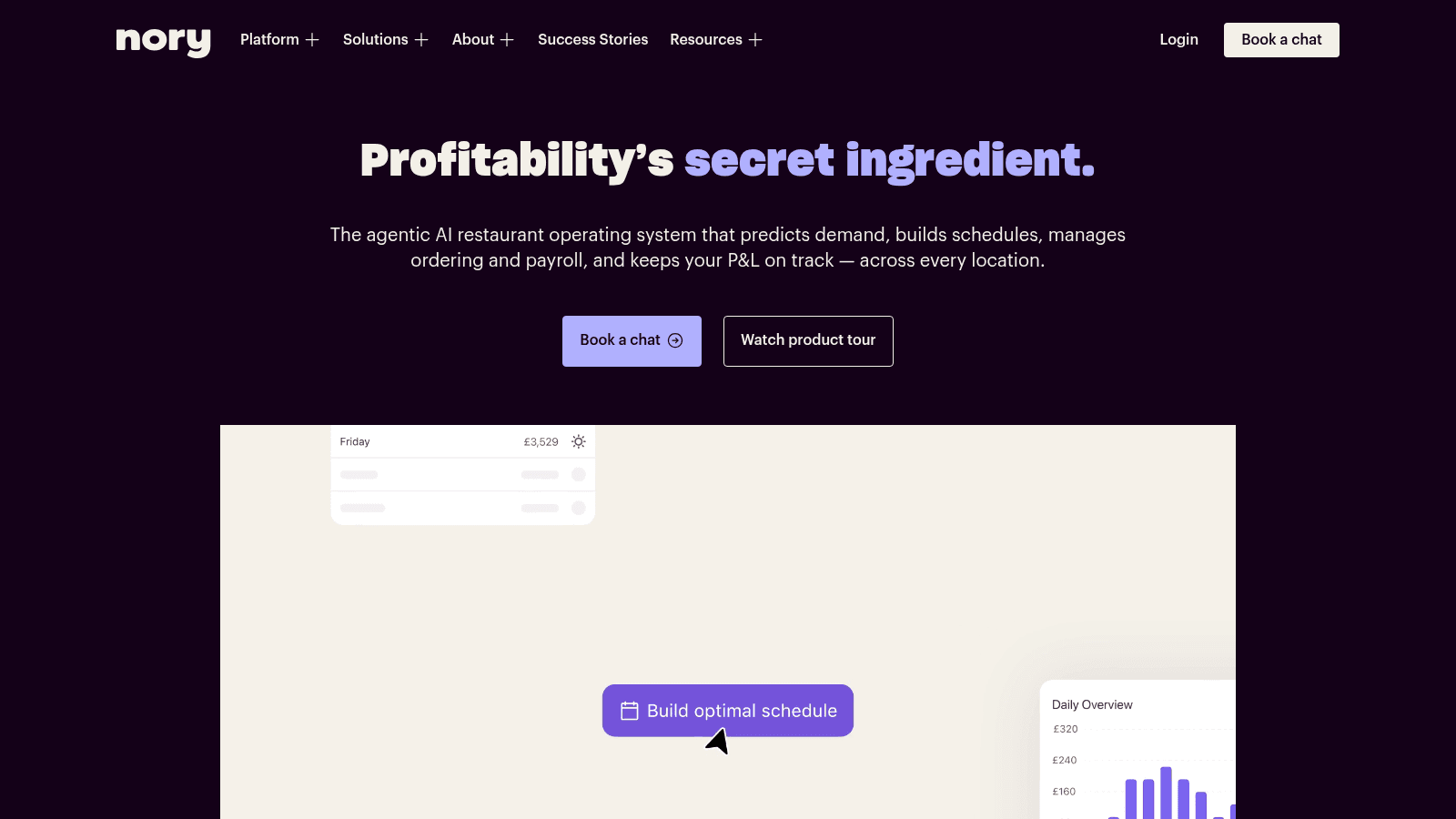
Overview: Nory positions itself as an AI-led operations platform for multi-site hospitality, generating forecasts and then driving scheduling, inventory, and P&L views from them rather than treating each as a separate module.
Key features:
Pricing: Quote-based. The pricing page redirects to a demo booking form with no figures published at all.
Pros: forecast-first architecture rather than bolted-on prediction, genuinely multi-site, unified operational view. Cons: no pricing transparency whatsoever, a smaller North American footprint than the incumbents, and forecast quality depends on clean historical data.
Why it's a good restaurant automation software: automating from a forecast is more useful than automating a static schedule. Final verdict: worth a demo for multi-site groups, though expect a sales process before any numbers.
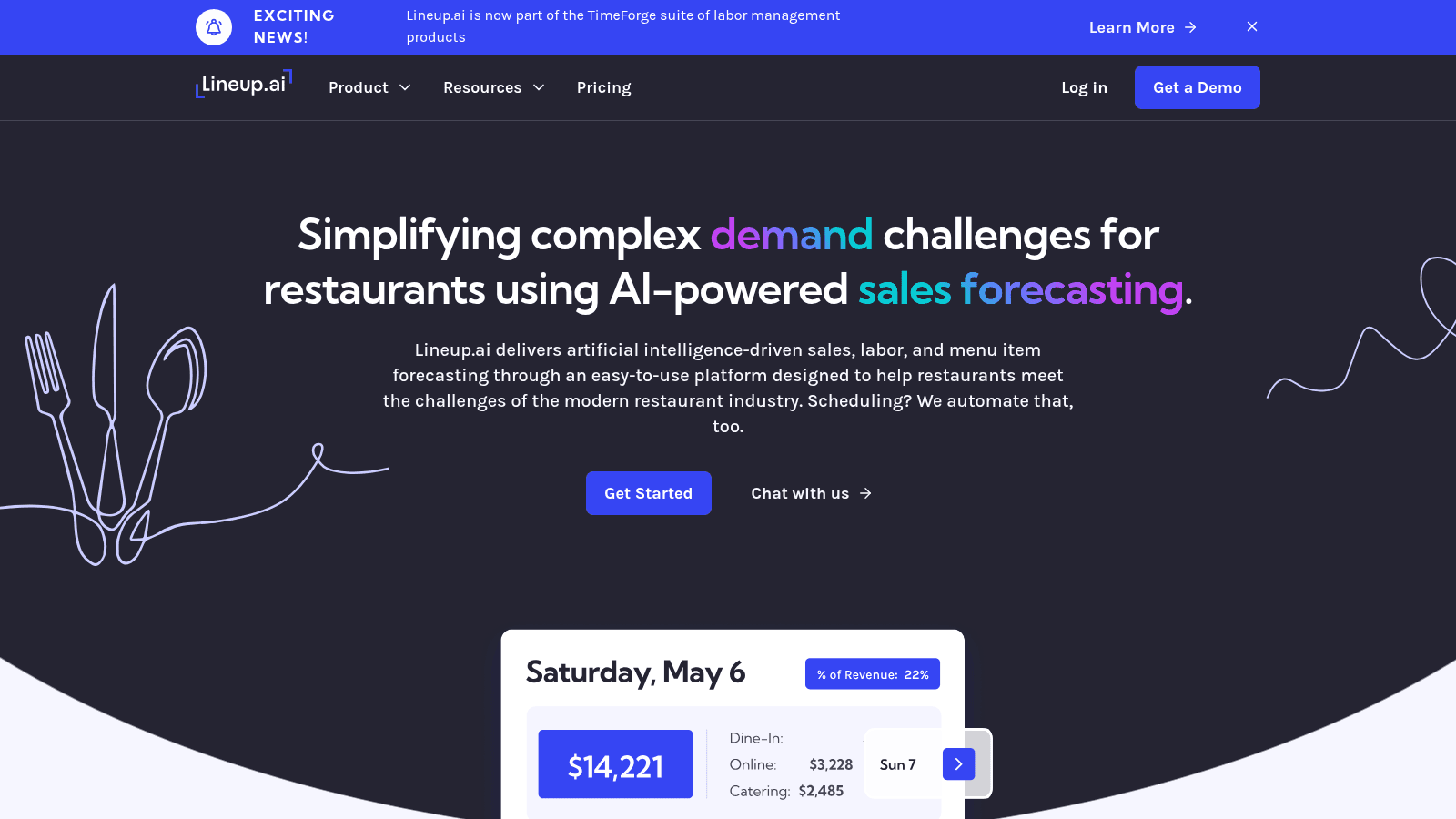
Overview: Lineup.ai, now part of the TimeForge suite of labor management products, does one thing deliberately: it forecasts sales down to item level, then optionally builds schedules against those forecasts. It's the narrowest tool here and priced accordingly.
Key features:
Pricing: Forecasting on its own costs $79 per location each month, and bundling scheduling with it raises that to $149, with 10% off for an annual commitment. Neither tier caps users or employees.
Pros: transparent per-location pricing, unlimited users at every tier, genuinely strong forecasting focus. Cons: it does not automate purchasing, invoices, or compliance, it needs solid sales history to be accurate, and you may still need a second tool.
Why it's a good restaurant automation software: accurate forecasts are the input that makes labor and prep automation worth anything. Final verdict: excellent as a focused addition, and not a replacement for a broader operations platform.
Every product here had to be live and verifiable in August 2026, with a reachable page describing what it actually does. We checked pricing against each vendor's own live page rather than repeating figures from other roundups.
We required real automation, meaning the software performs a task that a person would otherwise repeat by hand. Tools that simply digitize a form without removing work were excluded, because a digital checklist someone still fills in manually is not automation. Those digital checklists still earn their place, just under restaurant operations management software rather than here.
We also kept guest-facing automation out. Kiosks, QR ordering, and AI phone answering are legitimate products, but they change the guest experience rather than the operational workload, and mixing the two makes for a confusing shortlist.
Where vendors publish performance claims, we treat them as vendor claims rather than verified results, and say so.
Not every manual task deserves software. The ones that repay automation share three traits: they repeat daily or weekly, they follow fixed rules, and getting them wrong costs real money.
Judged that way, a short list emerges:
Everything on that list is repetitive and rule-bound. Tasks needing judgment, like handling an unhappy regular or deciding whether to comp a table, sit outside what this software should touch.
Work backward from your manager's week. Ask what they do every single day that a competent stranger could do with written instructions, because that is precisely what automation replaces well.
If the answer is typing invoices, MarginEdge or MarketMan pays back fastest. If it's calling in orders, an order-capture layer like VoiceOrder Solutions removes the step entirely. If it's rebuilding the schedule, 7shifts or Lineup.ai fits. If it's chasing whether checklists were completed at six sites, or coordinating kitchen management across them, Jolt, Xenia, or Operandio is the answer.
Size changes the calculus more than most vendors admit. Below about five locations, point tools with published pricing usually beat suites, because you pay only for the automation you use. Above roughly 20 locations, the integration overhead of several point tools starts to outweigh their flexibility and a suite like Crunchtime or Restaurant365 makes sense.
Resist automating everything at once. Operators who sequence one automation per quarter get cleaner data and better adoption than those who attempt a full-stack rollout in a single month.
Half this category publishes pricing and half doesn't, which makes budgeting awkward. The published figures give you a usable anchor, though.
| Tool | Published entry price | Billing basis |
|---|---|---|
| Toast | $0 (Starter Kit) / $69/month | Per location |
| Lineup.ai | $79/location/month | Per location |
| MarketMan | $199/month | Per account, tiered |
| MarginEdge | $350/location/month | Per location, all-inclusive |
| 7shifts | Free / $39.99/location/month | Per location, annual billing |
| Crunchtime, Jolt, Xenia, Operandio, Nory, Restaurant365 | Quote only | Demo required |
Watch the billing basis rather than the headline number, because per-location pricing behaves very differently from per-account pricing as you grow. MarginEdge at $350 per location is competitive for one high-volume restaurant and expensive across ten small ones, while MarketMan's account-level tiers scale more gently. Judge either figure against the software line in your restaurant operating costs breakdown, which for most operators sits inside operating overhead rather than beside labor.
Add-ons distort the picture further. MarketMan charges separately for the vendor integrations that make its ordering automation work, and 7shifts prices task management apart from scheduling, so the entry price rarely reflects the working configuration.
Automation is oversold, and it's worth being clear about the limits before you buy. Software that acts on bad data acts confidently and wrongly, which is usually worse than a slow manual process.
Forecasting tools need clean sales history, so a location that opened four months ago or changed its menu will get poor predictions until the data catches up. Order automation needs an accurate order guide, and an out-of-date guide produces wrong orders faster than a phone call ever did.
Adoption is the gap vendors rarely mention. In one Reddit discussion about digital checklist apps, an operator warned that the hard part is getting managers transitioned, and that plenty still "pencil whip" checklists, completing the record without doing the walk. Digitizing a task doesn't guarantee anyone performs it.
Another commenter made the case for paper wall charts on the grounds that they never crash and need no training, which is anecdotal but a fair challenge to put to any vendor.
Governance is the other gap. Deloitte's survey found only around 20% of restaurant leaders believed their AI risk and governance controls were adequately in place, which is a striking number given how many are deploying it daily. Somebody should still be checking the output.
Treat every automation as a process that needs an owner, not a process that no longer needs anyone.
The right first automation is the one your team already complains about. That complaint is a free diagnostic, and it usually points at invoices, orders, or the schedule.
Pick one, run it for a full quarter, and measure the hours it gave back before adding a second. Automations compound only when the data underneath them is trustworthy, and stacking three rollouts at once is how operators end up with three half-configured systems.
If the ordering step is where your managers lose their evenings, VoiceOrder Solutions addresses it without asking you to replace anything else you already run, and how it works takes about a minute to follow.
Automation performs a defined task by fixed rules, such as sending a purchase order when stock hits a par level. AI makes a prediction or judgment, such as forecasting Saturday's covers from weather and history. Most tools in this list use both, and the useful question is not whether a product has AI but whether it removes work you currently do by hand.
Not in the way vendors imply. What it reliably removes is administrative time, meaning the hours managers spend typing invoices, calling suppliers, and rebuilding schedules. Those hours move to the floor rather than off the payroll. Operators who buy automation expecting headcount cuts are usually disappointed; those who buy it expecting managers back in the dining room usually are not.
It depends entirely on which task you automate. Invoice and order automation typically show measurable time savings within the first month, because the manual work being replaced is daily and easy to count. Forecasting and scheduling automation take longer, often a full quarter, because accuracy improves as the system accumulates your data.
Yes, though the shopping list looks different. Single sites do best with focused tools that publish pricing, such as 7shifts for scheduling or Lineup.ai for forecasting, rather than suites priced for chains. The break-even is simply whether the monthly fee costs less than the hours it returns, which is easier to calculate for one location than for twenty.
Most integrate, but the connections vary in quality. POS integrations are generally mature, while purchasing and accounting connections are more uneven and sometimes cost extra. Below roughly five locations, running two or three specialized tools usually works well. Above that, the effort of maintaining several integrations starts to favor a single suite even at a higher price.