.webp)
Key takeaways:
Every restaurant forecasts, usually badly and usually in someone's head. A manager looks at last Saturday, adds a bit for the weather, and builds a schedule and a produce order around a guess, with no automation checking the arithmetic.
Restaurant sales forecasting software replaces that guess with a model built on your own trading history, then pushes the result into the two decisions that depend on it: how many people to roster and how much to order.
This guide covers 12 platforms with verified August 2026 pricing, and it's honest about where forecasting genuinely helps and where it just produces confident numbers.
Restaurant forecasting software predicts future demand from historical sales data, then applies that prediction to operational decisions. The prediction itself is only half the product; the useful half is what the system does with it.
Three distinct jobs sit under the label. Restaurant sales forecasting software predicts revenue and covers by day or daypart. Labor forecasting turns that into required staffing hours and a schedule. Demand forecasting turns it into ingredient quantities for prep and inventory ordering, which is where inventory management picks it up.
Most vendors do one well. Labor-first tools forecast to build a schedule, and their ordering guidance is secondary. Inventory-first tools forecast to set par levels, and their labor output is thin. Knowing which decision you want improved is the whole of the buying question.
The table compares all 12 by their forecasting focus and published pricing. Match the focus column to the decision you actually want to improve.
| Tool | Best for | Forecasting focus | Main limitation | Pricing (from) | Rating |
|---|---|---|---|---|---|
| Lineup.ai | Forecasting as the core product | Sales and item-level demand | Narrow by design | $79/location/month | ★★★★★ |
| Crunchtime | Enterprise multi-unit chains | Labor and inventory demand | Enterprise sales cycle | Quote-based | ★★★★☆ |
| Fourth | Enterprise workforce planning | Sales driving labor | Built for scale | Quote-based | ★★★★☆ |
| Restaurant365 | Accounting-led operators | Sales and labor forecasting | Requires the full platform | Quote-based | ★★★★☆ |
| 7shifts | Labor forecasting for independents | Sales-driven scheduling | Doesn't forecast inventory | Free / $39.99/month | ★★★★☆ |
| Toast | Restaurants on Toast POS | Sales trends from POS data | Only sees Toast data | $0-69/month | ★★★★☆ |
| Nory | AI-led multi-site groups | Demand driving all operations | No published pricing | Quote-based | ★★★★☆ |
| Tenzo | Consolidating scattered data | Forecasts across sources | No published pricing | Quote-based | ★★★★☆ |
| Altametrics | Chains wanting one suite | Sales and labor forecasting | No published pricing | Quote-based | ★★★★☆ |
| Apicbase | Multi-outlet production planning | Recipe-level demand | Priced per outlet | Quote-based | ★★★★☆ |
| MarketMan | Ordering against par levels | Purchase quantity suggestions | Not true forecasting | $199/month | ★★★★☆ |
| Homebase | Small teams on a budget | Basic labor forecasting | Light forecasting depth | Free / $24/month | ★★★☆☆ |
Decide whether you're forecasting for labor or for ordering before you shortlist, since very few tools here are genuinely strong at both.
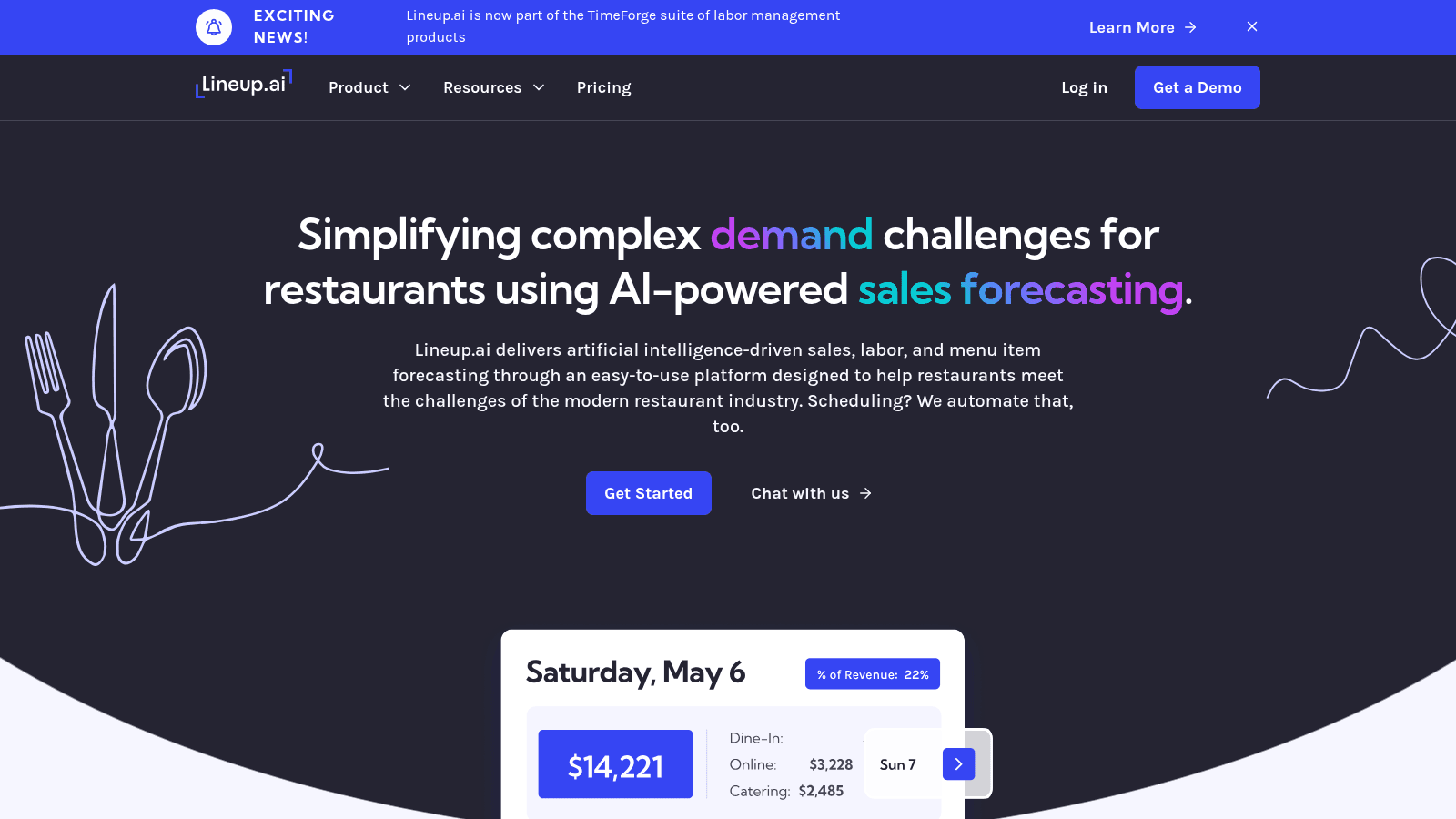
Overview: Lineup.ai, now part of the TimeForge suite of labor management products, is the only tool here built as a forecasting product first. Prediction is the core, and scheduling is layered on as an option rather than the reverse.
Key features:
Pricing: Forecasts Only is $79 per location monthly and Forecasts plus Scheduling is $149, with 10% off annual commitments. Both tiers include unlimited users and employees.
Pros: published per-location pricing, unlimited users at every tier, item-level granularity most competitors lack. Cons: it doesn't handle inventory, invoices, or compliance, needs solid sales history for accuracy, and you may still need a broader platform alongside it.
Why it's a good restaurant sales forecasting software: forecasting is the product rather than a feature, and the item-level output is directly usable for prep. Final verdict: the strongest dedicated pick, particularly for operators who already have a POS and scheduling tool they like.
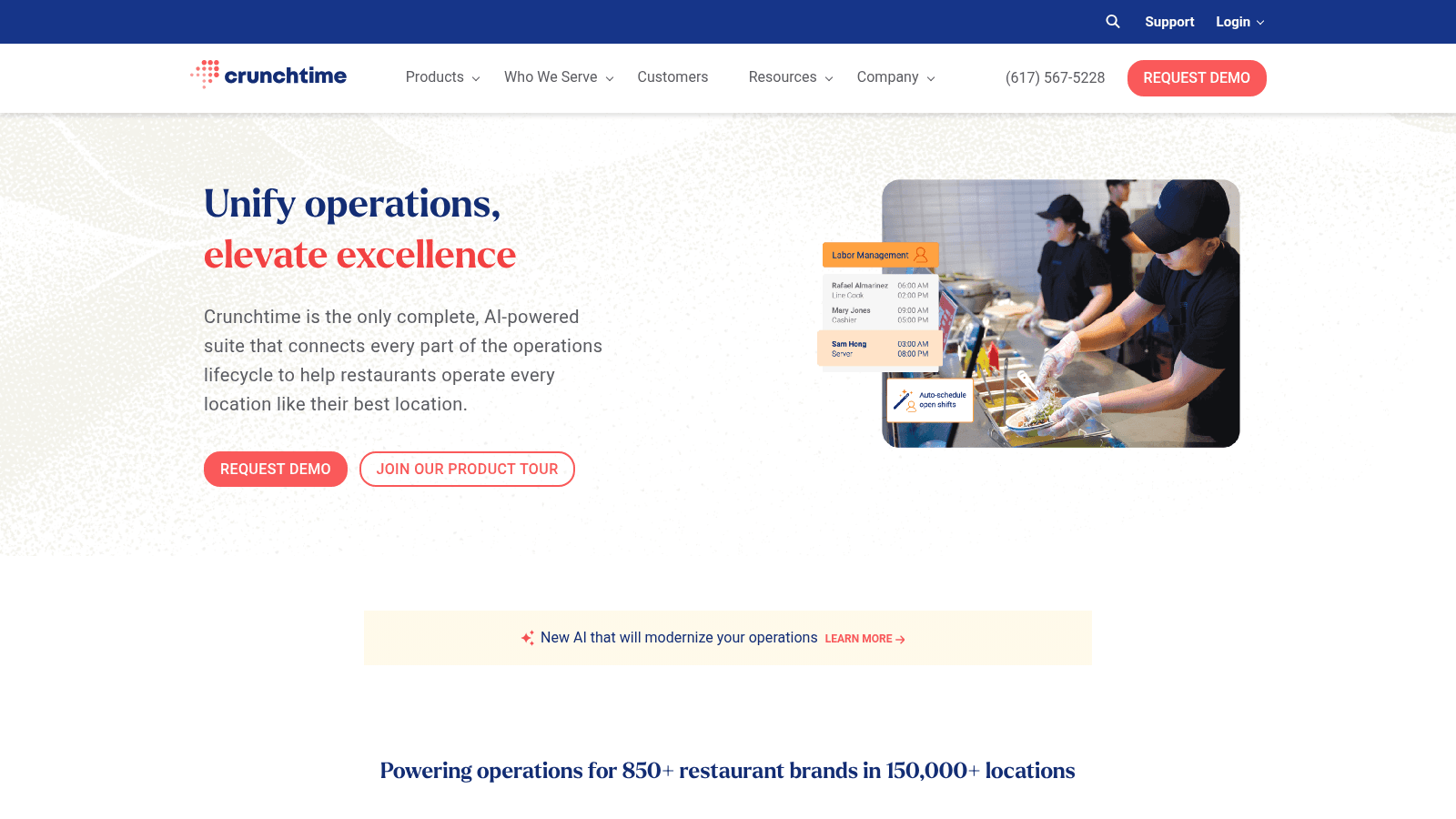
Overview: Crunchtime forecasts inside a larger operations suite, so predictions flow straight into labor scheduling and inventory replenishment without an integration between them.
Key features:
Pricing: Quote-based with no published figures, sold through an enterprise process.
Pros: forecasts feed both labor and inventory from one dataset, proven at chain scale, strong multi-unit reporting. Cons: no published pricing, the longest implementation here, and you need the wider suite for the forecasting to matter.
Why it's a good restaurant forecasting software: a forecast that automatically drives both the schedule and the order is worth more than one that produces a number. Final verdict: the enterprise choice for chains that want forecasting embedded rather than bolted on.
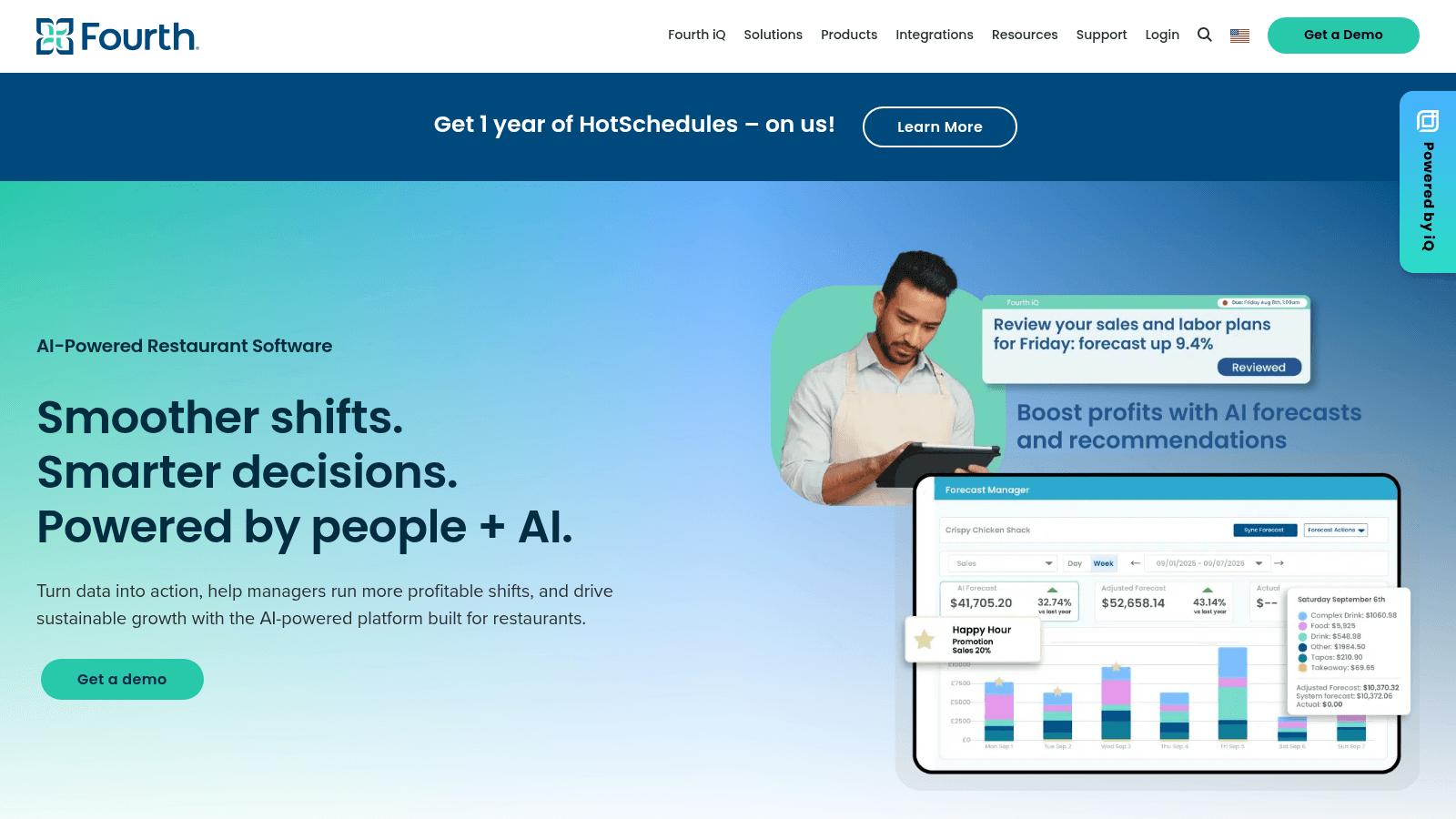
Overview: Fourth approaches forecasting as a workforce problem, predicting demand specifically to size labor across large multi-site operations, with HotSchedules inside its portfolio.
Key features:
Pricing: Quote-based, with no published figures.
Pros: deep labor forecasting capability, proven at enterprise scale, tight link between prediction and schedule. Cons: oriented to larger operators, no pricing transparency, and lighter on inventory demand than labor.
Why it's a good restaurant forecasting software: labor is where forecast error costs the most money per unit of inaccuracy. Final verdict: a strong fit for enterprise operators whose forecasting question is fundamentally about staffing.
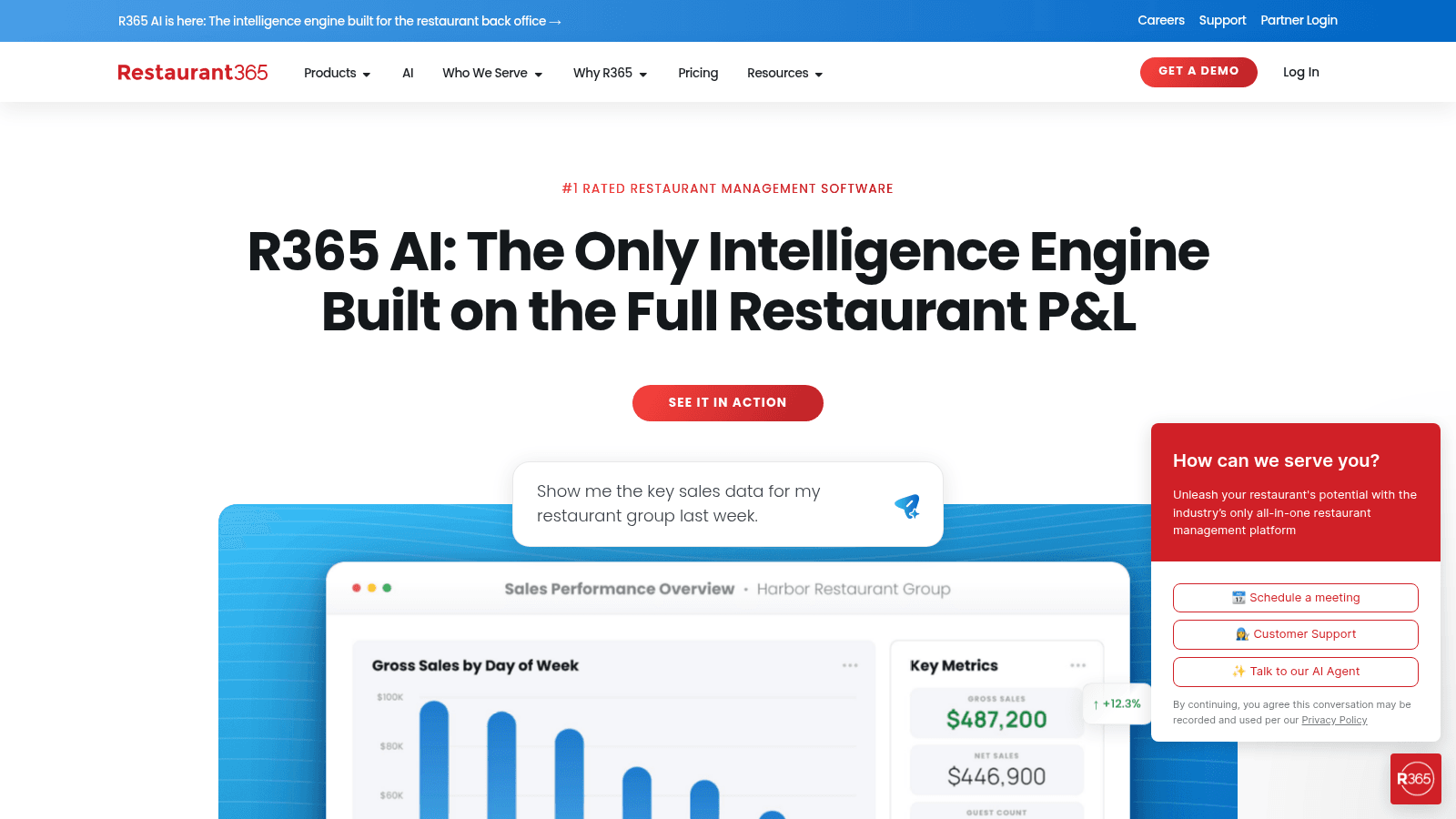
Overview: Restaurant365 forecasts within its accounting and operations platform, so predicted sales feed both scheduling and budget comparison against actual financial results.
Key features:
Pricing: Custom and modular after a demo. Older third-party figures citing a $399 monthly plan are stale; the live page shows only a custom quote.
Pros: forecasts connect to real financial outcomes, strong multi-location consolidation, mature platform. Cons: requires committing to the wider system, heavy implementation, and no published pricing.
Why it's a good restaurant forecasting software: comparing forecast against actual financial results is more honest than comparing it against operational estimates. Final verdict: sensible for groups already running Restaurant365, and not worth adopting for forecasting alone.
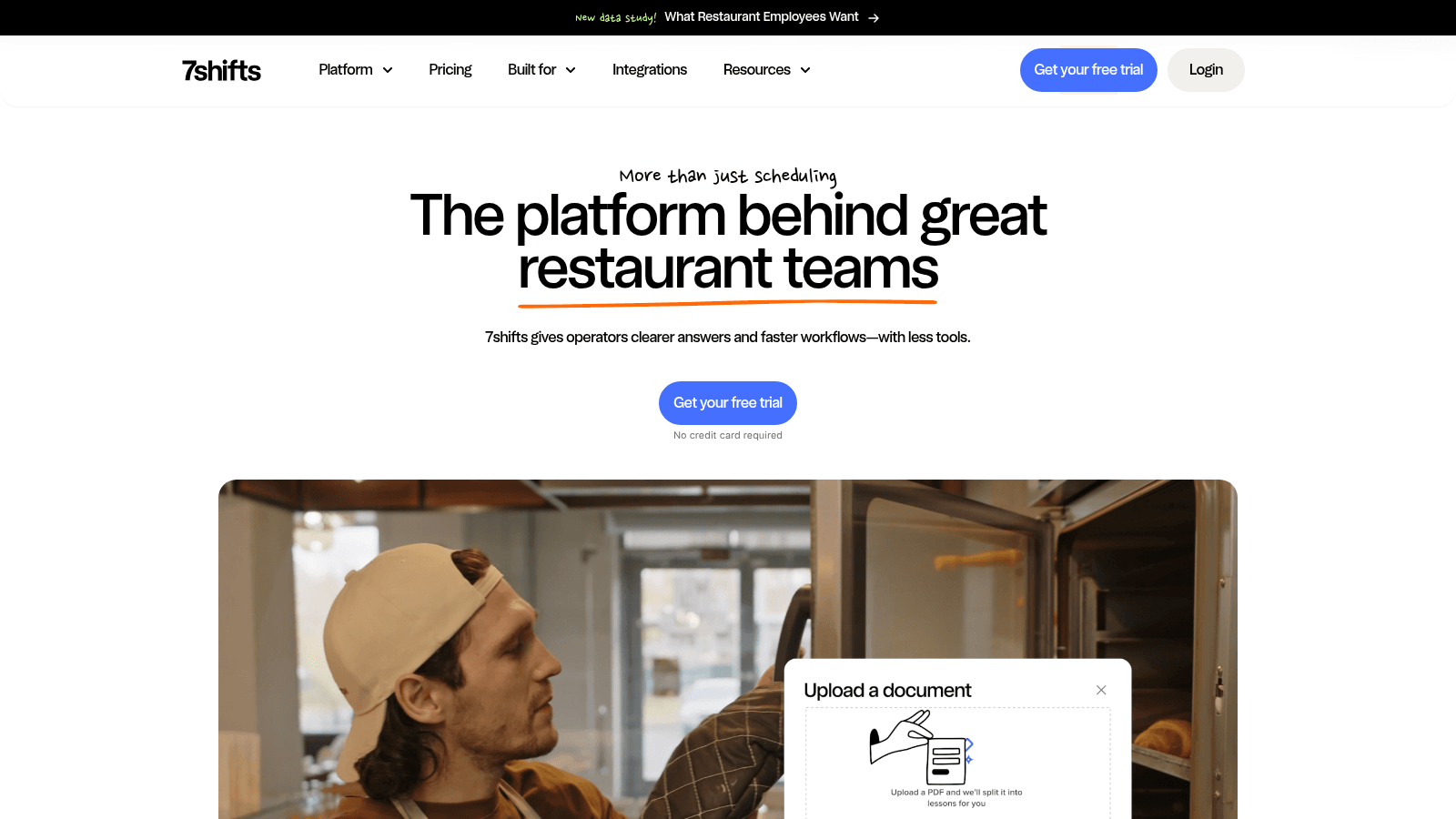
Overview: 7shifts forecasts sales in order to build schedules, which is the practical shape of forecasting for most independents: a labor number rather than a research exercise.
Key features:
Pricing: The Comp tier costs nothing for one location capped at 15 employees. Beyond that, Essentials bills $44.99 per location monthly, Pro $89.99, and Premium $149.99, each around 11% cheaper on annual terms at $39.99, $79.99, and $134.99.
Pros: genuine free tier, published pricing, forecasting tied directly to a schedule staff actually use. Cons: it doesn't forecast inventory or prep quantities, forecasting depth trails dedicated tools, and costs scale per location.
Why it's a good restaurant forecasting software: for most independents the only forecast that matters is how many people to roster. Final verdict: the practical choice for single sites and small groups focused on labor.
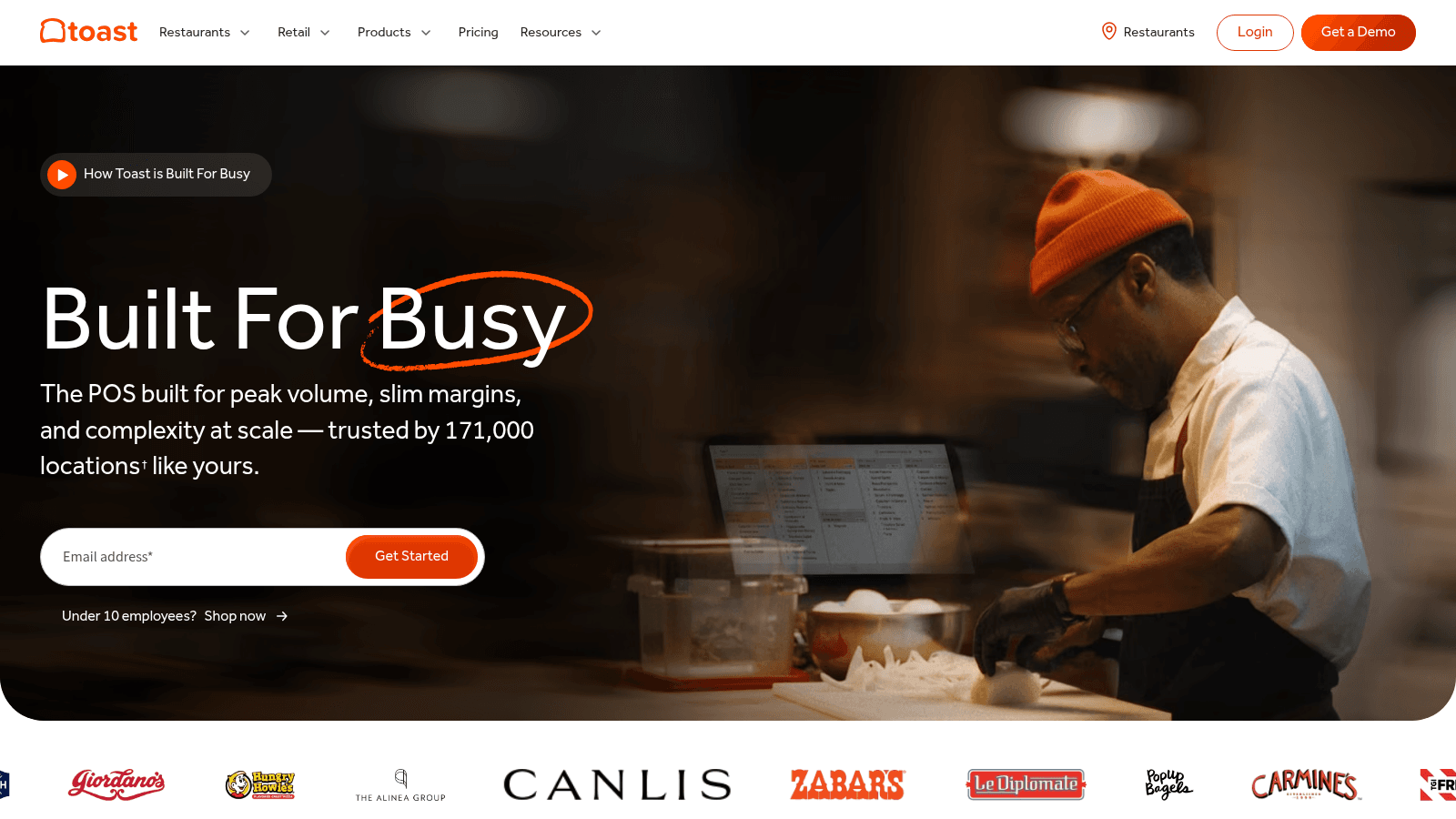
Overview: Toast provides sales trend data and forecasting inside its POS platform, drawing on the transaction history it already holds without requiring an integration.
Key features:
Pricing: Bundled into the POS subscription rather than sold separately, so the cost is $0 a month on the Starter Kit or $69 on Point of Sale, with stronger capability higher up the range.
Pros: no additional cost for Toast operators, no integration work, data is already complete and current. Cons: it only sees Toast data, forecasting is shallower than dedicated tools, and advanced capability sits behind higher tiers.
Why it's a good restaurant sales forecasting software: the POS holds the cleanest sales history in most restaurants, which is the raw material any forecast needs. Final verdict: a reasonable starting point for Toast restaurants before paying for a specialist tool.
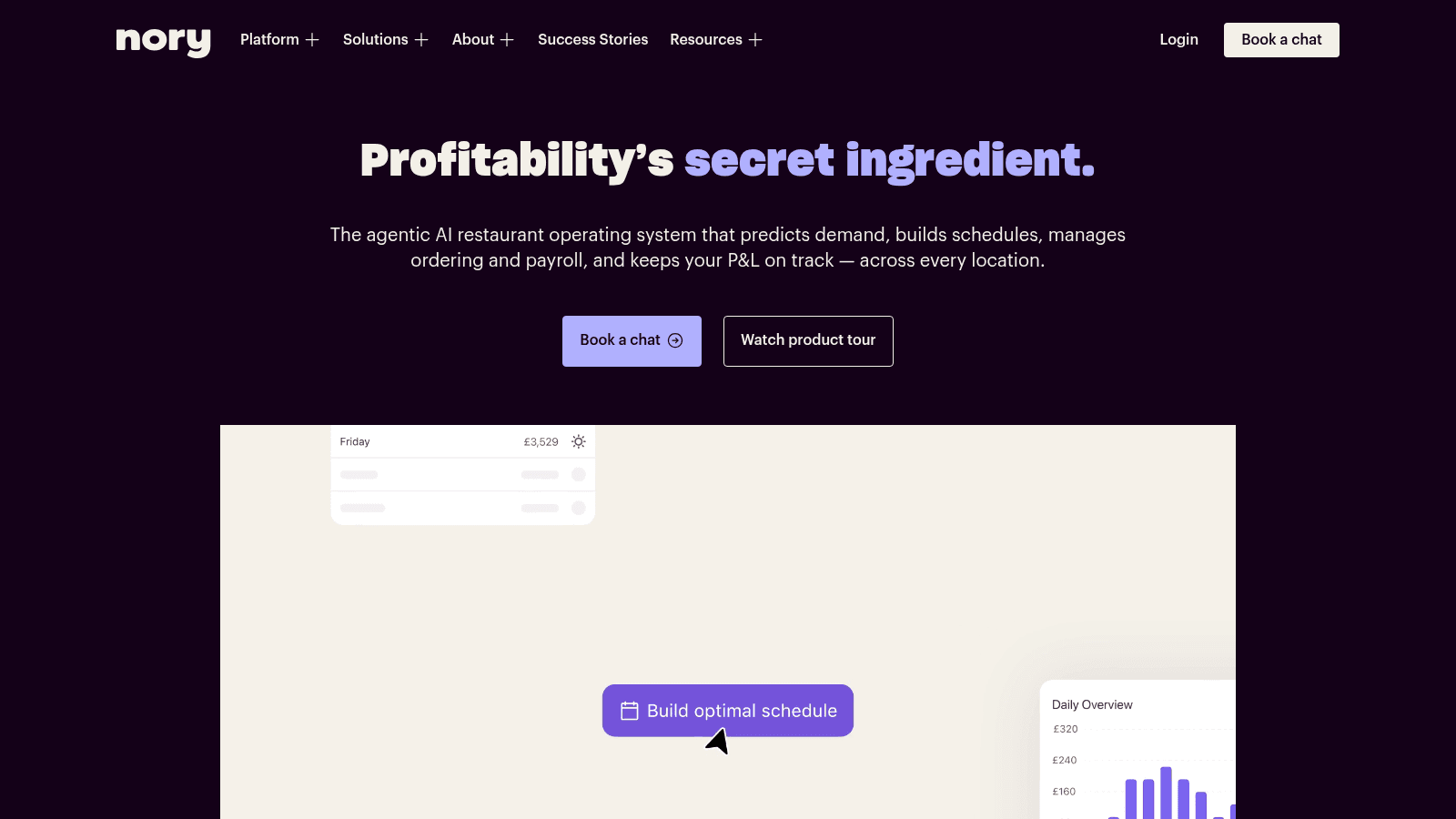
Overview: Nory treats the forecast as the organizing principle for the whole platform, generating demand predictions and then driving scheduling, ordering, and P&L views from them across sites.
Key features:
Pricing: Available only on request. There is no price list to read; the pricing link opens a demo booking form instead.
Pros: genuinely forecast-first architecture, forecasts drive several decisions rather than one, live financial visibility. Cons: no pricing transparency at all, a smaller North American presence, and accuracy depends on clean historical data.
Why it's a good restaurant forecasting software: a forecast that simultaneously drives labor, ordering, and P&L gets used more than one that produces a report. Final verdict: worth evaluating for multi-site groups prepared for a sales process.
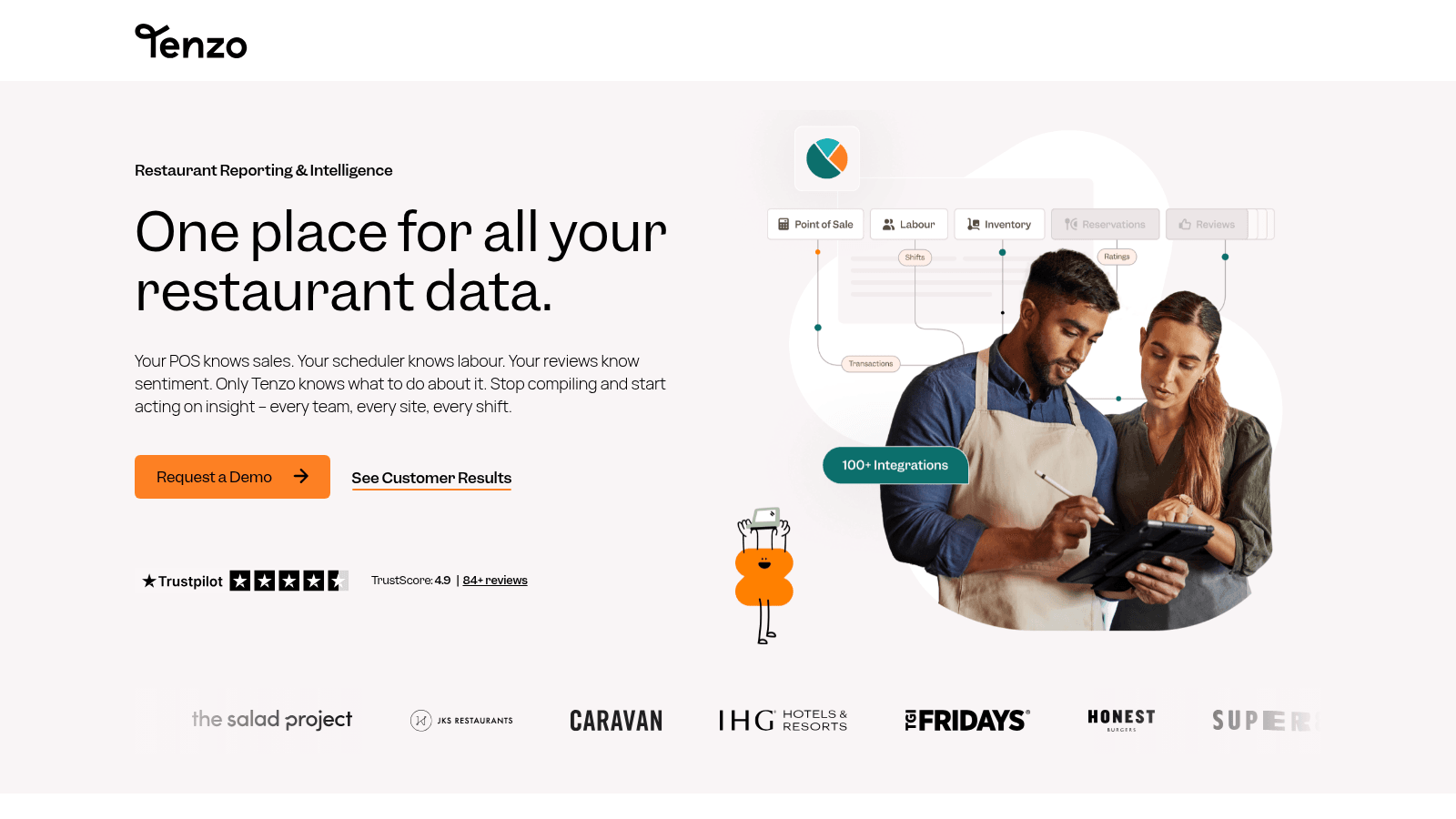
Overview: Tenzo forecasts on top of consolidated data, combining POS, labor, and inventory sources, which can produce better predictions than a tool seeing only one system.
Key features:
Pricing: Quote-based, with no published figures and a pricing URL that does not resolve.
Pros: forecasts informed by more than sales alone, source-agnostic rather than tied to one POS, good divergence alerting. Cons: no published pricing, quality depends on your integrations, and forecasting is one capability among several rather than the focus.
Why it's a good restaurant forecasting software: predictions built on labor and inventory signals as well as sales can outperform sales-only models. Final verdict: best where consolidation and forecasting are both genuine needs.
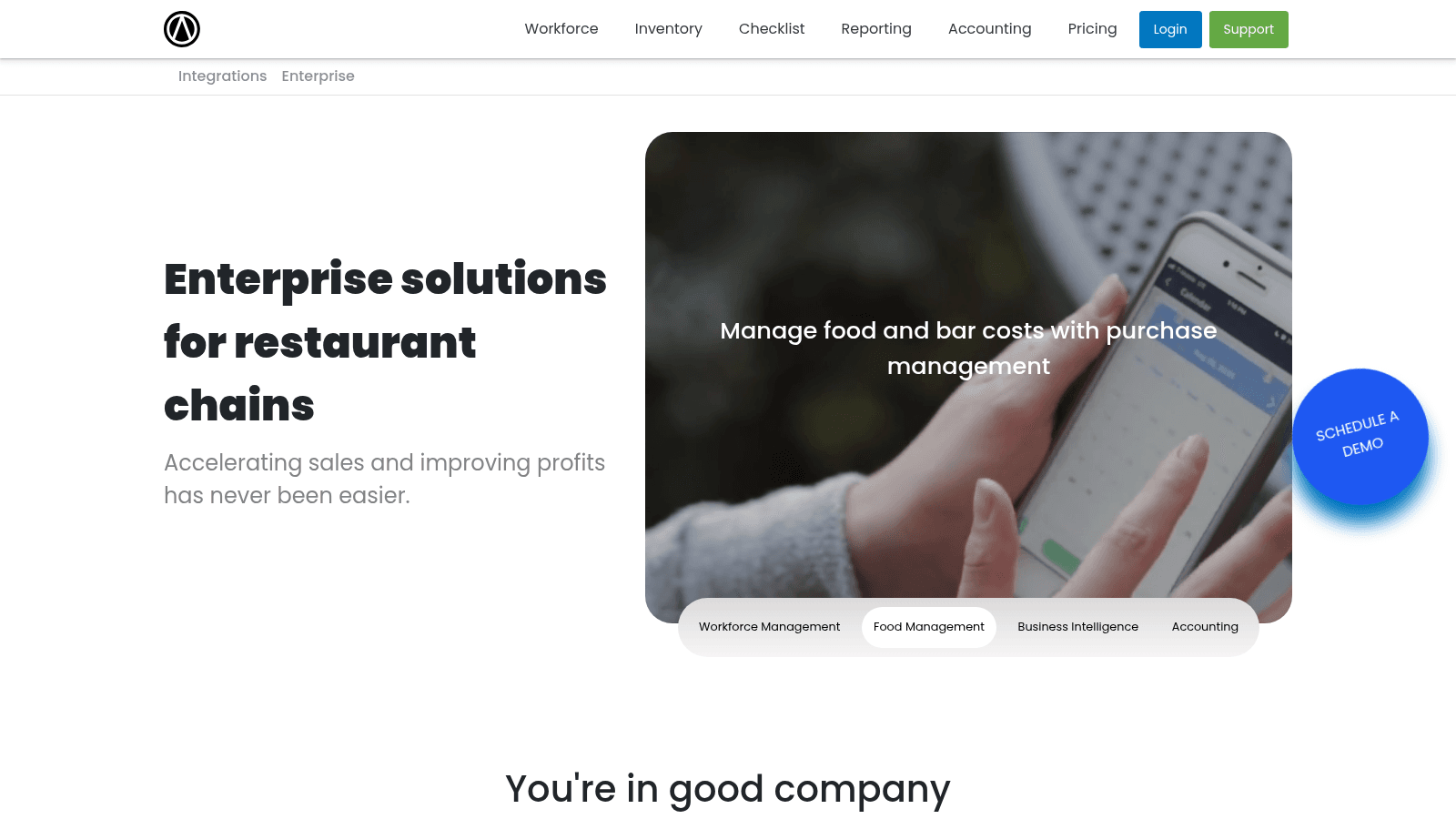
Overview: Altametrics offers forecasting inside a broader restaurant management suite spanning scheduling, inventory, and reporting, aimed primarily at chains and franchise operators.
Key features:
Pricing: Quote-based, with no published figures.
Pros: forecasting connected to both labor and inventory, established with chain operators, broad functional coverage. Cons: no pricing transparency, oriented to larger operators, and forecasting is a suite component rather than a specialism.
Why it's a good restaurant forecasting software: a single suite avoids reconciling forecasts between separate labor and inventory tools. Final verdict: worth a demo for chains that would rather consolidate vendors than assemble specialists.
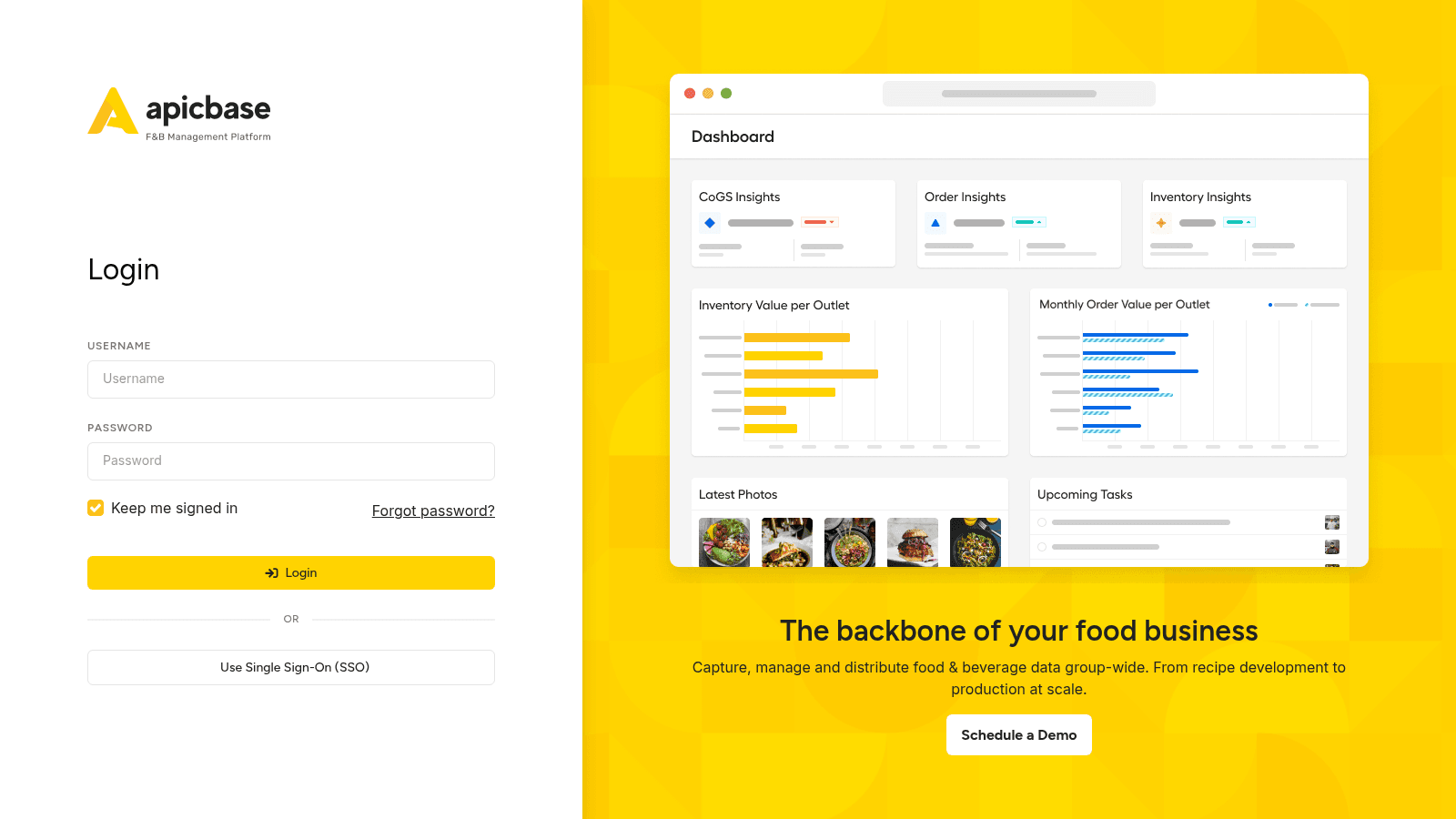
Overview: Apicbase forecasts at the recipe and production level, translating expected demand into ingredient quantities and production plans for multi-outlet groups with central kitchens.
Key features:
Pricing: Custom, scaled by outlet count from five outlets upward, with production planning and forecasting among the add-ons.
Pros: the most direct link from forecast to ingredient quantity, genuine production planning, strong for standardized menus. Cons: priced per outlet so small operators fit poorly, forecasting sits behind higher tiers, and it doesn't forecast labor.
Why it's a good restaurant forecasting software: converting a sales forecast into an ingredient list is the step most tools leave to the user. Final verdict: the pick for multi-outlet groups with central production and consistent recipes.
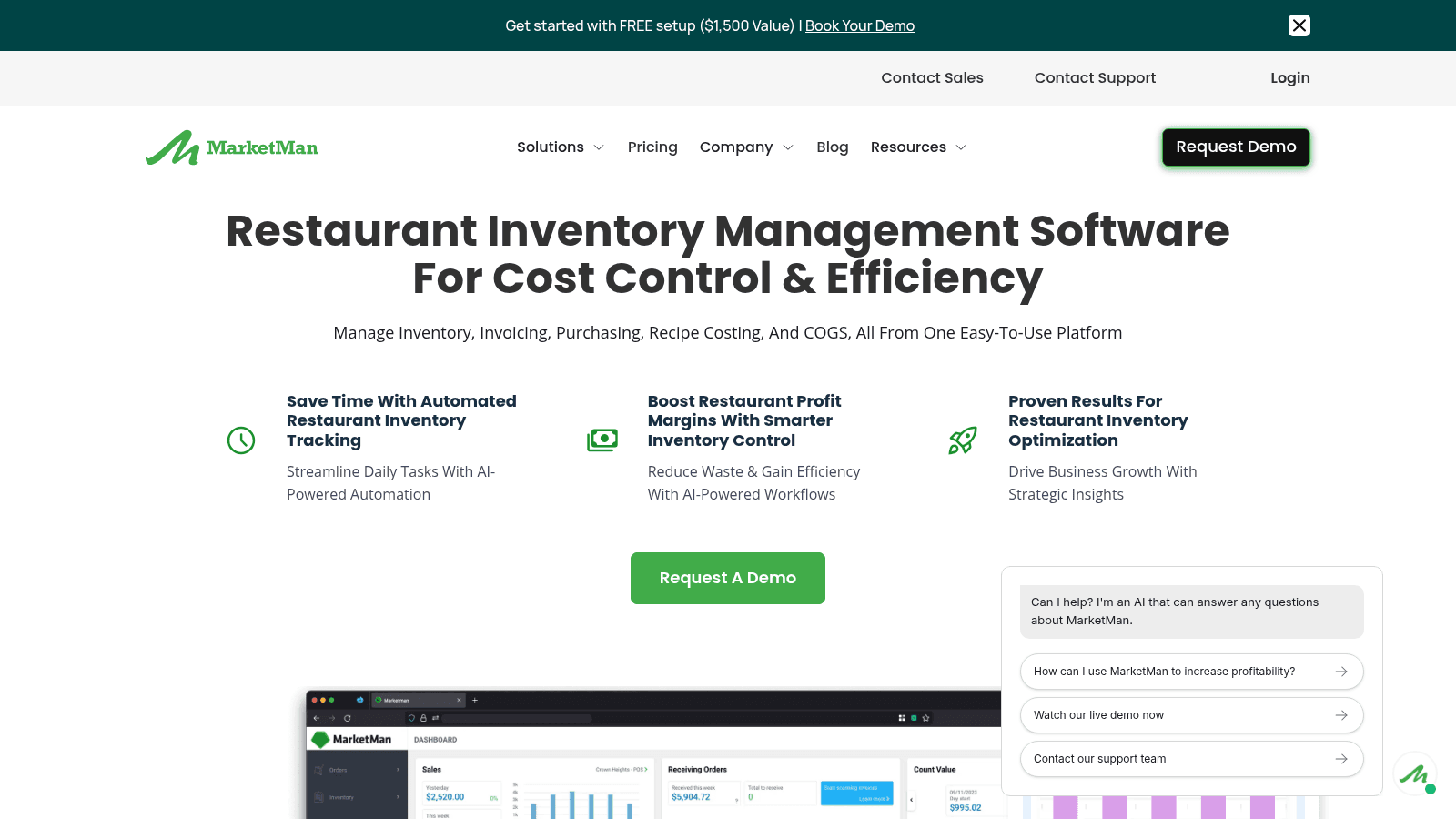
Overview: MarketMan suggests order quantities from par levels and usage history, which is closer to replenishment logic than true predictive forecasting, though it solves a similar practical problem.
Key features:
Pricing: Published tiers begin at $199 a month for Starter and $249 for Growth, with Enterprise quoted individually. Vendor integrations and AI ordering carry their own charges.
Pros: published pricing, practical ordering guidance that works without a data-science pitch, effective price alerting. Cons: it's replenishment logic rather than genuine demand forecasting, it doesn't forecast sales or labor, and integrations cost extra.
Why it's a good restaurant forecasting software: for many kitchens, usage-based reorder suggestions solve the ordering problem that forecasting was meant to address. Final verdict: a pragmatic option when the real question is how much to order, not what sales will be.
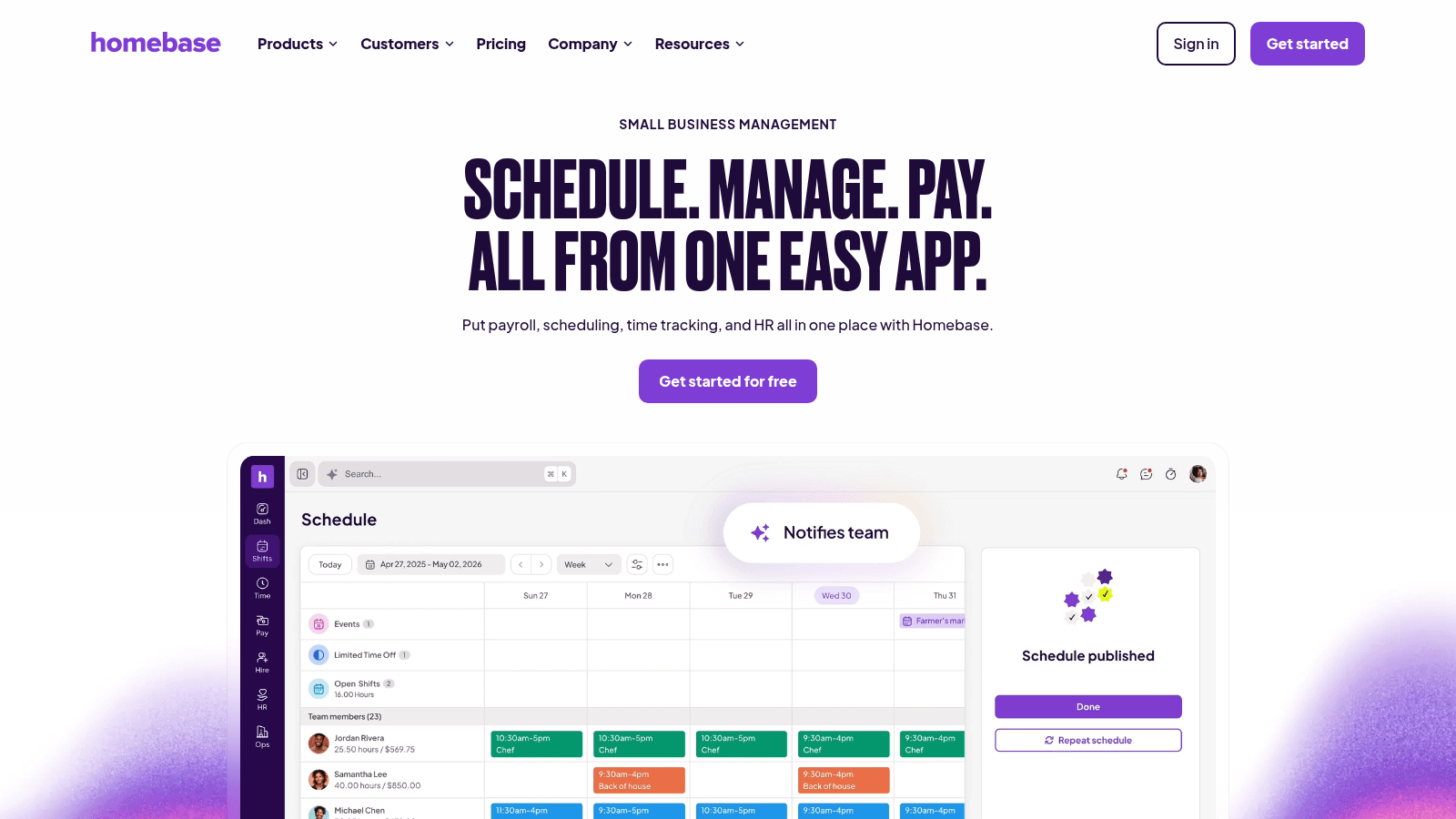
Overview: Homebase offers light labor forecasting inside an affordable scheduling and time-tracking tool aimed at small teams, with a free tier that covers the basics.
Key features:
Pricing: Basic is free for up to 10 employees at one location. Essentials is $30 monthly ($24 annual), Plus is $70 ($56), and All-in-One is $120 ($96).
Pros: genuine free tier, the lowest paid pricing here, straightforward for small teams. Cons: the shallowest forecasting in this list, no inventory or prep forecasting, and AI scheduling requires a higher tier.
Why it's a good restaurant forecasting software: a rough labor forecast at no cost beats no forecast at all for a small operation. Final verdict: the budget option for single sites, and something you'll outgrow if forecasting becomes central.
Forecasting tools end at a number. They tell you Saturday will run 15% above average and that you'll need more produce, and then the order still has to reach your distributor. Demand and inventory planning software narrows that gap by turning the forecast into a par-level order you can send.
That handoff is where VoiceOrder Solutions operates. Staff speak the order into an iOS or Android app while walking the storeroom, and it is digitized, confirmed, timestamped, and transmitted to the distributor automatically, including after hours when a forecast review happens late.
It doesn't forecast anything and doesn't claim to. It layers alongside whichever forecasting tool you choose, taking the resulting order from a spoken sentence to a confirmed transmission without the phone call.
For operators whose forecasts are sound but whose ordering still runs through voicemail, VoiceOrder Solutions closes the last step. It's built for food service operators, and you can request a demo to test it on a real order guide.
Every tool here was verified live in August 2026 against its own pages, with pricing quoted only where the vendor publishes it. One vendor's site carried an unfinished template block showing prices that were not real, which is a reminder that even a primary source needs reading rather than scraping.
We were deliberate about what counts as forecasting. Tools that suggest reorder quantities from par levels do useful work, but that's replenishment logic rather than prediction, and MarketMan is labeled accordingly rather than presented as a forecasting engine. Reporting is a third category again, and restaurant analytics software is where it belongs rather than in a forecasting shortlist.
We also included the forecasting built into platforms operators already run. Recommending a dedicated forecasting subscription to someone whose POS already projects sales adequately would be poor advice.
Vendors compete on algorithms, but accuracy in practice is mostly determined by inputs. The model matters less than what you feed it.
The factors that genuinely move forecast quality are these:
A tool given two months of history and inconsistent item names will produce a confident forecast that is wrong. That's not a vendor failing, and no amount of AI in the marketing changes it.
Decide which decision you want the forecast to improve, because that determines the whole shortlist.
If it's the schedule, look at 7shifts for independents, Fourth or Crunchtime at enterprise scale, and Homebase if budget is the binding constraint. If it's ordering and prep, look at Lineup.ai for item-level output, Apicbase for recipe-level production, or MarketMan for practical reorder suggestions. If it's both, a suite like Crunchtime, Nory, or Altametrics avoids reconciling two forecasts.
Then check your data before committing. A location with less than a year of history will underperform on any tool, and it's better to know that going in than to blame the software in month three.
The National Restaurant Association reported 60% of operators saw softer customer traffic in 2025, which makes forecasting harder and more valuable at once. Patterns that held for years are worth re-checking rather than assuming.
Published pricing exists at the small end and disappears entirely at enterprise scale.
| Tool | Published price | Forecasting scope |
|---|---|---|
| Homebase | Free / $24 per month | Basic labor forecasting |
| 7shifts | Free / $39.99 per location | Sales-driven scheduling |
| Toast | $0 / $69 per month | Sales trends, included with POS |
| Lineup.ai | $79 / $149 per location | Dedicated sales and item forecasting |
| MarketMan | $199 / $249 per month | Reorder suggestions |
| Crunchtime, Fourth, Restaurant365, Nory, Tenzo, Altametrics, Apicbase | Quote only | Demo required |
A single location can get real forecasting for under $100 a month, and often for nothing if the POS already provides it. Costs rise sharply once you need forecasting connected to inventory and labor across many sites, which is where the quote-only tier begins.
The value case is easier to calculate than in most categories. Forecasting is already one of the most common places the wider food supply chain applies AI: the IFDA found customer service and forecasting were named by 48% of foodservice distributors using AI. Even a modest reduction in over-ordering or overstaffing across a year outweighs a $79 monthly subscription.
Forecasting is worth buying only when a decision will change as a result, and there are situations where it plainly won't.
A restaurant open less than a year lacks the history to forecast well, and a tool will produce numbers that look authoritative without being reliable. A single site with steady covers and a manager who knows the rhythm may genuinely forecast better by instinct than a model trained on thin data.
The other common mismatch is organizational. If schedules are built around staff availability rather than predicted demand, or orders are placed by habit, a more accurate forecast changes nothing because nothing downstream consumes it.
Fix the decision process first, then buy the tool that feeds it.
Pick the one decision you'll actually change, and instrument only that. For most operators it's the schedule, because labor is the largest controllable cost and the feedback loop is a week long.
Run the forecast alongside your existing method for a month without acting on it, and compare. If the tool beats your manager's instinct consistently, start scheduling from it, and let it inform kitchen management too. If it doesn't, you've learned something cheap.
Then extend to ordering once the sales forecast is trustworthy, since prep and purchase quantities depend on it being right first.
And remember the forecast is only half the job. Once you know what to order, that order still has to reach your supplier accurately through an order management system, which is a separate problem worth solving on its own terms.
Roughly a year is the practical minimum for a model to handle seasonality, holidays, and weekly patterns properly. Three to six months produces usable short-term predictions but will miss annual cycles entirely. A newly opened location will get poor forecasts from any vendor, so it's worth running the tool in parallel with manual estimates until enough history accumulates.
Restaurant sales forecasting software predicts revenue and covers, which is what you need to size a schedule. Demand forecasting predicts quantities of specific items, which is what you need for prep and ordering. A tool can be excellent at the first and useless at the second. If your problem is over-ordering produce, a revenue forecast alone won't fix it; you need item-level output.
It can, but only through ordering and prep decisions that someone actually changes. Item-level forecasts let you order and prep closer to real demand, which is where waste reduction comes from. If orders continue to be placed from habit or standing pars, the forecast changes nothing. The saving comes from the behavior, not the prediction.
For a single location focused on labor, often yes. Homebase and 7shifts both offer free tiers with basic sales-informed scheduling, and Toast and Square include sales reporting at no extra cost. Free tiers fall short once you need item-level demand forecasting, multi-location comparison, or forecasts feeding inventory, which is where paid tools begin to justify themselves.
Well-configured tools with a year or more of clean history typically land within a small single-digit percentage on regular trading days. Accuracy drops sharply around holidays, local events, weather anomalies, and menu changes. Treat any vendor quoting a single headline accuracy figure with caution, since accuracy depends far more on your data and trading pattern than on their model.