.webp)
Key takeaways:
Every restaurant loses money it never sees. A few cases of produce spoil in the walk-in, a vendor quietly raises a price, portions drift over spec, and by month end the food cost is three points higher with no obvious culprit.
Multiply that across the industry and the numbers get serious. U.S. restaurants and foodservice generated about 12.5 million tons of surplus food in 2024, and the sector spends roughly $162 billion a year on waste-related costs, according to ReFED. Globally, UNEP's Food Waste Index Report 2024 counted 1.05 billion tonnes of food wasted in 2022, almost a fifth of the food available to consumers, and food service accounted for 28 percent of it.
Food inventory software is how modern kitchens fight back. It replaces the clipboard and spreadsheet with live counts, recipe costing, and vendor tracking, so you catch the leaks before they hit the profit and loss statement. This guide reviews the 10 best food inventory software tools for 2026, with verified pricing, screenshots, and honest pros and cons, plus how to choose the right one for your operation.
Food inventory software tracks the ingredients a restaurant buys, stores, and uses, and turns that into food-cost control. Instead of keeping a restaurant inventory list on paper and typing it into a spreadsheet, staff count on a phone, and the system does the math.
Good food inventory management software usually covers a few core jobs. It records live stock counts and flags what is running low. It prices recipes so you know the margin on every menu item. It reads vendor invoices to catch price changes, tracks waste and transfers, and reports your actual food cost against what it theoretically should be.
Many tools also connect to your point-of-sale and accounting systems, so sales draw down stock automatically and the books stay current. Several also build and send purchase orders, but the order still has to land correctly on your supplier's side. That last step depends on how your distributor takes orders, and some distributors run it through VoiceOrder Solutions, covered later in this guide.
The table below is the shortlist at a glance. Detailed reviews, with screenshots and verified pricing, follow underneath.
| Tool | Best for | Key features | Main limitation | Pricing (from) |
|---|---|---|---|---|
| MarketMan | Multi-unit food-cost control | Recipe costing, invoice scanning, purchase orders | Add-ons inflate the real cost | $249/month |
| MarginEdge | Hands-off invoice automation | Daily invoice processing, live food cost, bill pay | No true self-serve tier | $315/location/month billed yearly ($350 monthly) |
| Restaurant365 | All-in-one accounting + inventory | Inventory, restaurant accounting, AP automation | Complex for a single site | Pricing on request |
| Craftable | Restaurant + bar margin control | Inventory, recipe costing, AP automation, AI insights | Enterprise orientation | Pricing on request |
| xtraCHEF by Toast | Existing Toast POS restaurants | Invoice automation, mobile counts, POS-tied COGS | Best value only on Toast | Pricing on request (Toast add-on) |
| Lightspeed Restaurant | POS plus built-in inventory | Ingredient stock, recipe cost, auto supplier orders | Inventory starts at the Essential tier | $69 USD (Starter); inventory from $189 |
| Apicbase | Scaling multi-outlet groups | Recipe management, procurement, forecasting | Entry tier targets 5+ outlets | Pricing on request |
| Yellow Dog | Hospitality and venue inventory | Mobile counts, AI invoices, 400+ integrations | Two-year contract on the small-restaurant plan | $295/month |
| WISK | Bar and beverage programs | Pour tracking, variance, Bluetooth scale counts | Setup fee on every plan | $249/location/month billed yearly |
| Sortly | Simple supply and asset tracking | Photo items, QR labels, mobile counts | Not food-specific | Free / $49/month ($24 billed yearly, first year) |
Prices were verified live in 2026. Restaurant tools change pricing and packaging often, so confirm current numbers before you buy.
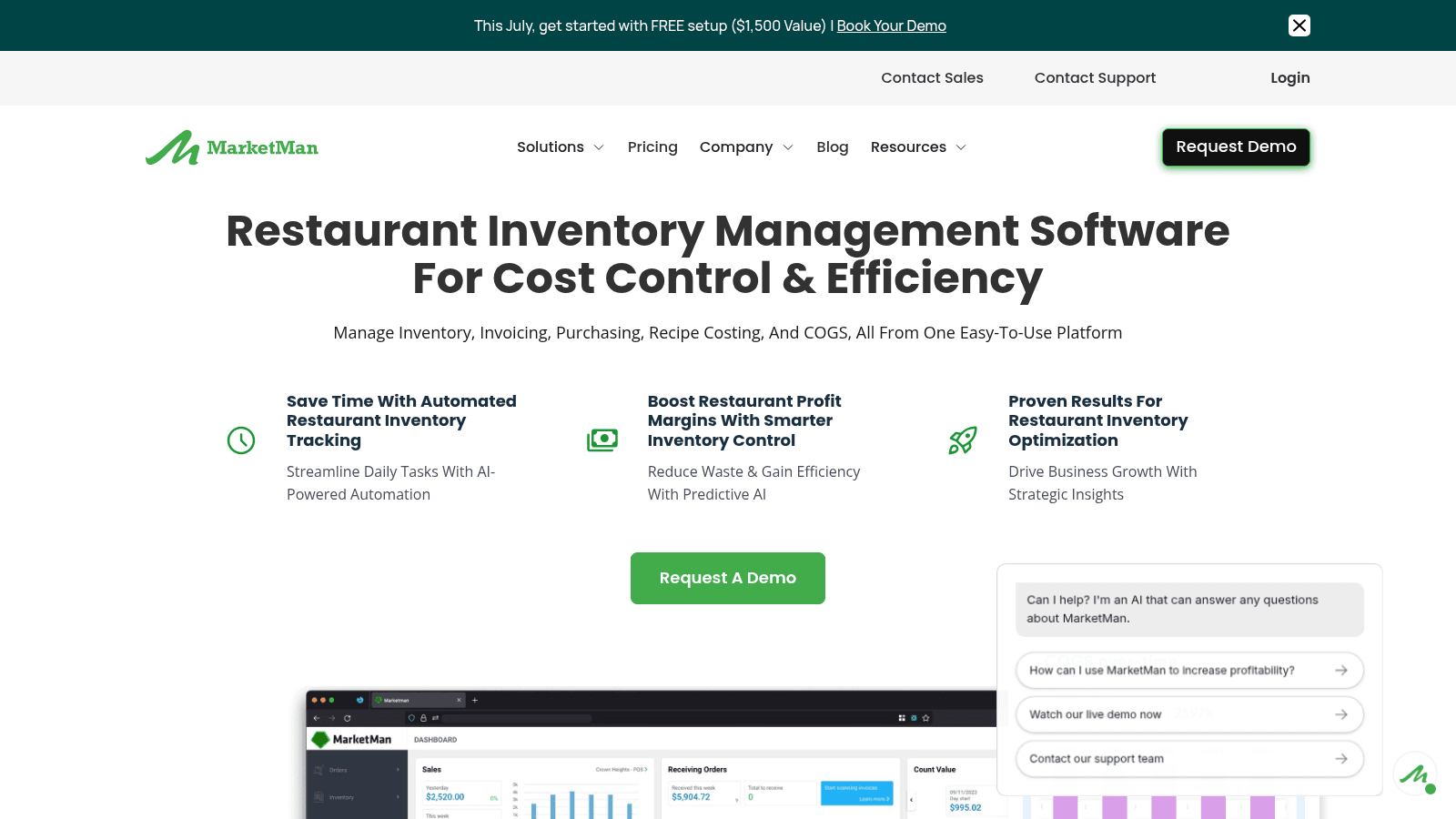
MarketMan is a dedicated restaurant inventory platform rather than a POS with inventory attached, and one of six here that publish their pricing. It handles counts, purchasing, recipe costing, and vendor management well, a clean all-round pick for food-cost control at any size.
Key features:
Pricing: Starter is $249 per month, Growth is $299 per month, and Enterprise starts at $449. There is no free trial, only a demo. Starter includes one vendor EDI integration and 50 AI invoice scans a month, and some features, such as advanced reports, are paid add-ons.
Pros: Transparent public pricing, strong recipe costing and COGS automation, easy multi-unit rollout.
Cons: Add-on fees can raise the real cost, and it needs a separate POS and accounting system.
Why it's a good food inventory software choice: It combines dedicated inventory depth with published pricing and scales cleanly from a single kitchen to a group.
Final verdict: The best all-round food inventory software for restaurants that want serious food-cost control without buying a whole POS.
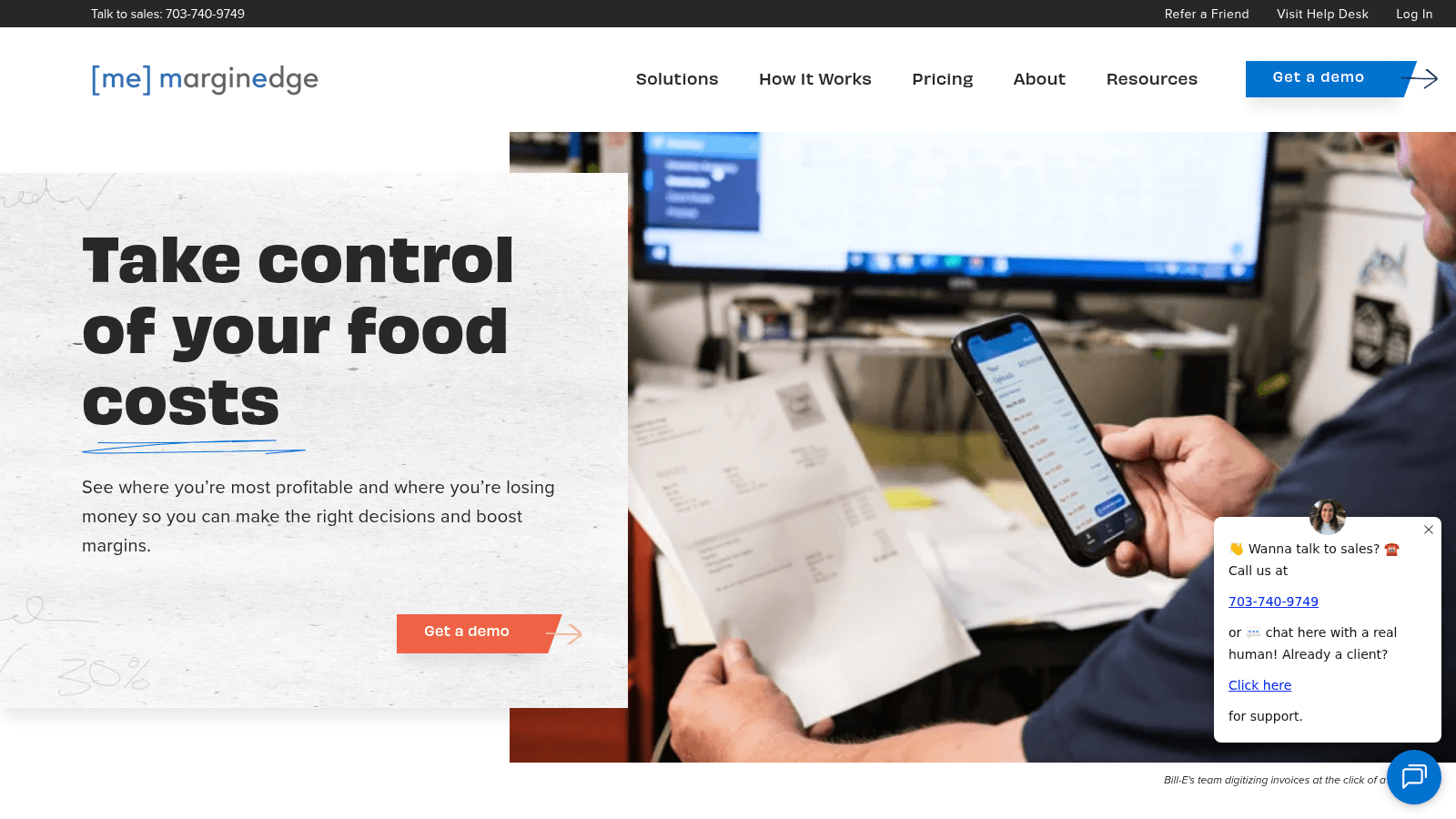
MarginEdge pairs inventory with hands-off invoice automation and one of the clearest pricing models in the category: a flat, all-inclusive fee with no contracts. You photograph invoices, and the system does the line-item entry, updates food cost daily, and can even pay the bills.
Key features:
Pricing: $350 per location per month, flat and all-inclusive, with no contract (10% off if billed annually). Toast users pay an extra Toast integration fee, and a bar add-on (Freepour) is $150 per location per month.
Pros: Flat all-inclusive pricing, excellent invoice automation, no contract lock-in.
Cons: Per-location cost adds up for large groups, and there is no self-serve free tier.
Why it's a good food inventory tool: The flat pricing and daily invoice automation make food cost effortless to keep current.
Final verdict: The best pick for operators who want food-cost visibility without the manual bookkeeping.
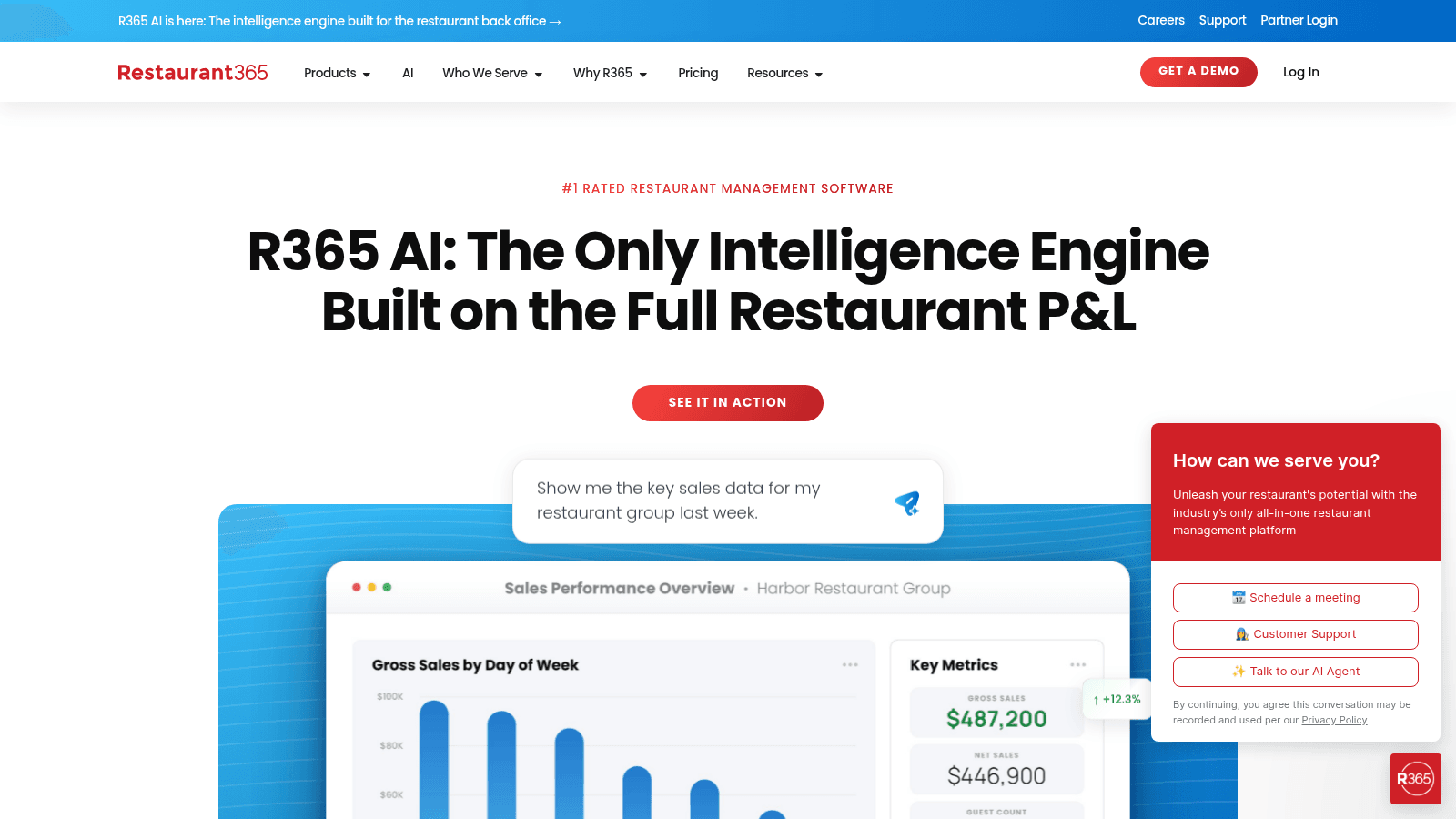
Restaurant365 is an all-in-one platform where inventory sits alongside true restaurant accounting, payroll, and workforce tools. If you want inventory and the general ledger in one system, it is the deepest option here.
Key features:
Pricing: Custom, quote-based, and modular (accounting, inventory and purchasing, workforce, payroll). Demo only, no free trial.
Pros: Deep all-in-one with genuine restaurant accounting, scales to large groups, strong reporting.
Cons: Pricing on request, the most complex tool here, and overkill for a single independent.
Why it's a good food service inventory management software choice: It unifies inventory with accounting, which multi-location finance teams value.
Final verdict: The right food inventory management software for multi-unit operators who want one system for costs and books.
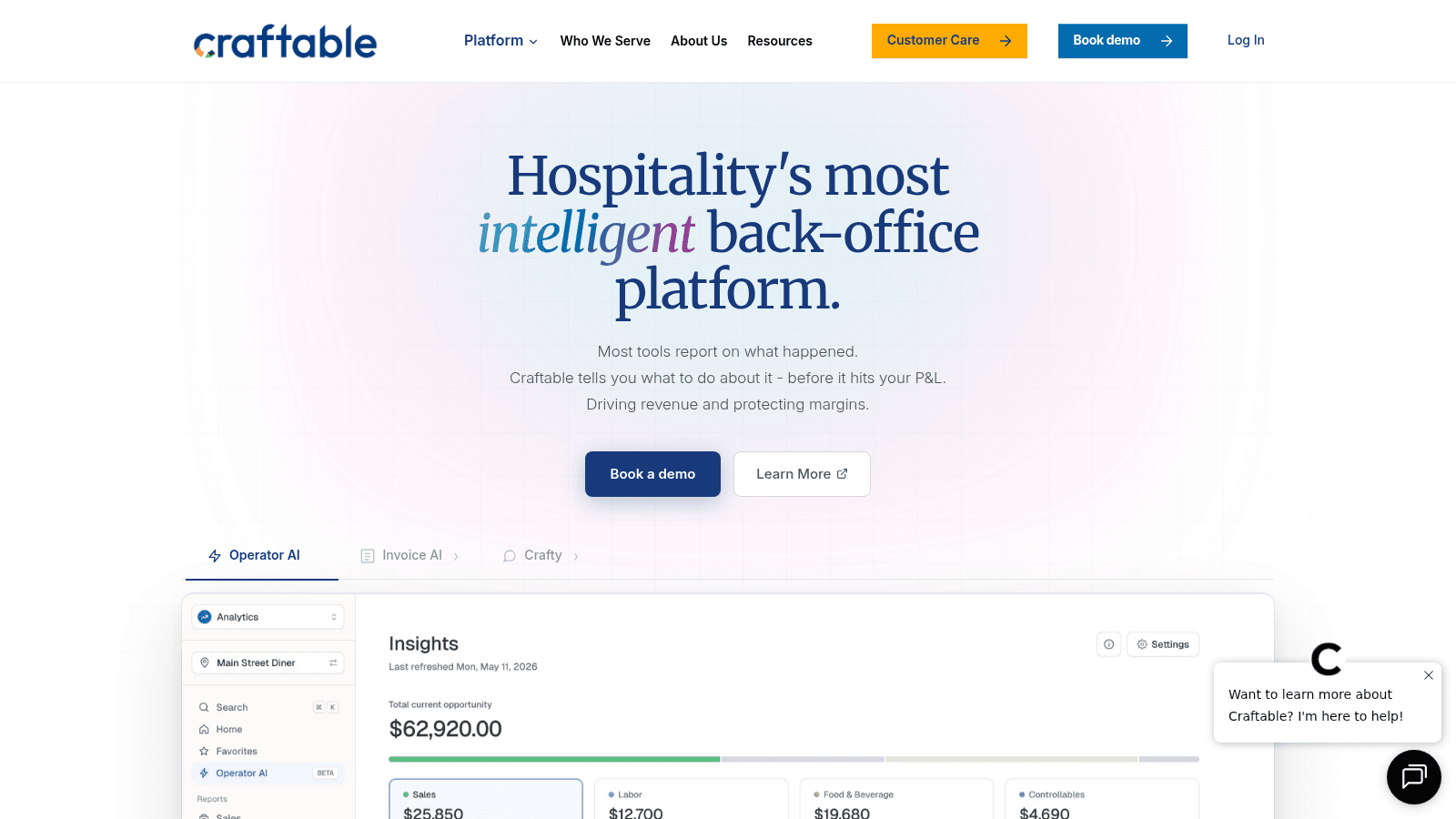
Craftable is a hospitality back-office platform strong on both food and beverage, combining inventory, recipe costing, and AP automation with AI-driven ordering insights. It is a favorite of higher-end restaurant and bar groups.
Key features:
Pricing: Custom, quote-based (no public pricing page). Demo only.
Pros: Strong for food and beverage programs, deep AP automation, useful AI insights.
Cons: No public pricing, enterprise orientation, and module breadth adds onboarding time.
Why it's a good food costing and inventory software choice: Its bar and beverage depth makes it a fit for venues where drinks drive margin.
Final verdict: A polished choice for restaurant and bar groups that want food and beverage cost control in one back office.
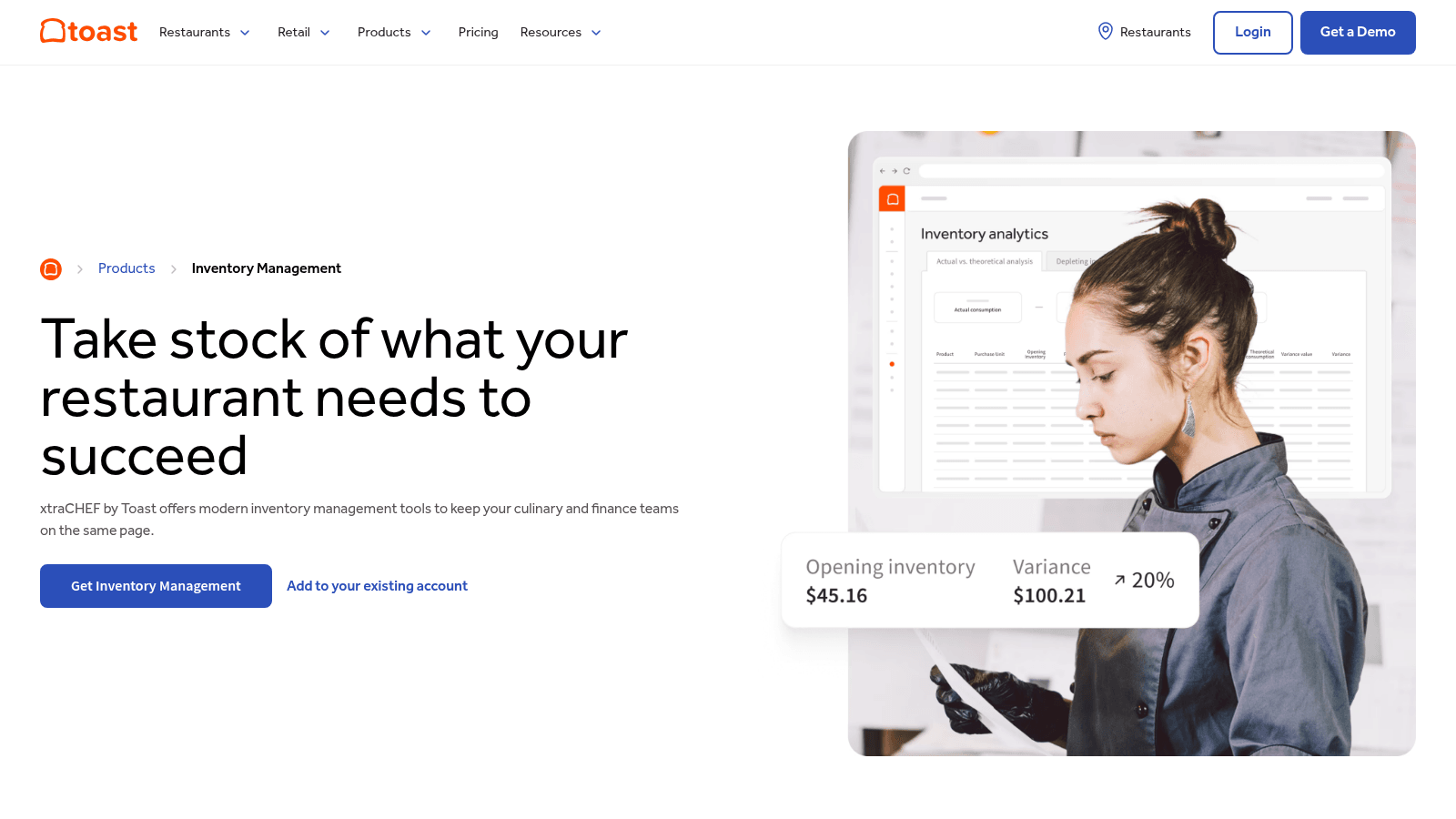
xtraCHEF is Toast's inventory and invoice-automation layer, built to blend recipe costing with live Toast POS sales data. If you already run Toast, it is the most natural inventory add-on you can pick.
Key features:
Pricing: Custom, sold as an add-on within Toast POS packages (Toast POS starts at $69 per month). Demo only.
Pros: Tight native Toast integration, strong invoice automation and recipe costing, mobile offline counts.
Cons: Best value only if you already use Toast, recipe costing and inventory sit in the higher xtraCHEF Pro tier, and Toast's pricing page doesn't list the add-on's price.
Why it's a good food inventory software choice: For Toast restaurants, sales-to-stock data flows automatically with no extra integration.
Final verdict: The obvious food inventory software pick if Toast is already your POS, and less compelling if it is not.
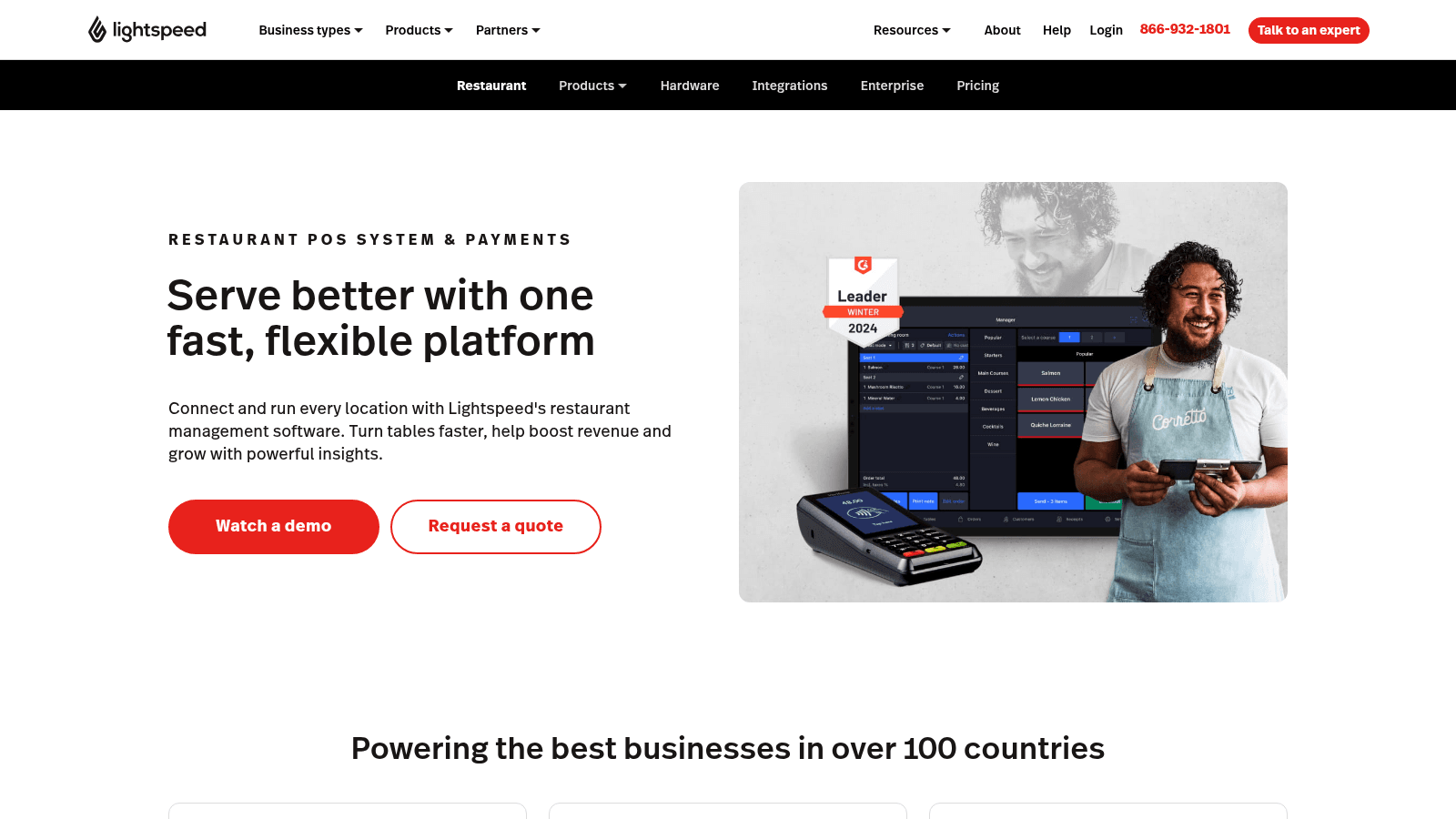
Lightspeed Restaurant is a cloud POS with a real inventory module, tracking ingredients, recipe costs, and low-stock alerts inside the same system that rings up sales. It suits operators who want one platform for front and back of house.
Key features:
Pricing: Starter is listed at $69 USD, Essential at $189 and Premium at $399. Advanced inventory management is included from Essential and available as an add-on on Starter, and a kitchen display system is $30 per screen per month. The page doesn't state the billing period, so confirm it in your quote.
Pros: Inventory built into the POS, live sales-to-stock link, scales to multi-location.
Cons: Inventory needs the $189 Essential tier or a Starter add-on, and you are buying a whole POS.
Why it's a good food inventory software choice: It removes the POS-to-inventory integration problem by putting both in one system.
Final verdict: A strong food inventory software option for teams ready to run their POS and inventory on one platform.
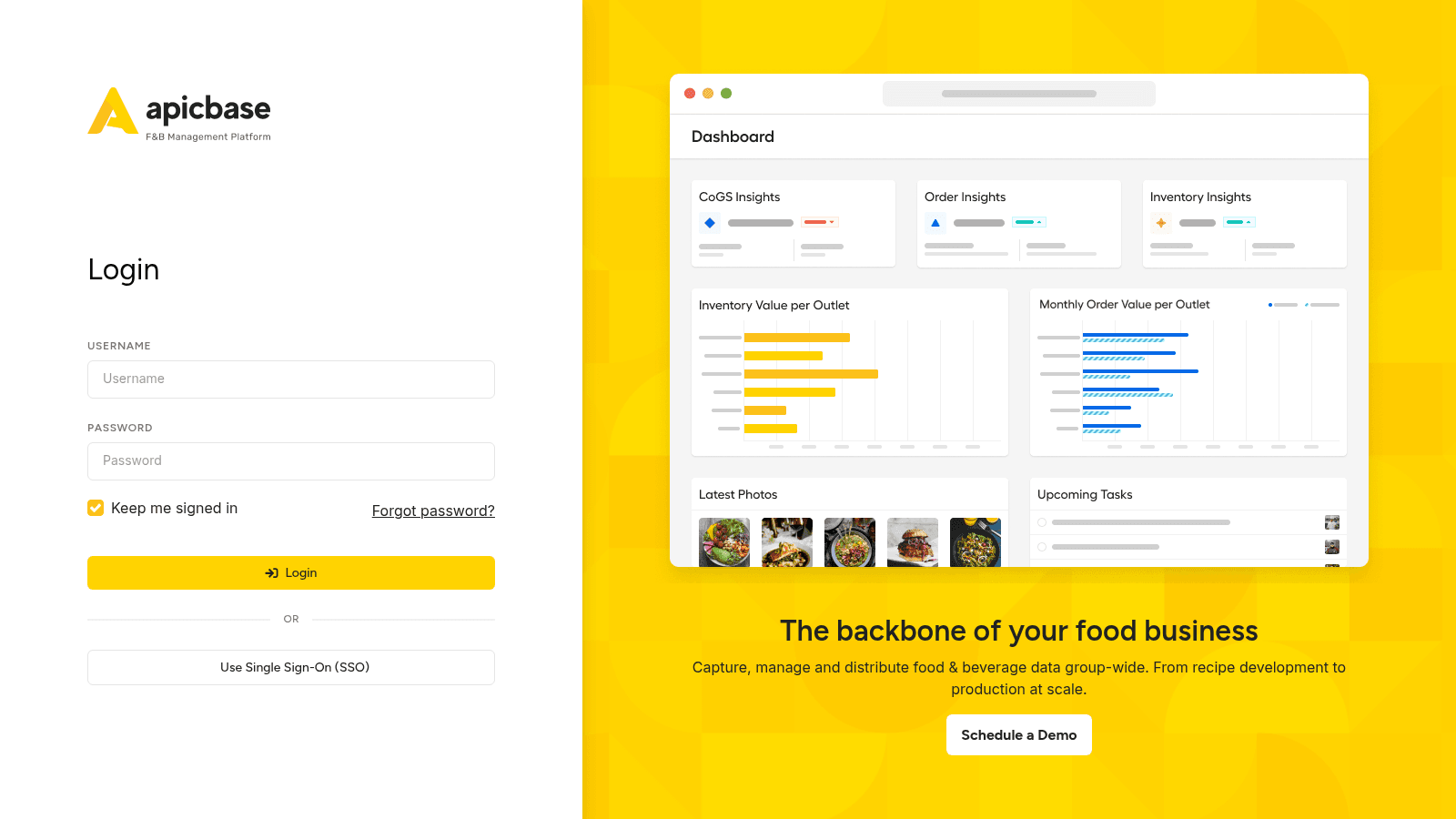
Apicbase is a cloud food and beverage management platform built for multi-outlet groups, connecting recipes, procurement, inventory, and analytics. Its strength is menu engineering and scale.
Key features:
Pricing: Custom, priced by number of outlets, with the entry tier aimed at five or more locations. Demo only, plus paid add-on modules.
Pros: Deep end-to-end back office, built for multi-outlet scale, extensive add-on modules.
Cons: No public pricing, entry tier suits 5-plus outlets, and breadth means a learning curve.
Why it's a good food inventory software choice: It is designed for groups that need recipe, procurement, and inventory control across many sites.
Final verdict: The food inventory management software to shortlist if you run a growing multi-outlet group.
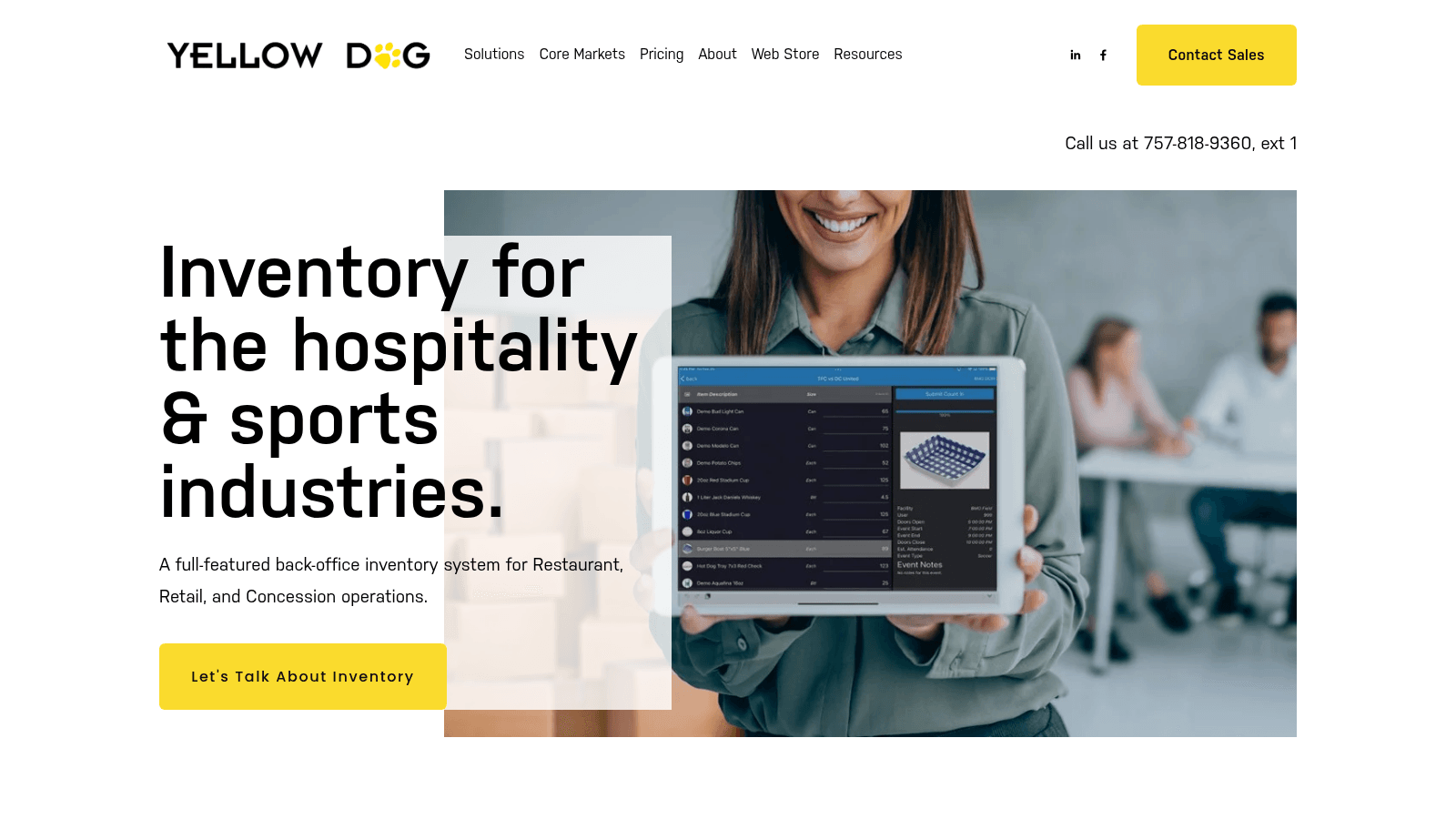
Yellow Dog is a full-featured back-office inventory system for hospitality, concessions, and retail, with unusually broad integrations. It is common in resorts, hotels, and stadiums where inventory spans many outlets.
Key features:
Pricing: A single-restaurant plan is $295 a month on a two-year contract with no upfront cost, covering one store, one POS integration, unlimited scanned invoices, and implementation. Larger operations are quoted per store by outlets and item count. Unlimited users and free mobile apps.
Pros: Deep hospitality focus, 400-plus integrations, flexible pricing models, built-in waste tracking.
Cons: The small-restaurant plan needs a two-year contract, some POS partners require buying through their marketplace, and the retail breadth can be more than a small restaurant needs.
Why it's a good food service inventory software choice: Few tools handle multi-outlet venue inventory as thoroughly.
Final verdict: The strongest food inventory software for hotels, resorts, and venues with complex inventory.
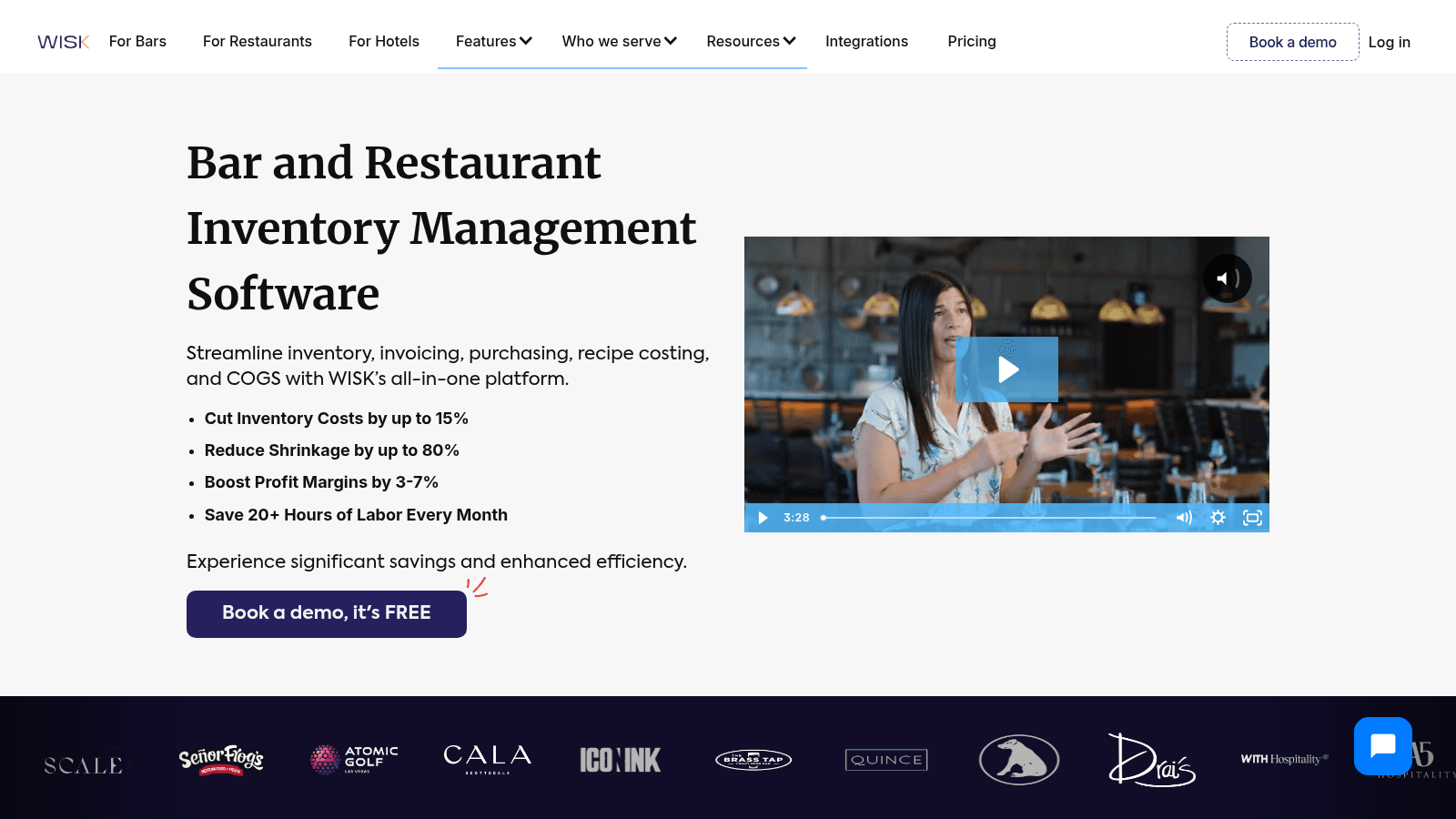
WISK is a per-location inventory platform for beverage, food, or both, built around bar programs that track pours, variance, and invoices. For bar-driven venues, its variance tracking is excellent.
Key features:
Pricing: A single venue is $249 per month per location billed yearly for beverage or for food, or $399 for both, with multi-outlet plans from $499. Yearly billing saves 17% over quarterly, and every plan carries a published setup fee, from $750 for a single venue. Demo only.
Pros: Best-in-class bar variance tracking, large bottle database and Bluetooth scale, strong POS integrations.
Cons: Food and beverage together cost $399 a month on the bundle, a single venue is capped at 1,000 SKUs, and every plan carries a setup fee.
Why it's a good food inventory software choice: For venues where the bar drives margin, its beverage depth is hard to match.
Final verdict: The pick for bar-heavy operations, with food tracking available on its own or bundled with beverage.
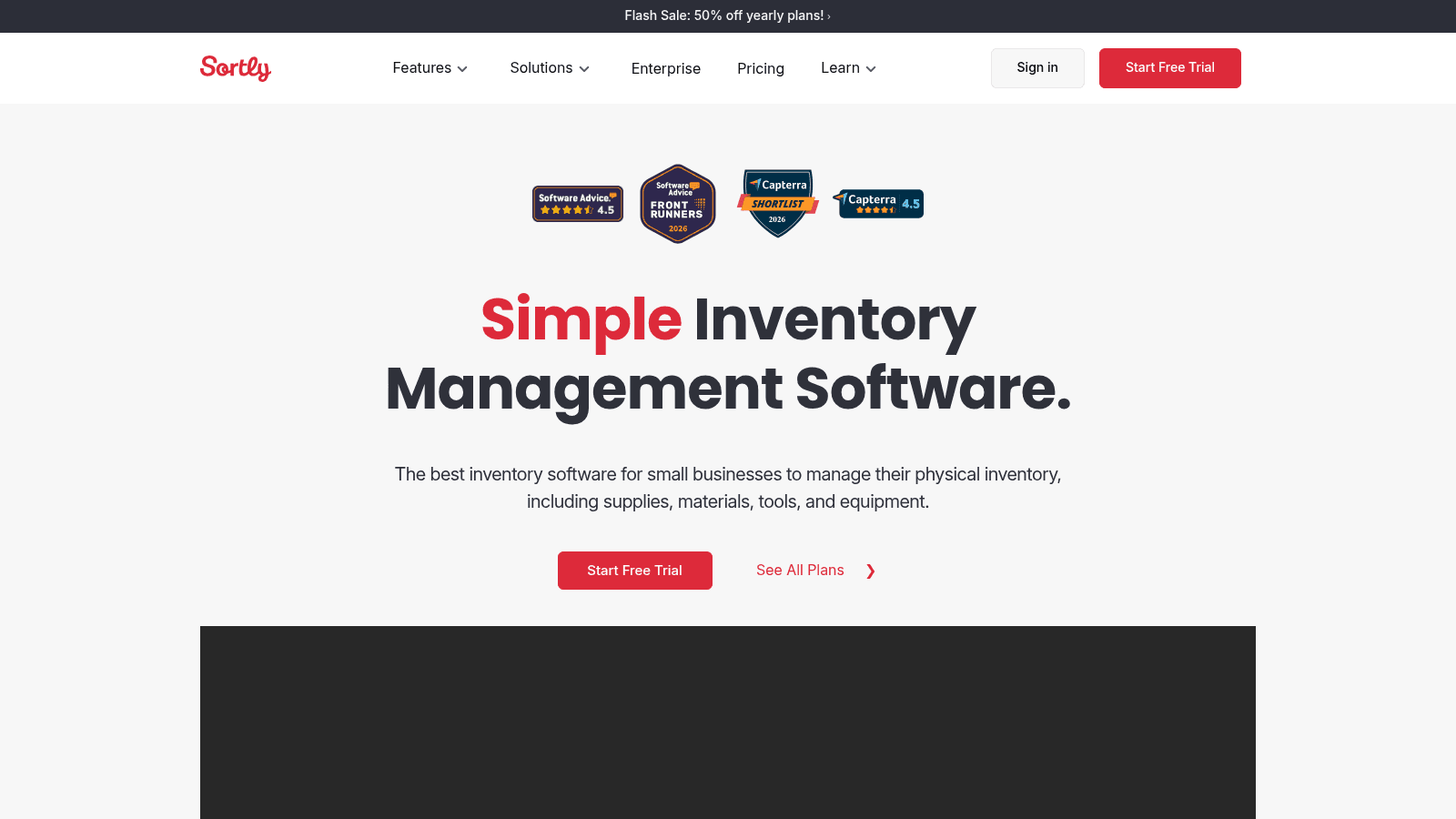
Sortly is a simple, visual, general-purpose inventory app rather than a dedicated food tool. It has no recipe costing or COGS, but its free tier and photo-based counts make it a fair starting point for tracking supplies.
Key features:
Pricing: A genuine free tier ($0, 100 items), then Advanced at $49, Ultra at $149, and Premium at $299 per month billed monthly, with a 14-day trial. Yearly billing is currently half price for the first year (Advanced is $24 a month, billed at $288), then 20% off after that.
Pros: Real free tier and trial, very easy photo-based interface, transparent pricing.
Cons: No food-specific features like recipe costing or COGS, hard item caps per tier, and no restaurant POS integration.
Why it's a good food inventory software choice: It is the cheapest way to start tracking stock and supplies before graduating to a food-specific tool.
Final verdict: A budget, general-purpose option best for small operations that only need simple counts.
We prioritized food inventory management systems built for food and beverage operations, then judged them on the fundamentals that decide food cost: recipe and menu costing, invoice and vendor management, real-time counts, waste tracking, and reporting that compares actual to theoretical usage. Those are the fundamentals any inventory control software has to cover before the extras start to matter.
We also weighed integrations (POS and accounting), ease of counting on mobile, and pricing transparency. Every price and feature here was verified on the vendor's live site in 2026. Tools that could not be verified were left out, and general-purpose or beverage-first tools are flagged as such so you can judge the fit. Operations that produce as well as serve outgrow this list quickly, and food and beverage industry software is the wider category covering both.
Not every kitchen needs every feature. These are the ones that matter most for food inventory control:
One practical note from restaurant operators: your POS often dictates your options. In practice, the shortlist often comes down to what integrates with the POS you already run, so check each vendor's integration list before you book demos.
Several tools above, including xtraCHEF, WISK and Craftable, report actual-versus-theoretical food cost, and the number only helps if you know what goes into it. The math is simple enough to run by hand once, which is the fastest way to understand what the software automates.
Actual food cost is what you used: beginning inventory, plus purchases, minus ending inventory. Theoretical food cost is what you should have used: the recipe cost of each menu item multiplied by how many you sold, added up across the menu. The gap between the two is your variance.
Here is one month at a restaurant with $50,000 in food sales:
| Line | Amount |
|---|---|
| Beginning inventory | $9,000 |
| Plus purchases | $15,300 |
| Minus ending inventory | $8,550 |
| Actual food cost | $15,750 (31.5% of sales) |
| Theoretical food cost, from recipes and the sales mix | $14,500 (29.0% of sales) |
| Variance | $1,250 (2.5 points) |
That $1,250 is food you paid for and can't account for: waste nobody logged, portions over spec, comps and staff meals rung up wrong, theft, or recipe cards that no longer match the plate. Over a year at the same rate, it is $15,000 from one location.
Food inventory management software runs this calculation every time you count instead of once a month by hand, and it can break the variance down by item. That breakdown is what you can't do by hand at scale: seeing that most of the gap comes from three proteins, or from one location, tells you where to look first.
Two habits keep the number honest. Count the same items the same way each period, and log waste and transfers as they happen, or they resurface later as unexplained variance.
The variance report above depends on one setup job buyers tend to underestimate: telling the software which recipe sits behind every button on your POS. Toast's support documentation for xtraCHEF says its Product Mix report, its Actual vs. Theoretical analysis and its depleting-inventory reports only populate once Product Mix Mapping is complete. Until then, the system knows what you bought but not what you sold.
MarginEdge calls the same job PMIX mapping, short for product mix, and its help center splits it two ways. A POS button for something you buy and sell whole, such as a bottle of Sam Adams Lager, maps straight to the product. A button for a dish made from several ingredients, such as a salmon dinner, maps to a recipe you build first.
Toast's xtraCHEF guide runs the job in this order:
Duplicate modifiers need one extra check. When two modifiers share a name, xtraCHEF offers to copy one mapping to all of them, and Toast's guide says to decline when the measurements differ from recipe to recipe.
You don't need the whole menu mapped on day one. MarginEdge suggests building the salmon dinner recipe with only its priciest ingredient, the salmon, so you can track that protein's theoretical versus actual usage right away. Map proteins and other high-cost items first, then fill in sides and garnishes as time allows. Price that protein on the weight you can actually plate after trim, which a food markup calculator works out from the case yield.
Budget real hours for the job. MarginEdge runs an intro webinar on mapping and sells a paid Theoretical Reporting Setup Service for it. When you shortlist food inventory tracking software, ask each vendor to show a mapped menu item depleting stock during the demo.
Pricing splits into two camps: six of these tools publish rates, while Restaurant365, Craftable, Apicbase, and xtraCHEF price on request, sized to your locations and item count. This table shows what each one charges.
| Tool | Starting price | Model | Free option |
|---|---|---|---|
| Sortly | Free; $49/month billed monthly ($24 billed yearly, first year) | Per plan, tiered by items | Free tier + 14-day trial |
| Lightspeed Restaurant | $69 USD (Starter); advanced inventory from $189 (Essential) | Tiered POS plans | Demo only |
| MarketMan | $249/month | Per account, tiered | Demo only |
| WISK | $249/month per location billed yearly, plus setup from $750 | Per location, yearly or quarterly | Demo only |
| Yellow Dog | $295/month (single restaurant, two-year contract) | Per store; larger groups quoted | Demo only |
| MarginEdge | $315/month per location billed yearly ($350 monthly) | Flat, all-inclusive | Demo only |
| Restaurant365 | Pricing on request | Quote, modular | Demo only |
| Craftable | Pricing on request | Quote | Demo only |
| xtraCHEF by Toast | Pricing on request | Add-on to Toast POS (POS from $69/month) | Demo only |
| Apicbase | Pricing on request | Quote, by outlets, billed yearly | Demo only |
Watch the add-ons. Vendor integrations, AI ordering, extra invoice scans, and bar modules can lift the real monthly cost well above the headline price, so price your actual feature list before you commit. None of it substitutes for the weekly routine of stock control, which is what makes the numbers in any of these tools worth reading.
Your inventory system can tell you what's low. Turning that number into an order your supplier acts on is a separate step, and the route the order takes decides how many times somebody retypes it before the truck is loaded.
A purchasing module usually starts the order from your count data. On Lightspeed Restaurant's K-Series purchase order screen, each item shows its stock and par levels beneath the quantity field, so you see what needs replenishing as you build the order. Lightspeed can also schedule recurring orders by day, time and frequency and email them to the supplier automatically.
Restaurant365 builds orders from purchase order templates set per vendor and location. You can also set vendor order minimums by dollar amount or item quantity, and an order below the minimum can't be sent without an override permission, which keeps small orders from triggering delivery fees. On the distributor's side, a delivery cost calculator shows what a single drop costs, which is the number those minimums are set to cover.
The send step is where food inventory control software hands the order to the supplier's system. Restaurant365's documentation says that without an EDI integration, a purchase order goes to the email address on the vendor record, and the vendor's contact then enters it into the vendor's own system. EDI, available only for select vendors, gets the order processed faster.
Integrated order guides run the other way. The vendor sends its current item list by EDI file, Restaurant365 flags unavailable items on your template, and a mapped alternative item can replace one that's out. Prices on the order then come from the order guide first, contract pricing second and the vendor item price third.
Your distributor's side of the handoff matters as much as your software, so ask the rep these questions before you settle on a setup:
Some distributors also hand their accounts an ordering app alongside email and EDI. VoiceOrder Solutions is one such tool: a food distributor sets it up for its restaurant and store accounts, and orders placed through it reach the distributor's team digitized, confirmed and timestamped. If your distributor offers it, ask the distributor to get you set up.
Match the tool to your operation rather than the highest rating:
Two common mistakes are worth avoiding. The first is overbuying: a heavy platform like Restaurant365 bundles accounting, payroll, and workforce modules, so if you only need inventory, a focused tool means paying for less.
The second is ignoring the reorder step, which leaves a manual gap even after you have great counts. If you are comparing the best POS systems for food inventory management, remember the POS is only half the job; the ordering workflow is the other half.
Your inventory system already holds the ingredients you buy and the recipes they go into, which makes it the natural home for allergen data. A printed allergen chart goes stale the day a supplier changes a product, while an ingredient record updates once and carries the change into every recipe that uses it.
The FDA issued the 2026 Food Code on September 17, 2026, and it's now the most recent full edition. Its definitions list nine major food allergens: milk, eggs, fish, crustacean shellfish, tree nuts, wheat, peanuts, soybeans and sesame. Sesame joined the list on January 1, 2023, under the FASTER Act.
Paragraph 3-602.12(C) requires the permit holder to notify customers in writing when a major food allergen is an ingredient in unpackaged food. Paragraph 2-103.11(O) requires employees to be trained in food allergy awareness for their duties. The Food Code is a model, and each state adopts its own edition on its own schedule, so check which version your health department enforces.
MarketMan and Apicbase both document ingredient-level allergen data. MarketMan's recipe management page says it tracks allergens per ingredient and surfaces them automatically in recipes and sub-recipes. Apicbase lets you mark each ingredient as containing an allergen, possibly containing traces, not containing it or unknown, and passes that data up into recipes and menus.
Ask the other vendors to show the same thing in a demo, then build the data in this order:
Apicbase treats a recipe's allergen data as validated only when every ingredient in it is validated, which is a good rule in any system. Substitutions deserve the most attention, because a swapped sauce or dressing can carry a different allergen profile under the same menu name. The FDA lists dressings, sauces and gravies among the five food types most often involved in allergen recalls.
When you compare food and beverage inventory control software, put allergen fields on your demo checklist and ask how a substitution updates every recipe that uses the ingredient.
The tools above are built for kitchens that buy ingredients and sell plates. That model strains once you start producing in batches: a commissary making sauces and doughs for five locations, or a restaurant bottling its dressing for grocery shelves. At that point you need food production inventory management software, which tracks what goes into each batch and where each batch goes.
The differences show up in four places:
Most restaurant tools on this list cost recipes for plates rather than tracing which finished jars contain a particular ingredient lot. Inventory management software for food industry producers fills that gap at several sizes.
Craftybase is built for small-batch makers and gives every batch a lot number. Katana adds batch numbers, expiry dates and shelf-life management to its manufacturing platform. BatchMaster, a food ERP aimed at private-label, co-packing and prepared-food producers, supports FEFO, FIFO and LIFO lot issue and bidirectional lot tracing.
If you're weighing food manufacturing inventory management software against a restaurant tool, the deciding moment is usually your first sale to another business, because from then on a buyer can ask which batch they received. Keep the restaurant tool for the dining rooms, run production in the second system, and price transfers between them at batch cost so each location's food cost still reflects what it received.
For most restaurants, MarketMan is the best food inventory software: dedicated, capable, and transparently priced. Choose MarginEdge if you want flat pricing and hands-off invoicing, Restaurant365 if you need accounting and inventory together, and xtraCHEF if you already run Toast.
Whichever you pick, remember that counting stock is only worth it if the savings survive the reorder. Get the inventory system that fits your operation, then close the loop on ordering so the food cost you worked to control does not leak back out at the last step. If ordering is still the weak link, ask your distributor whether it takes orders through VoiceOrder Solutions, a voice ordering app distributors provide to their accounts.
For most restaurants, MarketMan is the best food inventory software, with strong recipe costing, invoice scanning, and transparent pricing from $249 a month. MarginEdge is the best for flat, hands-off invoice automation, and Restaurant365 is the best food service inventory management software for multi-location operators who want accounting built in.
Sortly offers a genuine free tier for simple item tracking, and some distributors provide free tools to their customers. Most dedicated food inventory control software is paid, though, because recipe costing, invoice automation, and POS integration carry real costs. Free tiers work best for very small operations.
Look for recipe and menu costing, invoice and vendor price tracking, real-time mobile counts, waste and variance reporting, and POS and accounting integration. Together these turn raw counts into food-cost control. Supplier ordering is a valuable extra, since it closes the gap between knowing you are low and actually restocking.
Among the food-focused tools that publish prices, entry plans run from $249 a month (MarketMan, and WISK billed yearly) to $350 a month per location for MarginEdge billed monthly, with Yellow Dog's single-restaurant plan at $295. Lightspeed's POS plans start at $69 USD with inventory from the $189 tier, while Restaurant365, Craftable, and Apicbase price on request. Add-ons for integrations and AI ordering can raise the real cost, so price your full feature list first.
Some can. MarketMan, Restaurant365, and Lightspeed generate purchase orders, and Restaurant365 can send them by EDI to vendors that support it. On the receiving end, some distributors give their accounts VoiceOrder Solutions, so an order placed by voice reaches the distributor's order desk with an order number and timestamp. Many teams still place orders manually by phone or email, which is where reordering errors tend to happen.


