.webp)
Key takeaways:
Managing food orders can get tricky fast, especially for businesses handling lots of products. Wholesale food distribution software makes this easier. It helps organize orders, track inventory, and communicate with suppliers all in one place.
This type of software saves time and reduces mistakes. It’s great for keeping things smooth and running well. Using it means fewer mix-ups, faster order processing, and better control over stock.
In the sections ahead, the focus will be on simple ways to make the most of this software, so ordering becomes less stressful and more efficient.
Wholesale food distribution software is a helpful tool used by food businesses to manage their orders and deliveries smoothly. Think of it as a smart assistant that keeps track of everything in one place. This software makes ordering, shipping, and inventory easier to handle, saving time and reducing mistakes.
Here’s what this kind of software usually does:
By using this software, businesses avoid juggling spreadsheets, emails, and phone calls. It helps teams stay organized and improves accuracy in orders. This means fewer mix-ups and happier customers.
Many food distributors appreciate this tool because it saves effort and keeps everything running smoothly. Whether the business is big or small, wholesale food distribution software can make a real difference in day-to-day work.
If you carry leafy greens, fresh tomatoes, shell eggs, soft cheeses, finfish or any other food on the FDA's Food Traceability List, the traceability rule the FDA issued under the Food Safety Modernization Act's Section 204 turns your receiving dock and your shipping dock into recordkeeping points. It is the clearest reason to check what wholesale food distribution software actually stores, rather than what it says it supports.
The deadline has shifted. Compliance was first due on January 20, 2026. The FDA has since proposed moving it back 30 months, to July 20, 2028. Congress, in a 2026 funding act, has told the agency to hold off on enforcement until then, which the FDA says it will do.
For every traceability lot you receive and every one you ship, the regulation lists eight items, and the two lists mirror each other:
| At receiving (21 CFR 1.1345) | At shipping (21 CFR 1.1340) |
|---|---|
| Traceability lot code | Traceability lot code |
| Quantity and unit of measure | Quantity and unit of measure |
| Product description | Product description |
| Location of the immediate previous source | Location of the immediate subsequent recipient |
| Location where you received it | Location you shipped it from |
| Date received | Date shipped |
| Traceability lot code source, or its reference | Traceability lot code source, or its reference |
| Reference document type and number | Reference document type and number |
Two details matter most for a distributor. You pass lot codes along rather than creating them: the rule has you assign a new one only when you initially pack a raw agricultural commodity, first receive fish from a fishing vessel on land, or transform a food.
When you ship, you must also send the first seven items to your customer, so the lot code has to travel on the invoice, the ship notice or another document.
When the FDA asks, you have 24 hours to produce these records, or longer if the agency agrees. During an outbreak or recall, the data has to arrive as an electronic sortable spreadsheet.
Smaller firms get one concession. If your food sales, plus the market value of food you hold for others, average $1 million a year or less over the previous three years, adjusted for inflation, you may use another format.
A system that captures the lot code on every receiving line and prints it on every outbound document turns that request into a report you run. Without one, the same request means pulling paper receiving logs by hand.
Using the best wholesale food distribution software can save time and reduce mistakes. Look for easy ordering features, clear menus, and quick checkout.
Good software helps you track inventory, manage suppliers, and keep everything organized. With these benefits, ordering becomes faster and stress-free.
| # | Tool Name | Best For | Main Use | Key Features | Main Limitations | Ease of Use | Pricing | Our Rating |
|---|---|---|---|---|---|---|---|---|
| 1 | VoiceOrder Solutions | Small–mid distributors, voice ordering | Voice-powered order intake and inventory | Voice capture, 24/7 ordering, real-time inventory, API/EDI/email integration | Focused on order intake, not full ERP | Very easy | Custom (quote) | ★★★★★ |
| 2 | Aptean | Large businesses, complex needs | Enterprise operations management | Industry modules, AI training, ERP/TMS/PLM/EAM | Expensive, complex setup | Hard | Custom | ★★★★ |
| 3 | entrée | Mid-size teams, Windows users | Order and warehouse management | Warehouse system, mobile order entry, web orders | Windows only, setup complexity | Medium | Custom | ★★★★ |
| 4 | Encompass Technology | Large teams, SKU management | Order, inventory, route planning | Inventory control, automation, mobile access | Costly, complex for small teams | Medium | Custom | ★★★★ |
| 5 | Blue Link ERP | Small–medium wholesalers | Inventory, accounting, orders | Inventory, warehouse, CRM, barcode, eCommerce | Pricey for startups, complex setup | Medium | $129 / user/mo | ★★★★ |
| 6 | inecta | Food manufacturers, compliance | Lot traceability, recipes, finance | Lot tracking, recipe scaling, multi-platform integration | Complex, costly, mid-large operations | Hard | Custom | ★★★★ |
| 7 | Datacor | Larger producers and distributors | ERP, manufacturing, compliance | ERP, MES, AI insights | Complex, costly, setup time | Hard | Custom | ★★★★ |
| 8 | Produce Pro Software | Mid-large produce distributors | Supply chain, warehouse, delivery | Warehouse system, driver routing, AI platform | Setup time, complex, pricing not public | Medium | Custom | ★★★★ |
| 9 | Famous Software | Large distributors, integration | ERP, warehouse, electronic trading | ERP, warehouse system, integration services | Complex, costly, setup time | Hard | Custom | ★★★★ |
| 10 | NetSuite Food & Bev | Large, multi-location distributors | Accounting, inventory, quality | Lot traceability, FEFO, catch-weight pricing | High cost, complex, learning curve | Hard | Custom | ★★★★ |
| 11 | Acumatica Cloud ERP | Mid-large distributors, multi-entity | Financials, inventory, CRM | Financial management, AI tools, reporting | Costly, complex for small teams | Medium | Custom | ★★★★ |
| 12 | Sage X3 | Global, mid-large food distributors | Order processing, global compliance | AI automation, multi-country support, low-code | Expensive, complex setup | Hard | Custom | ★★★★ |
| 13 | Infor M3 | Large, multi-country businesses | ERP, automation, analytics | AI analytics, automation, industry functions | Complex, costly, needs technical support | Hard | Custom | ★★★★ |
Overview
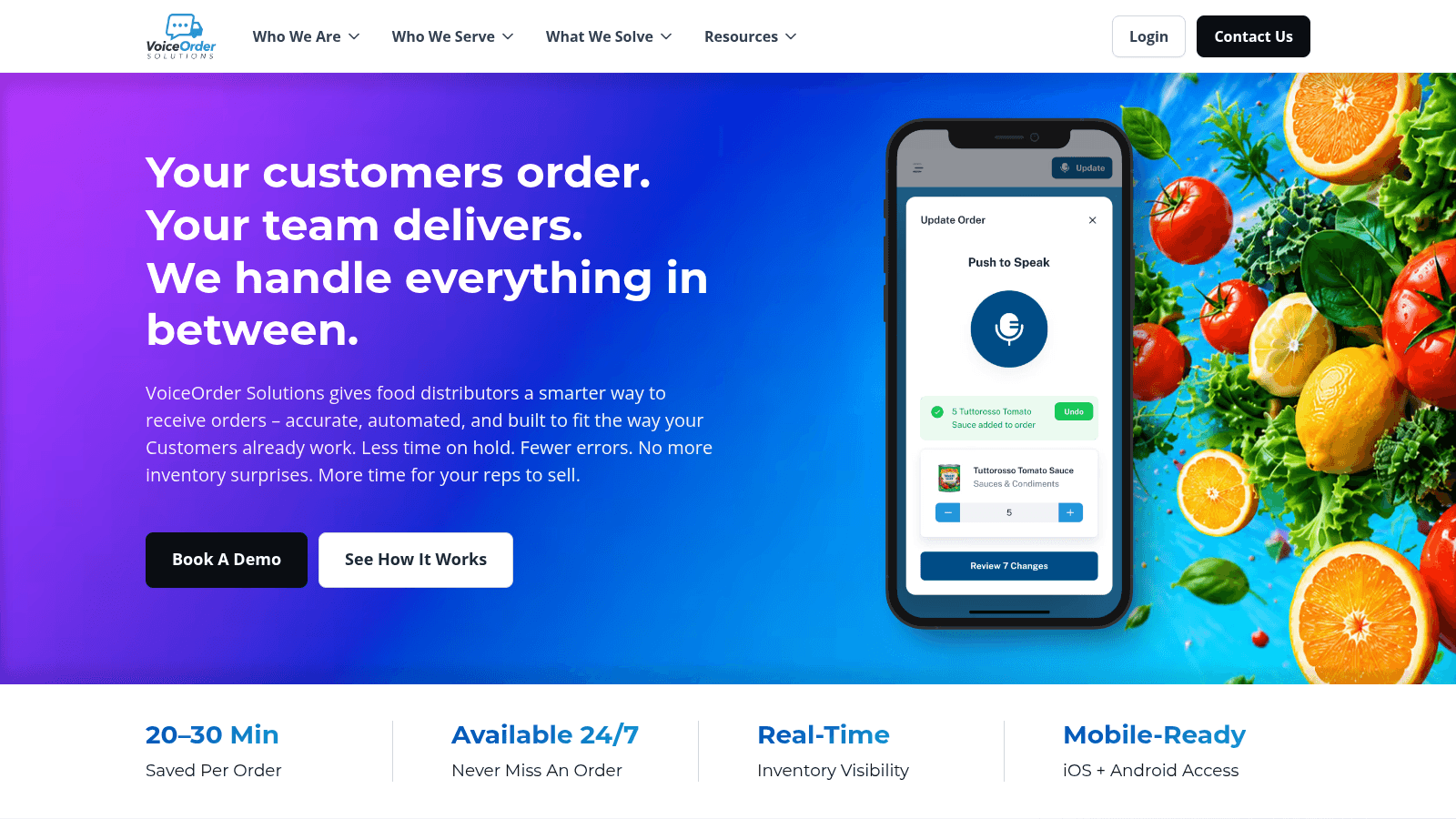
VoiceOrder Solutions is a voice-powered ordering tool built for food distributors. Rather than placing orders by phone or voicemail, buyers speak their order aloud while walking through the facility. The app captures the order, digitizes it, confirms it, and transmits it to the distributor automatically, with no manual entry and no transcription errors.
Key Features
Pricing
Contact VoiceOrder Solutions for a custom quote. Pricing is available on request.
Pros & Cons
Why It’s a Good Wholesale Food Distribution Software
VoiceOrder Solutions fits food distributors who still rely on phone calls to take orders. It removes the manual steps that slow down order intake and feeds clean, confirmed orders directly into existing workflows via email, EDI, or API.
Final Verdict
A strong companion tool for distributors looking to eliminate phone-order errors and save time on every order, without replacing their existing systems.
Overview
Aptean is an enterprise software platform covering manufacturing, supply chain, and asset management for large food businesses. It can be deployed on-premise or in the cloud and includes AI training resources through its AppCentral platform. Services include demos, implementation support, and ongoing maintenance.
Key Features
Pricing
Pricing is custom and requires contacting Aptean’s sales team. Contact for a quote.
Pros & Cons
Why It’s a Good Wholesale Food Distribution Software
Aptean suits large food businesses with broad, complex operations that need multiple system integrations. It is designed to handle diverse business processes across manufacturing and distribution.
Final Verdict
Aptean provides a broad multi-industry platform for complex food distribution operations, though it is not well suited to small or simple wholesale setups.
Overview
entrée is a Windows-based ERP software built for food distributors since 1987. It covers order management, warehouse tasks, payment processing, and mobile order entry. The system supports cloud hosting for flexible IT needs and includes training resources through Food Distribution University.
Key Features
Pricing
entrée pricing is not publicly listed. Contact the vendor for a quote based on modules and hosting requirements.
Pros & Cons
Why It’s a Good Wholesale Food Distribution Software
entrée centralizes order management, warehouse control, and payment processing in one system built specifically for food distributors. It suits mid-size operations that need broad operational coverage.
Final Verdict
entrée is a comprehensive food distribution platform with strong warehouse and mobile features, though it is better suited to mid-size and larger teams than very small operations.
Overview
Encompass Technology provides software for wholesale food distribution, combining order management, inventory control, customer management, and route planning in one platform. It handles large SKU volumes, reduces order errors by around 30%, and cuts admin work by around 40% through automation. Mobile access supports field teams, and the system connects with accounting and ERP tools.
Key Features
Pricing
Pricing is customized based on business size and needs. Contact Encompass Technology’s sales team for a quote.
Pros & Cons
Why It’s a Good Wholesale Food Distribution Software
Encompass Technology suits distributors managing high SKU volumes who need order management, inventory, and route planning connected in one platform. Its automation features support larger teams processing significant order volumes.
Final Verdict
Encompass Technology covers many wholesale distributor needs in one platform but can be complex and costly for small operations.
Overview
Blue Link ERP is a cloud-based system combining inventory, accounting, and distribution management for small to mid-size wholesalers and distributors across North America and the Caribbean. Nearly all users customize it to fit their specific workflows.
Key Features
Pricing
Starts at $129 per user per month with no setup fee. Additional modules may increase costs. A free trial is available.
Pros & Cons
Why It's a Good Wholesale Food Distribution Software
Blue Link ERP suits wholesalers who need inventory, orders, and accounting managed in one flexible system. Its customization options make it adaptable to varied distribution workflows.
Final Verdict
Blue Link ERP offers a solid all-in-one toolset for mid-size distributors, though it requires time to set up and maintain effectively.
Overview
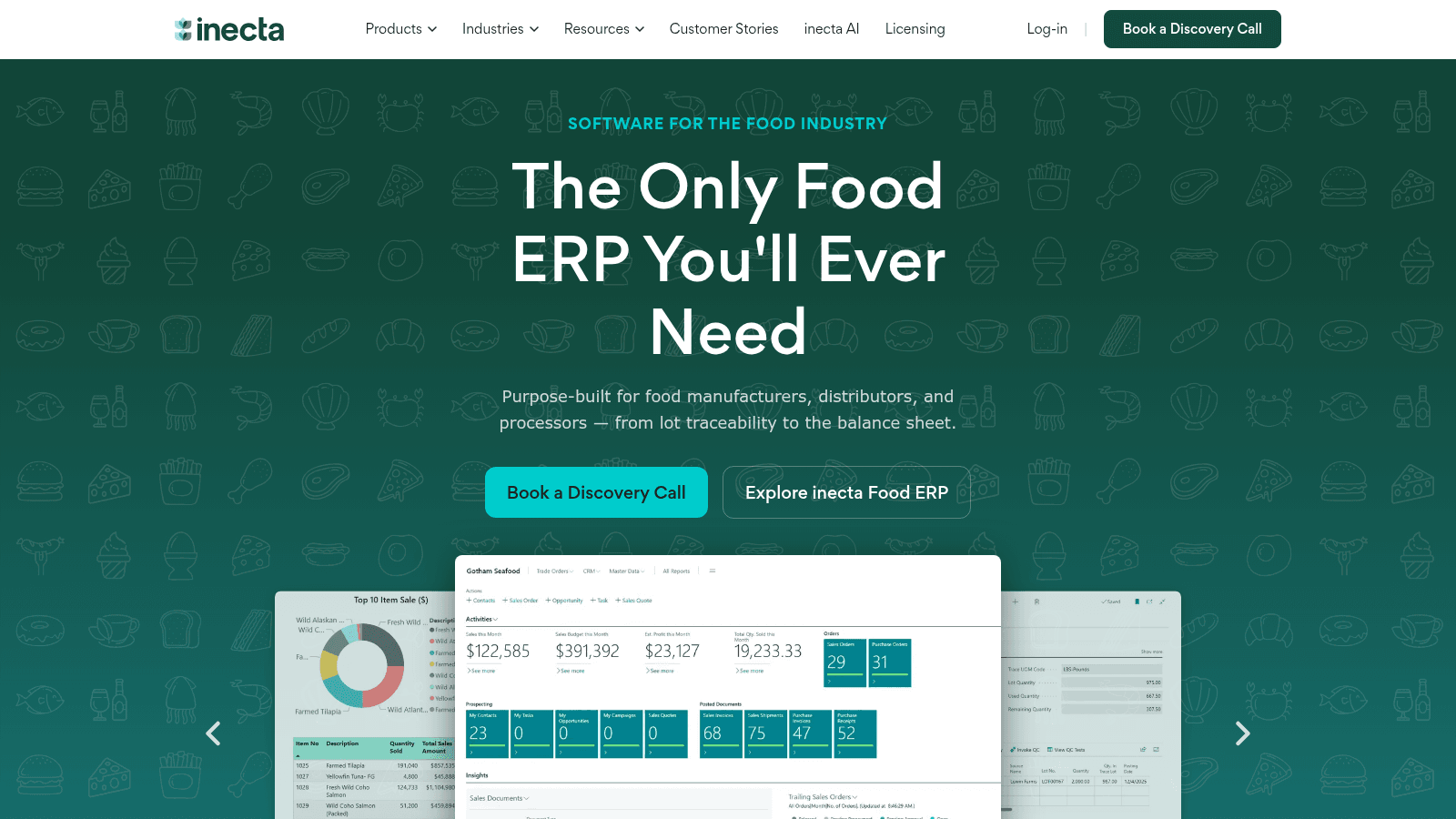
inecta is a cloud-based food ERP built on Microsoft Dynamics 365 Business Central. It’s made for food manufacturers, distributors, and processors. The system handles everything from lot traceability and recipe scaling to purchasing and finance. It supports over 20 food industry sectors and connects with platforms like Shopify and Salesforce. Implementation involves discovery, setup, training, and go-live support.
Key Features
Pricing
inecta’s pricing varies based on the size and scope of your food business. Contact their sales team for a quote.
Pros & Cons
Why It’s a Good Wholesale Food Distribution Software
inecta covers many steps in food distribution, from production to sales, offering comprehensive operational control. It fits companies needing detailed tracking and integration across different functions.
Final Verdict
inecta provides a wide range of features for food businesses but may require significant setup and investment, especially for smaller teams.
Overview
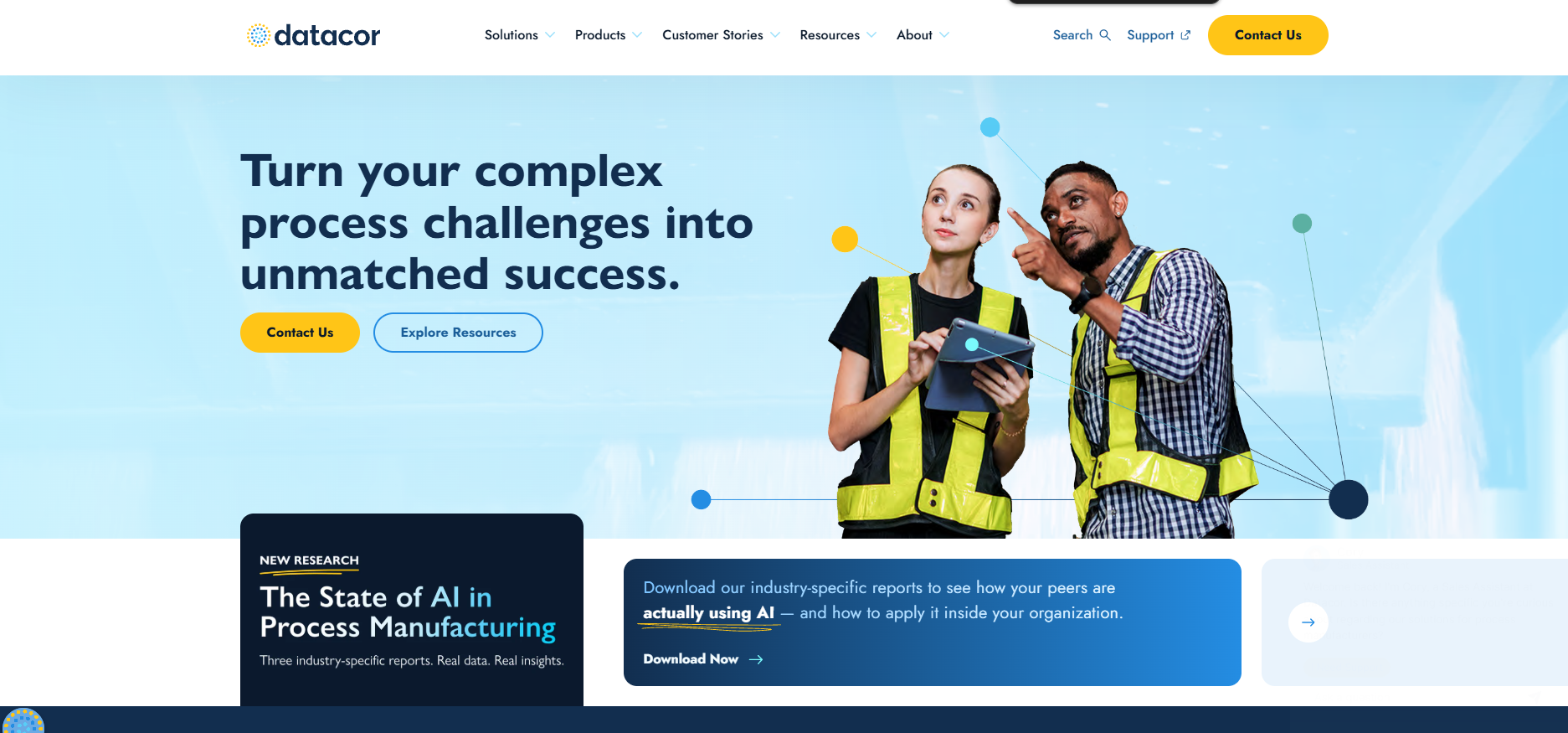
Datacor offers software for process manufacturers and wholesale food distributors, covering ERP, formulations, CRM, warehouse management, and manufacturing. It also handles nutrition labels, compliance, and lab automation, making it well suited to producers with regulatory requirements.
Key Features
Pricing
Pricing varies by business size and requirements. Contact Datacor’s sales team for a custom quote.
Pros & Cons
Why It’s a Good Wholesale Food Distribution Software
Datacor combines manufacturing and distribution functions in one system. Its compliance and automation features suit producers who need tight control over ingredients, labels, and regulatory requirements.
Final Verdict
Datacor is a strong fit for companies needing ERP and production management together, though its scope and cost make it better suited to larger operations.
Overview
Produce Pro Software is an all-in-one system for produce and perishables suppliers, covering wholesalers, distributors, growers, and repackers. It includes warehouse management, driver routing, and an AI-powered platform called AppCentral for centralized ERP operations.
Key Features
Pricing
Produce Pro does not list pricing publicly. Contact the vendor for a custom quote based on company size and needs.
Pros & Cons
Why It's a Good Wholesale Food Distribution Software
Produce Pro covers the full produce distribution workflow in one package, from warehouse management to driver routing. It suits companies needing integrated tools across orders, warehouses, and deliveries.
Final Verdict
Produce Pro is a comprehensive produce supply chain system with strong warehouse and delivery features, better suited to mid-size or larger operations than small teams.
Overview
Famous Software provides an ERP platform for wholesale food distribution businesses, covering core operations, warehouse management, data visualization, and electronic trading. It supports real-time decision-making and is particularly suited to fresh produce and food companies. Services include consulting, training, custom development, and ongoing technical support.
Key Features
Pricing
Pricing varies by business size and scope. Contact Famous Software for a custom quote.
Pros & Cons
Why It's a Good Wholesale Food Distribution Software
Famous Software suits large distributors that need ERP, warehouse management, and electronic trading integrated in one platform. Its real-time data tools support decision-making across complex food distribution operations.
Final Verdict
Famous Software is a broad ERP platform well suited to large wholesale food distributors with diverse operational needs, though smaller teams may find the setup and cost prohibitive.
Overview
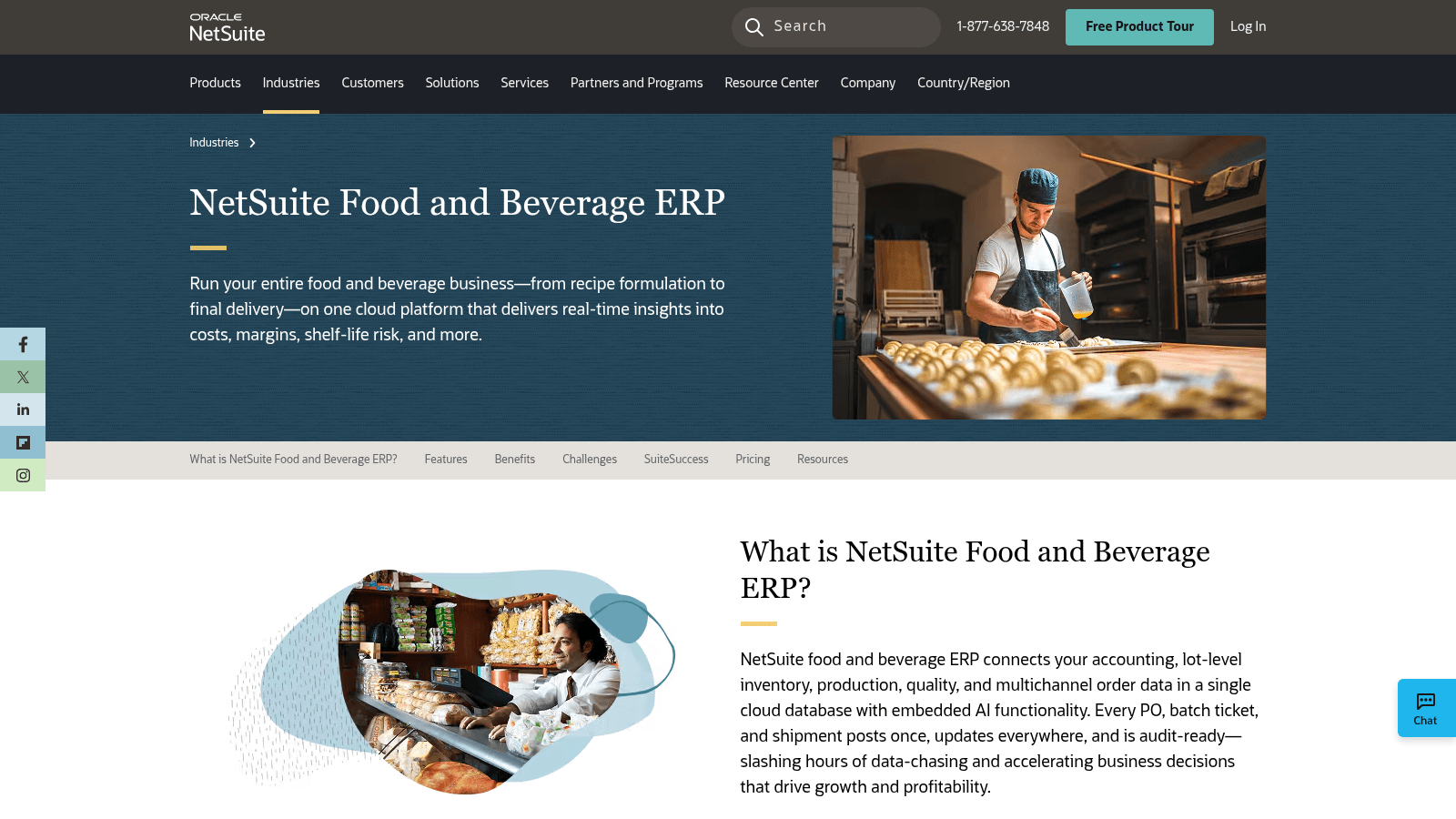
NetSuite Food and Beverage ERP is a cloud-based system combining accounting, inventory, production, quality control, and order management in one AI-powered platform. It tracks products at the lot level, allocates inventory using FEFO methods, and handles catch-weight and variable-weight pricing. The platform supports multi-entity financials and global compliance requirements.
Key Features
Pricing
Subscription-based pricing starts with the core ERP platform. Additional costs apply for modules, users, and setup. Contact NetSuite for a custom quote.
Pros & Cons
Why It’s a Good Wholesale Food Distribution Software
NetSuite suits large-scale and multi-location food distributors that need tight integration between finance, inventory, production, and compliance in one system.
Final Verdict
NetSuite Food and Beverage ERP delivers broad functionality for complex food distribution operations, but its cost and complexity make it better suited to larger distributors.
Overview
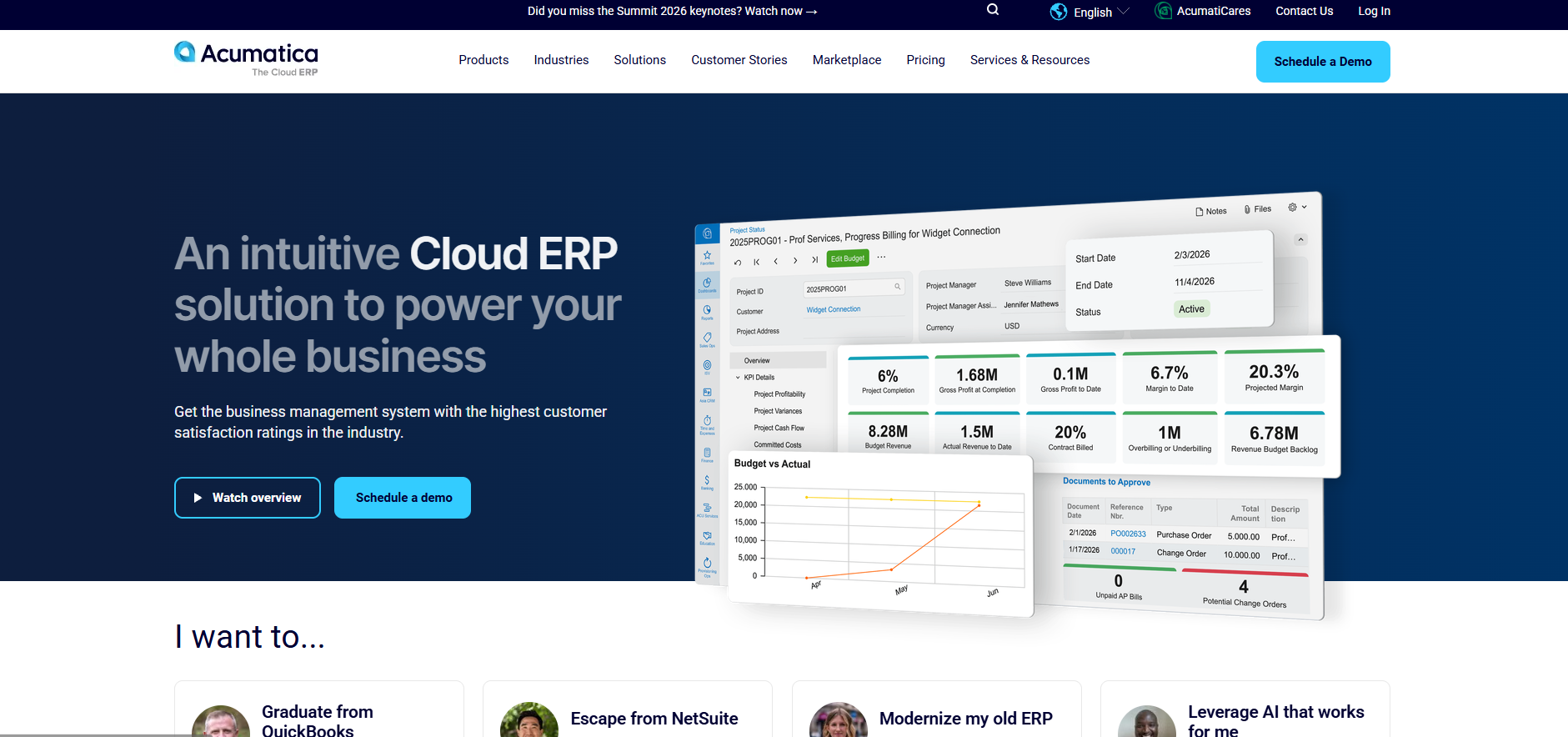
Acumatica Cloud ERP is a cloud-based system covering financials, inventory, order management, and warehouse management for wholesale food distributors. It includes AI tools, CRM, payroll, and multi-entity accounting, with a FastTrack service to speed up deployment.
Key Features
Pricing
Subscription-based pricing depends on the number of users and modules selected. Contact Acumatica for a custom quote.
Pros & Cons
Why It's a Good Wholesale Food Distribution Software
Acumatica suits food distributors managing multiple entities or locations that need a cloud platform combining distribution, finance, and CRM in one place.
Final Verdict
Acumatica Cloud ERP offers broad functionality for mid-size to large wholesale food distributors, though its complexity and cost may not suit smaller operations.
Overview
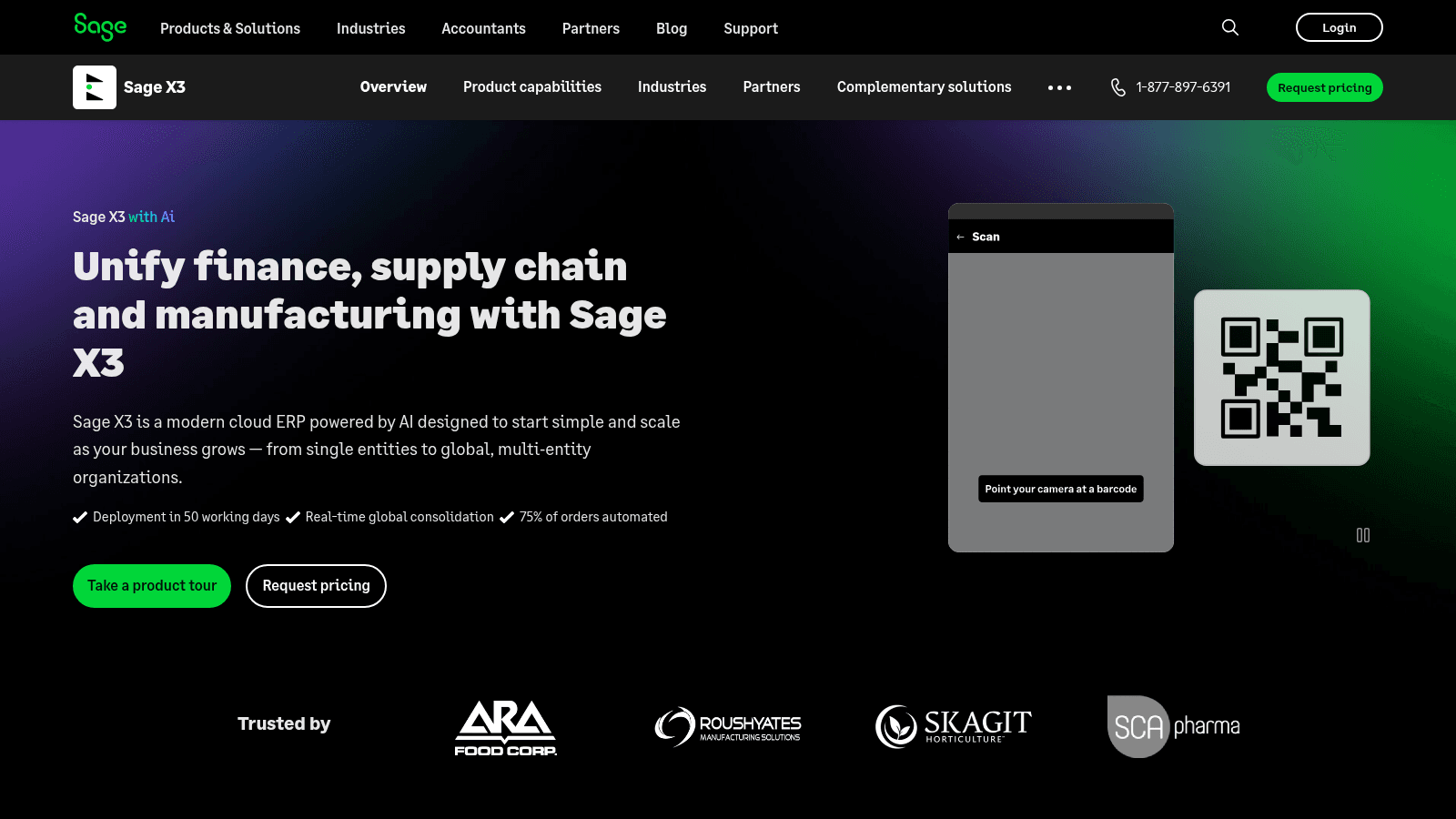
Sage X3 is a cloud-based ERP for manufacturers and distributors, deployable in around 50 working days. It uses AI to automate up to 75% of order tasks and includes Sage Copilot for real-time alerts and invoice automation. The system supports multi-country operations with built-in tax, currency, and compliance management.
Key Features
Pricing
Pricing is available on request. Contact Sage for a quote based on company size and requirements.
Pros & Cons
Why It’s a Good Wholesale Food Distribution Software
Sage X3 suits businesses managing complex orders across multiple countries. Its automation and global compliance tools reduce manual workload for mid-size to large food distributors.
Final Verdict
Sage X3 is a strong fit for mid-size to large food distributors with multi-country operations, but may not be practical for smaller or fast-moving teams.
Overview
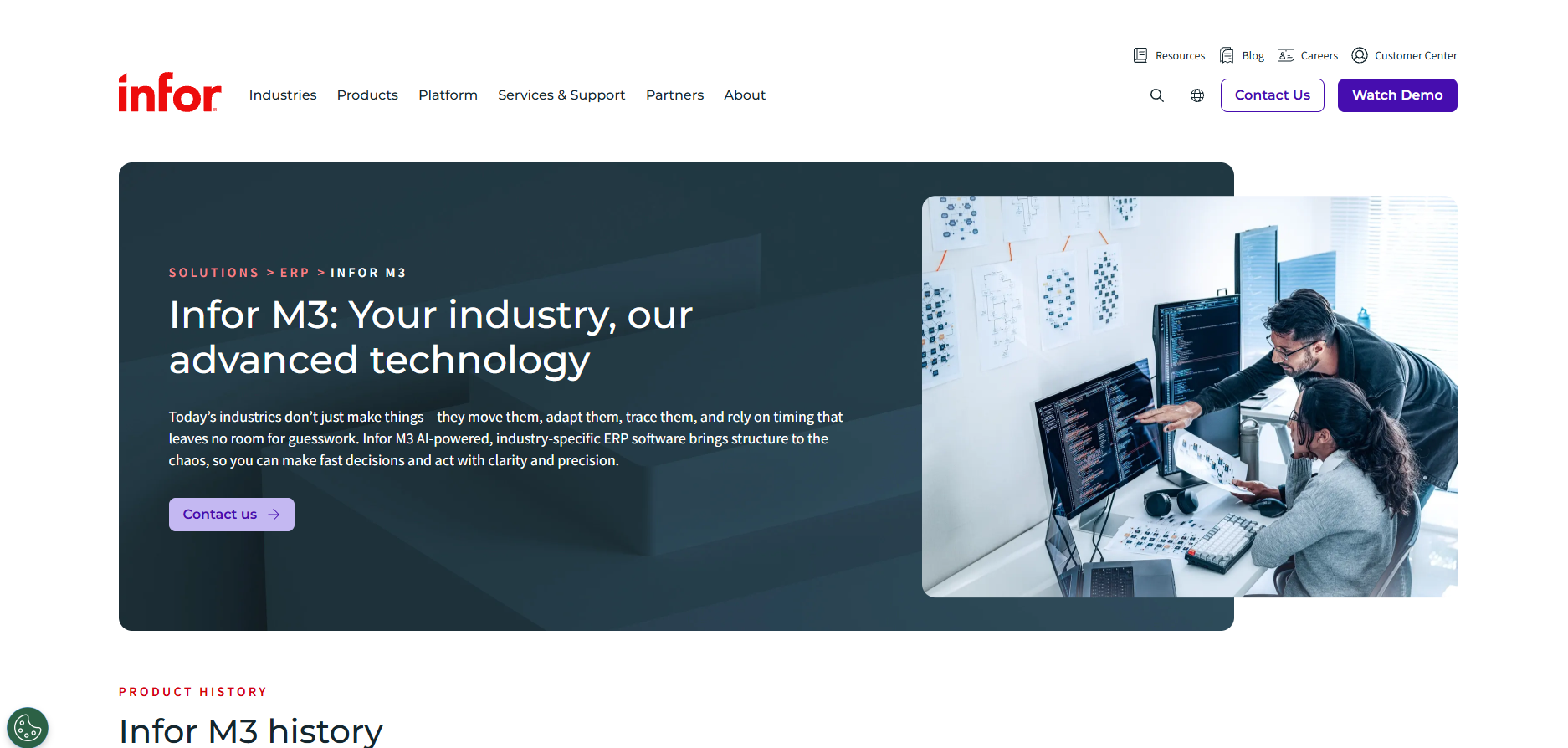
Infor M3 is a cloud-based ERP running on AWS, built for distribution, food and beverage, and manufacturing industries. It supports multiple countries, currencies, and business units, and includes a modern role-based interface with built-in industry processes and no-code workflow customization.
Key Features
Pricing
Pricing varies by number of users and modules. Contact Infor directly for a quote.
Pros & Cons
Why It’s a Good Wholesale Food Distribution Software
Infor M3 suits businesses managing multiple locations, currencies, and regulatory requirements. Its pre-built industry functions and automation tools handle the SKU complexity common in food distribution.
Final Verdict
Infor M3 delivers extensive ERP functionality for large food distributors, but may be too complex and costly for small teams seeking straightforward ordering solutions.
Picking the right wholesale food distribution software means looking for a tool that really makes ordering easier.
We focused on practical features that speed things up and cut mistakes. First, we checked if it saves time by automating order entry. Next, we looked for real-time inventory updates to avoid surprises and stock problems. We also made sure the software works on mobile devices, so ordering can happen anywhere, anytime. Buyers who also manufacture need a wider net than this, since food and beverage industry software spans production systems as well as distribution ones.
Integration with tools like email, Excel, and APIs was a must, keeping things smooth without extra work.
Plus, tracking and organizing orders by date and time helped catch errors early. The best software needs to fit how food distributors actually work, not add more hassle.
When choosing wholesale food distribution software, focus on features that make ordering faster and easier. The best tools help save time, reduce mistakes, and keep your inventory accurate. Here are some key features to look for:
First, real-time inventory updates are a must. This shows exactly what’s in stock, so orders never come as a surprise. Next, automation of order entry cuts the time spent writing down everything. Look for software that saves at least 20 to 30 minutes per order by handling data automatically.
Mobile access is another big plus. With apps for iOS and Android, ordering can happen anywhere, no need to be tied to a desk. Also, check if the system timestamps and organizes orders clearly. This helps catch errors before processing and keeps everything easy to track.
Integration with your current tools is important too. Whether it’s email, Excel, or other systems, smooth connections keep your workflow seamless and your data consistent. Food distributors who still take orders by phone often add a dedicated voice-ordering tool like VoiceOrder Solutions to capture those orders automatically and feed them into their existing workflow.
Finally, the software should fit your size and style of work without complicated setup. A straightforward system lets you start ordering quickly and focus on growing your business.
Picking the right wholesale food distribution software makes ordering easier and faster. Here’s how to find one that fits your needs without confusion.
First, consider what you want to improve. Do you need faster order entry? Better inventory tracking? Or fewer errors? Knowing your priorities helps narrow down choices quickly. Next, check if the software works on the devices your team uses. A mobile-friendly system lets you place and manage orders anytime and anywhere, which saves hours every week for field teams and buyers. Also, look for real-time inventory updates. When stock levels reflect instantly, it prevents surprises and missed sales. Check whether the system updates automatically as orders are processed or requires manual syncing.
Integration matters too. The software should work with your current systems (like email, Excel, or APIs) so nothing feels disconnected. Ask vendors specifically which formats they support for order delivery.
Think about automation features that reduce manual entry. Good software can cut order processing time significantly, freeing staff to focus on customers rather than paperwork. For teams that still take orders by phone, adding a voice ordering tool like VoiceOrder Solutions alongside your main platform removes that manual step without replacing your existing system.
Finally, consider support and pricing. A vendor who offers onboarding support and a free demo makes the decision easier. Trying the software with real orders before committing helps you see how well it actually fits your workflow.
The quickest way to test the best wholesale food distribution software on your shortlist is to make it answer the question the FDA would ask in an outbreak. A mock recall takes an afternoon, exposes gaps no demo script will, and is worth repeating on a schedule after you go live.
Pick one lot of a Food Traceability List product you handled in the last 90 days. Run the drill in your current system first to get a baseline, then repeat it in each trial with a copy of the same records, timing every step:
The regulation gives you 24 hours unless the FDA agrees to longer, but aim to have the spreadsheet in under an hour. A real recall also needs time for decisions, phone calls and customer notices that no software can make for you.
Watch where the trail breaks. Common weak points are receiving lines entered without a lot code, cases split across several customers, and returns posted without the lot they came back from. Each is a process fix as much as a software one, and finding them in a drill costs far less than finding them during a recall.
Pricing across this category varies significantly. The only tool on this list with publicly available pricing is Blue Link ERP, starting at $129 per user per month. All other tools, including VoiceOrder Solutions, Aptean, entrée, Encompass Technology, inecta, Datacor, Produce Pro, Famous Software, NetSuite, Acumatica, Sage X3, and Infor M3, offer custom pricing based on business size, user count, and modules required.
For tools aimed at smaller distributors, implementation is typically faster and costs are lower. Enterprise platforms like NetSuite, Infor M3, and Sage X3 involve larger upfront investment and longer setup timelines. Most vendors offer demos or trials so you can evaluate fit before committing.
Contact each vendor directly for a quote, as published pricing is rarely the full picture once modules and setup are factored in.
Software is one line on the cost sheet, and the bigger question for most distributors is what it actually costs to move one more case down an existing route or a new one.
See what it really costs to move one more case, and whether the extra volume is worth taking on.
Your operation today
The extra volume you are considering
The gap between those two cost lines is the part worth sitting with. When the marginal cost lands below your average cost, the average is quietly telling you to turn down orders that would have paid for themselves. Put the cost of an added truck or route in the step cost field and the break-even figure tells you how many cases that decision really needs.
Implementation timelines vary widely across this category. Simpler, focused tools like VoiceOrder Solutions can be set up in 24–48 hours, with no complex installation required. Mid-size platforms like Blue Link ERP or entrée typically take a few weeks, factoring in data migration, module configuration, and staff training. Enterprise systems like NetSuite, Infor M3, and Sage X3 can take several months, particularly for businesses with large product catalogs, multi-location operations, or complex integrations.
A few things that extend timelines:
Ask vendors for a realistic setup estimate based on your specific operation before signing.
Free wholesale food distribution software can seem appealing, but free versions typically come with meaningful limitations. They often lack real-time inventory updates, cap the number of orders, or restrict integrations. For food distribution operations where accuracy and speed matter, those gaps have real costs.
The tools on this list are all paid, and most require contacting vendors for pricing. That said, several offer demos or trials so you can evaluate fit before committing. Blue Link ERP includes a free trial; VoiceOrder Solutions offers a demo to see the ordering flow in practice.
Here’s what paid software typically offers that free tools miss:
Free tools can work for very small operations with simple needs, but most wholesale food distributors handling real order volume will outgrow them quickly. The cost of errors and missed orders usually exceeds the cost of a reliable paid tool.
The right wholesale food distribution software depends on where your operation sits. Enterprise platforms like NetSuite, Infor M3, and Sage X3 are built for large, multi-location businesses with complex compliance and integration needs. Mid-size tools like entrée, Blue Link ERP, and Acumatica suit distributors who need combined inventory, orders, and accounting without full enterprise overhead. For distributors focused on speeding up order intake and eliminating phone-order errors, VoiceOrder Solutions is worth pairing with your existing systems. It handles voice-based ordering and routes confirmed orders into your workflow via email, EDI, or API, without replacing your existing systems.
To get the most from any wholesale food distribution software, focus on these steps:
Whatever you choose, the goal is the same: fewer manual steps, fewer errors, and faster order turnaround.
Look at how easy it is to use and whether it works with your current tools. Check if it saves time and reduces errors. Also, see if it updates inventory in real time to avoid surprises.
Yes, many software options offer mobile apps. This means you can place and track orders anytime and anywhere, which is great for busy teams on the go.
It automatically records orders and timestamps them for accuracy. This way, errors get caught early, and your records stay clear and easy to track.
Some software is made for large companies and may be too complex. But many offer simple versions that scale well for small to mid-size distributors.
Setup times vary, but good software can be ready in under an hour. Quick start means less downtime and you can improve ordering fast.