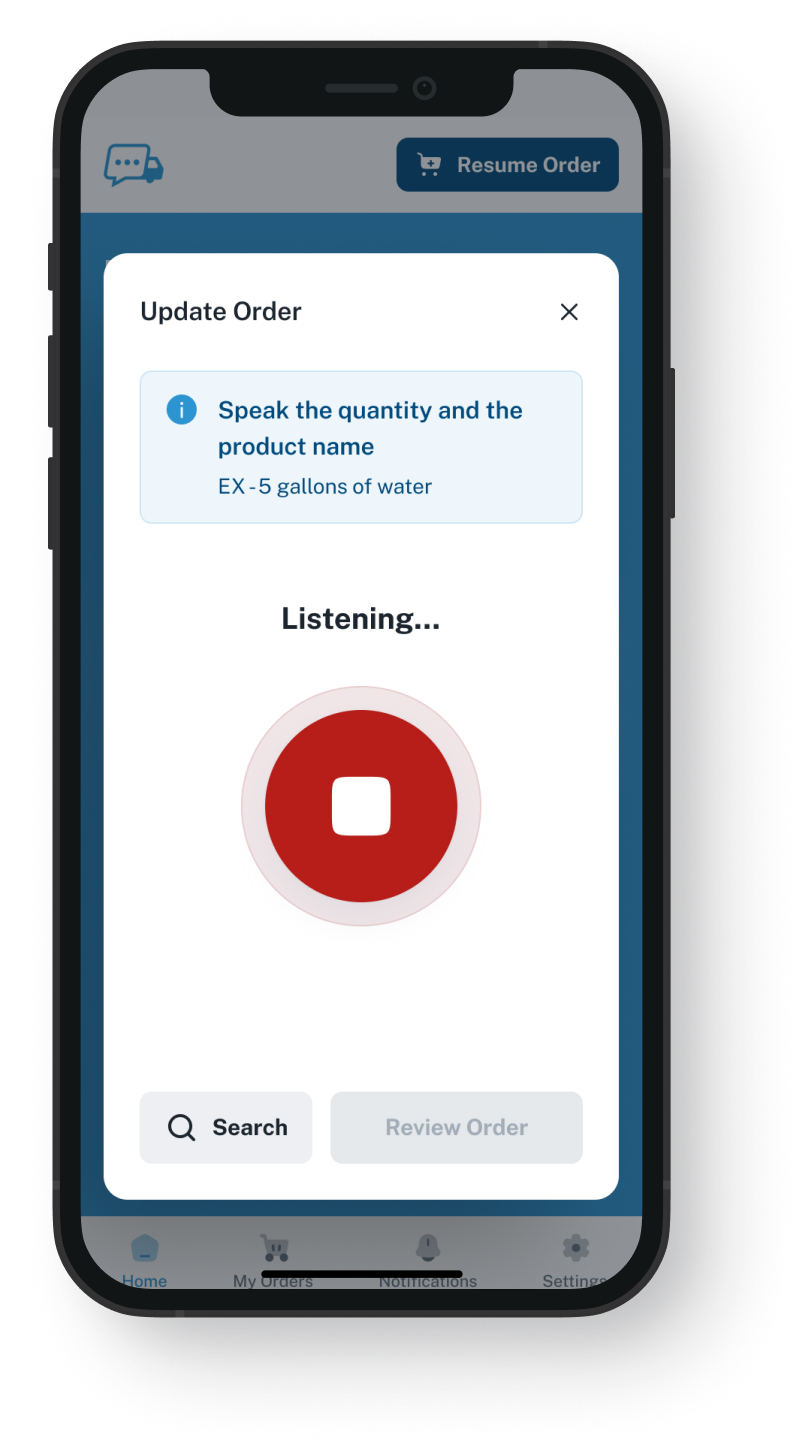
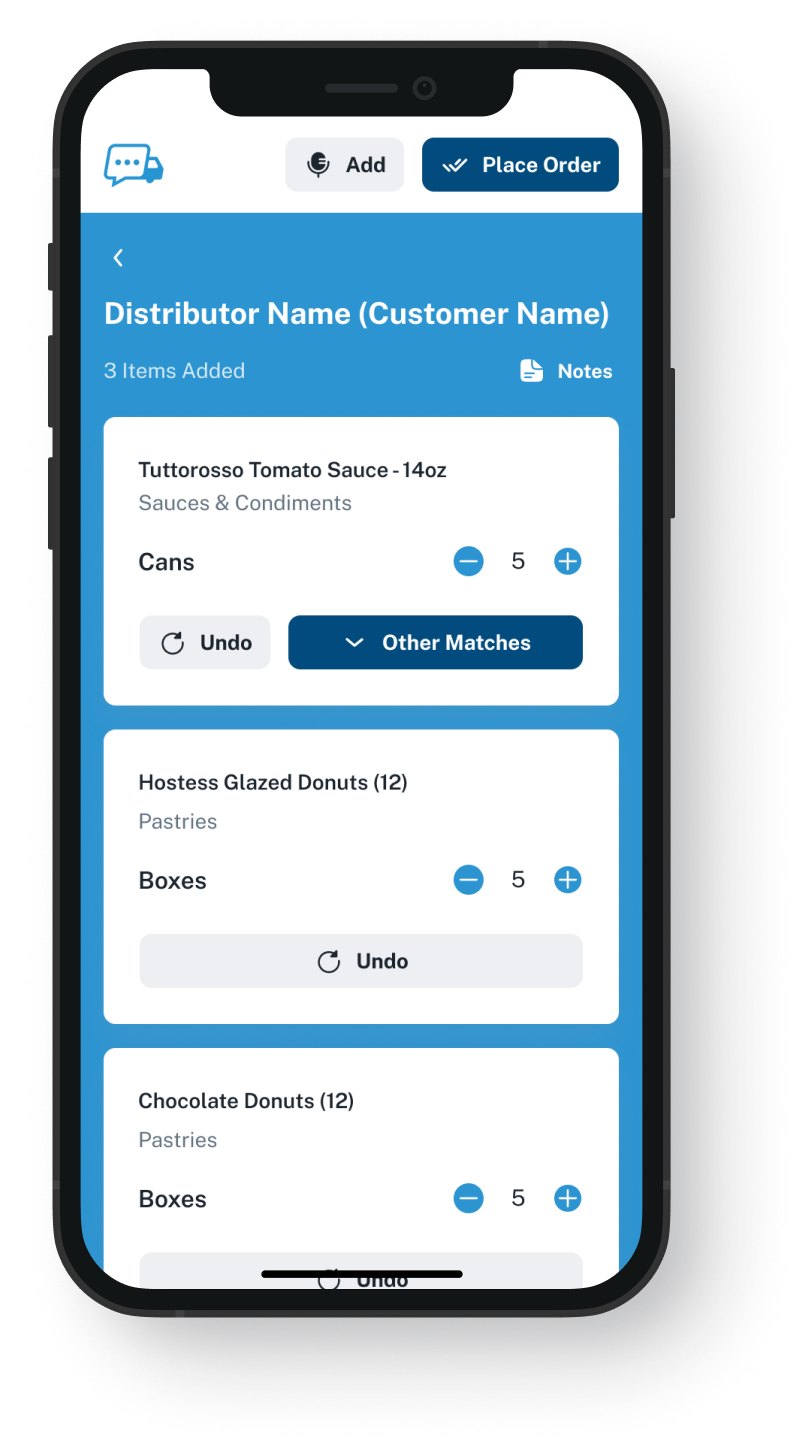
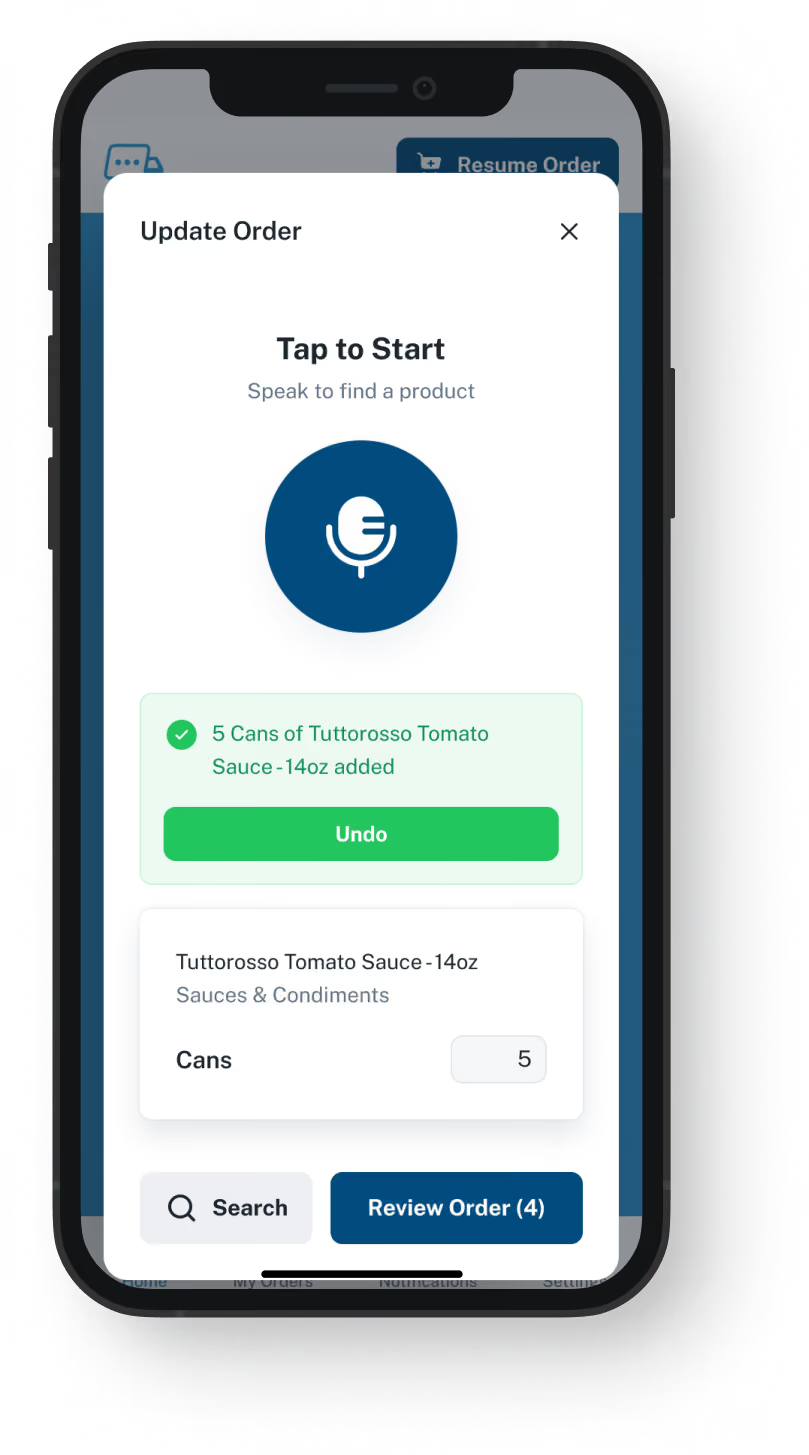
Delivered to the inbox or system you choose
We send each finished order to you as an email attachment, or by EDI, our API or QuickBooks. It never passes through your OroCommerce storefront, so it will not show in the store's order history unless your setup loads it there. An EDI or API order can land in your ERP or OroCommerce directly if your setup is built for it; a demo tells you whether it can. A QuickBooks order goes to your books, not into OroCommerce.
Sent to one rep or to a shared order desk address
Over EDI or the API, when your setup takes it, nobody retypes it
Your team enters emailed orders from the chef's approved list
Picking and delivery carry on as they run now